Microphones For Conference Rooms
-
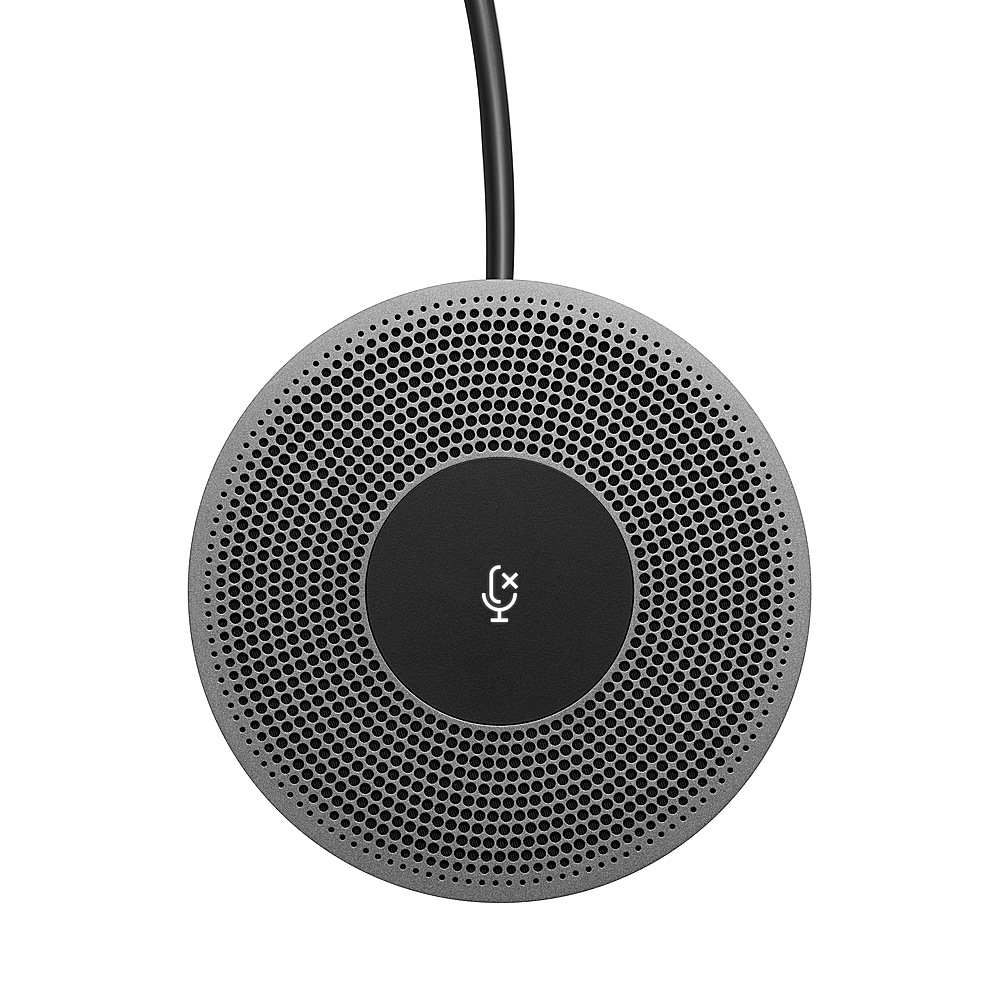
Logitech - Expansion Mic for MeetUp - Black
SKU: J7H7ZY2Y44See all Telephone AccessoriesProduct Description
An expansion microphone in black that extends video conferencing range for larger, more collaborative meeting spaces.Your price for this item is $279.99Save $40The previous price was $320.46 -
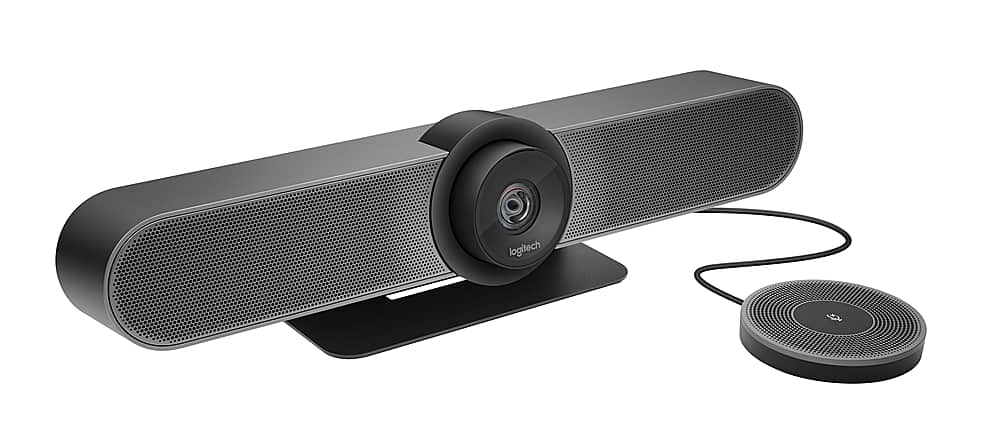
Logitech - MeetUp 4K Ultra HD Video Conferencing Kit with Expansion Microphone for Huddle Rooms - Black
SKU: J7H7ZY263TSee all WebcamsProduct Description
A black 4K Ultra HD video conferencing kit with wide 120° view, expansion mic, and built-in audio.Your price for this item is $815.82Save $79The previous price was $895.49 -
Philips - SmartMeeting Wireless Conference Microphone PSE0501 with Sembly Meeting Assistant - Dark Gray and Black
SKU: J3Q8JPKP5HSee all Telephone AccessoriesProduct Description
A dark gray and black wireless conference microphone with smart noise filtering and automatic meeting transcription.Your price for this item is $303.72 -
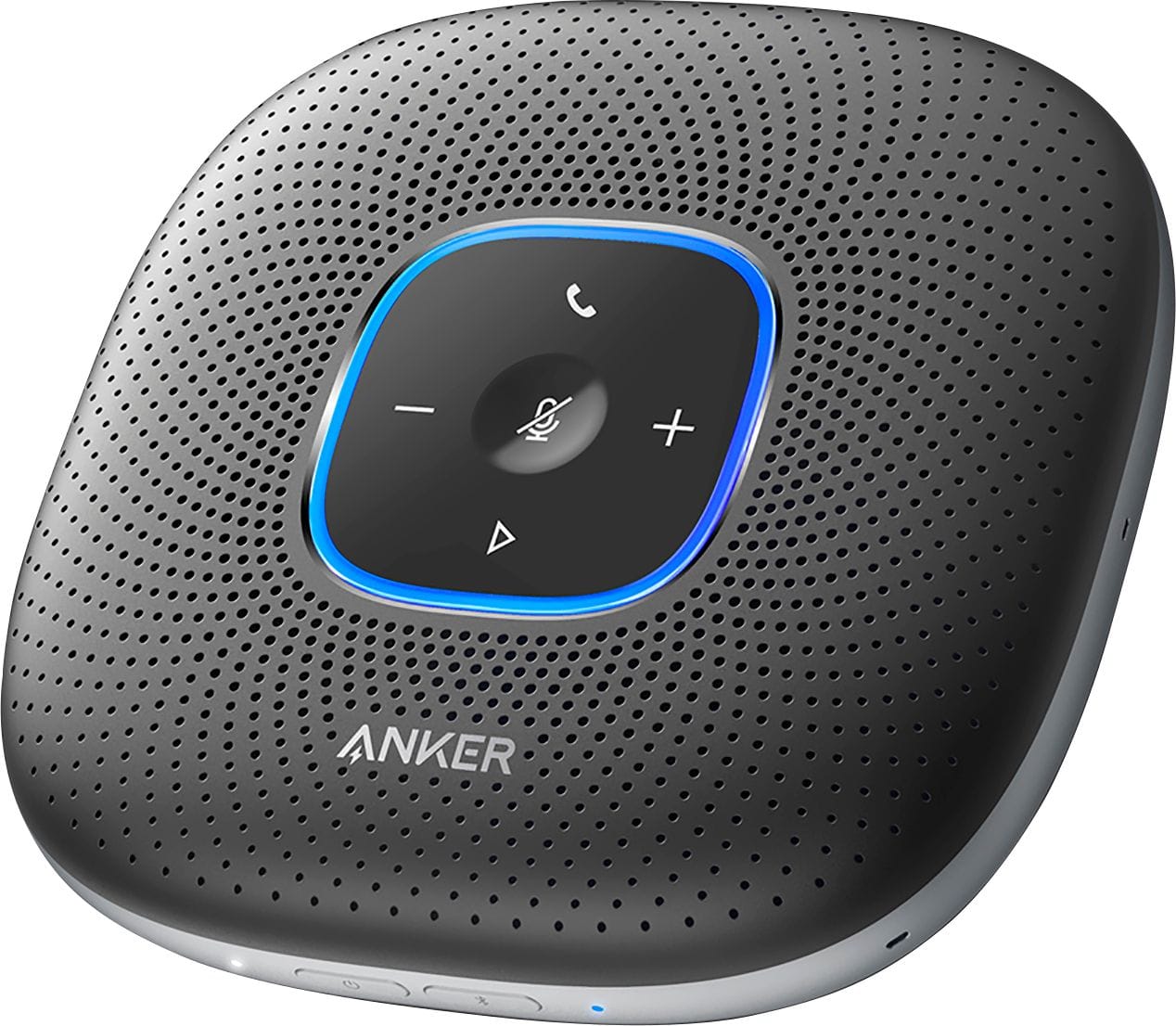
Anker - PowerConf Bluetooth Speakerphone Conference Speaker - Black
SKU: JJ8586WQJYIt was the best recommendation ever, because this speaker proved to be an excellent product by providing...I love this for my video calls when using my iPhone or work computer in hotel room...Great product...
See all Bluetooth & Wireless SpeakersProduct Description
A black Bluetooth speakerphone featuring six microphones, echo cancellation, noise suppression, and 24-hour battery life.Your price for this item is $139.99 -
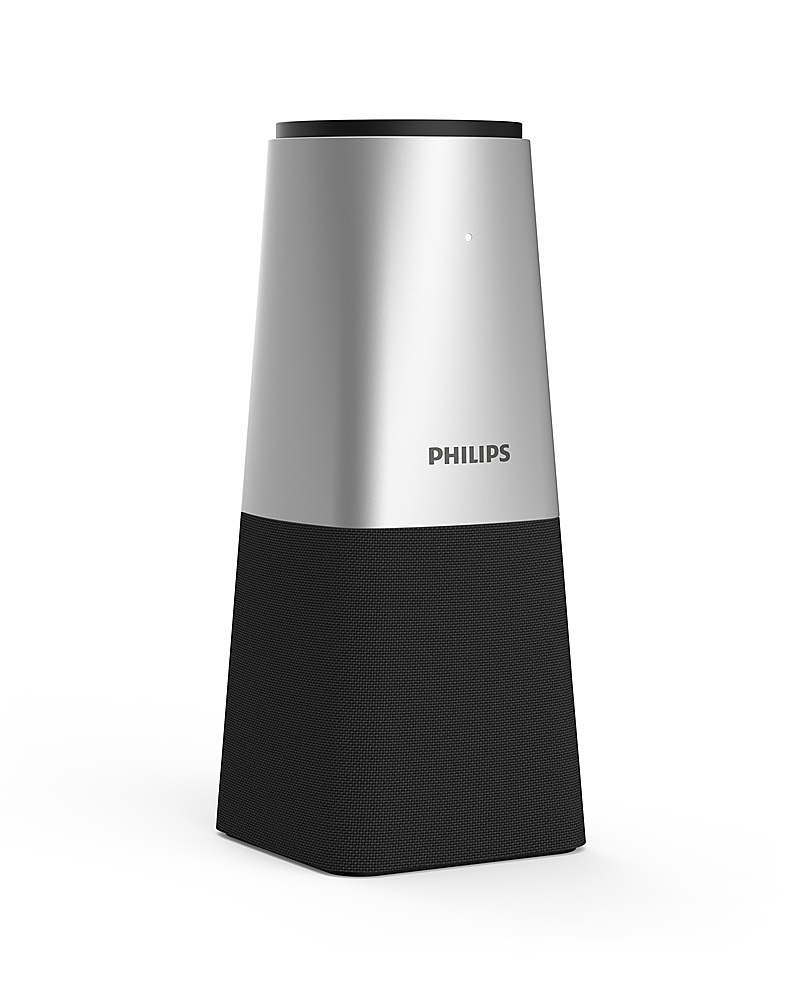
Philips - SmartMeeting Portable Conference Microphone PSE0540 with Sembly Meeting Assistant - Silver and Black
SKU: J3Q8JPKP4XSee all Telephone AccessoriesProduct Description
A silver and black portable conference microphone with smart noise filtering and automatic meeting transcription features.Your price for this item is $175.13 -
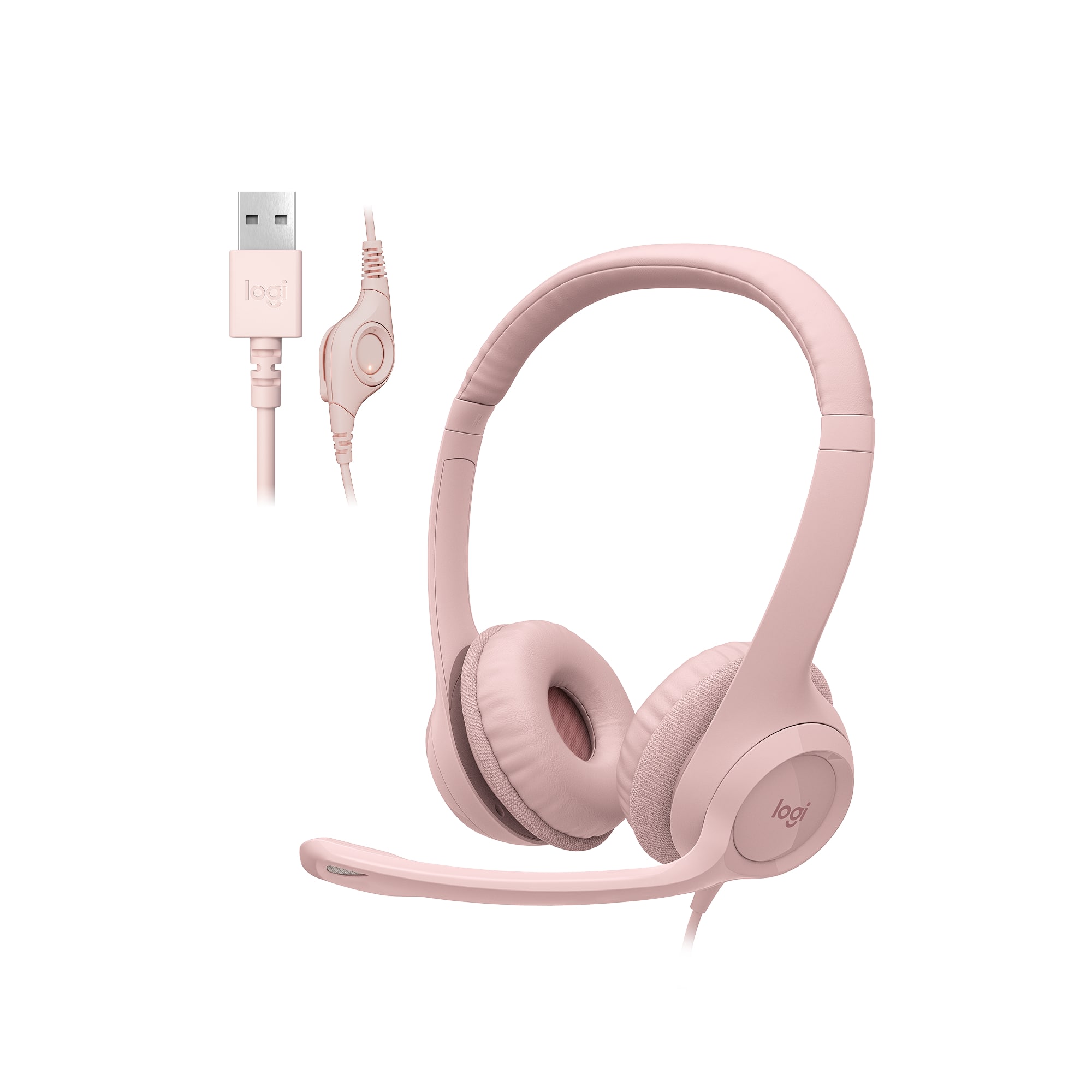
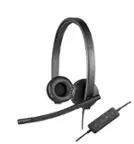
Logitech - H390 Wired USB-A On-Ear Stereo Headphones with Noise Canceling Microphone - Rose
SKU: J7H7ZY8H2XThis headset is one of the best headsets thta I love to use as it has noise cancelling and when I dictate...it only hears me love this feature...Love!!...Love love love the audio from the receiving end...
See all Headsets & MicrophonesProduct Description
A rose-colored wired headset with USB-A connection, noise-canceling microphone, and in-line volume controls.Your price for this item is $24.99 -
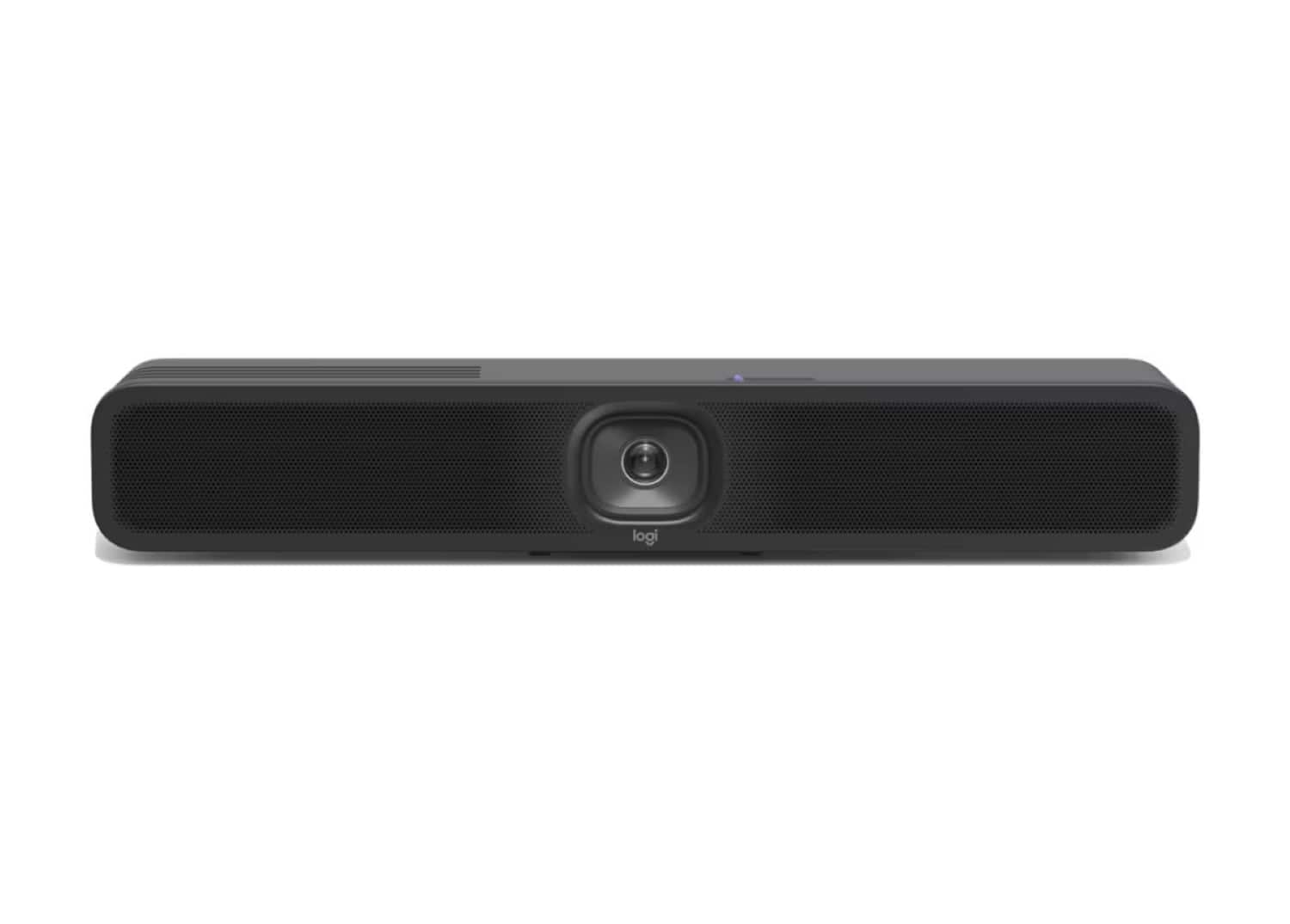
Logitech - MeetUp 2 All-In-One USB Conference Camera With Built-In AI - Black
SKU: J7H7ZYGT2SSee all WebcamsProduct Description
An AI-powered black USB conference camera offering 4K video, built-in microphone, and easy plug-and-play setup.Your price for this item is $999.99 -
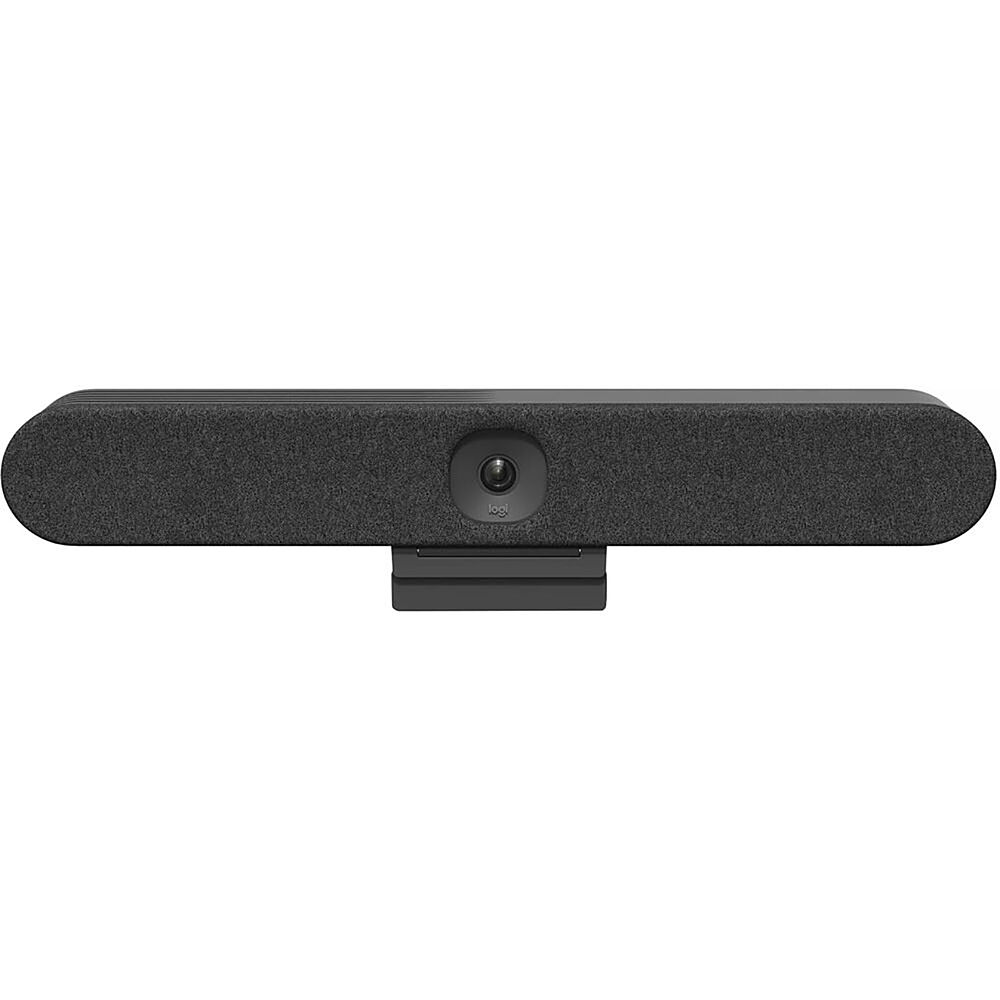
Logitech - Rally Bar Huddle 4K Ultra HD Webcam for Business - Black
SKU: J7H7ZY8K77See all WebcamsProduct Description
A black 4K Ultra HD webcam with autofocus, built-in microphone, and easy plug-and-play setup.Your price for this item is $2,299.00 -
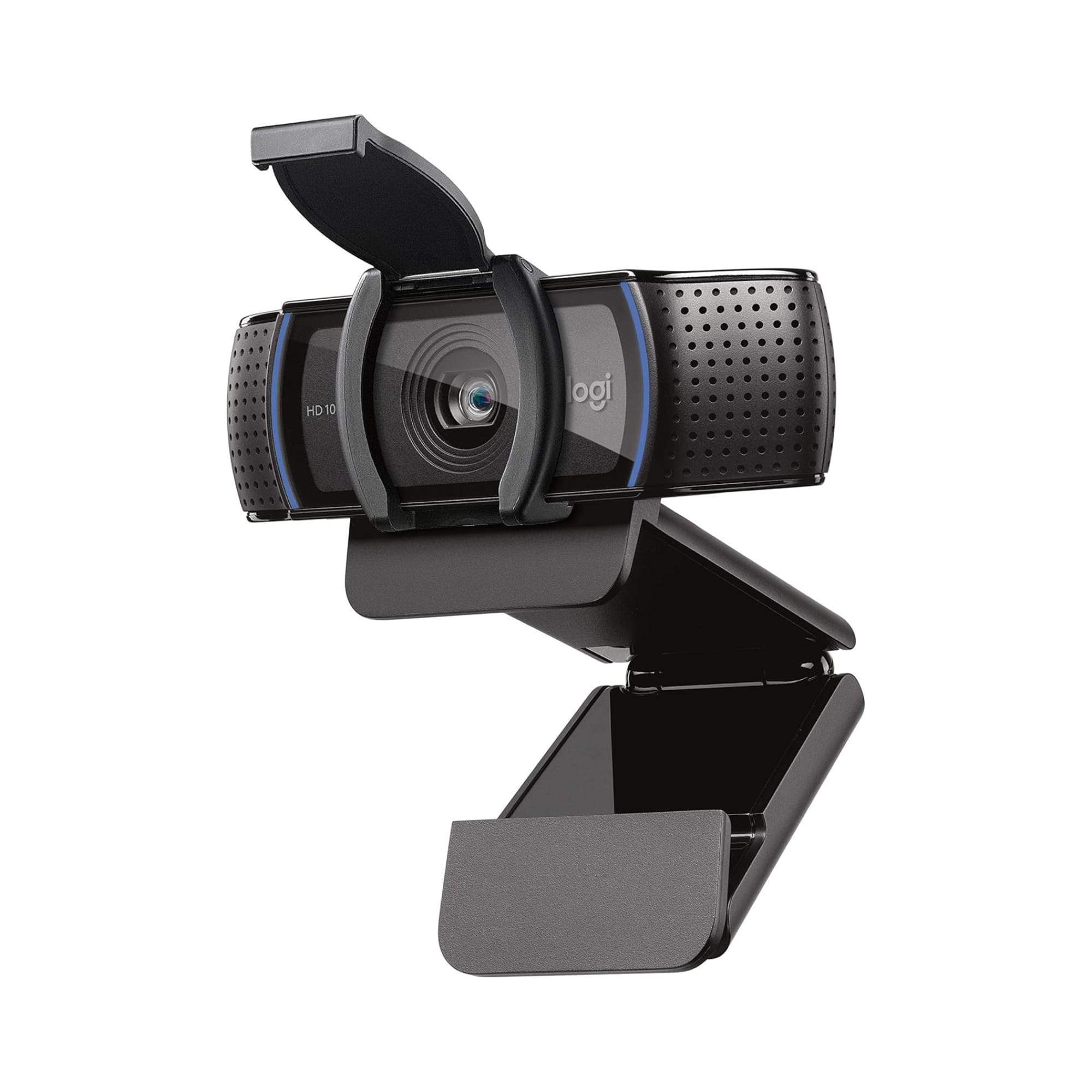
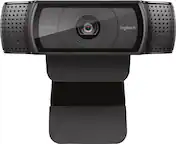
Logitech - C920e HD 1080p Mic-Enabled Webcam, Certified for Zoom, Microsoft Teams compatible, TAA Compliant - Black
SKU: J7H7ZY8JS2Always the Best
See all WebcamsProduct Description
A black HD webcam with 1080p resolution, autofocus, dual microphones, and compatibility with Zoom and Teams.Your price for this item is $69.99 -
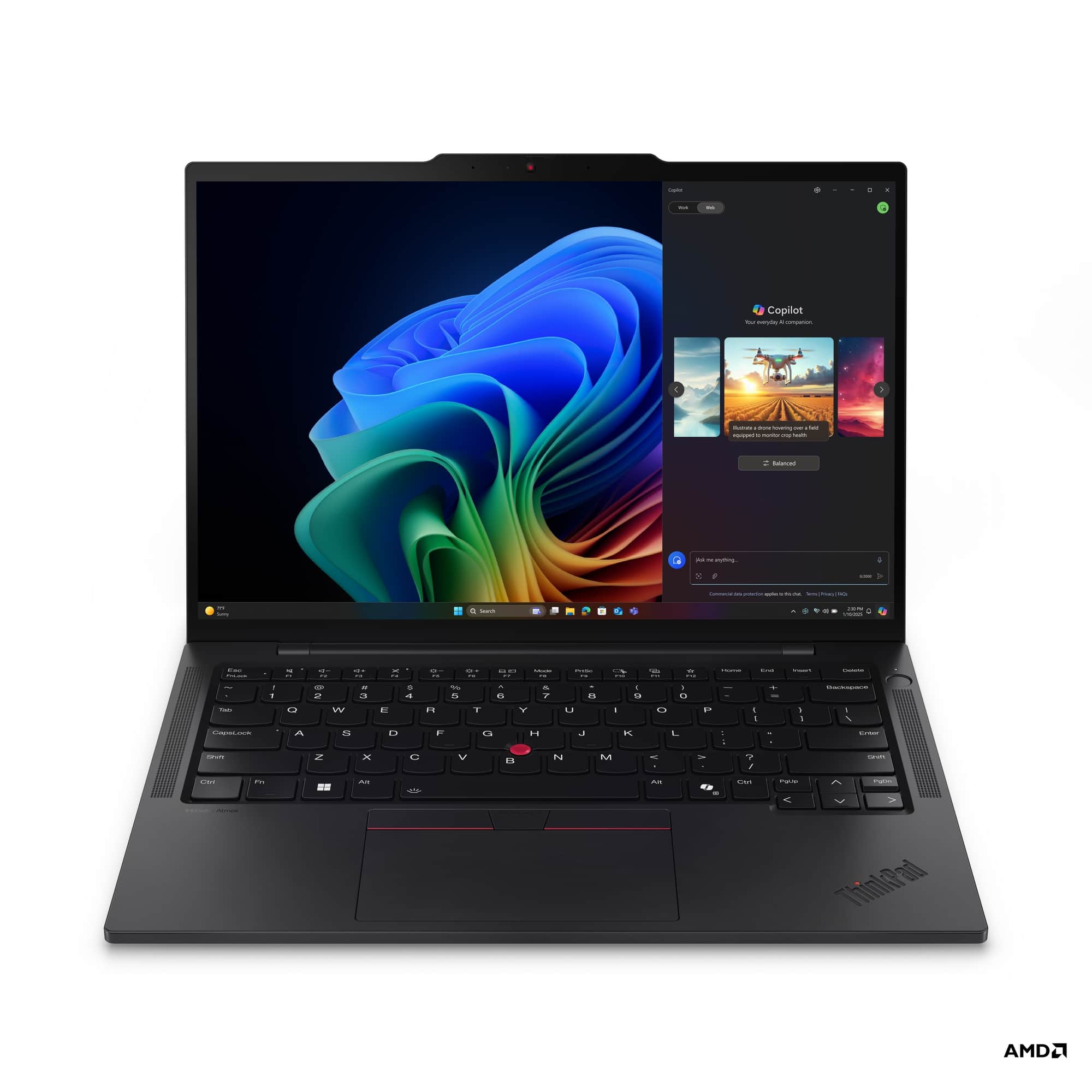
Lenovo - ThinkPad T14s Gen 6 Copilot+ PC 14" Laptop - Latest Model - AMD Ryzen AI 7 PRO 350 - 16GB Memory - 512GB SSD - Black
SKU: JJGSHSPKFLSee all Windows LaptopsProduct Description
A sleek black laptop featuring an AMD Ryzen AI 7 PRO, 16GB RAM, 512GB SSD, and Windows 11 Pro.Your price for this item is $1,299.99Save $700The previous price was $1,999.99

Best Sellers






Related Pages



FAQ
When choosing a microphone for conference rooms, look for features such as noise cancellation, 360-degree pickup patterns, compatibility with conferencing software, and easy connectivity options like USB or Bluetooth. These features help ensure clear audio and seamless integration with your meeting setup.
Many conference room microphones are designed to work with popular platforms like Zoom, Microsoft Teams, Google Meet, and Skype. Always check the product specifications for compatibility details to ensure smooth operation with your preferred software.
Boundary microphones are typically placed flat on a table and capture sound from all directions, making them ideal for group discussions. Gooseneck microphones are mounted on stands or tables and can be directed toward individual speakers, offering focused audio pickup for presentations or panel discussions.
Yes, many conference room audio systems support connecting multiple microphones. This is especially useful in larger rooms or meetings with many participants, ensuring everyone is heard clearly. Check the audio system’s specifications for the maximum number of supported microphones.
Some conference room microphones are plug-and-play and require minimal setup, while others may need professional installation, especially if they are part of an integrated audio system. Refer to the product manual for specific installation instructions and setup tips.