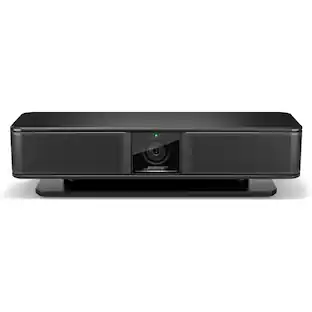
Logitech - Rally Bar Huddle 4K Ultra HD Webcam for Business - Black
About this product
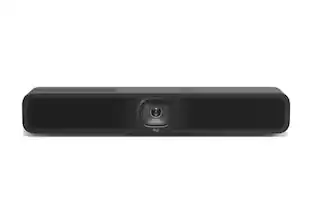
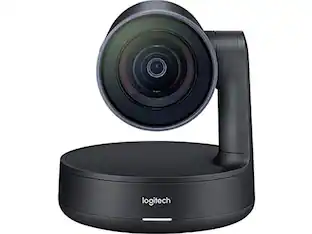
Logitech Rally Bar Huddle is an all-in-one video conferencing bar for huddle and small meeting rooms. Designed to deliver equitable video meetings with ease, Rally Bar Huddle is quick to set up, simple to manage, and easy to integrate with Tap IP through CollabOS.
Enable equitable meetings
Ensure everyone can be seen and heard clearly during hybrid meetings. AI video intelligence, advanced sound pickup, noise suppression, and ongoing software improvements provide a clear and natural meeting experience for remote workers.
Set up in minutes
Designed to deliver video meetings with ease, Rally Bar Huddle is quick to set up, simple to manage, and easy to integrate with Tap IP through CollabOS. Plus, use the included Multi Mount to mount Rally Bar Huddle one of three ways; on the wall, on the table, or above the display.
Works with your preferred platform
Rally Bar Huddle works with most platforms you use to connect hybrid teams like Microsoft Team and Zoom, ensuring an effortless experience from the home to the office, and everywhere in between.
RightSound and 6 Beamforming Microphones
Rally Bar Huddle has powerfully clear audio intake optimized by RightSound to ensure remote participants always feel included in virtual meetings. With six beamforming microphones and a pickup range of up to 23 feet, six people in a huddle room can be heard clearly without the need for mic pods.
Digital PTZ with up to 4X zoom
Rally Bar Huddle creates a seamless meeting experience with digital pan and tilt and image quality up to 4X digital zoom. Rally Bar Huddle ensures that all meeting participants are seen and heard clearly, enabling a better meeting experience for remote participants.
3 ways to deploy
Use Rally Bar Huddle in USB mode, appliance mode, or connect via laptop.
Device management through Sync
Easily manage your Logitech video collaboration devices with Logitech Sync software. Monitor room health, deploy updates, and modify settings all from a single cloud-based platform.
Committed to sustainability
The plastic parts in Rally Bar Huddle include up to 65% certified post-consumer recycled plastic to give a second life to end-of-life plastic from old consumers electronics and help reduce our carbon footprint.*
* Excludes plastic in printed wiring assembly (PWA), receiver, wire, FFC cable, and packaging.
- Video Resolution4K (2160p)
Reviews
This product doesn't have any reviews yet.
Compare similar products
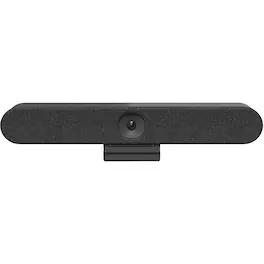
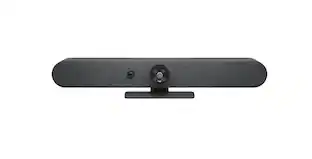
Logitech Rally Bar Huddle is an all-in-one video conferencing bar for huddle and small meeting rooms. Designed to deliver equitable video meetings with ease, Rally Bar Huddle is quick to set up, simple to manage, and easy to integrate with Tap IP through CollabOS.
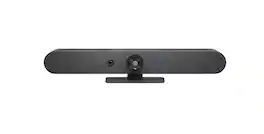
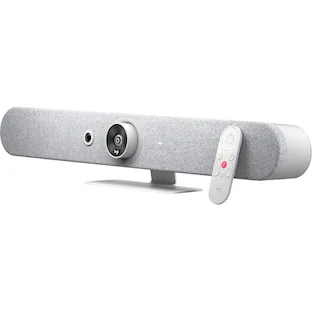
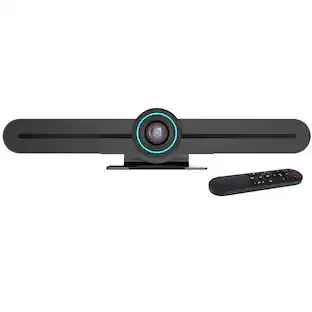
Logitech Rally Bar Mini is an all-in-one video bar for small to medium meeting rooms. Discover remarkably simple, all-in-one video conferencing with built-in AI technology, brilliant optics, and powerful audio. Designed to scale across hundreds or thousands of rooms, Rally Bar Mini offers clutter-free cable management, multiple mounting options, and flexible deployment modes. Plug and play Rally Bar Mini with virtually any PC or Mac, or run supported video conferencing applications on the device in appliance mode.
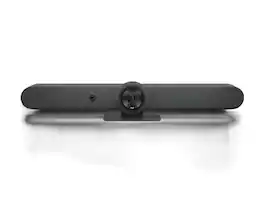
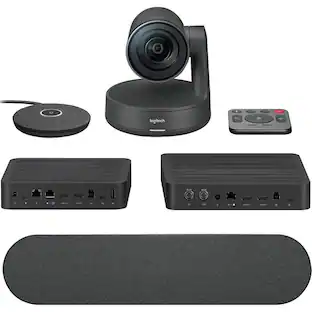
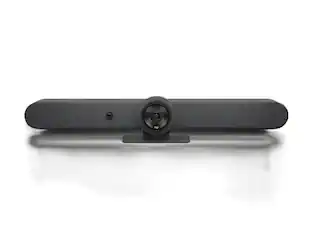
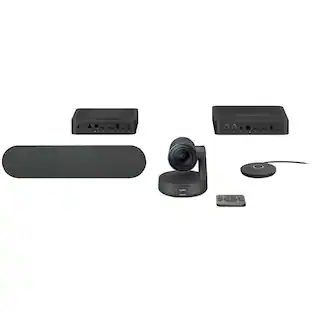
Logitech Rally Bar is the premier video bar for medium to large meeting rooms. Discover remarkably simple, all-in-one video conferencing with built-in AI technology, brilliant optics, and powerful audio. Rally Bar creates a natural, frictionless meeting experience with motorized PTZ and 15x optical + digital HD zoom. AI Viewfinder persistently views the room, ensuring all meeting participants are captured and framed to perfection. Powerful low-distortion speakers with RightSound technology™ deliver outstanding conversational accuracy. Simple, confident, and versatile, Rally Bar is designed with clutter-free cable management, multiple mounting options, and the flexibility to deploy in USB or appliance mode.

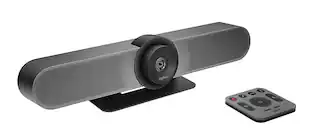
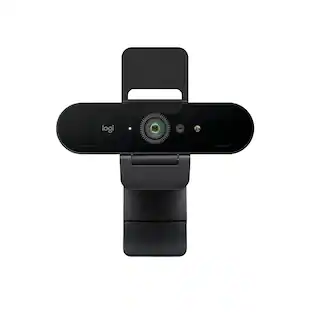
MeetUp is Logitech's premier ConferenceCam designed for small conference rooms and huddle rooms. With a room capturing, super-wide 120° field of view, MeetUp makes every seat at the table clearly visible. Motorized pan/tilt widens FOV even further: up to 170°. A low-distortion Logitech-engineered lens, Ultra HD 4K optics, and three camera presets deliver remarkable video quality and further enhance face-to-face collaboration. MeetUp's integrated audio is optimized for huddle room acoustics and delivers an exceptional sound experience. Three horizontally-aimed beamforming mics and a custom-tuned speaker help ensure your meetings sound as great as they look. With a compact all-in-one design that minimizes cable clutter, MeetUp is USB plug-and-play and simply works right out of the box with any video conferencing software application and cloud service - including the ones you already use.
Specs
Customers often buy these together









More to consider
 $2,230.48The price was $2,299.00
 $549.00The price was $669.00
 $3,374.60The price was $3,449.00
Explore tech essentials Sponsored
 Top Deal$59.99The price was $69.99
 Top Deal$29.99The price was $39.99
Discover related products
 $111.34The price was $119.99
 $1,599.99The price was $1,799.99
 $12.99The price was $13.99
 $143.99The price was $144.99
 $239.00The price was $275.00









Keep exploring
 $1,382.62The price was $1,427.99