Mini DisplayPort To DVI Adapter
-
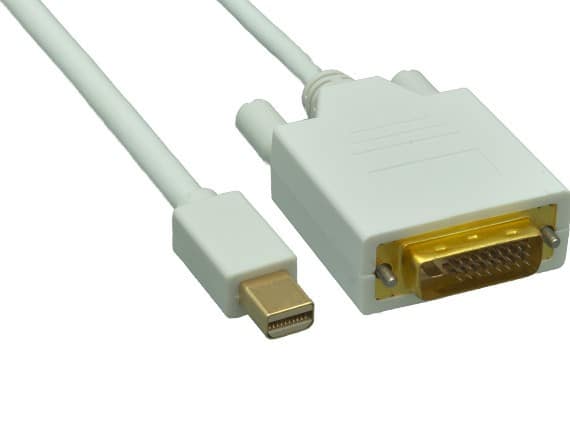
Cable Leader - Mini DisplayPort to DVI-D Cable, 1080p Full HD Male to Male for MacBook, iMac, Surface to DVI Monitor - White
SKU: J39TZ8RR2TSee all Monitor & Video CablesProduct Description
A white cable delivering 1080p Full HD video from Mini DisplayPort devices to DVI-D monitors.Your price for this item is $16.99 -
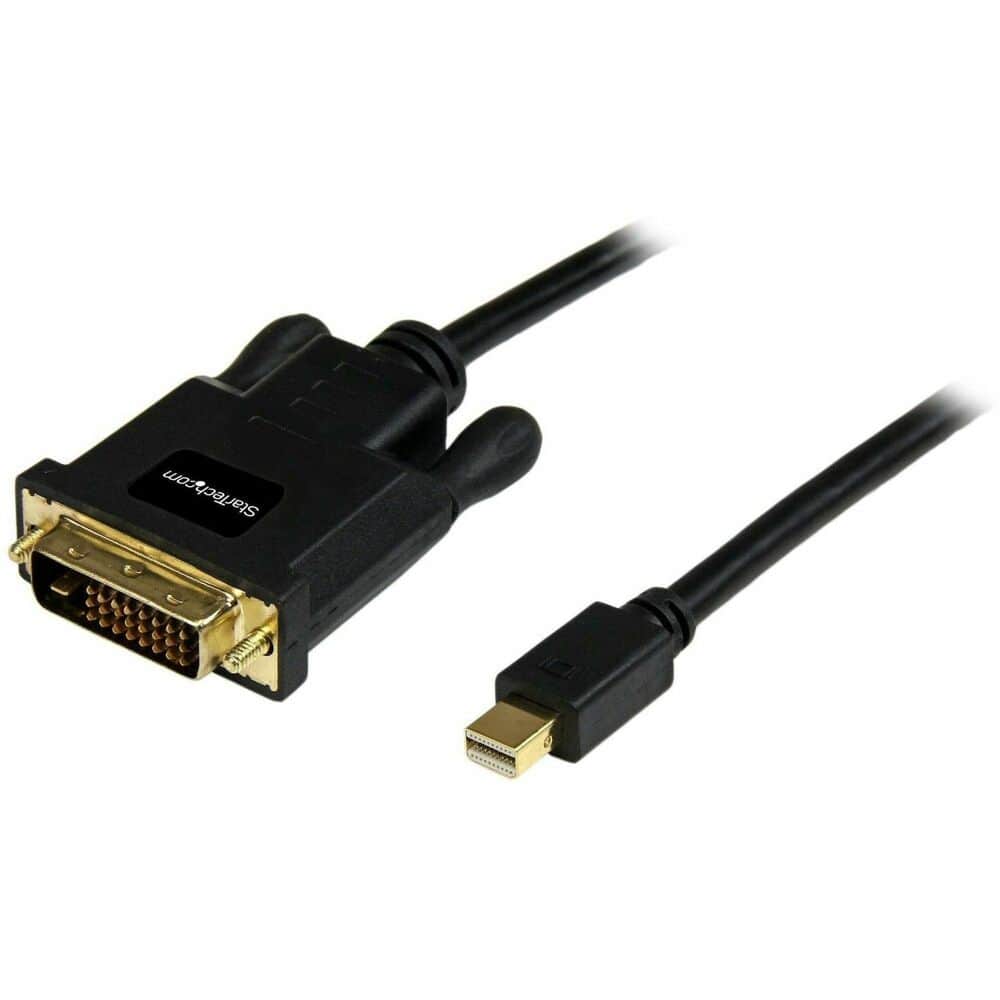
StarTech.com - 6ft Mini DisplayPort to DVI Cable, Mini DP to DVI-D Adapter/Converter Cable, 1080p Video
SKU: J7PHY2V9LHSee all Monitor & Video CablesProduct Description
A 6-foot cable that connects Mini DisplayPort devices to DVI monitors for crisp 1080p video output.Your price for this item is $30.49 -
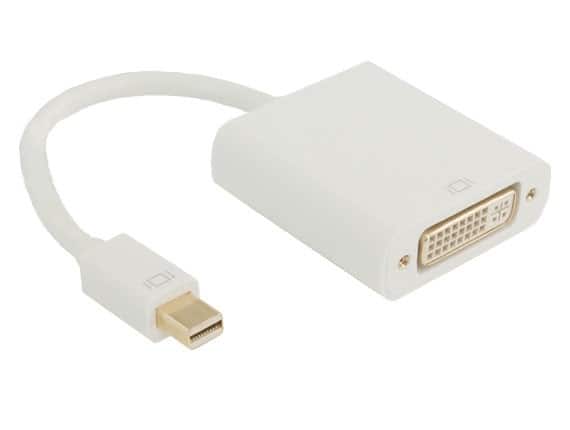
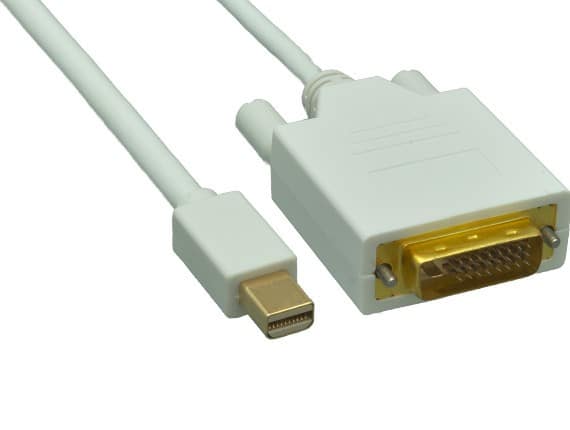
Cable Leader - Mini DisplayPort to DVI-D Adapter, 1080p, Thunderbolt 2 Compatible, Gold-Plated - White
SKU: J39TZ86H59See all Monitor & Video CablesProduct Description
A white Mini DisplayPort to DVI-D adapter with gold-plated contacts, supporting 1080p and Thunderbolt 2 devices.Your price for this item is $13.99 -
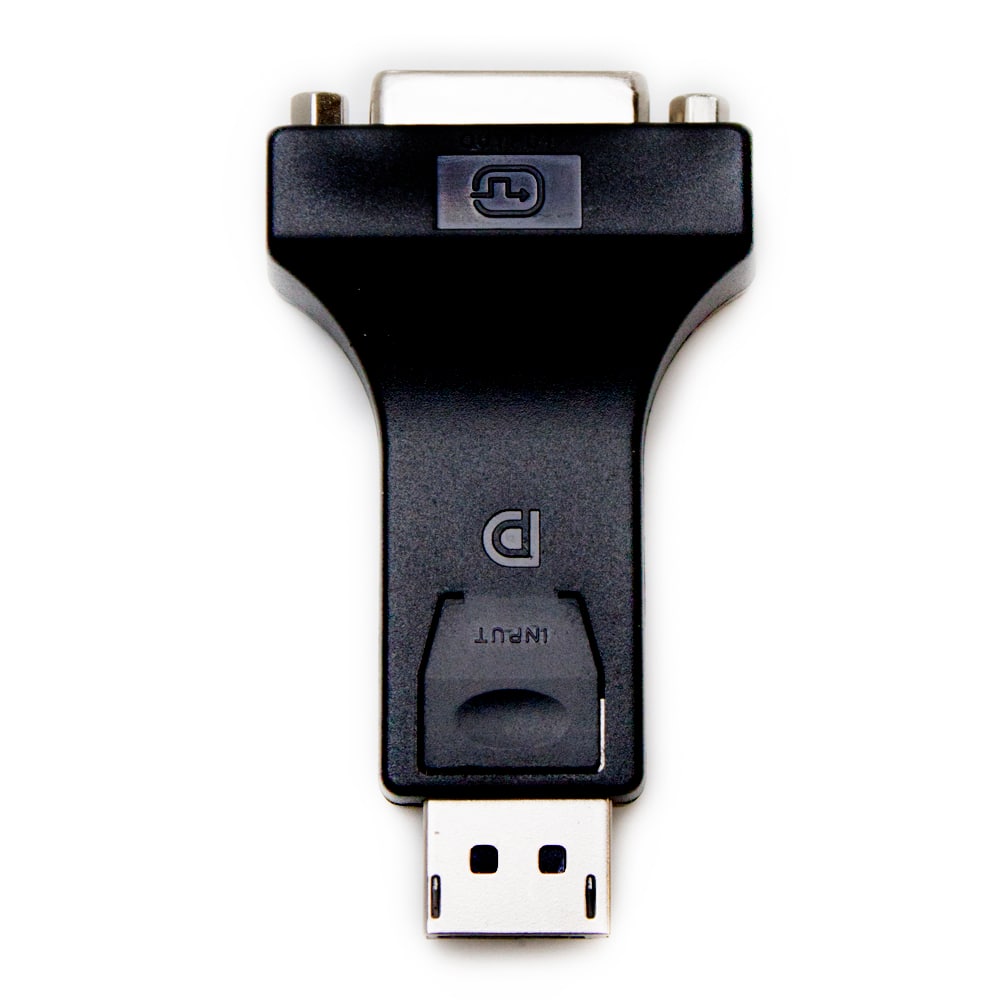
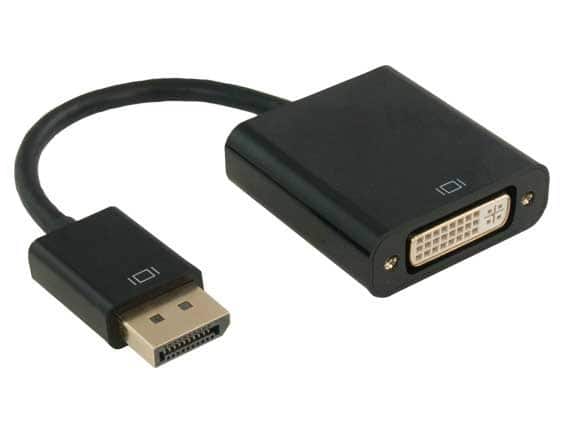
Fosmon - Display Port Male to DVI Female Adapter - Black
SKU: J3KCTSSX9SSee all A/V AdaptersProduct Description
A black adapter that converts DisplayPort input to DVI output, supporting 1080p resolution and plug-and-play use.Your price for this item is $8.99 -
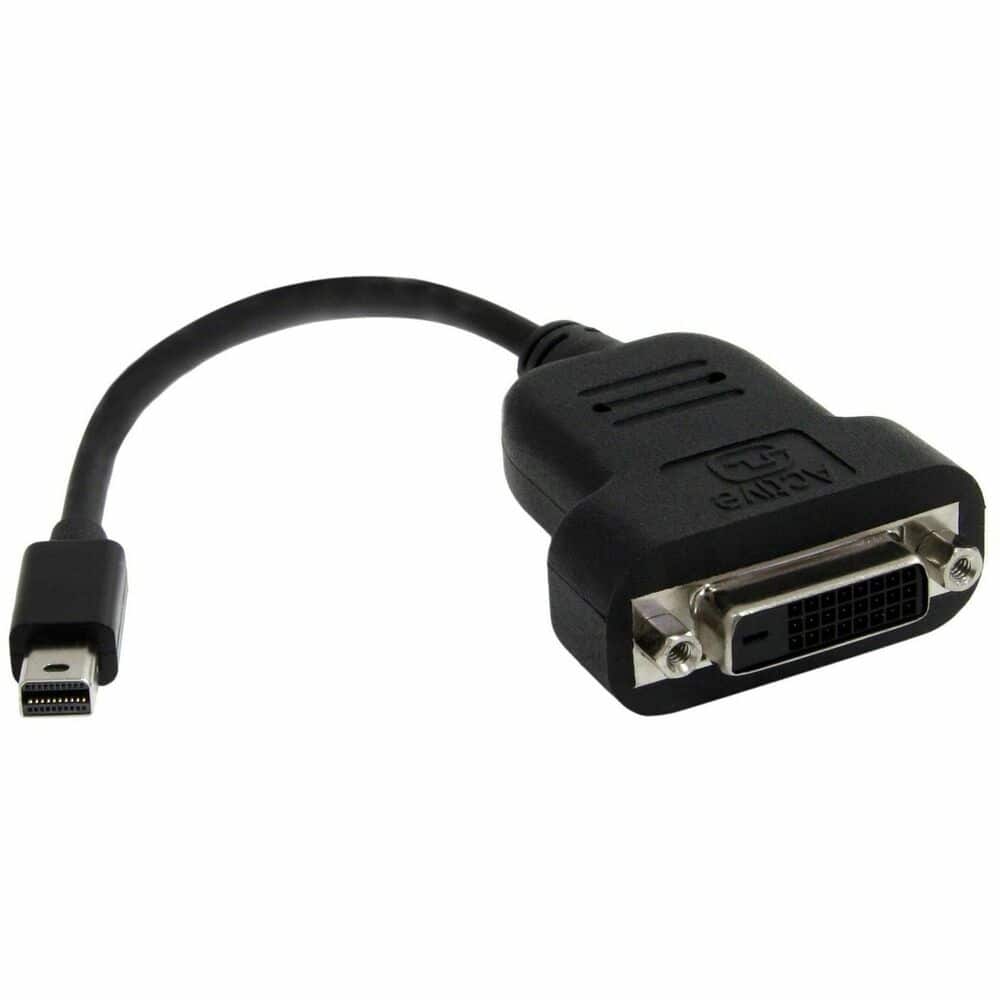
StarTech.com - Mini DisplayPort to DVI Active Adapter
SKU: J7PHY2F5WYSee all Monitor & Video CablesProduct Description
An active adapter that connects Mini DisplayPort devices to DVI-D displays for seamless video transmission.Your price for this item is $53.40 -
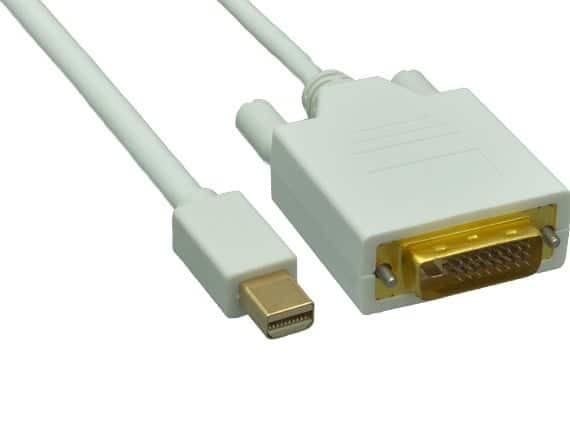
Cable Leader - Mini DisplayPort to DVI-D Cable, 1080p Full HD Male to Male for MacBook, iMac, Surface to DVI Monitor - White
SKU: J39TZ8RRXLSee all Monitor & Video CablesProduct Description
A white cable delivering 1080p Full HD video from Mini DisplayPort devices to DVI-D monitors.Your price for this item is $18.49 -
Cable Leader - Mini DisplayPort to DVI-D Cable, 1080p Full HD Male to Male for MacBook, iMac, Surface to DVI Monitor - White
SKU: J39TZ8RQRSSee all Monitor & Video CablesProduct Description
A white cable delivering 1080p Full HD digital video from Mini DisplayPort devices to DVI-D monitors.Your price for this item is $22.99 -
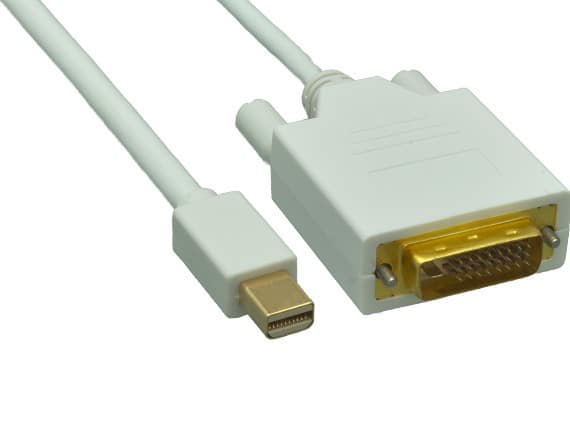
Cable Leader - Mini DisplayPort to DVI-D Cable, 1080p Full HD Male to Male for MacBook, iMac, Surface to DVI Monitor - White
SKU: J39TZ8RQRXSee all Monitor & Video CablesProduct Description
A white cable that connects Mini DisplayPort devices to DVI-D monitors for crisp 1080p digital video.Your price for this item is $15.99 -
Cable Leader - DisplayPort to DVI-D Adapter, 1080p Full HD Male to Female for Computer, Laptop to DVI Display - Black
SKU: J39TZ86T73See all Monitor & Video CablesProduct Description
A black adapter that connects DisplayPort sources to DVI-D Single Link monitors for 1080p Full HD video.Your price for this item is $13.99 -
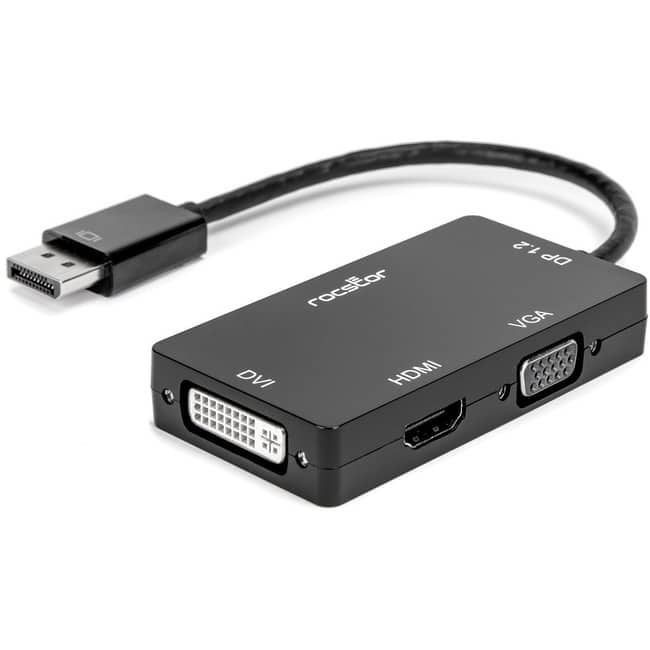
Rocstor - Premium DisplayPort/HDMI/DVI/VGA Audio/Video Adapter Cable - 1 x DisplayPort 1.2 Digital Audio/Video - Male - 1 - Black
SKU: J3GZ8JSY5SSee all Monitor & Video CablesProduct Description
A versatile black adapter cable that connects DisplayPort to HDMI, VGA, or DVI with 4K and Deep Color support.Your price for this item is $29.94Save $1The previous price was $31.81
Best Sellers





Related Pages





FAQ
Mini DisplayPort to DVI adapters are commonly used to connect laptops, desktops, or tablets with a Mini DisplayPort output—such as certain models of MacBook, Microsoft Surface, and other compatible PCs—to external monitors, projectors, or TVs that have a DVI input.
Yes, if your computer supports multiple external displays, you can use a Mini DisplayPort to DVI adapter to connect an additional monitor and extend or duplicate your desktop.
No, DVI connections do not carry audio signals. The Mini DisplayPort to DVI adapter will only transmit video, so you’ll need a separate audio connection if sound is required.
Yes, most Mini DisplayPort to DVI adapters are compatible with Thunderbolt 1 and Thunderbolt 2 ports, as these ports support Mini DisplayPort connections.
No, Mini DisplayPort to DVI adapters are designed to convert a Mini DisplayPort output to a DVI input. They cannot be used in reverse to connect a DVI source to a Mini DisplayPort display.