Monitors For Elderly
-
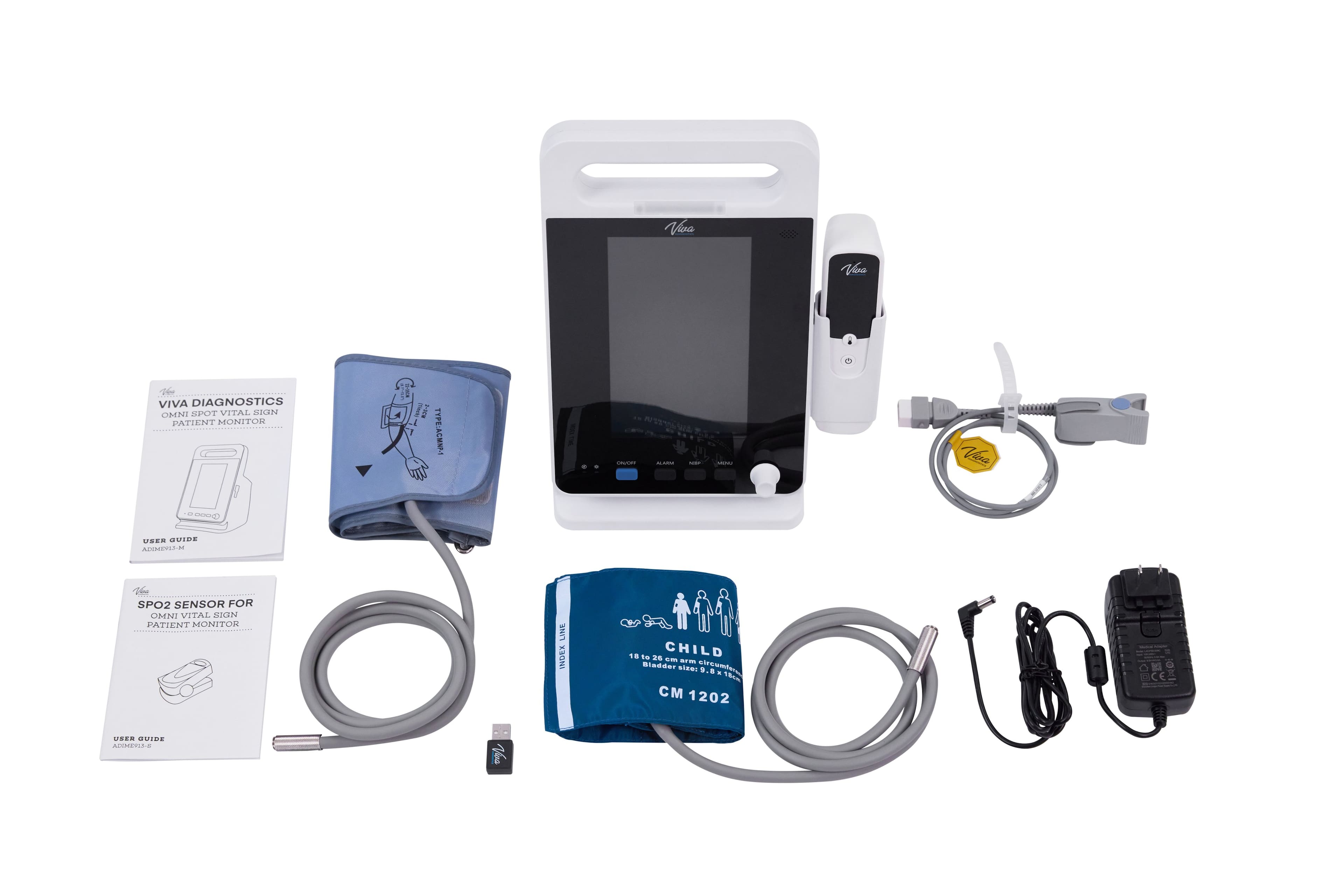
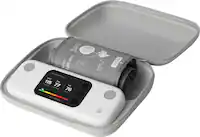
Viva Comfort - Diagnostics Omni Spot Vital Sign Patient Monitor with Adult Cuff and Pediatric Cuff - White
SKU: J39H5TC45VSee all Health Monitoring & TestingProduct Description
A portable white plastic monitor that tracks blood pressure, SpO2, temperature, and heart rate with rechargeable battery.Your price for this item is $1,199.99 -
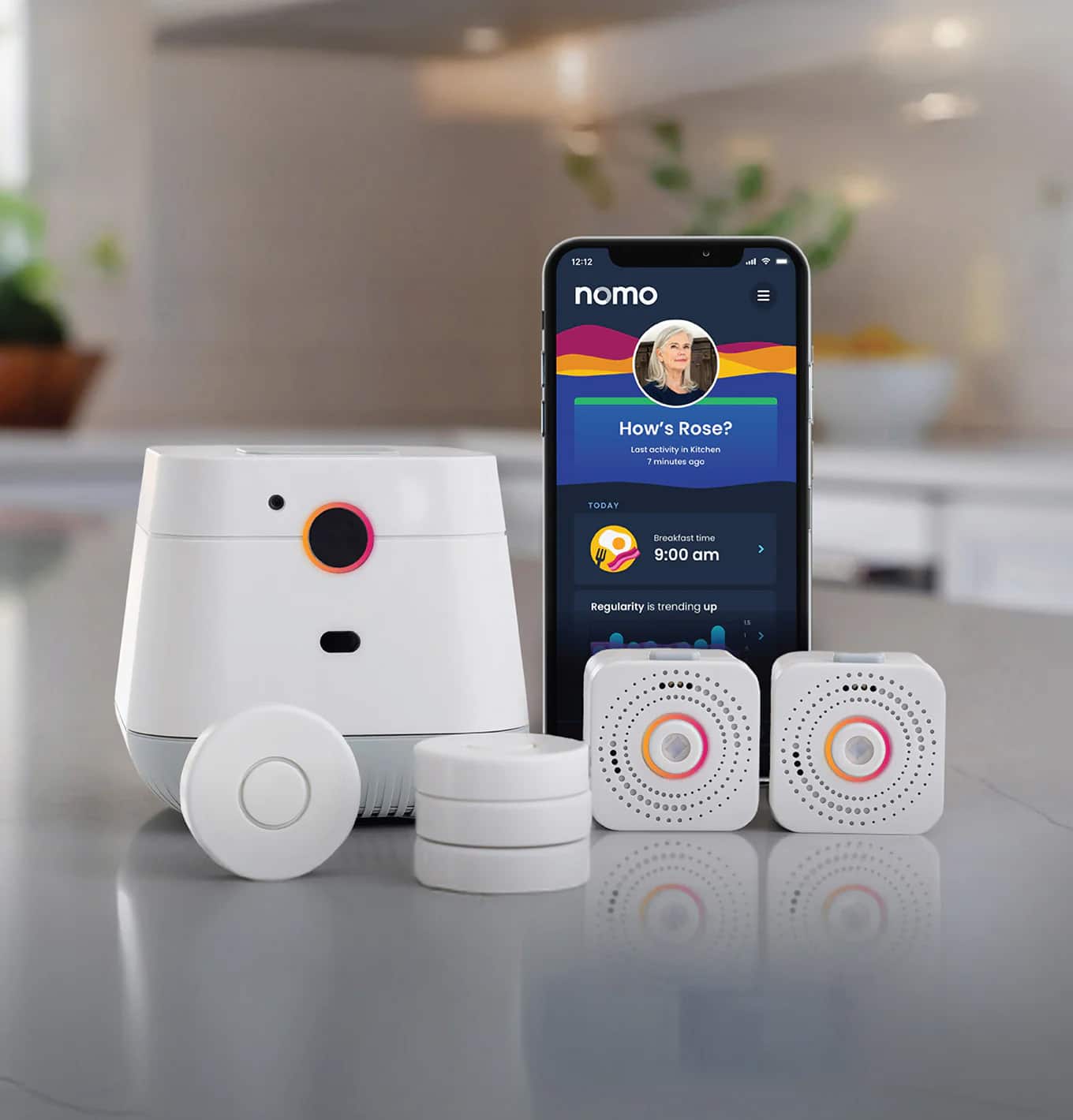
Nomo Smart Care - Essential Care Kit - 2-tone gray
SKU: J3R84ZRYHCInstallation was very easy, all instructions were easy to follow and video gave great ideas on where...It’s the best thing to have it comes with everything you need and as an app to use....I Lille knowing...
See all Survival & First AidProduct Description
A two-tone gray, camera-free monitoring system with fall detection, motion alerts, and Bluetooth health tracking.Your price for this item is $199.99 -
Nomo Smart Care - Upper Arm Blood Pressure Monitor - White
SKU: J3R84ZRYQ2See all Blood Pressure MonitorsProduct Description
A white, battery-powered monitor with LCD display and Bluetooth app connectivity for easy blood pressure tracking.Your price for this item is $54.98 -
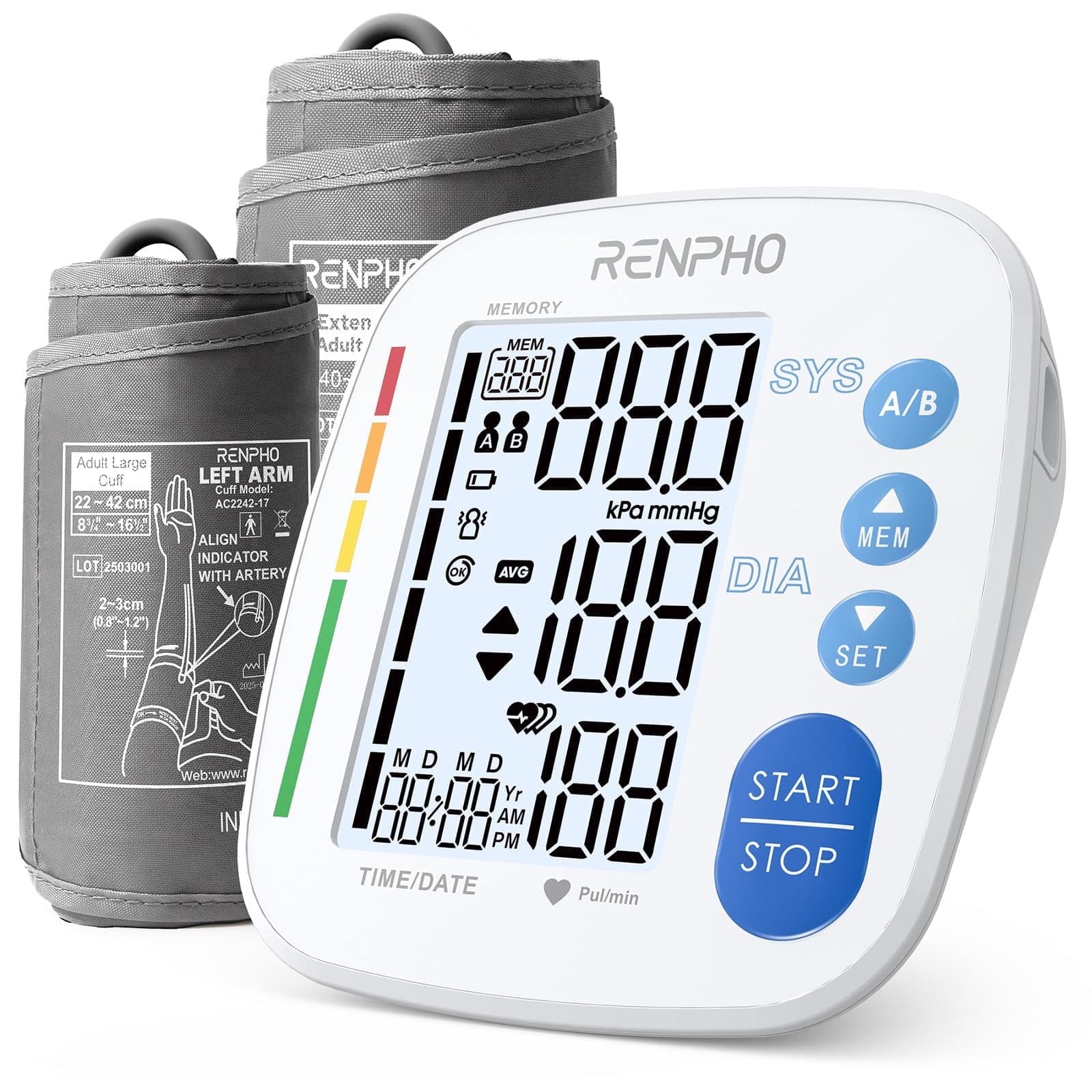
Renpho - Blood Pressure Monitor for Home Use, 9-17" & 16-21" Extra Large Blood Pressure Cuff - White
SKU: J39HPQ7X25See all Blood Pressure MonitorsProduct Description
A user-friendly white ABS+ blood pressure monitor with extra-large cuffs, dual user memory, and USB-C charging.Your price for this item is $44.99Save $5The previous price was $49.99 -
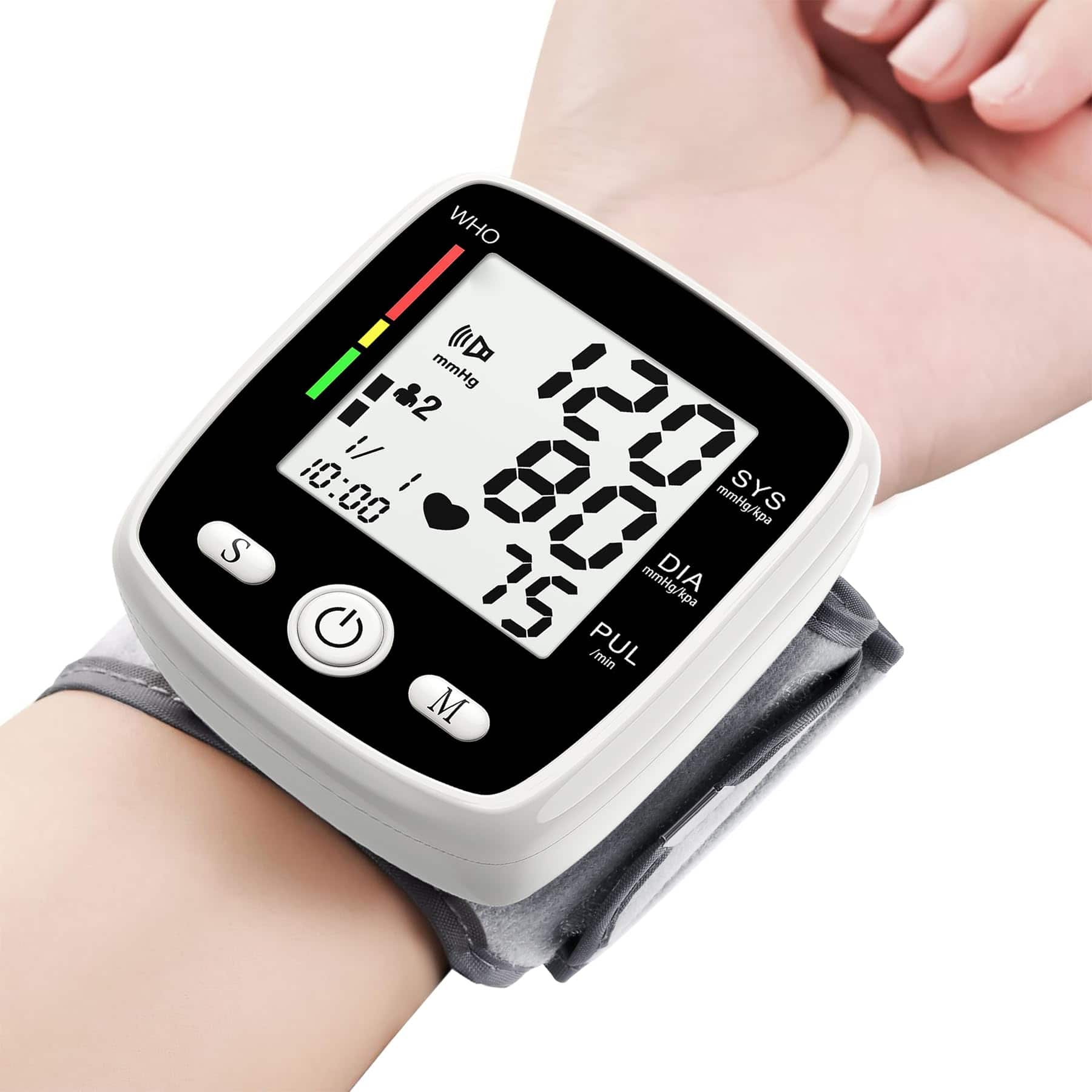
Dazzed Corner - Digital Wrist Blood Pressure Monitor with 2 Users, Voice, LCD, USB Charging - White
SKU: J3WVCLPC36Works great. readings are a little high compared to my doctors office.
See all Blood Pressure MonitorsProduct Description
A digital wrist blood pressure monitor in white featuring dual user support, voice guidance, LCD display, and USB charging.Your price for this item is $80.00 -
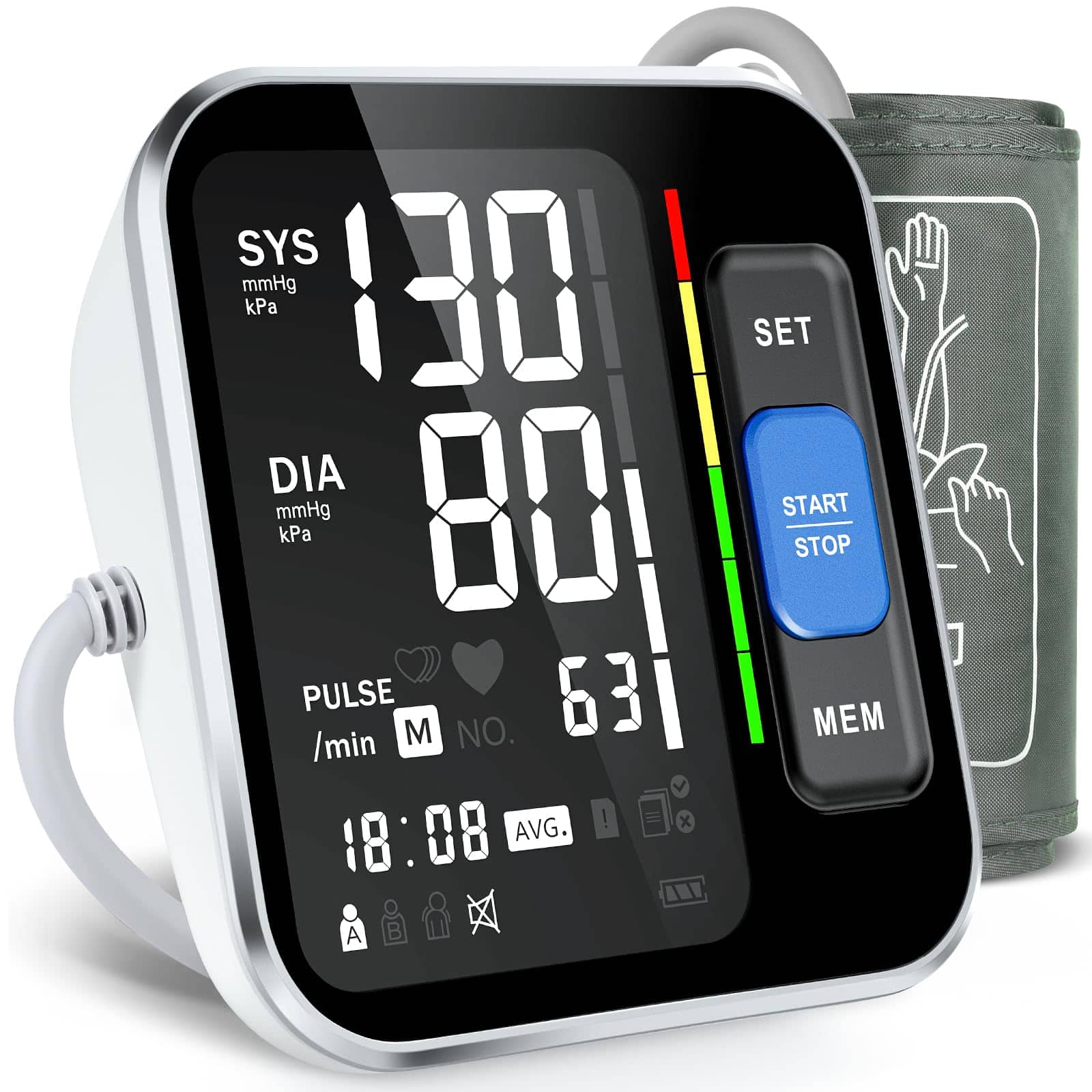
Dazzed Corner - Blood Pressure Monitors for Home Use Upper Arm - White
SKU: J3WVCLPC89See all Blood Pressure MonitorsProduct Description
A white digital monitor offering accurate blood pressure and heart rate readings with irregular heartbeat detection.Your price for this item is $95.00 -
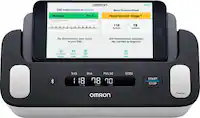
Omron - IntelliSense® Blood Pressure Monitor - White
SKU: J79C8ZCJ5JSee all Blood Pressure MonitorsProduct Description
A white digital blood pressure monitor featuring a rechargeable battery, indicator lights, and clinical-grade accuracy.Your price for this item is $689.99Save $10The previous price was $699.99


Best Sellers

Related Pages




FAQ
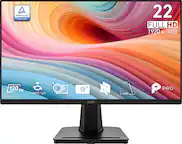
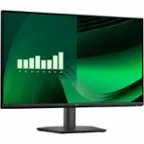
Monitors designed for elderly users often include features such as high-contrast displays, large and clear text options, simple on-screen menus, and adjustable brightness settings for improved visibility and ease of use.
Yes, many monitors come with built-in speakers, which can be convenient for elderly users who prefer not to set up separate audio devices. These built-in speakers are easy to use and help reduce cable clutter.
Many monitors now include blue light reduction or 'eye care' modes, which help decrease eye strain during prolonged use. This feature can be especially helpful for elderly users who may be more sensitive to screen glare.
Most modern monitors support a variety of connection options, such as HDMI, DisplayPort, and VGA, making it simple to connect them to laptops, desktop computers, or even some tablets.
Yes, many monitors feature adjustable stands that allow users to change the height, tilt, and angle of the screen. This flexibility helps elderly users find a comfortable viewing position and reduces neck and back strain.