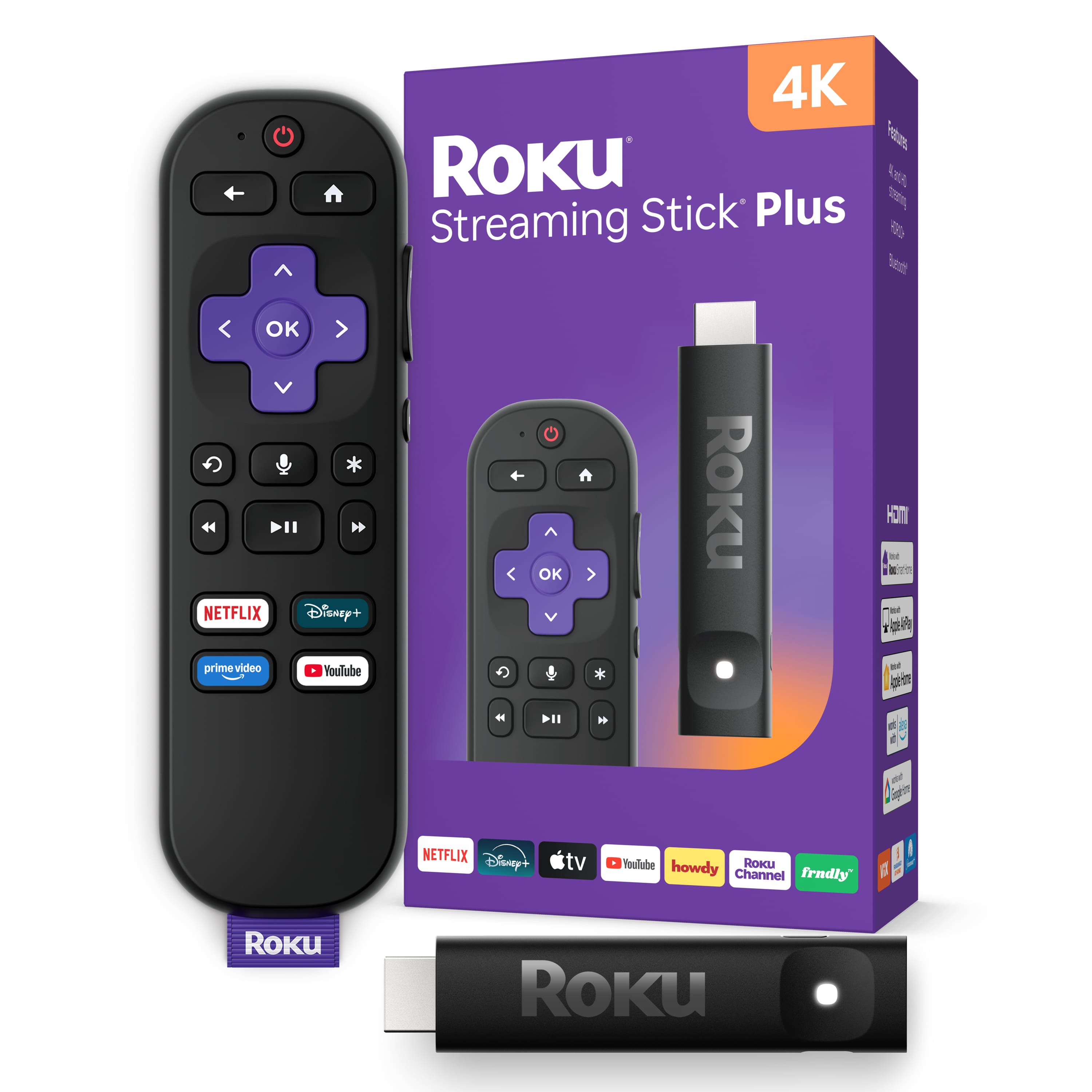
ONN Roku TV
Browse ONN Roku TV options for a smart TV with the Roku streaming platform built in. Compare screen size, resolution, and connections in each listing to find a TV that fits your space, suits your viewing needs, and works with your other devices.




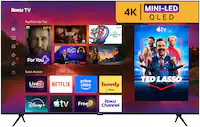
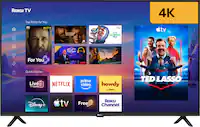


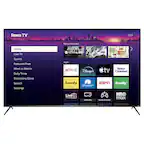
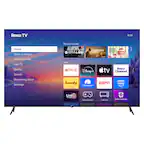


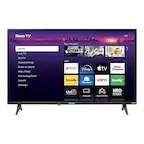
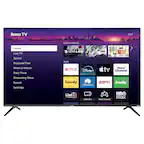
ONN Roku TV
FAQs
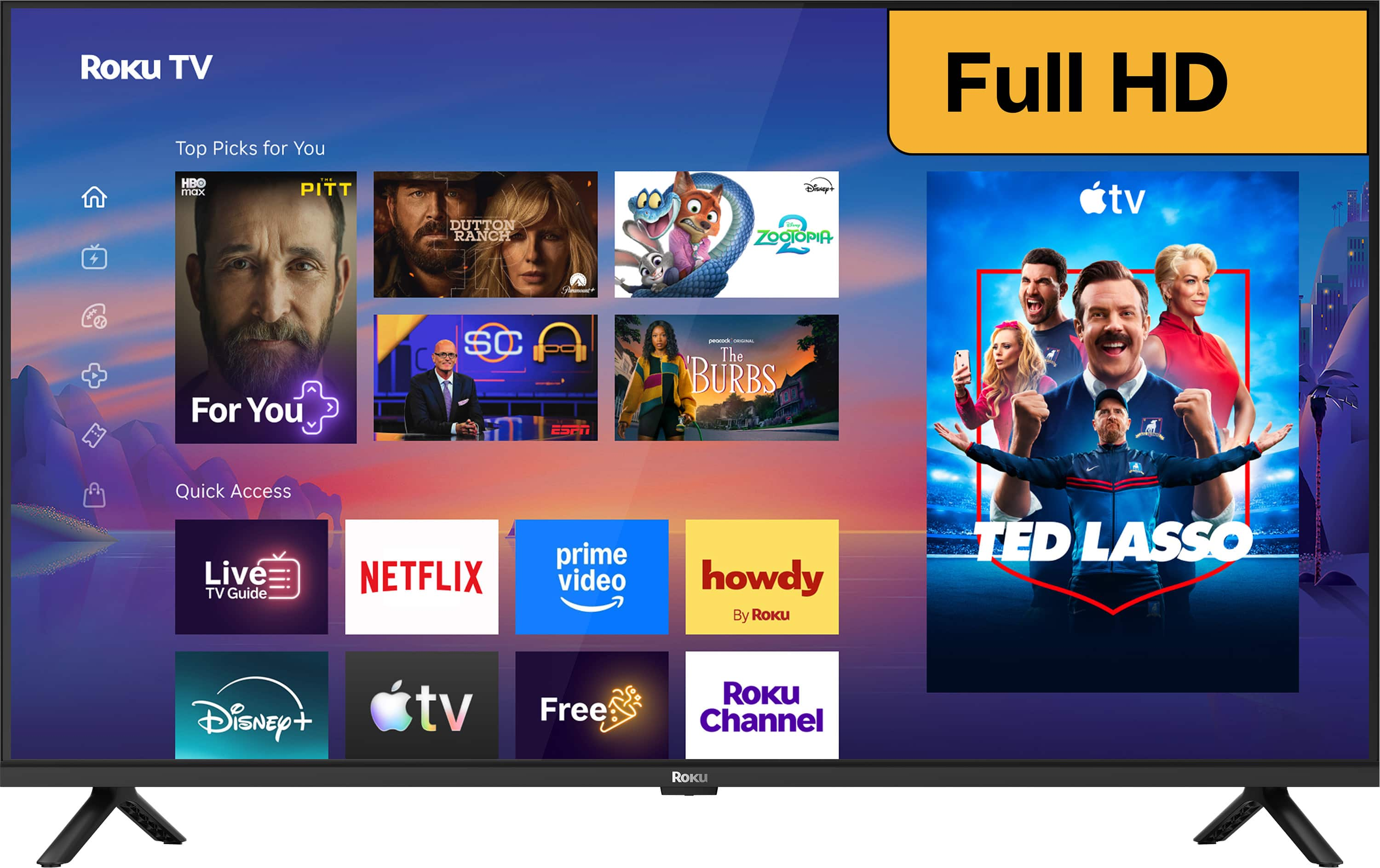
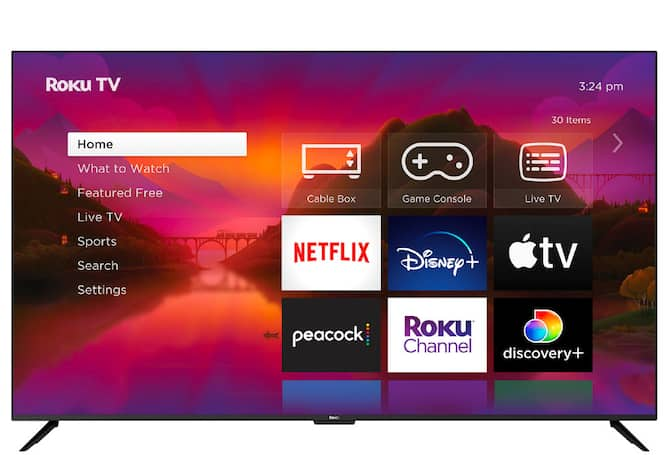
An ONN Roku TV is a smart TV with the Roku operating system built in. It brings streaming apps, TV inputs, and settings together on a home screen without requiring a separate Roku streaming player.
Connect the TV to the internet, sign in to a Roku account, and browse the streaming app store from the home screen. Select an available app to add it, then follow its sign-in instructions. Some services require a separate subscription.
You can connect a compatible antenna to the TV’s antenna input and scan for available broadcast channels through the TV settings. Channel availability depends on your location, antenna placement, and local broadcast signals.
Devices such as gaming consoles, Blu-ray players, and cable or satellite boxes can connect through compatible TV inputs. Check the TV’s available connections and the device’s output requirements, then select the matching input from the Roku home screen.
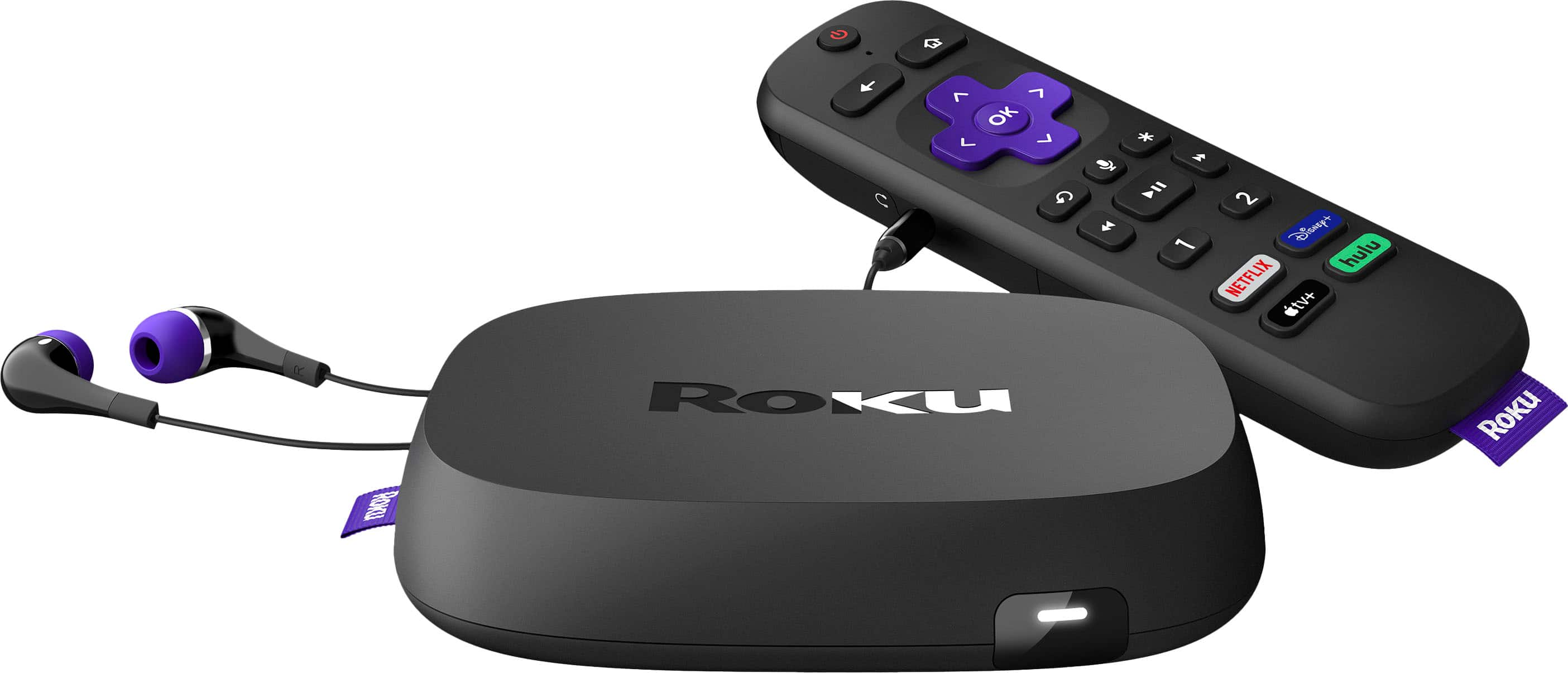
Install the Roku mobile app on a compatible smartphone and connect the phone and TV to the same Wi-Fi network. Select the TV in the app to use remote controls, navigate menus, and enter text with your phone’s keyboard where supported.