Pny Micro Sd Card
-
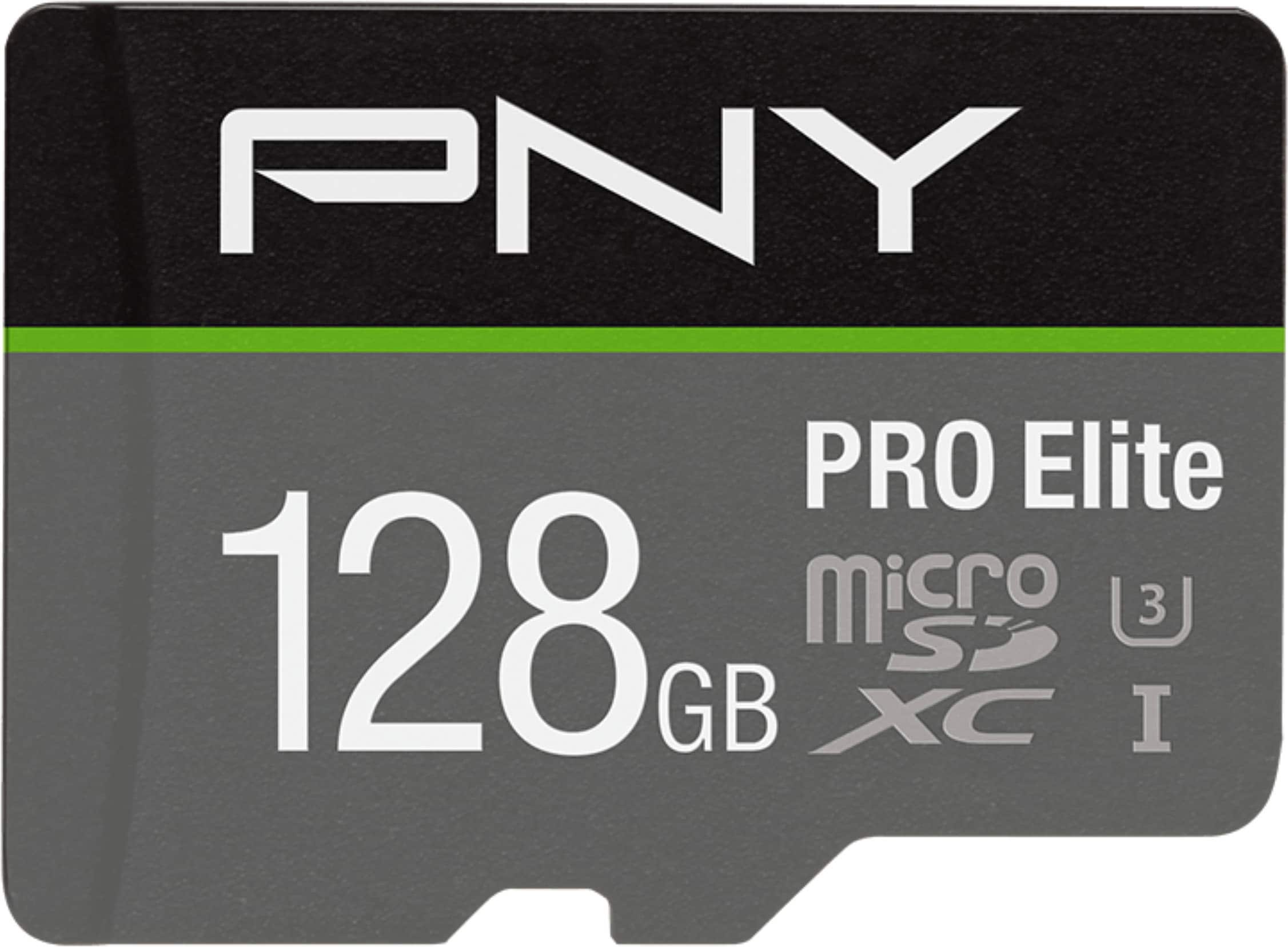
PNY - 128GB PRO Elite Class 10 U3 V30 A2 microSDXC Flash Memory Card
SKU: JXF2C47KG4See all microSDXCProduct Description
A black, water-resistant microSDXC card offering 128GB storage with up to 100MB/s read speed.Your price for this item is $27.99Save $27The previous price was $54.99 -
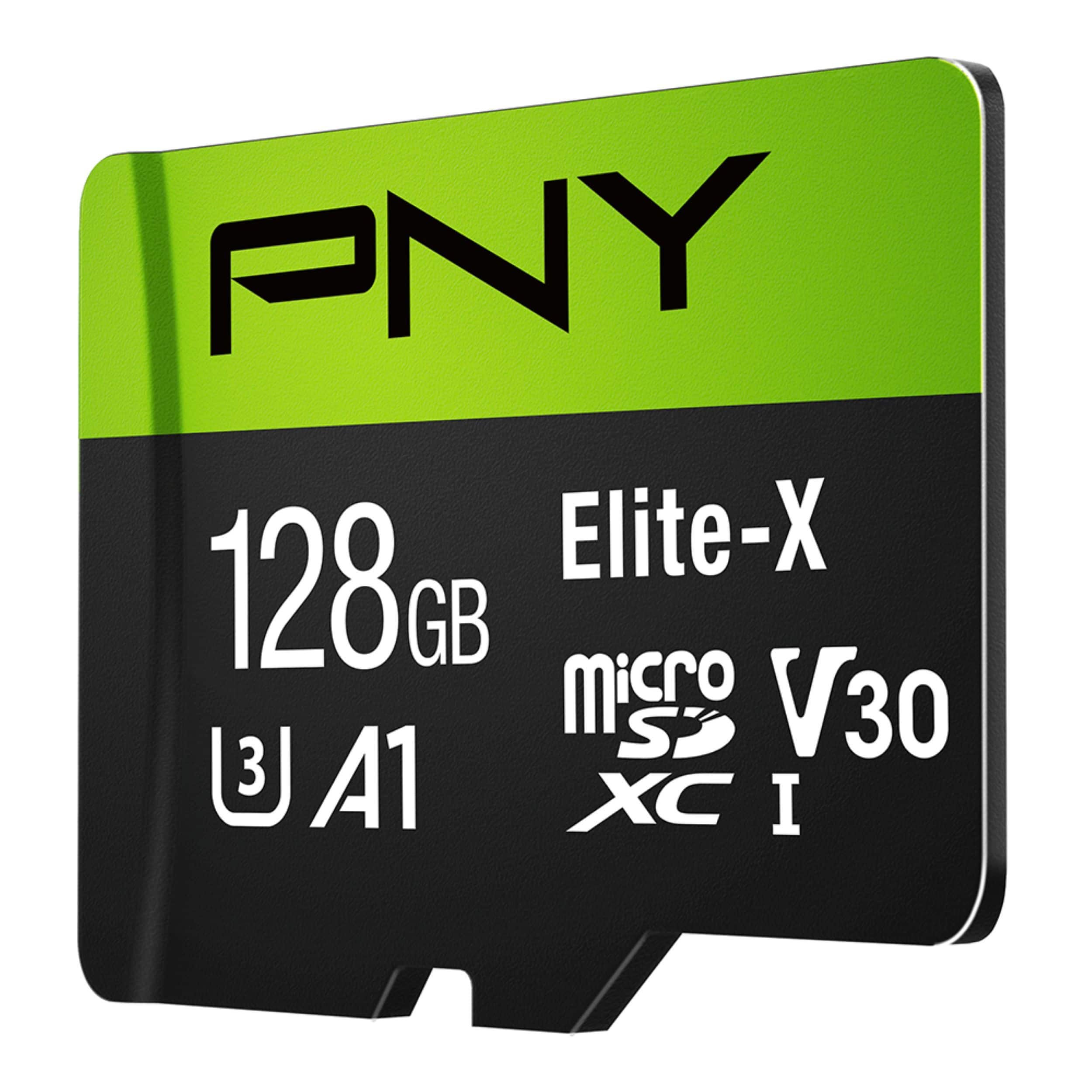
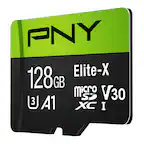
PNY - 128GB Elite-X Class 10 U3 V30 A1 microSDXC Flash Memory Card
SKU: JXF2C4CWJRGreat product!
See all microSDXCProduct Description
A high-speed black microSDXC card offering 128GB storage, 100MB/s read speeds, and 4K video support.Your price for this item is $44.99 -
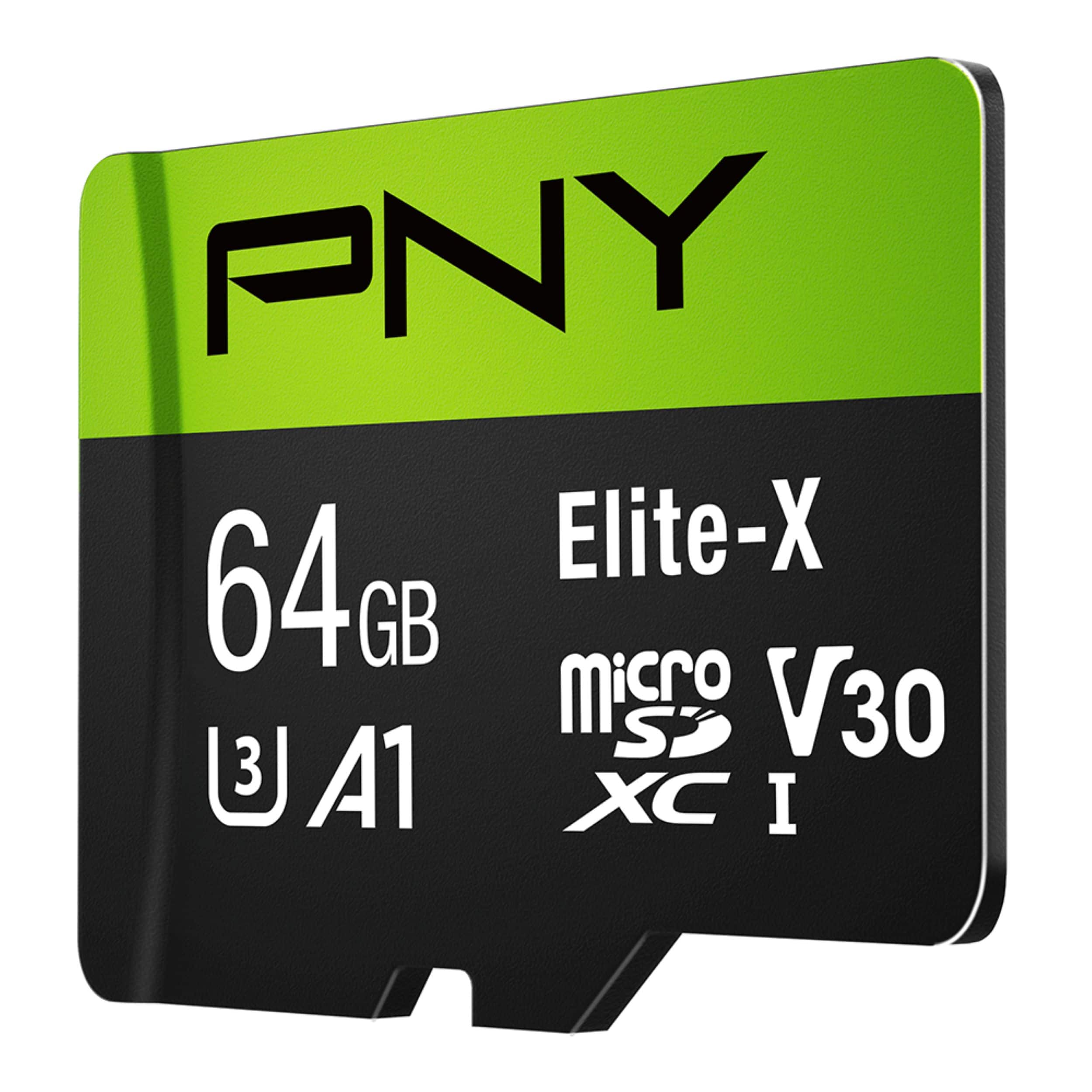
PNY - 64GB Elite-X Class 10 U3 V30 A1 microSDXC Flash Memory Card
SKU: JXF2C42L74Great...Great speed and performance High quality products.
See all microSDXCProduct Description
A black microSDXC card offering 64GB storage, Class 10 U3 V30 speed, and 100MB/s read performance.Your price for this item is $24.99
Best Sellers



Related Pages
FAQ
PNY micro SD cards are compatible with a wide range of devices, including smartphones, tablets, digital cameras, drones, action cameras, and gaming consoles that support micro SD card slots.
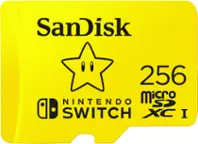
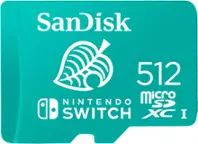
Yes, PNY micro SD cards are suitable for expanding storage on the Nintendo Switch, allowing you to download and store more games, save files, and media.
Many PNY micro SD cards are designed to support 4K video recording and playback, making them ideal for use in action cameras, drones, and smartphones that capture high-resolution videos.
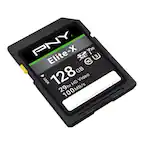
Many PNY micro SD cards include an SD adapter, allowing you to use the micro SD card in devices that require a standard SD card slot, such as laptops and digital cameras.
To insert a PNY micro SD card, gently push it into the micro SD slot until it clicks into place. To remove it, press the card inwards until it pops out, then carefully pull it from the slot. Always ensure your device is powered off or follow the manufacturer's guidelines before removing the card to avoid data loss.