Powerpoint Projector
-
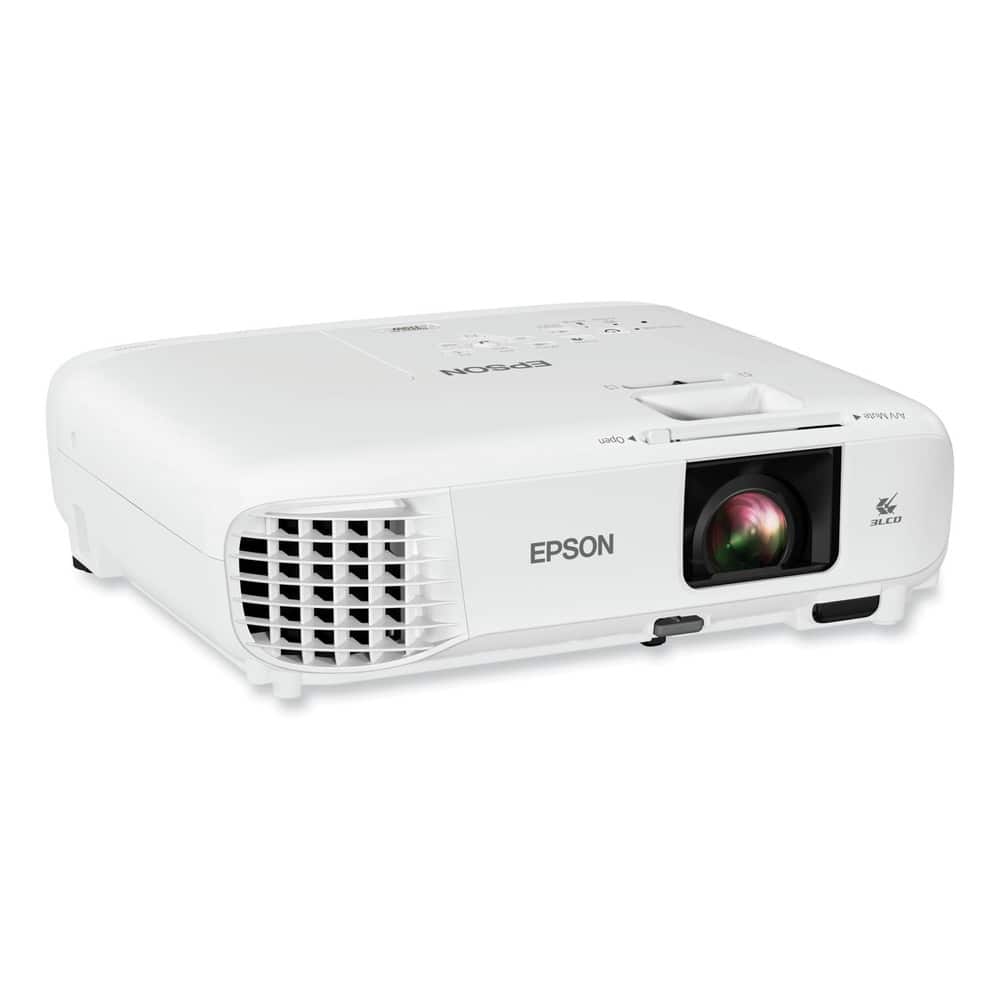
Epson - V11H985020 PowerLite 119W 4000 lm 1280 x 800 Pixels 1.2X Zoom 3 LCD WXGA Classroom Projector - White
SKU: J7JTY36JHWSee all Home Theater ProjectorsProduct Description
A ceiling-mountable LCD projector with 3LCD technology, 4,000 lumens brightness, and dual HDMI connectivity.Your price for this item is $629.99Save $29The previous price was $659.00 -
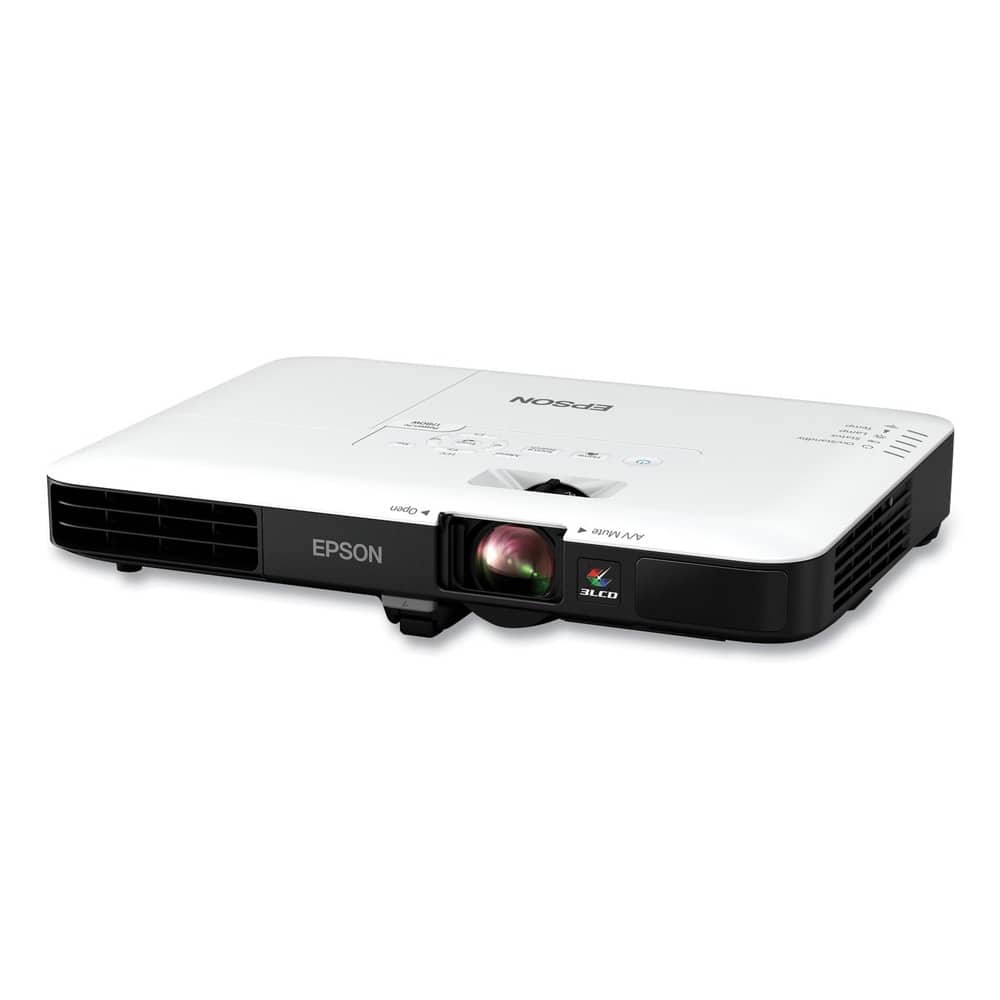
Epson - V11H795020 PowerLite 1780W 3000 lm 1280 x 800 Pixels 1.2X Zoom Wireless WXGA 3 LCD Projector - White
SKU: J7JTY3SRQLThe 1780W is a great business projector, with exceptional brightness, good resolution, and nice connection...Great data projector for the modern road warrior.
See all Business ProjectorsProduct Description
A portable 3LCD projector with 3,000 lumens brightness, WXGA resolution, wireless connectivity, and remote control included.Your price for this item is $862.53 -
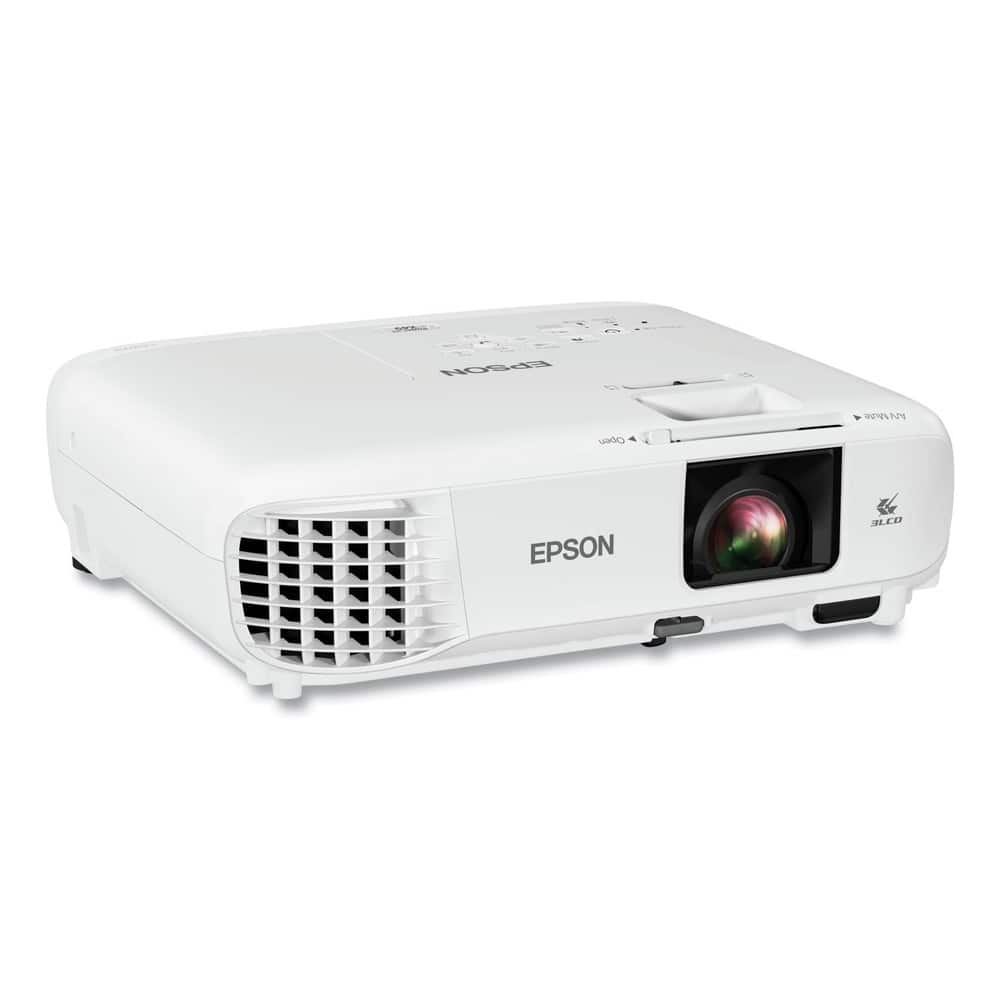
Epson - V11H982020 PowerLite X49 3600 lm 1024 x 768 Pixels 1.2X Zoom 3 LCD XGA Classroom Projector - White
SKU: J7JTY36JQ9See all Home Theater ProjectorsProduct Description
An ultra-bright 3LCD projector with XGA resolution, HDMI connectivity, and long-lasting lamp for classroom collaboration.Your price for this item is $515.96 -
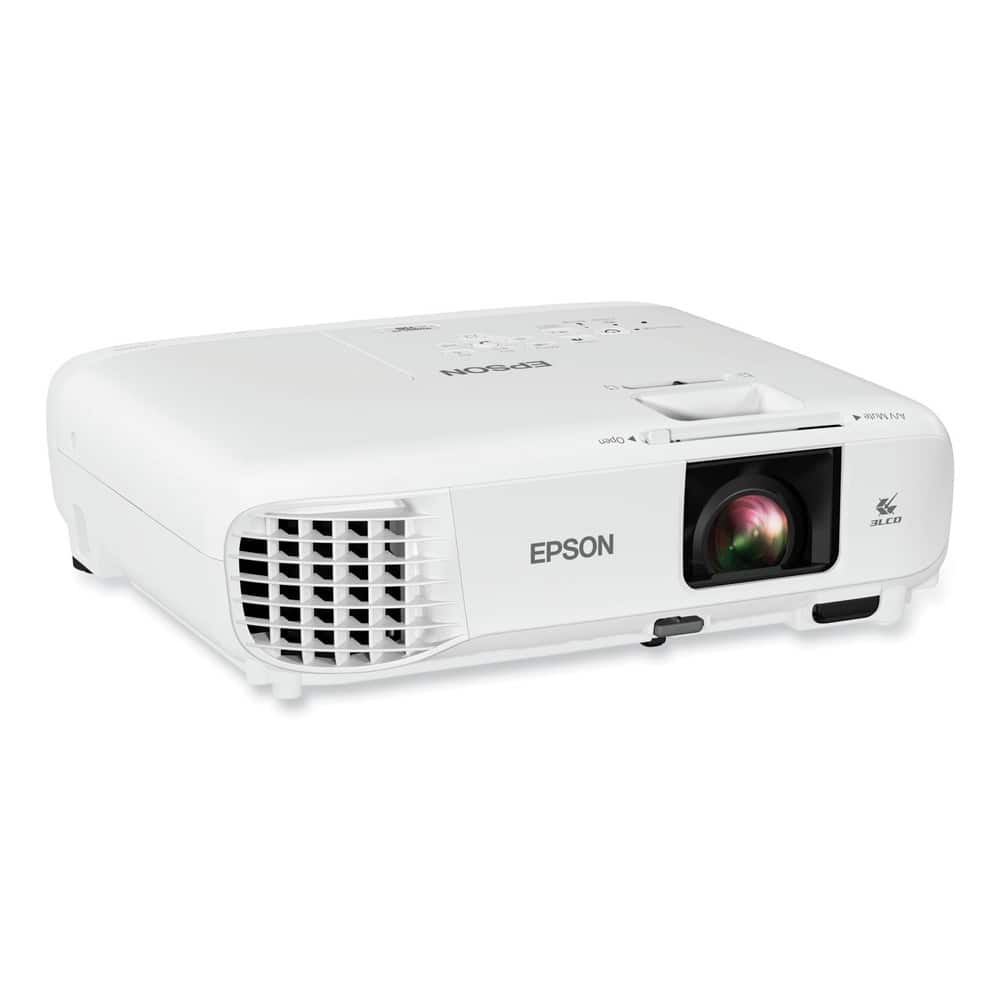
Epson - V11HA03020 PowerLite 118 3800 lm 1024 x 768 Pixels 1.2X Zoom 3LCD XGA Classroom Projector - White
SKU: J7JTY36JHJSee all Home Theater ProjectorsProduct Description
A ceiling-mountable XGA projector with 3LCD technology, 3,800 lumens, dual HDMI, and integrated speaker.Your price for this item is $580.00
Best Sellers


Related Pages






FAQ
When choosing a PowerPoint projector for business presentations, consider features such as high brightness (measured in lumens), sharp resolution, multiple connectivity options (HDMI, USB, VGA), portability, and built-in speakers. These features ensure clear, professional presentations in various environments.
Yes, most PowerPoint projectors offer multiple connectivity options, including HDMI, USB, and sometimes wireless connections like Wi-Fi or Bluetooth. Check the projector’s specifications to ensure compatibility with your laptop or mobile device.
Many PowerPoint projectors are designed primarily for indoor use, but some models with higher brightness levels can be used outdoors, especially in shaded areas or after sunset. Always check the projector’s specifications to ensure it meets your intended usage.
Most PowerPoint projectors include built-in speakers or audio output ports, allowing you to play audio from your presentations. For larger rooms or clearer sound, external speakers can be connected for enhanced audio quality.
To maintain your PowerPoint projector, regularly clean the air filters, lens, and exterior with a soft, dry cloth. Avoid blocking ventilation grilles and follow the manufacturer’s instructions for lamp replacement and general maintenance to ensure optimal performance.