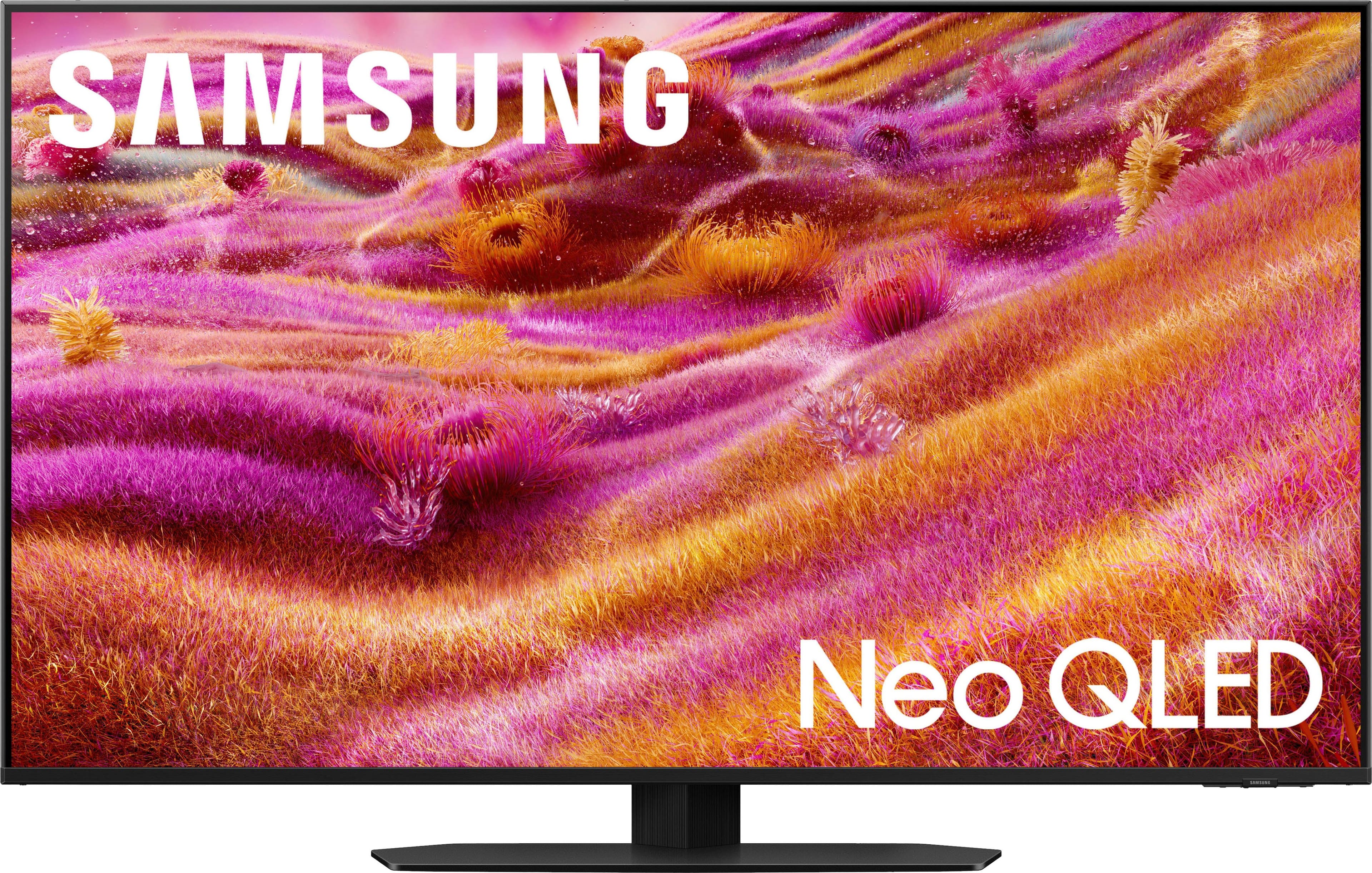
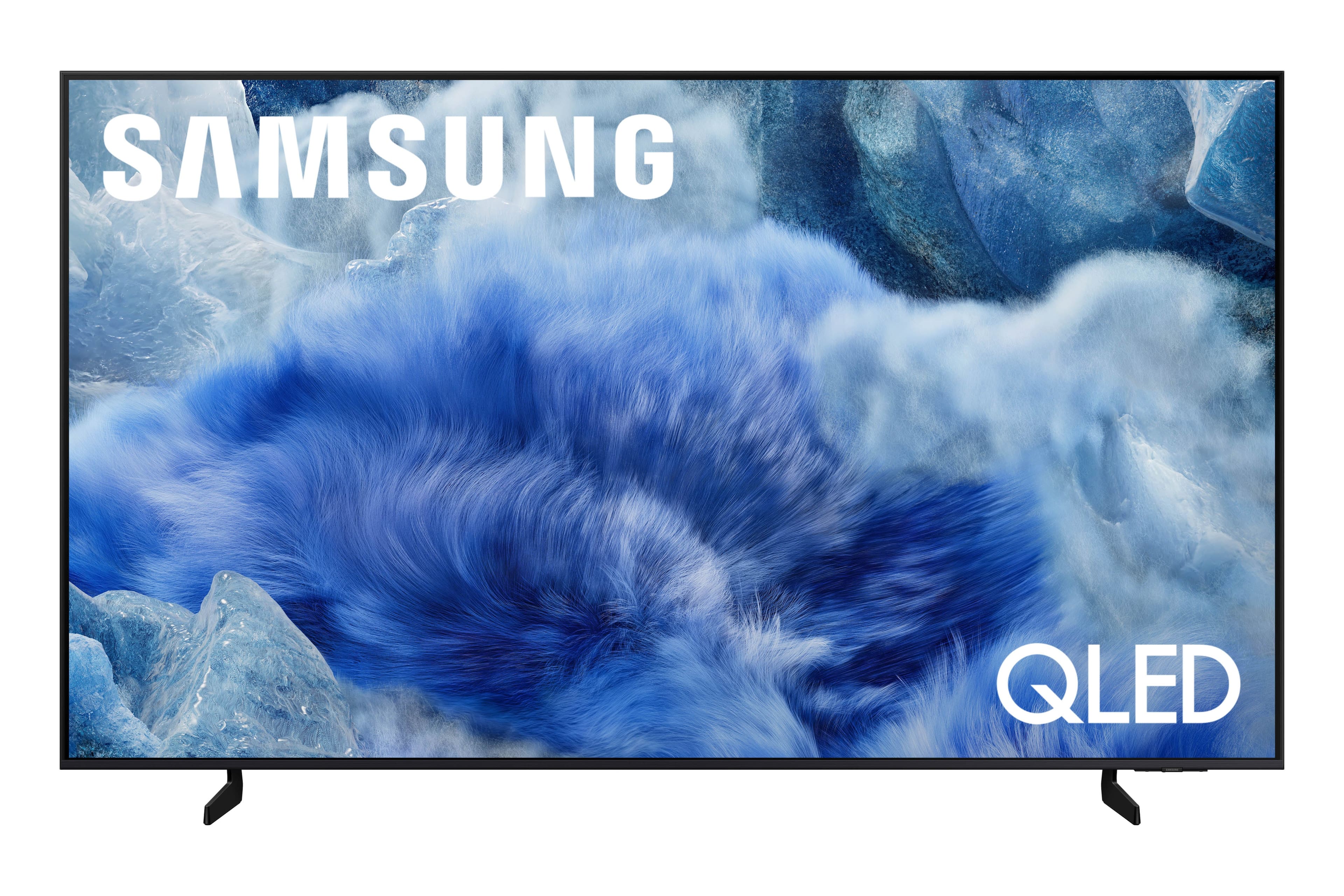
Samsung 32 Inch TV
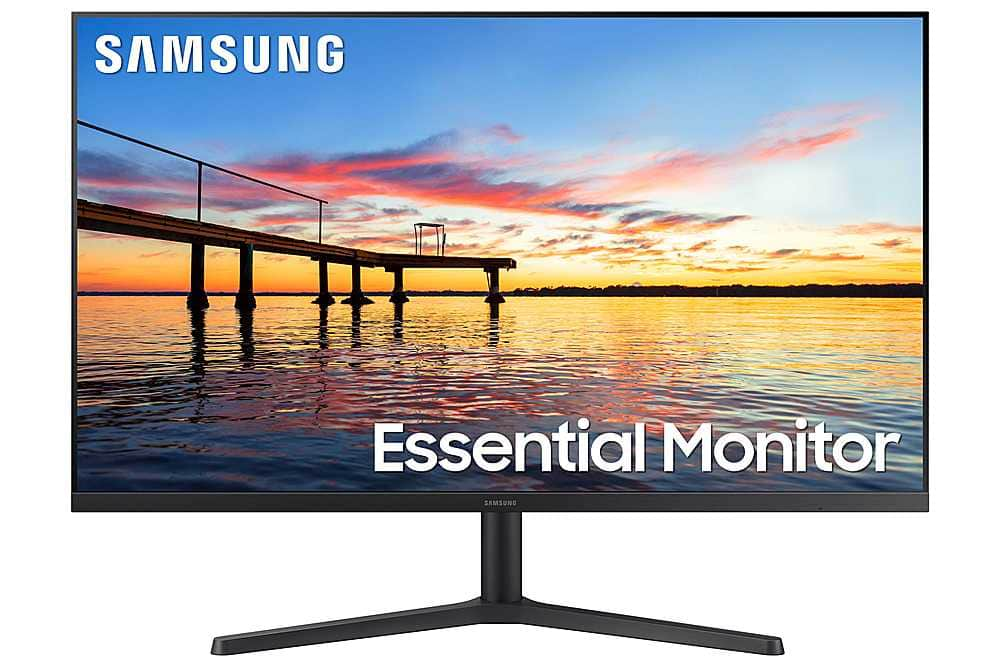
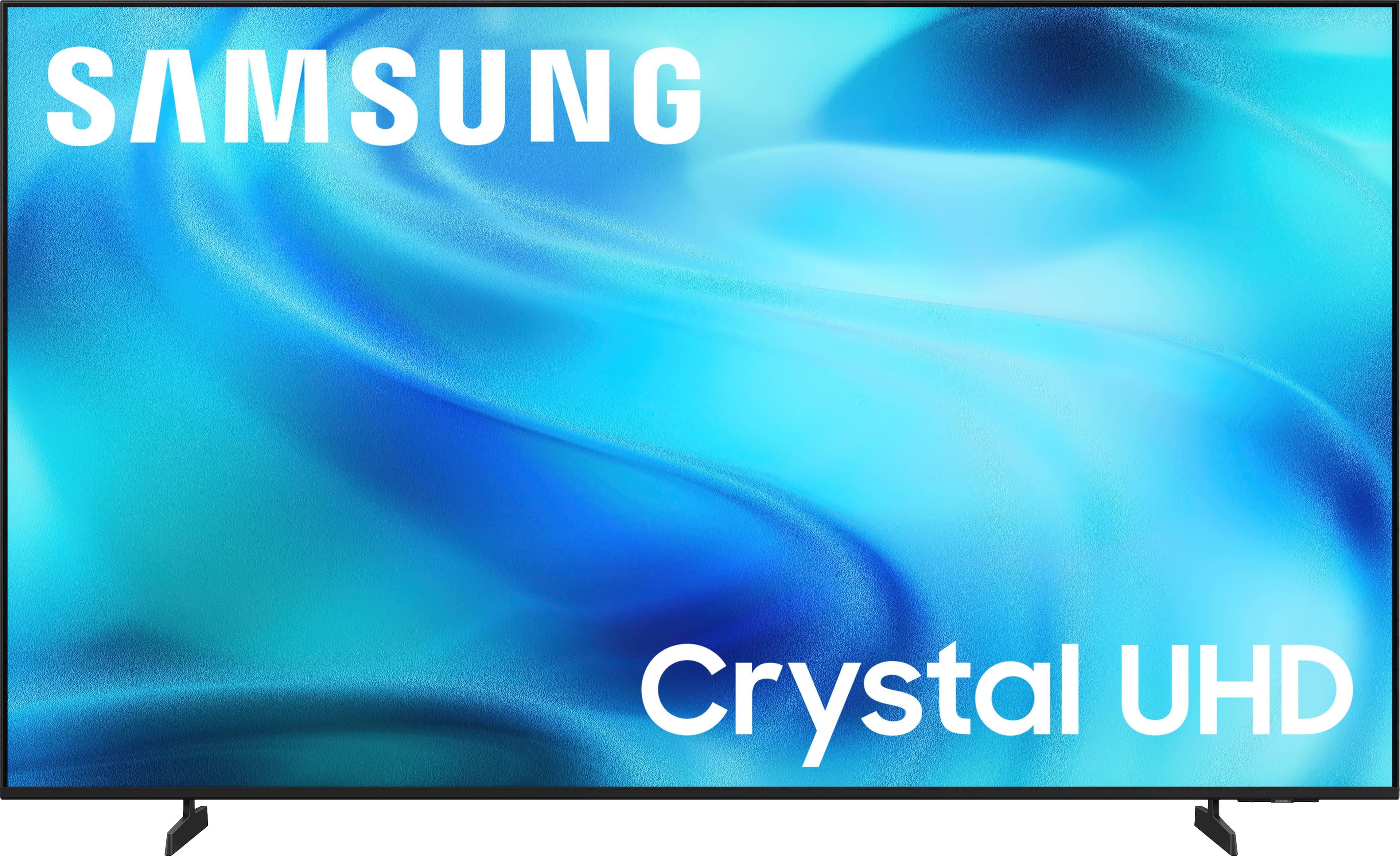
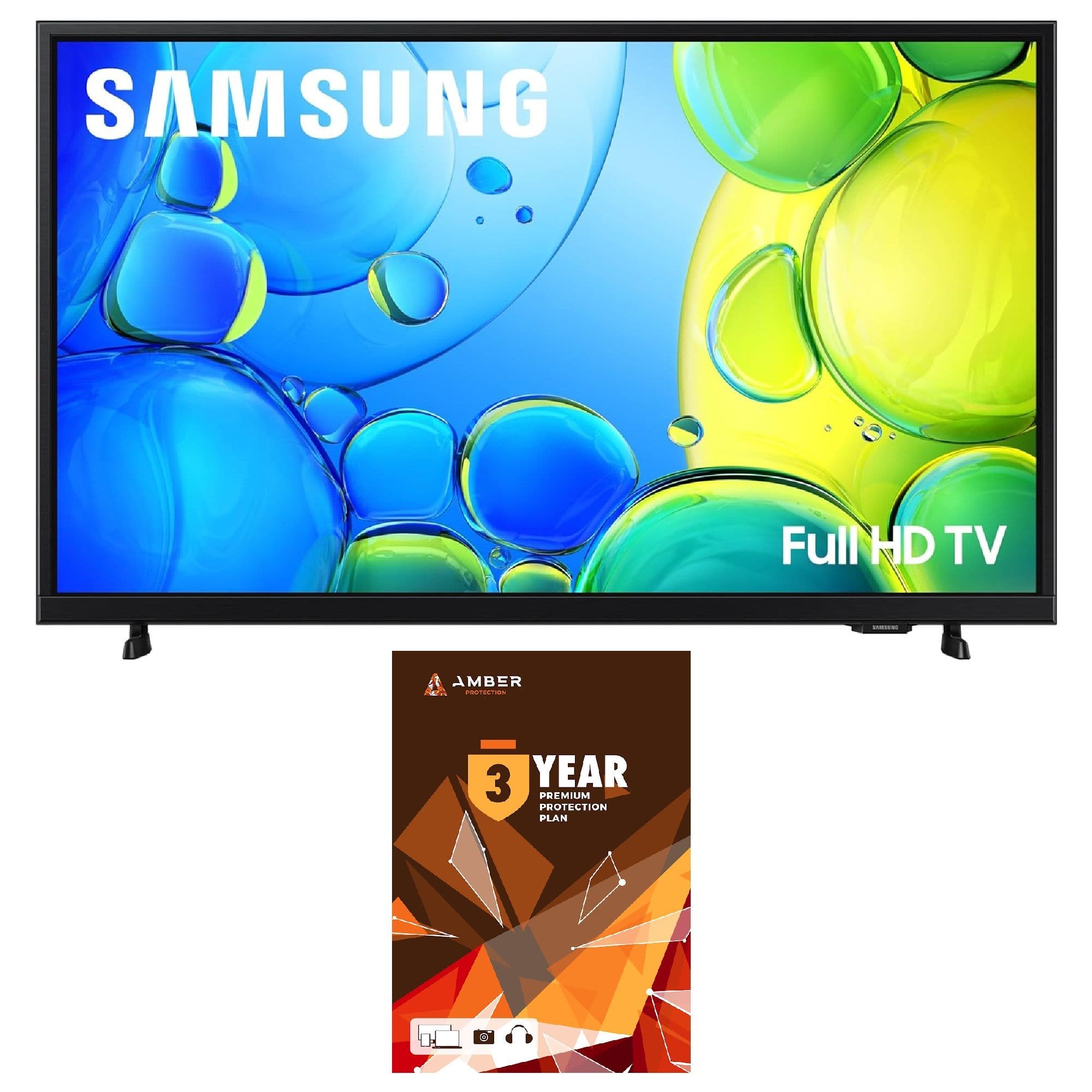
Find a Samsung 32-inch TV for a bedroom, dorm room or other small space. Compare available models by screen resolution, smart TV features and connection options, and check overall dimensions to choose a compact television that fits your space and works with your devices.
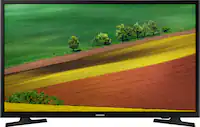


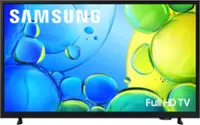

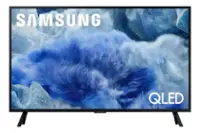
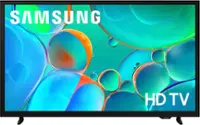


Samsung 32 Inch TV
FAQs
Samsung smart TVs support a range of streaming apps through their smart TV platform. App availability varies by model, software version, and region. An internet connection and an account with the streaming service may be required.
HDMI ports carry digital video and audio from devices such as game consoles, cable boxes, and streaming players. USB ports may support playback of compatible media files from a USB drive. Supported file formats and USB functions vary by model.
Screen mirroring depends on the TV model and your phone’s compatibility. Supported Samsung TVs may offer Smart View or Apple AirPlay. Wireless setup typically requires the phone and TV to be connected to the same Wi-Fi network.
A Samsung account may be required for certain smart TV features, including downloading apps and accessing some services. Requirements vary by model and software version. Watching content from a connected device, such as a cable box, generally does not require signing in.
Depending on the model, audio connections may include HDMI ARC or eARC, an optical digital output, or Bluetooth. Check that the TV and your soundbar, receiver, or speakers support the same connection type. You may also need to select the external device in the TV’s sound output settings.