Black Friday Deals start nowEnds Nov. 28.Shop now

Main Content
Skip to contentGo to Product Search

Black Friday Deals start nowEnds Nov. 28.Shop now

Main Content

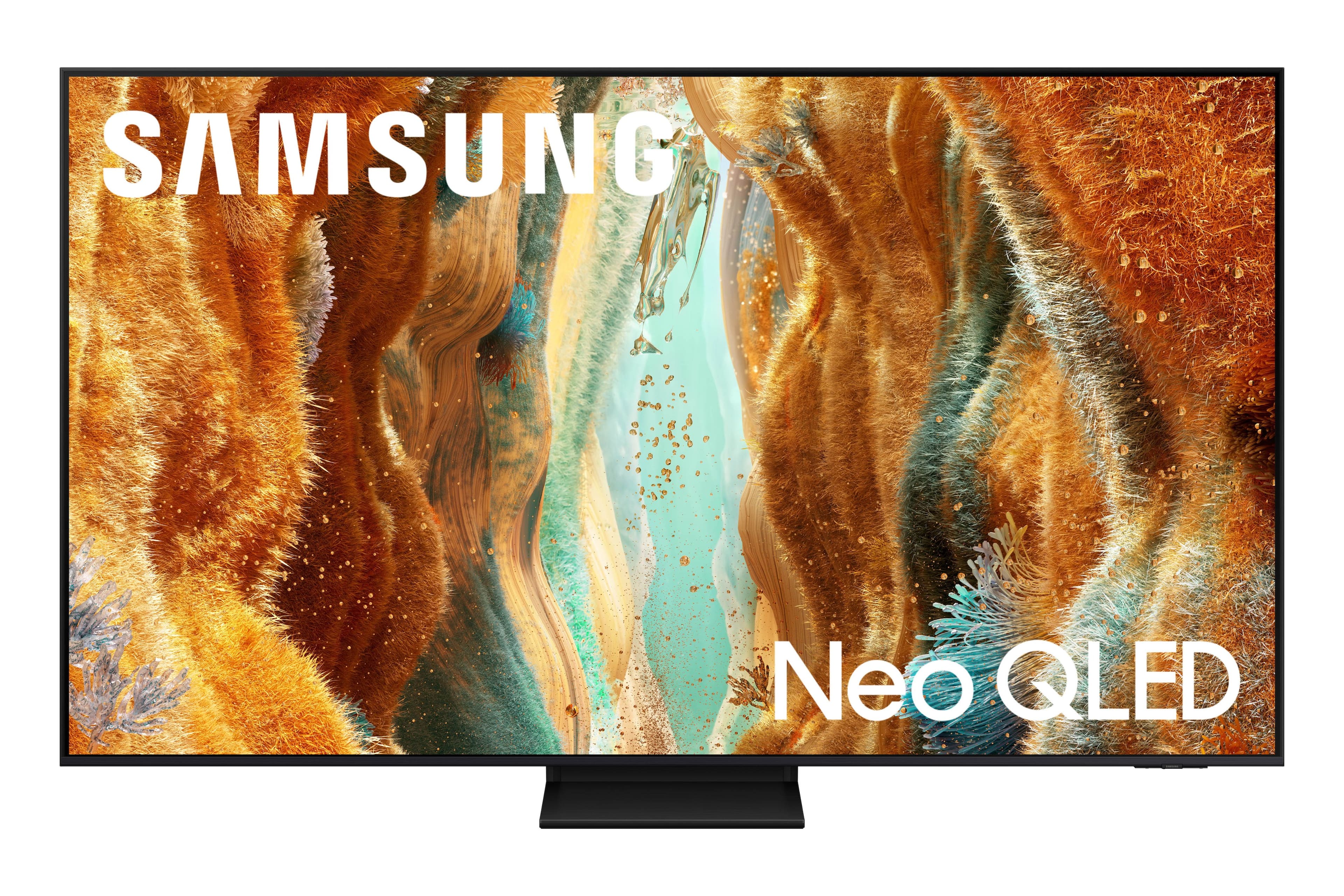
Samsung 70 Inch TV

Explore Samsung 70-inch TVs for a larger screen in your living room or home theater. Compare available models by picture quality, smart TV features, and connections for your streaming devices or game consoles. Check each model’s overall dimensions, stand footprint, and mounting requirements to find a fit for your space and setup.

Categories & Filters
Results
Main Results

Samsung 70 Inch TV

A 70-inch TV gives movies, live sports and games a large canvas in a living room or media room where several people share the screen. The 70-inch measurement runs diagonally from corner to corner, so it isn’t the width of the TV or the amount of space it takes up on a wall. A 70-inch screen with a standard 16:9 aspect ratio is about 61 inches wide and 34 inches tall before the frame and stand are included. The full dimensions matter most when the TV needs to fit between bookcases, inside a media cabinet or on a console with little room left at either end. The footprint of the stand matters too: Feet positioned near the outer edges need a wider surface than a center stand, even on TVs with the same screen size. For a room where a few inches make the difference, a 65 Inch Samsung TV is a useful size comparison. A 70-inch screen is roughly 4 inches wider and has about 16 percent more picture area than a 65-inch screen of the same proportions. That extra area can be noticeable from a sofa across the room, particularly with subtitles or a game that splits the screen between two players. In a narrower room, where the main seats are closer, the smaller screen may fit the layout better and leave more space for speakers or shelving. Seat placement can matter as much as distance in a room with a sectional: A TV that looks great from the middle cushion may lose some color or contrast from the far end, depending on the panel. A 70-inch TV can also make a memorable shared housewarming gift when the recipients have a spot in mind and enough room to bring the box through the door and around any tight corners.

On a screen this size, the quality of the video going into the TV can make a visible difference. A 4K UHD television displays 3,840 by 2,160 pixels, which can bring out fine details in a native 4K movie, a nature documentary or a game running at that resolution. A TV can scale lower-resolution video to fill its screen, but that process doesn’t recover detail missing from the original picture. A heavily compressed stream may still look soft, particularly around moving players or in shadowy scenes. For rooms with lamps or windows facing the TV, screen reflections are another part of the picture. A dark scene that looks clear with the lights down can be harder to follow when a lamp reflects near the center of the screen. The placement of the TV and seating, along with the screen finish and brightness, affects how much those reflections stand out. Households that watch a lot of sports may notice differences in motion handling when the camera pans across the field. With games, the native refresh rate and the capabilities of the HDMI inputs matter more than a motion-smoothing label, especially for a console that can output 4K at 120 frames per second. Those features vary by TV, so the screen size alone doesn’t tell the whole story. Smart TV features also vary, from built-in streaming apps to connections for an external streaming device, game console or disc player. In a setup with several devices, the number and position of the HDMI ports can make a practical difference. Side-facing ports may be easier to reach on a wall-mounted TV, while a compatible HDMI port with audio return can carry sound from the TV to a soundbar without a separate audio cable. For a simpler setup, the built-in speakers keep the console clear; a soundbar can be useful in a room where dialogue is hard to hear over music or background sound.

The materials and construction of a large TV affect how it fits into the room and how it holds up to everyday handling. Frames and housings may use molded plastic, metal or a combination of the two, while the display surface is more delicate than the trim around it. A low-profile frame draws less attention to the edges of the TV, but it also gives hands less room to grip when the set has to move. Two people can keep a large TV upright and support it at the points specified by the manufacturer rather than pressing on the panel. On furniture, a level console rated for the TV’s weight provides a stable base, with enough depth for the feet and enough room behind the set for cables to bend without being pinched. In a household with children or pets, an anti-tip restraint installed as directed can help keep a freestanding TV from tipping. A wall-mounted setup frees space on the console, but the mount needs to match both the TV’s weight and its mounting-hole pattern. It also needs suitable support for the wall type. A fixed mount sits close to the wall, while a mount that swivels can turn the screen toward a dining table or away from a reflection, provided there’s enough clearance for the TV and its cables. For either setup, leaving room around the vents helps heat escape, and a little slack in the cords keeps them from pulling at the ports when the screen moves. Routine care is straightforward: A soft, dry microfiber cloth can remove most dust without scratching the screen, and the manufacturer’s cleaning instructions are the best reference for fingerprints or smudges. Spraying cleaner directly on the display or scrubbing it with a paper towel can damage the surface. It’s also worth leaving a gap between a soundbar and the bottom edge of the screen so the speaker doesn’t cover the picture or block the remote sensor.

FAQs