Black Friday Deals start nowEnds Nov. 28.Shop now

Main Content
Skip to contentGo to Product Search

Black Friday Deals start nowEnds Nov. 28.Shop now

Main Content

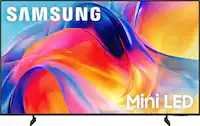
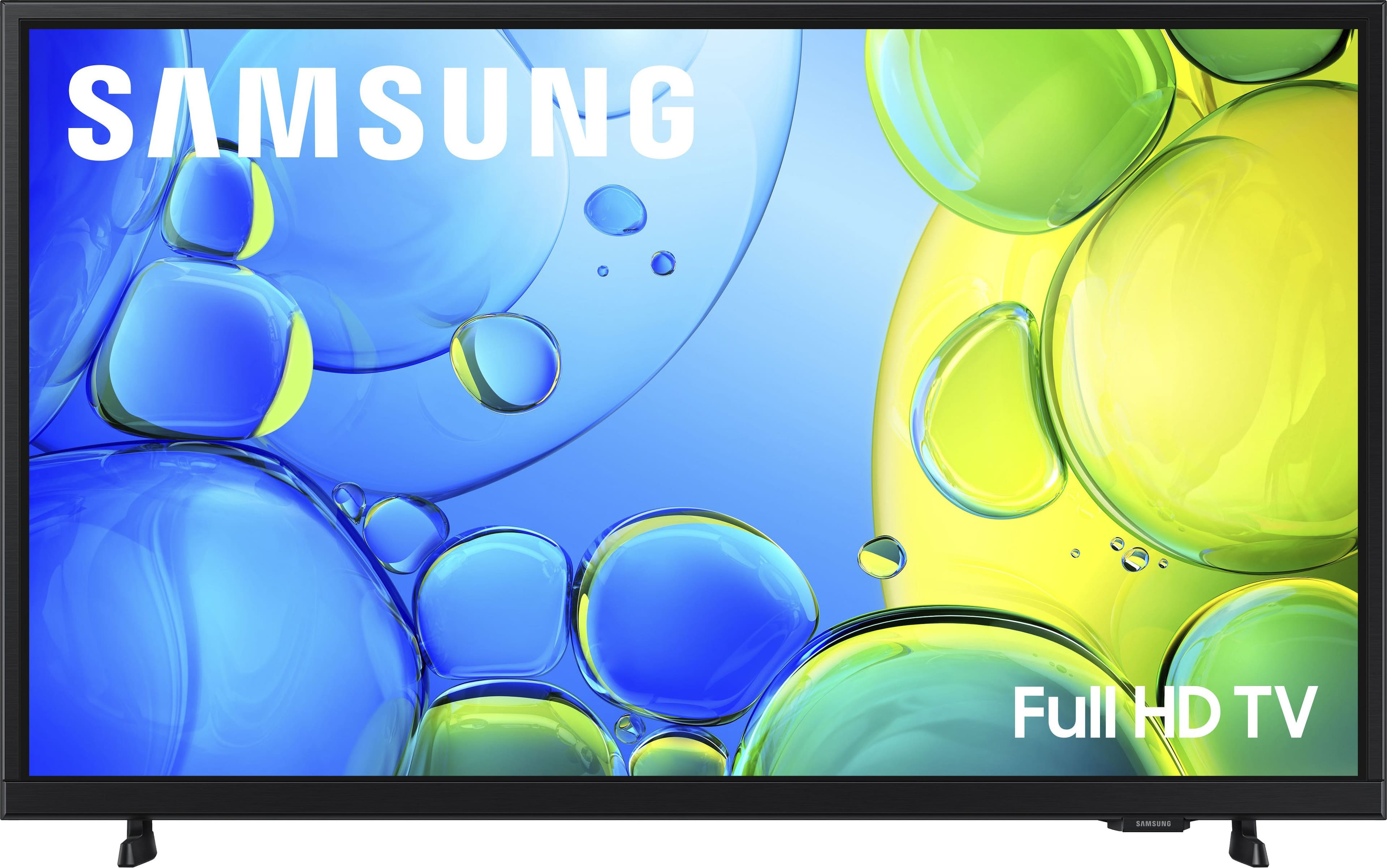
Samsung 50" TV

Shop Samsung 50-inch TVs and compare available models to find the right fit for your room and viewing habits. Review picture specifications, smart features and connection options for the devices you use, then check each model’s dimensions to make sure it fits your TV stand or planned wall placement.

Results

Samsung 50" TV

A Samsung 50" TV brings a generous screen size to living rooms, bedrooms, apartments, and other spaces where you want an engaging picture without moving up to a much larger display. This size can suit everything from everyday streaming and family movie nights to sports and console gaming, with placement and viewing distance helping determine how comfortably it fits your room. The 50-inch measurement refers to the screen’s diagonal, so the TV’s full width, height, and stand dimensions are important when choosing a spot on an entertainment center. Picture quality also involves more than screen size alone. When comparing Samsung TVs, consider resolution, display technology, contrast, brightness, and color performance alongside the content you watch most. A 4K display can reveal fine detail in compatible movies, shows, and games, while high dynamic range, or HDR, can provide a wider range of brightness and color with supported content. For lower-resolution broadcasts or older video sources, upscaling performance is another useful consideration, though it cannot replace the detail of native 4K content.

Different viewing habits make different features worth prioritizing. For a bright living room, screen brightness and reflection handling can matter as much as resolution, while contrast and black levels become especially noticeable during movies in a dimmer space. Seating arrangement matters, too: a household watching from a wide sofa may place more importance on off-center picture quality than someone sitting directly in front of the screen. Sports fans can compare motion handling, and gamers can look at input lag, native refresh rate, and support for gaming features that match their console or PC. A higher advertised motion rating is not necessarily the same as a higher native panel refresh rate, so checking the specifications helps make comparisons more meaningful. Smart TV features are another part of the experience, particularly for households that prefer streaming without a separate player. Consider access to your preferred apps, the layout of the smart interface, remote-control features, and any supported voice controls or connected-home functions that fit how you already use your devices.

Connections, sound, and installation help round out the choice of a Samsung 50" TV. Count the devices you plan to connect, including a game console, streaming player, cable box, or disc player, and compare the number and capabilities of the HDMI inputs. If a soundbar or receiver is part of your setup, compatible HDMI ARC or eARC connections can simplify audio routing between the TV and your sound system. Built-in speakers may meet everyday viewing needs, while a separate audio system can add fuller sound and clearer dialogue, depending on the equipment and room. For furniture placement, check that the stand fits securely on your surface and leaves room for any equipment beneath the screen. For wall mounting, match the mount to the TV’s weight and mounting pattern, and plan access to power and cable connections. Looking at the complete setup—not just the screen—helps you choose a TV that fits your space, entertainment habits, and existing equipment while giving appropriate weight to the features you will use most.

FAQs