Skype Microphones
-
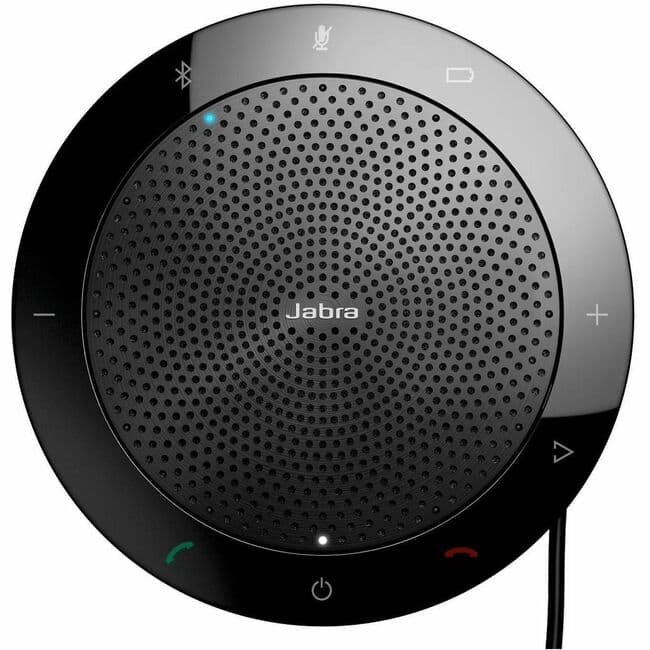
Jabra - Speak 510 - Wired/Wireless Bluetooth - IBM Sametime, Cisco, Avaya, Skype - Omni-directional Microphone(s) - Portable - Black
SKU: JXQWK8KWJGSee all Bluetooth & Wireless SpeakersProduct Description
A portable black speakerphone featuring omni-directional microphones and Bluetooth connectivity for seamless conference calls.Your price for this item is $169.00 -
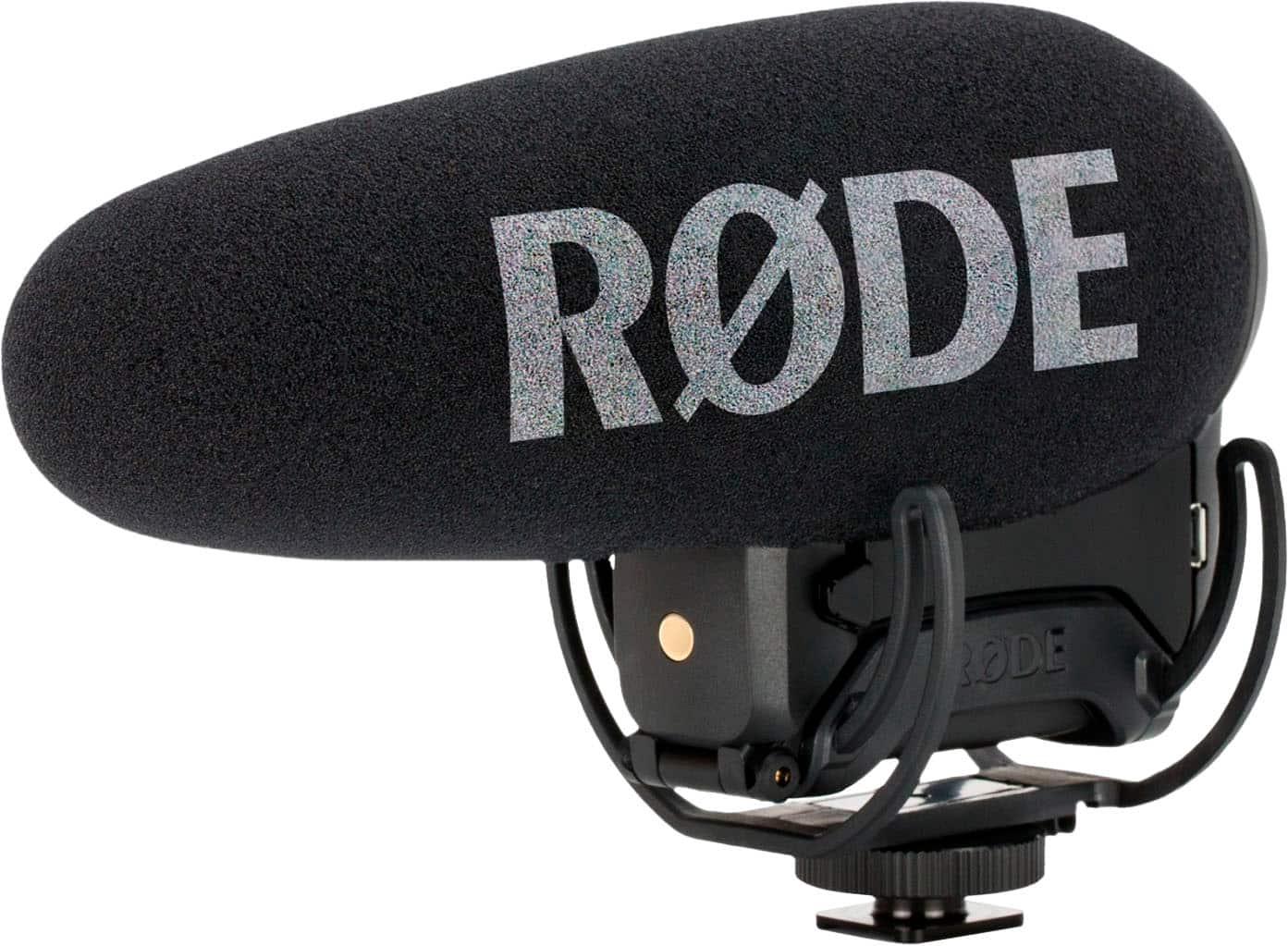
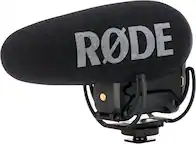
RØDE - VIDEOMIC PRO+ Premium On-Camera Microphone - Black
SKU: JXR9LSGGV3I love it great quality products very good i enjoy it....I took me some practice to really like it, I love it....Best Buy electronic...Best Shotgun mic!
See all Camera MicrophonesProduct Description
A premium black on-camera shotgun microphone delivering broadcast-quality audio with auto on/off and long battery life.Your price for this item is $309.99 -
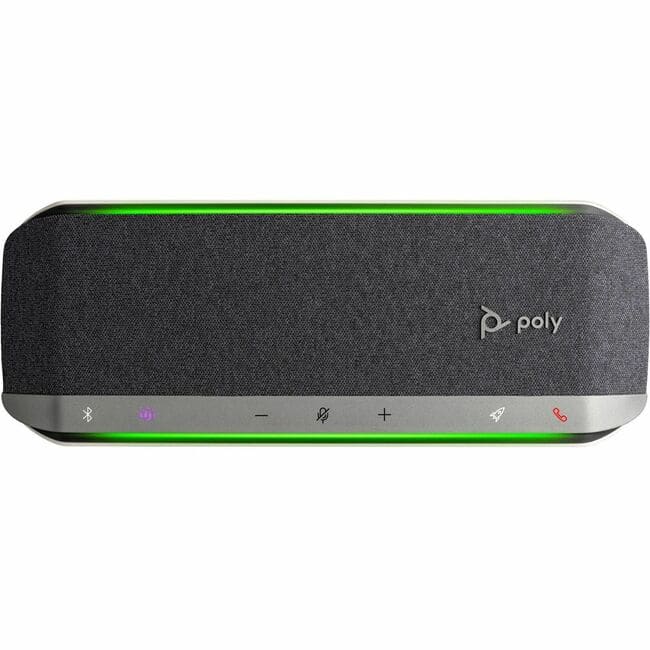
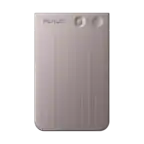
HP - Poly Sync 40 Microsoft Teams Certified Speakerphone - Wired/Wireless - Microsoft Teams - 3 Microphone(s) - 50 mm - Silver
SKU: JJGG7ZWKWFSee all Bluetooth & Wireless SpeakersProduct Description
A silver speakerphone with wired and wireless connectivity, three microphones, and Microsoft Teams certification.Your price for this item is $233.95Save $4The previous price was $238.85 -
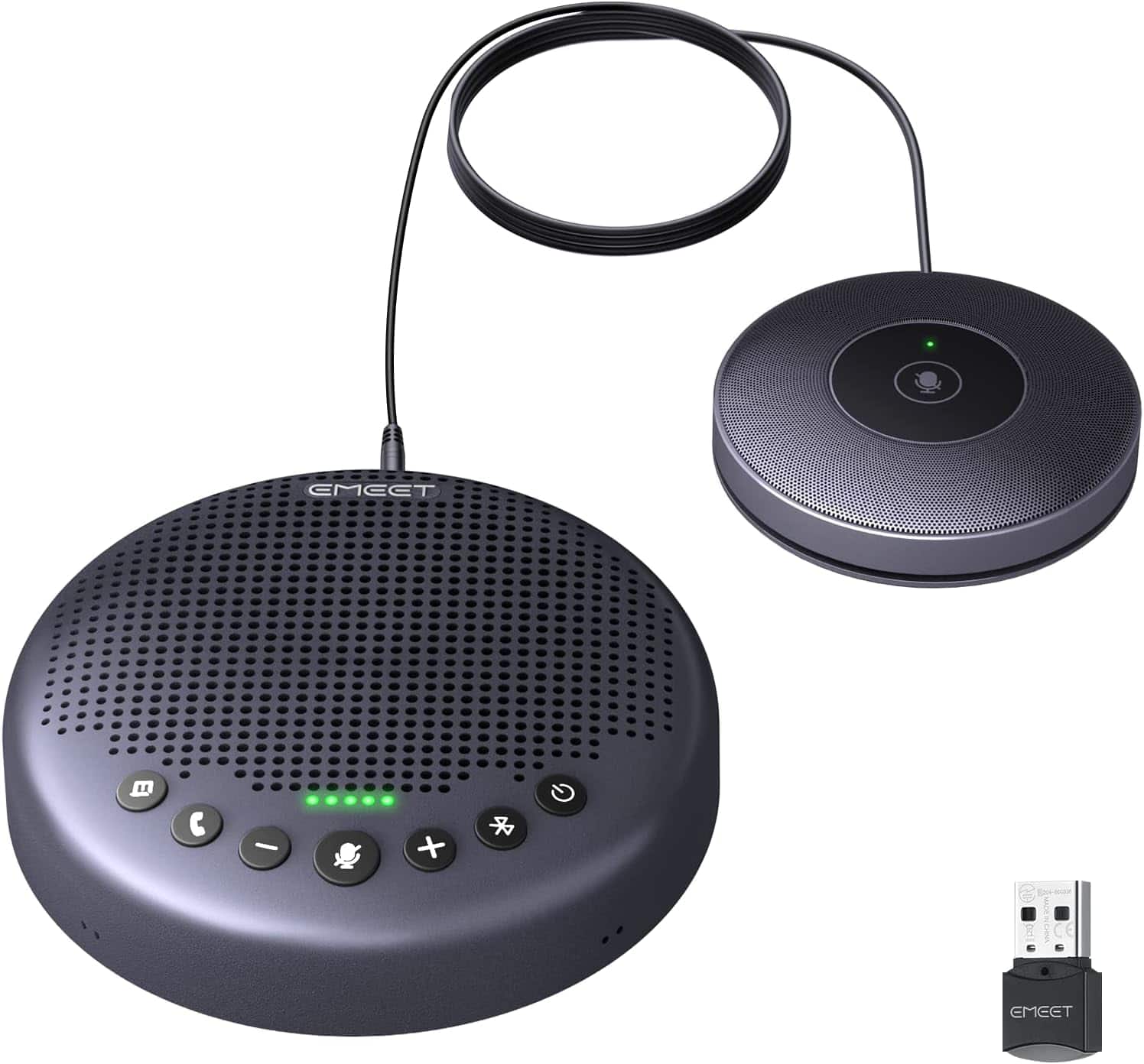
EMEET - Conference Speaker and Microphone w/8+1 Mics, 360° Voice Pickup, Noise Reduce, Bluetooth/USB/Dongle Speakerphone f - Gray
SKU: CZTXRVR8X2See all Bluetooth & Wireless SpeakersProduct Description
A gray conference speakerphone with 8+1 microphones, 360° voice pickup, noise reduction, and Bluetooth connectivity.Your price for this item is $129.99
Best Sellers




Related Pages


FAQ
When choosing a microphone for Skype, look for features like noise cancellation, clear audio quality, plug-and-play compatibility, and a flexible or adjustable stand. USB microphones are popular for their ease of use, while some users prefer headsets with built-in mics for added convenience.
Yes, most USB microphones are designed to be compatible with both Windows and Mac operating systems. They are typically plug-and-play, meaning they require no additional drivers or software for use with Skype.
Yes, many wireless microphones, including Bluetooth models, can be used with Skype as long as your device supports Bluetooth connectivity. Make sure to select the wireless microphone as your input device within Skype’s audio settings.
While most laptops have built-in microphones, an external microphone often provides superior audio quality, reduces background noise, and offers more flexibility in positioning for clearer Skype calls.
To set up a new microphone for Skype, connect the microphone to your computer and open Skype. Go to Settings > Audio & Video, then select your new microphone from the list of available input devices. Test your audio to ensure it’s working correctly before making a call.