Headset For Skype
-
Aluratek - Wired USB Stereo Headset with Boom Mic - Black
SKU: J3L2HX9FHXSee all Headsets & MicrophonesProduct Description
A wired black headset with adjustable headband and noise-cancelling boom mic for clear, distraction-free calls.Your price for this item is $30.25Save $1The previous price was $32.22 -
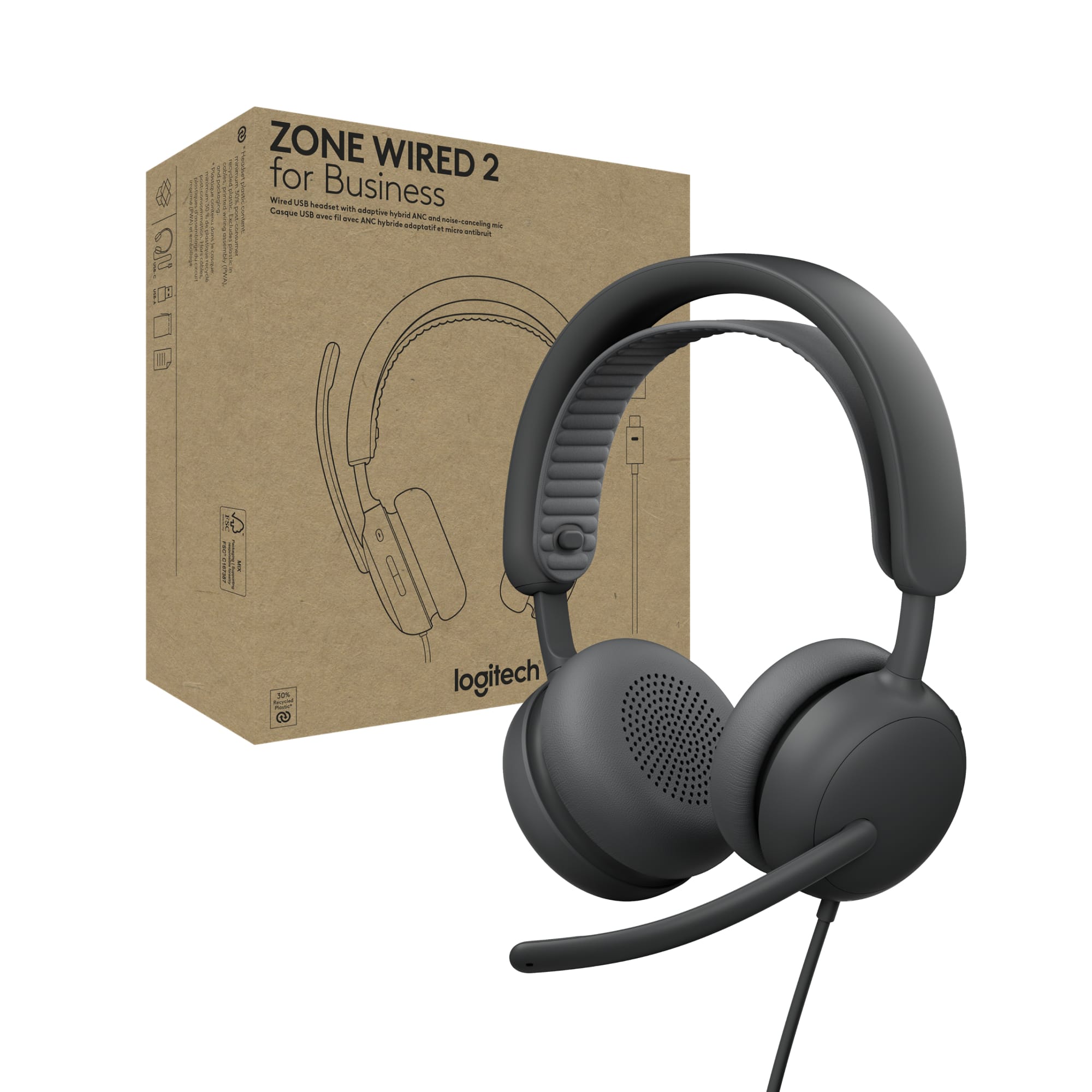
Logitech - Zone Wired 2 Noise-Canceling Headset for Business Zoom & Google Certified USB C with USB A Adapter - Graphite
SKU: J7H7ZYLL39See all Headsets & MicrophonesProduct Description
A graphite wired headset with adaptive hybrid ANC, dual noise-canceling microphones, and Zoom certification.Your price for this item is $129.99 -
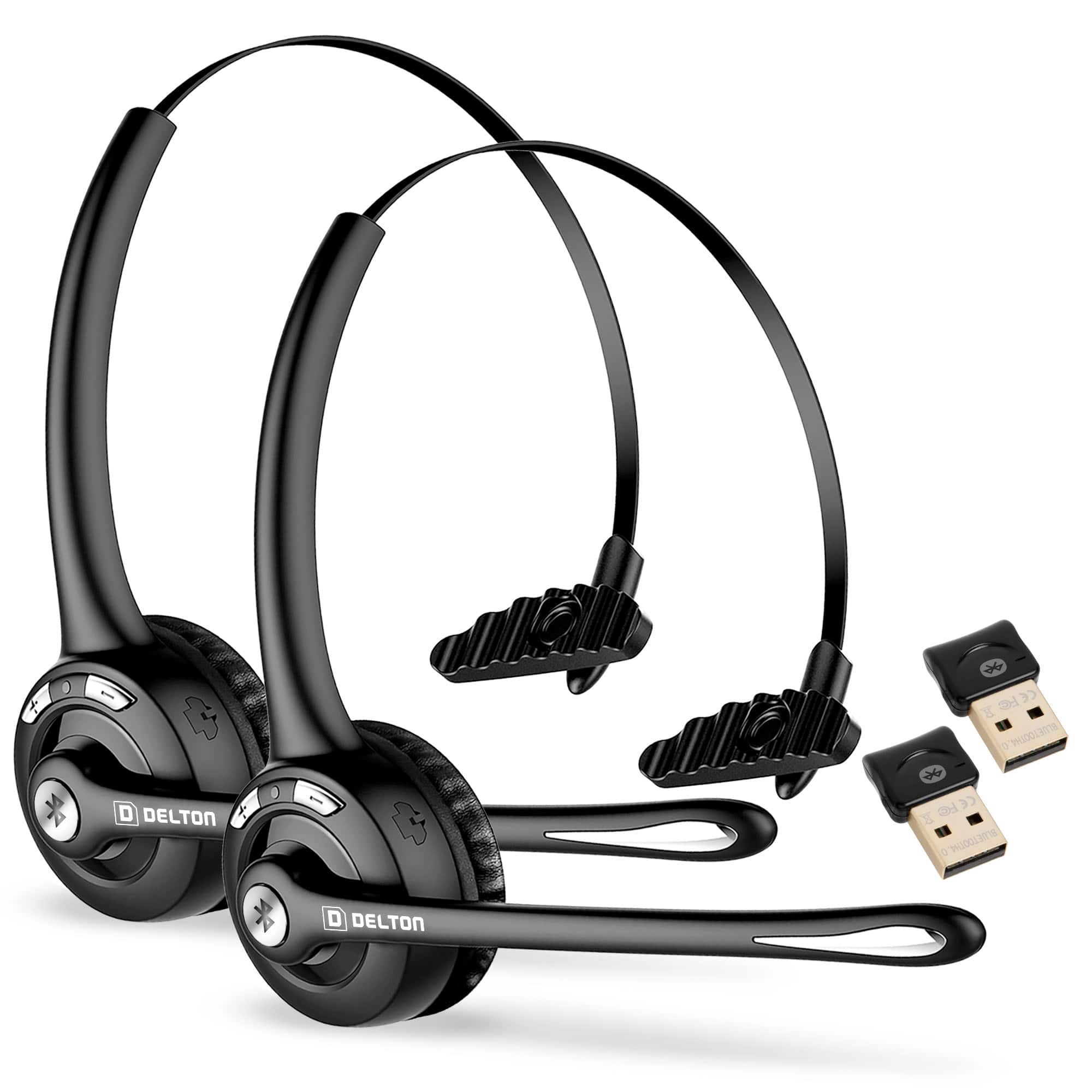
Delton - 10X Noise Cancelling Wireless Bluetooth Headset with Microphone and 18Hr Talk Time, 2-Pack - Black
SKU: J38PCKS2ZKSee all Headsets & MicrophonesProduct Description
A wireless black headset 2-pack featuring noise cancellation, Bluetooth 5.0, and 18-hour talk time.Your price for this item is $64.99 -
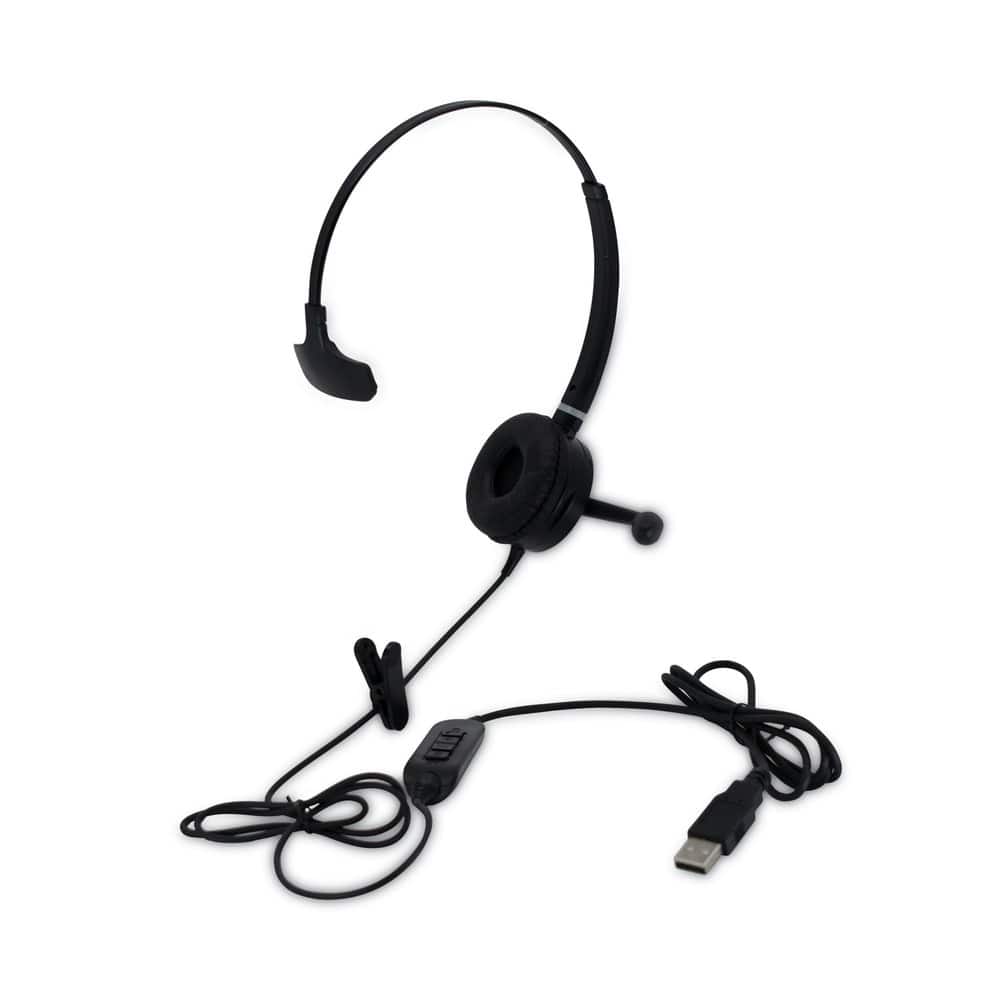
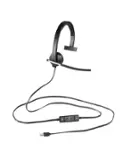
Spracht - HSWDUSB1 Monaural Over The Head Headset - Black
SKU: J383CHW6LLSee all Headsets & MicrophonesProduct Description
A black over-the-head USB headset with noise-canceling microphone and 40mm speakers for clear audio.Your price for this item is $47.66 -
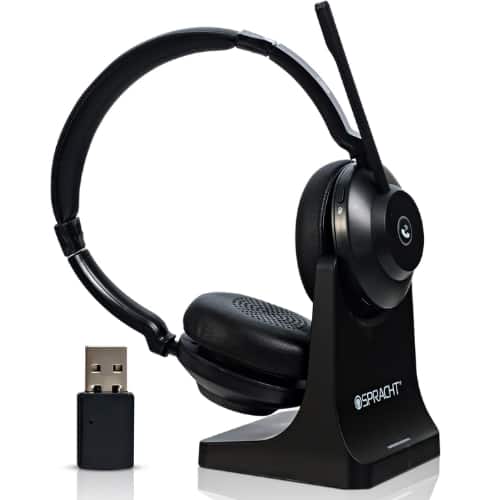
Spracht - Blues Combo BT/USB Wireless Headset with Noise-Canceling Mic, 40-Hour Battery, Dual Ear for Work
SKU: J383CHW6Q4See all Headsets & MicrophonesProduct Description
A dual wireless black headset with noise-canceling mic, leatherette ear cushions, and 40-hour battery life.Your price for this item is $38.60 -
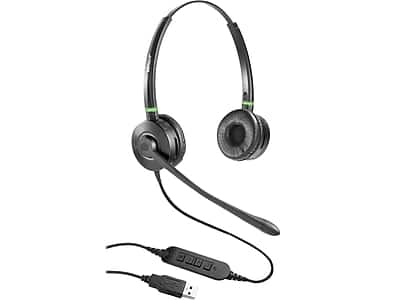
Spracht - Wired Noise Canceling Stereo On Ear Computer Headset - Black
SKU: J383CHW6LQSee all Headsets & MicrophonesProduct Description
A wired black headset with noise-canceling microphone, leatherette ear cushions, and a call indicator light.Your price for this item is $50.92Save $16The previous price was $67.78 -
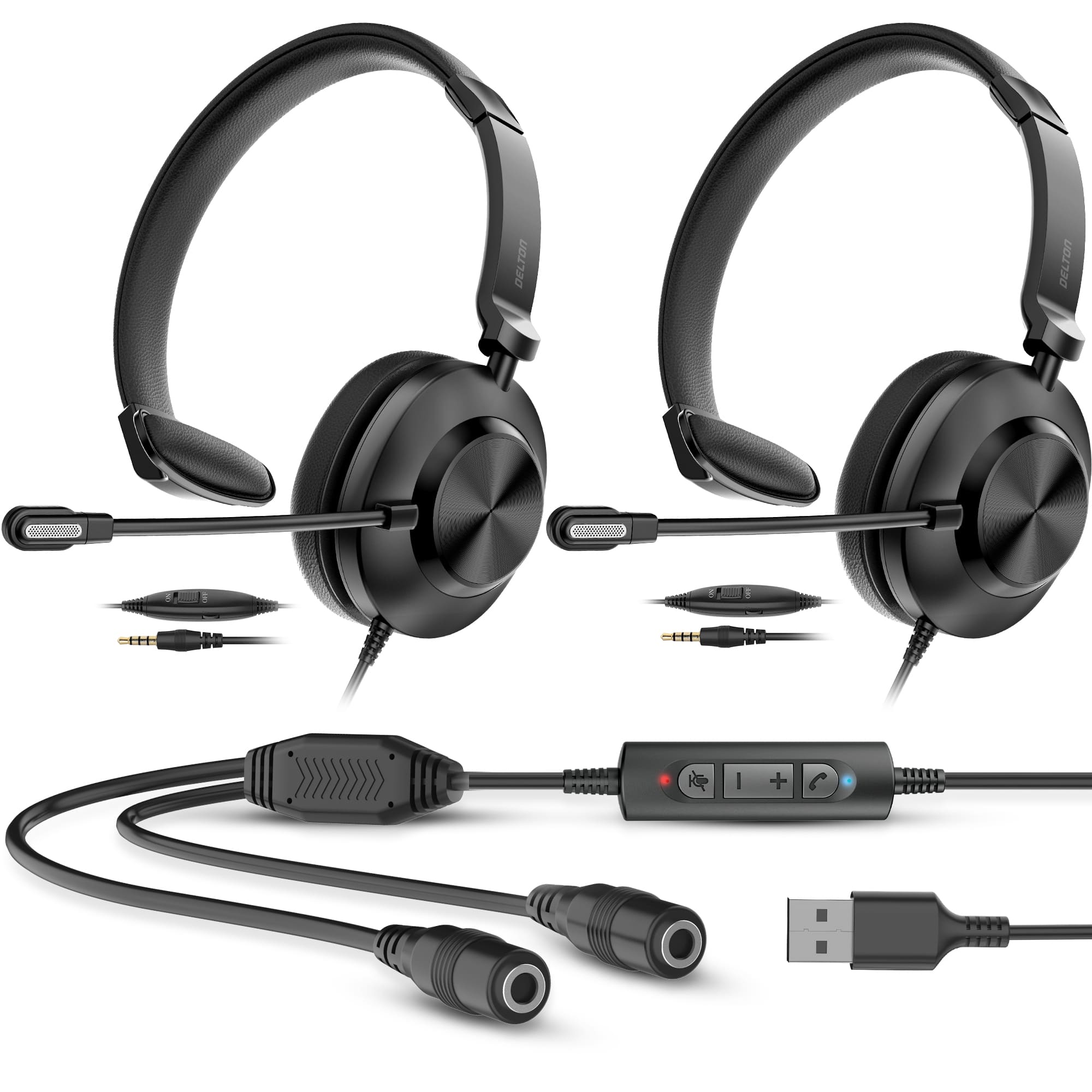
Delton - T30Y Training Headset Kit with Master Adapter & Splitter - Black
SKU: J38PCKS67KSee all Headsets & MicrophonesProduct Description
A black wired on-ear headset with noise-canceling mic, dual headset connectivity, and plush ear cushions.Your price for this item is $149.99 -
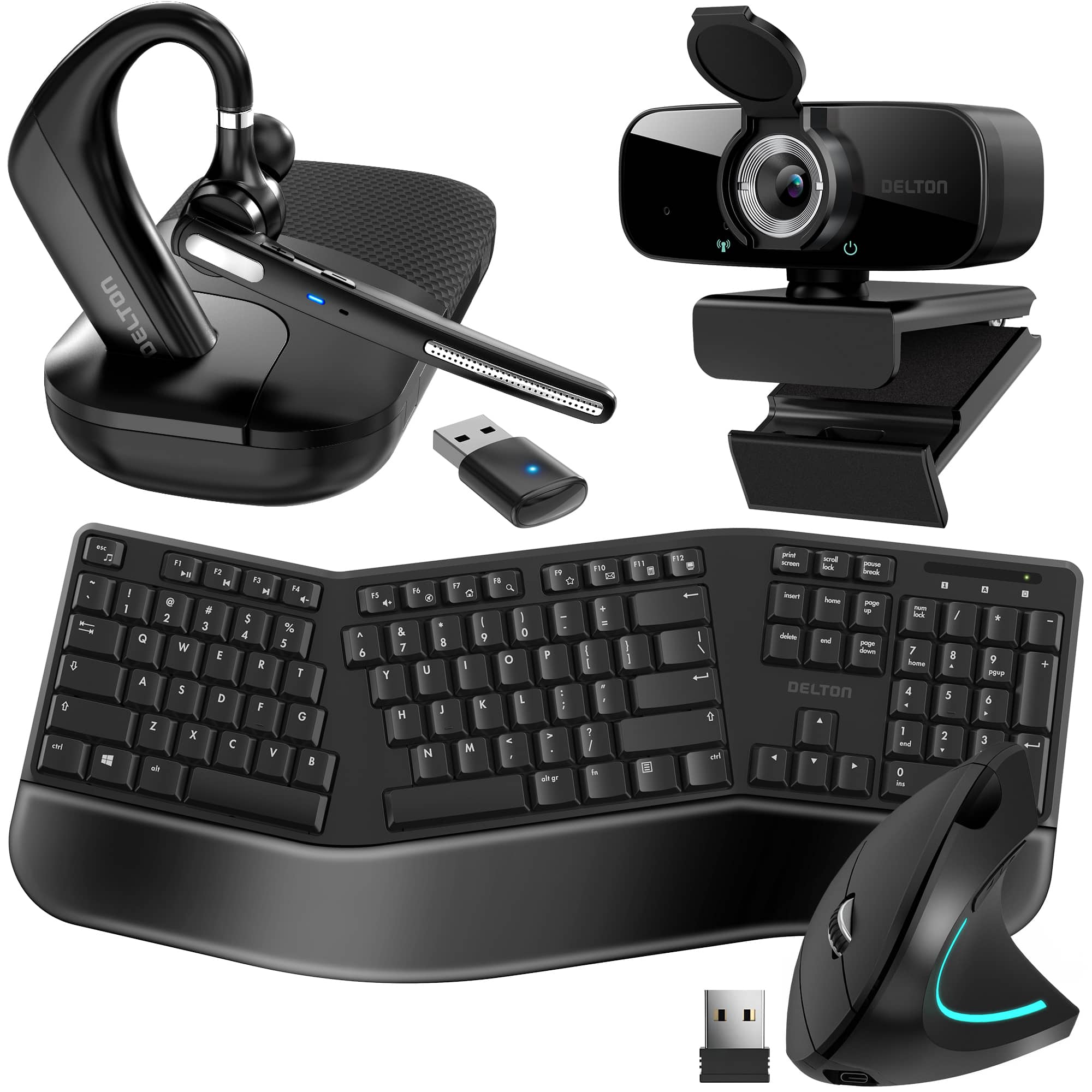
Delton - 90x Work Anywhere Bundle: Ergonomic Keyboard & Mouse, Webcam, Headset (DBND4WLS90X) - Black
SKU: J38PCKSY8YSee all Headsets & MicrophonesProduct Description
An all-in-one black ergonomic bundle featuring a Bluetooth headset, 1080p webcam, split keyboard, and mouse.Your price for this item is $274.99 -
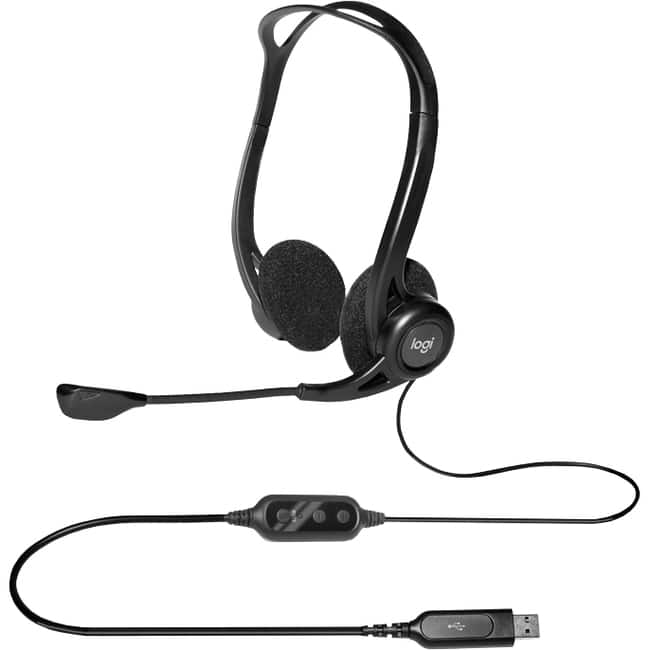
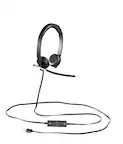
Logitech - 960 USB Computer Headset - Stereo - USB Type A - Wired - 100 Hz to 10 kHz - Over-the-head - Binaural - Unknown
SKU: J7H7ZYXWJKSee all Headsets & MicrophonesProduct Description
A wired USB headset with stereo sound, noise-cancelling microphone, and ultra-soft ear pads for comfort.Your price for this item is $34.26 -
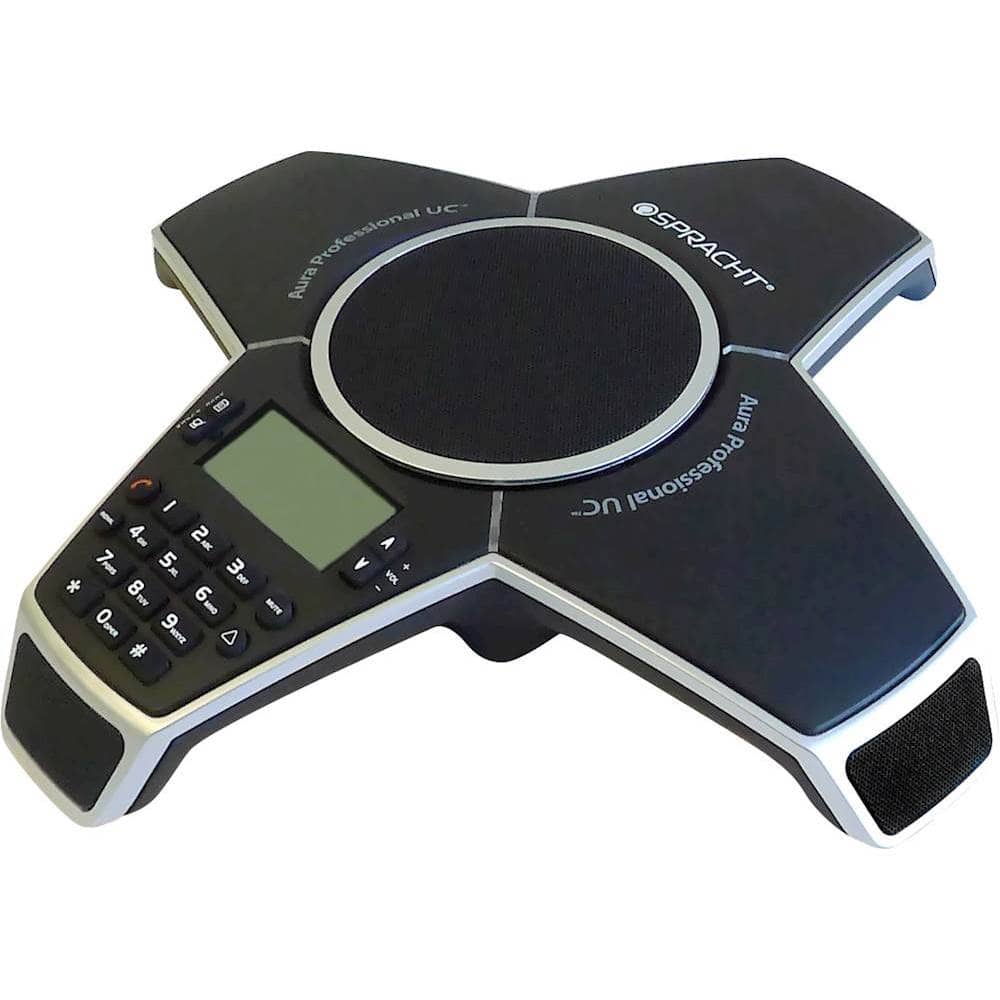
Spracht - Aura Professional UC Conference Phone - Black
SKU: J383CHT3KYSee all Conferencing TelephonesProduct Description
A versatile black conference phone offering landline, USB VoIP, mobile connectivity, and advanced call management features.Your price for this item is $226.91Save $52The previous price was $279.81

Best Sellers
Related Pages

FAQ
When choosing a headset for Skype, consider features like noise-cancelling microphones, comfortable ear cushions, adjustable headbands, and easy-to-use in-line controls for volume and mute. Compatibility with your device and clear audio quality are also important.
Yes, wireless headsets are suitable for Skype calls and offer the added benefit of mobility. Look for models with reliable Bluetooth connectivity and long battery life for uninterrupted conversations.
Many gaming headsets work well for Skype, as they often include high-quality microphones and comfortable design for long use. Just ensure the headset is compatible with your computer or device and has the necessary audio jacks or USB connections.
Most headsets are plug-and-play and do not require special software to work with Skype. However, some advanced models may offer optional software for customizing sound or microphone settings.
To get the best audio experience on Skype, connect your headset to your device, select it as the default audio input and output in Skype’s settings, and adjust microphone sensitivity and volume as needed. Make sure your headset drivers are up to date for optimal performance.