Smallest Webcams
-
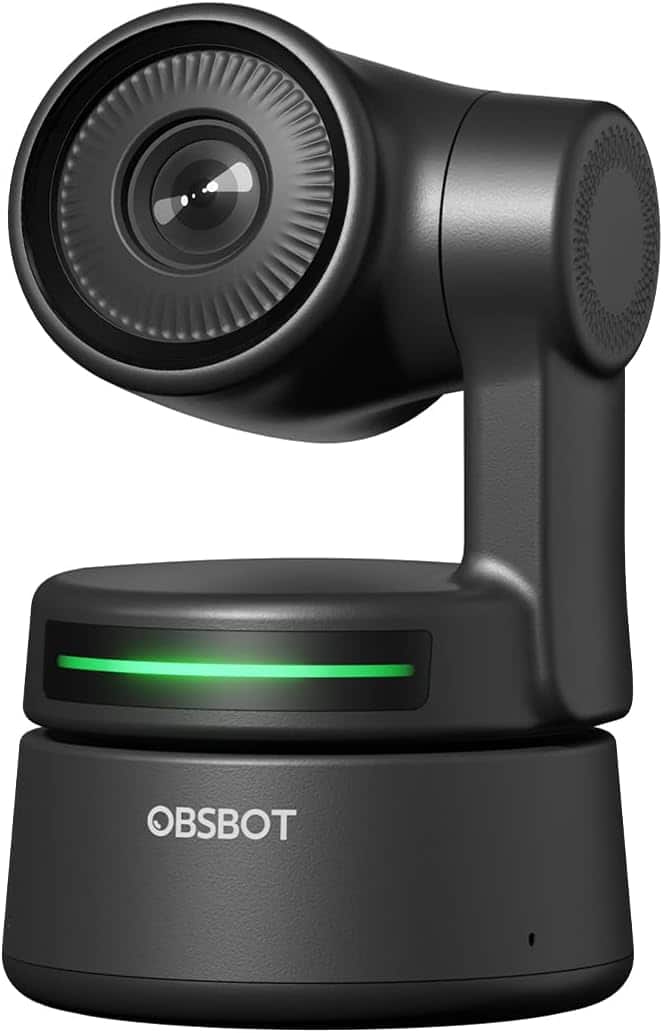
OBSBOT - Tiny AI Powered Webcam - Black
SKU: CZT84SPWXZSee all WebcamsProduct Description
An AI-powered black webcam with Full HD video, autofocus, built-in microphone, and smooth pan-tilt-zoom.Your price for this item is $199.00 -
JLab - GO POP USB Webcam - Black
SKU: J3GW8XZ699It’s great to use on other computers when I don’t have access to my laptop camera and I love how it has...This works great! It’s super easy to set up and I love that it’s also easy to move around....Great...
See all WebcamsProduct Description
A compact black webcam offering Full HD video, plug-and-play setup, and a built-in privacy shutter.Your price for this item is $24.99 -
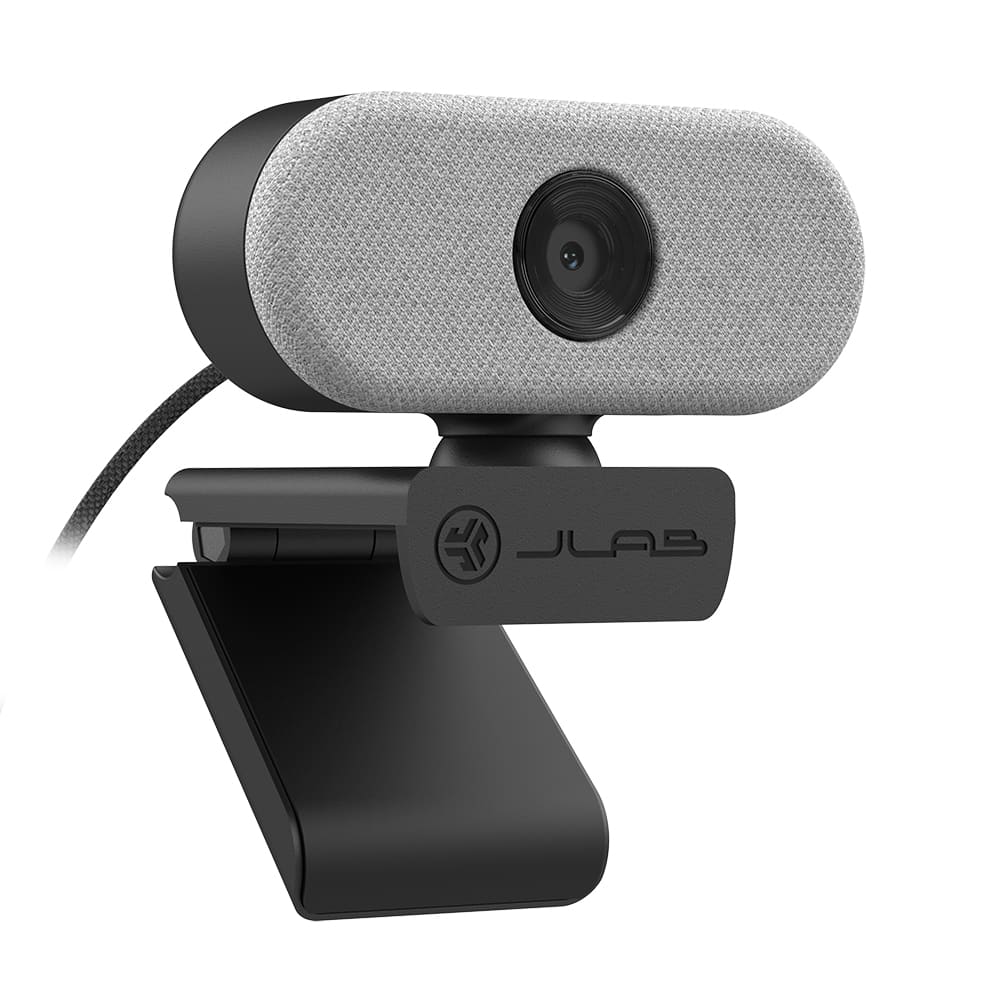
JLab - GO USB Webcam - White
SKU: J3LXRQK8Y8Great features...It's overall easy to use and a great product....Great product, does exactly as it's supposed to do.
See all WebcamsProduct Description
A compact white webcam delivering Full HD video and omni-directional audio with built-in microphone.Your price for this item is $39.99 -
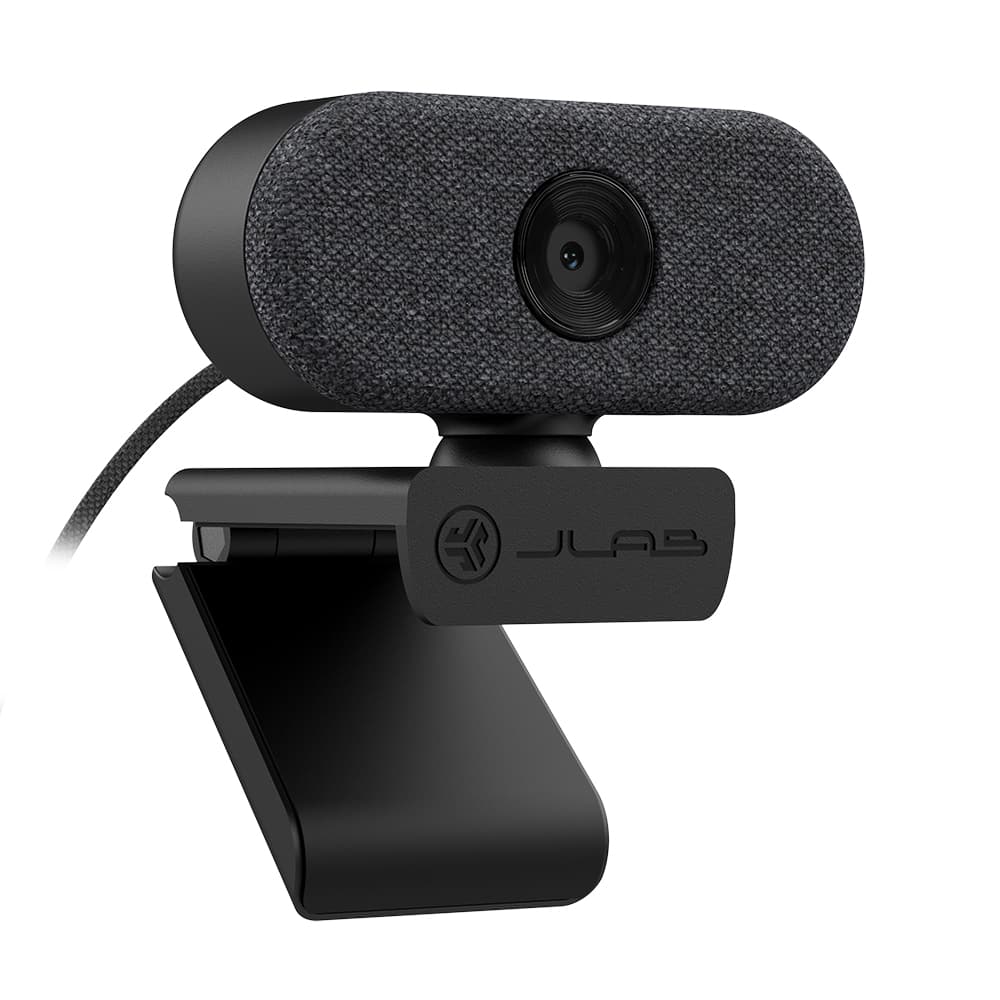
JLab - GO USB Webcam - Black
SKU: J3LXRQKC5PLove it!...This is a great little camera. My last webcam finally gave out, so I picked up the GO Cam by JLab....It's great! the picture is far more color-accurate than my last camera, which is great....The...
See all WebcamsProduct Description
A compact black webcam delivering Full HD video and omni-directional audio with built-in microphone.Your price for this item is $39.99

Best Sellers






Related Pages



FAQ
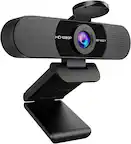
When choosing a compact webcam, consider features such as high-definition video resolution, built-in microphones, low-light correction, plug-and-play compatibility, and adjustable mounting options to ensure optimal performance and convenience.
Yes, most small webcams are designed to be compatible with both Windows and Mac operating systems. Always check the product specifications to confirm compatibility with your device.
Absolutely! Small webcams typically work seamlessly with popular video conferencing platforms like Zoom, Microsoft Teams, Skype, and Google Meet. Simply connect the webcam to your computer and select it as your video input device.
Many compact webcams come equipped with built-in microphones, allowing you to capture both video and audio without needing additional equipment. Check the product details to ensure your chosen webcam includes this feature.
Most small webcams are plug-and-play, meaning you simply connect them to a USB port on your computer. Your operating system should automatically recognize the device, and you can adjust settings through your preferred video or conferencing application.