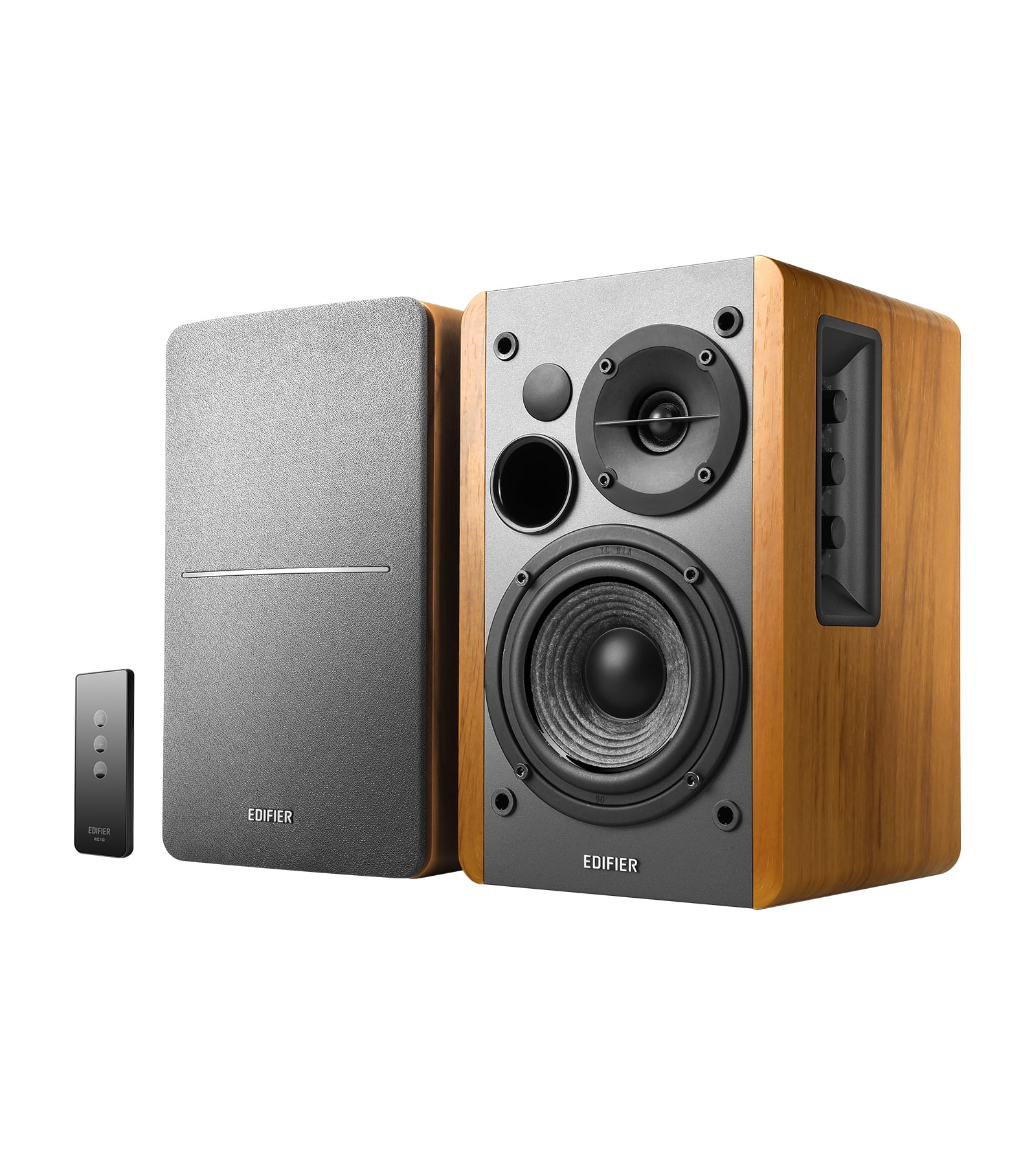
Deals for every list.Start early, save early.Shop now

Main Content
Skip to contentGo to Product Search

Deals for every list.Start early, save early.Shop now

Main Content

Speakers For Monitor

Find speakers for your monitor setup for music, video calls, and gaming. Explore external speakers with your desk space and listening needs in mind, and check the audio outputs on your monitor or computer to choose a compatible connection.

Results

Speakers For Monitor

Speakers for monitor setups can bring clearer dialogue, fuller music and more engaging game audio to a desktop workspace without relying on a display’s built-in sound. External speakers are useful for home offices, study areas and entertainment desks where one screen handles everything from video calls to movies. Compact stereo speakers keep the setup relatively simple, with separate left and right channels that help give music, games and on-screen action a sense of space. A desktop soundbar offers another layout, placing audio beneath the screen rather than on either side, while a speaker system with a separate subwoofer can add low-frequency impact for bass-heavy music and movie soundtracks. The right format depends on both listening preferences and available room. Smaller speakers may fit neatly beside a monitor on a narrow desk, while larger enclosures and a separate bass unit require more space. Speaker height also matters when a display sits low or shares the desk with a second screen.

Connection compatibility is an important part of choosing speakers for a monitor because the audio signal may come from the display, the computer or another connected device. A monitor with a compatible audio output can pass sound to external speakers, while a direct connection to a desktop or laptop may be more practical when the display has no audio output. HDMI and DisplayPort can carry audio to a compatible monitor, but the monitor still needs a suitable way to send that sound to the speakers. A 3.5 mm connection is a familiar analog option, and speakers that support USB audio can receive digital sound from a compatible computer. USB power alone does not mean a speaker accepts audio over USB, so the distinction matters when comparing connections. Bluetooth can reduce audio cabling and make it convenient to play music from a compatible phone, although wireless audio delay may be noticeable in timing-sensitive games or videos. Powered speakers have built-in amplification; passive speakers need a separate compatible amplifier, which adds equipment and connections to the setup.

Sound quality, everyday controls and placement help distinguish speakers that otherwise appear similar. Clear midrange reproduction supports spoken content such as meetings, lectures and podcasts, while balanced treble helps preserve detail in music. Stronger bass can make entertainment feel more immersive, but bass output is only one consideration, especially in a shared workspace or a room where sound travels easily. Speakers that remain clear at moderate or low volume can be a practical match for close-up desktop listening. Front-facing volume controls, an accessible mute function and a headphone jack can simplify switching between shared sound and private listening. A speaker’s microphone capabilities are separate from its playback function, so video-call setups may still rely on a headset, webcam microphone or another microphone. Dimensions, cable reach and power requirements also affect how neatly everything fits around a monitor stand, keyboard and docking station. Together, these details help match external monitor speakers to the way a desk is used, whether the priority is focused work, casual listening or an entertainment setup.

FAQs