Stereo Wireless Headsets
-
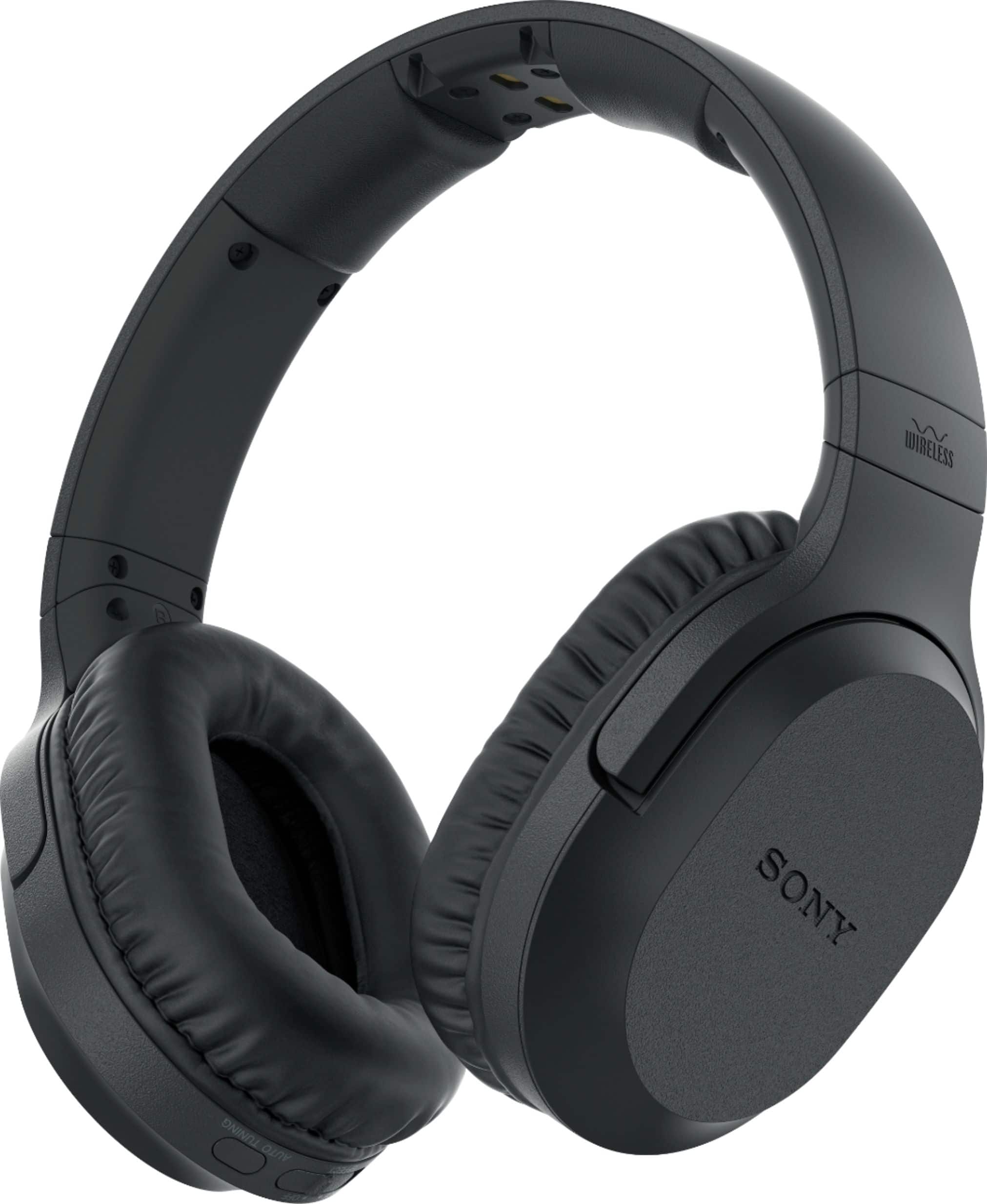
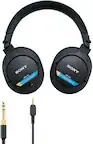
Sony - WHRF400 RF Wireless Headphones - Black
SKU: J7XSRH49PJThey work really great....Your staff are always great help thank Best Buy. I love shopping in your Acworth Ga. Store...Best Buy ever...Best recommendation ever from sales staff. Love them, perfect
See all Over-Ear HeadphonesProduct Description
A pair of black RF wireless headphones featuring 20-hour battery life, adjustable headband, and noise cancellation.Your price for this item is $138.99Save $21The previous price was $159.99 -
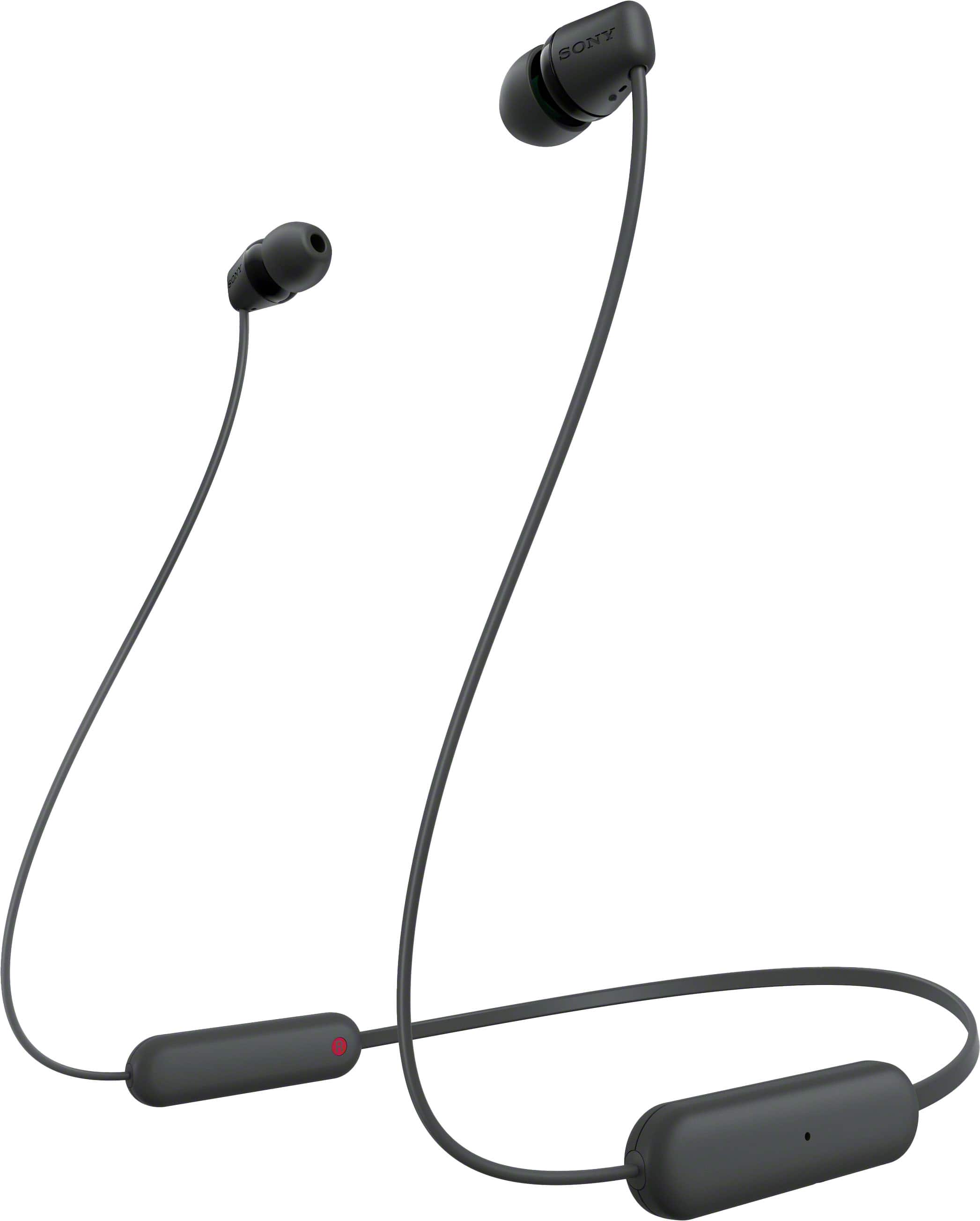
Sony - WIC100 Wireless In-ear Headphone - Black
SKU: J7XSRH5CZ6For the price; hands down the best wireless in this price range....Love it and cheap and best use of economical earphone...Best product for the price...My boys love them....Great
See all All HeadphonesProduct Description
A black wireless in-ear headphone offering Bluetooth connectivity, up to 25-hour battery life, and splash resistance.Your price for this item is $39.99 -
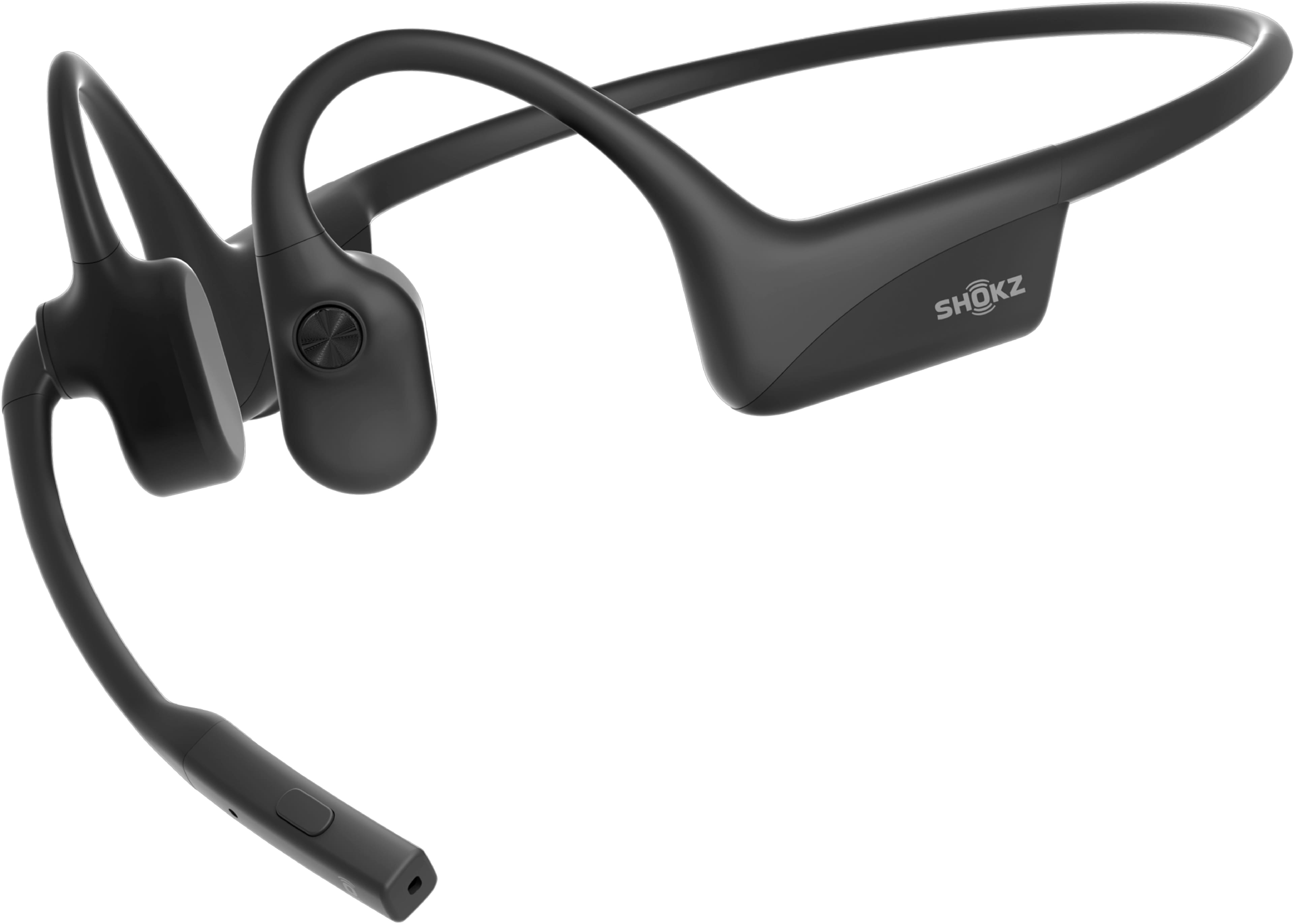
Shokz - OpenComm2 Bone Conduction Stereo Bluetooth Headset 2025 Upgrade - Black
SKU: J3GWPSGSXGGreat, the best headphones for...Great, the best headphones for calls and Zoom meetings, my only complaint is that the connectivity between...The Best...I love this headset; it's literally part of my...
See all Headsets & MicrophonesProduct Description
A black open-ear wireless headset featuring bone conduction technology, noise-cancelling microphone, and Bluetooth connectivity.Your price for this item is $159.95 -
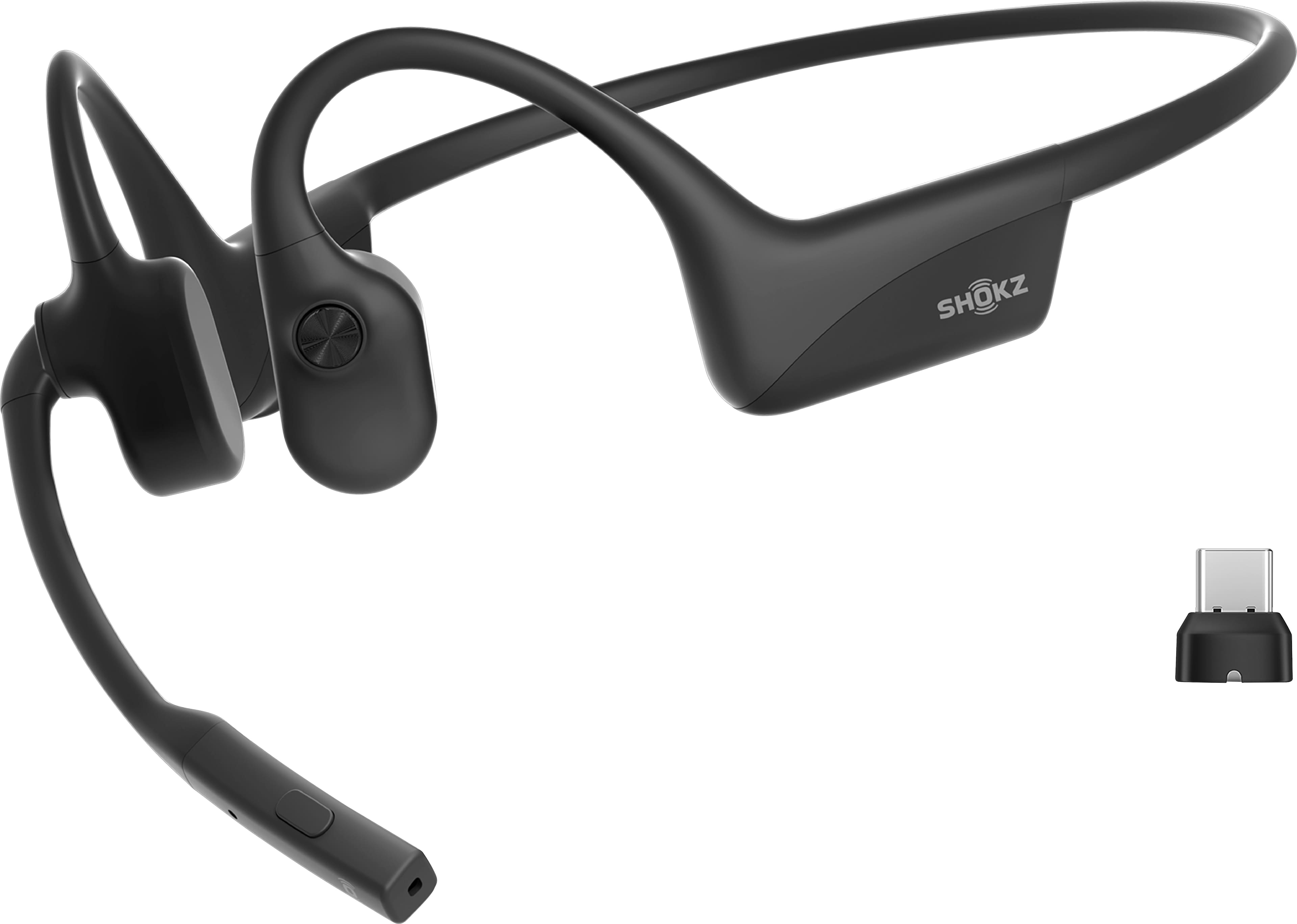
Shokz - OpenComm2 UC Bone Conduction Stereo Bluetooth Headset 2025 Upgrade, USB-C - Black
SKU: J3GWPSGS8Kgreat product...comfort: 5 start, fast to connnect, best investment....Best overall...Great for office setupClear voice and noise cancellation
See all Headsets & MicrophonesProduct Description
An advanced black open-ear Bluetooth headset with bone conduction audio, dual noise-canceling mic, and USB-C charging.Your price for this item is $199.95 -
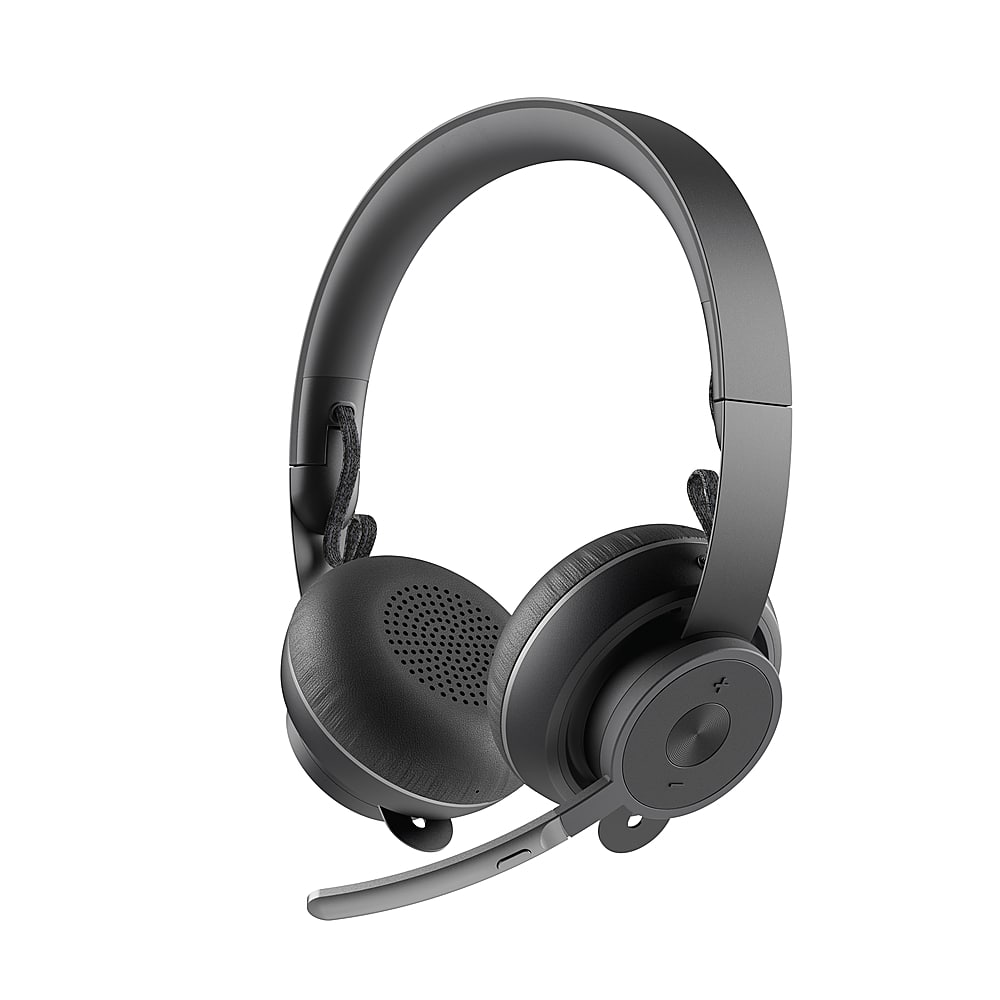
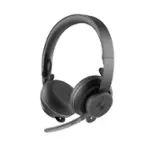
Logitech - Zone Wireless Bluetooth Noise-Cancelling Headset for Open Office - Graphite
SKU: J7H7ZY3CWHBest One I have Used...Battery life and sound is great and they block out background noise...Great Product...The sound and mic quality are great and she has been especially pleased with the wireless connectivity...
See all Headsets & MicrophonesProduct Description
A wireless graphite headset with active noise cancellation, Bluetooth connectivity, and a flip-to-mute microphone.Your price for this item is $179.99 -
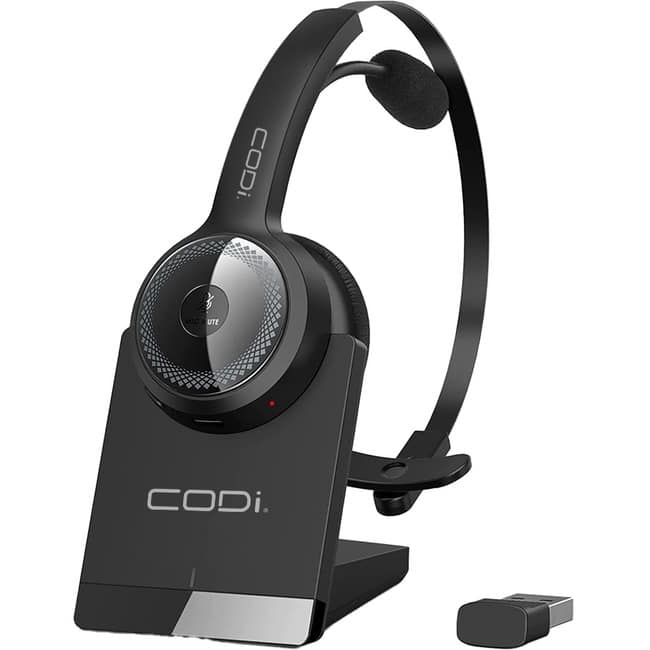
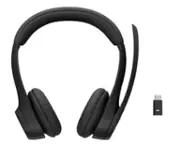
CODi - Wireless Headset with Integrated AI Noise-Cancelling Microphone - Stereo - Wireless - Bluetooth - 32.8 ft - Black
SKU: JX24YF37Y2See all Headsets & MicrophonesProduct Description
A black wireless over-the-ear headset featuring Bluetooth connectivity and an AI noise-cancelling microphone for clear calls.Your price for this item is $83.13Save $0The previous price was $83.17 -
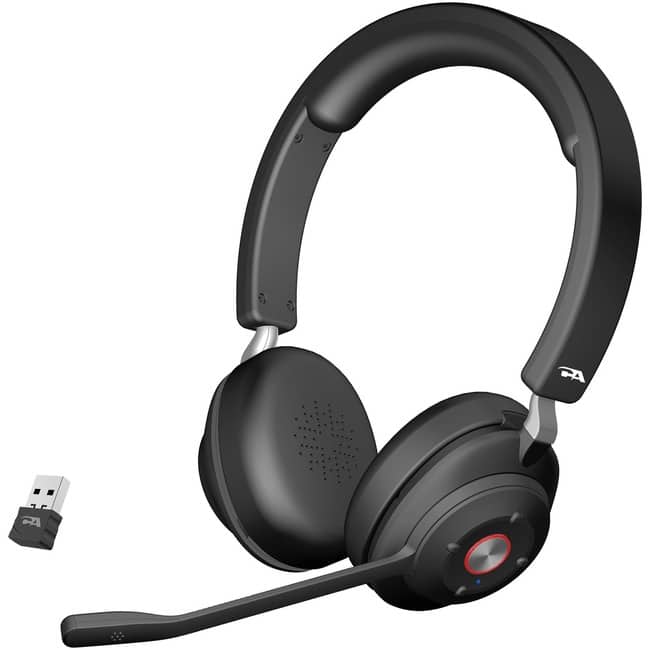
Cyber Acoustics - Essential Wireless Headset - Stereo - USB Type A - Wireless - Bluetooth - 100 ft - 32 Ohm - 20 Hz to 20 - Black
SKU: JX35WHCGWHSee all Headsets & MicrophonesProduct Description
A lightweight black wireless headset featuring Bluetooth, ENC, ANC, and superior stereo sound for business use.Your price for this item is $136.20 -
Microsoft - XBOX Bluetooth Wireless Gaming Over-the-Ear Headset for XBOX Series, XBOX Series S, XBOX One, and Windows 10|11 - Black
SKU: JJGXP2QTYJGreat budget Headset | Best bang for buck | easy to use...It’s the best...I love this headset! The party chat and game volume slider makes it all worth it
See all Gaming HeadsetsProduct Description
A wireless black headset offering spatial audio, noise cancellation, and crystal-clear chat for immersive gaming.Your price for this item is $110.99Save $9The previous price was $119.99 -
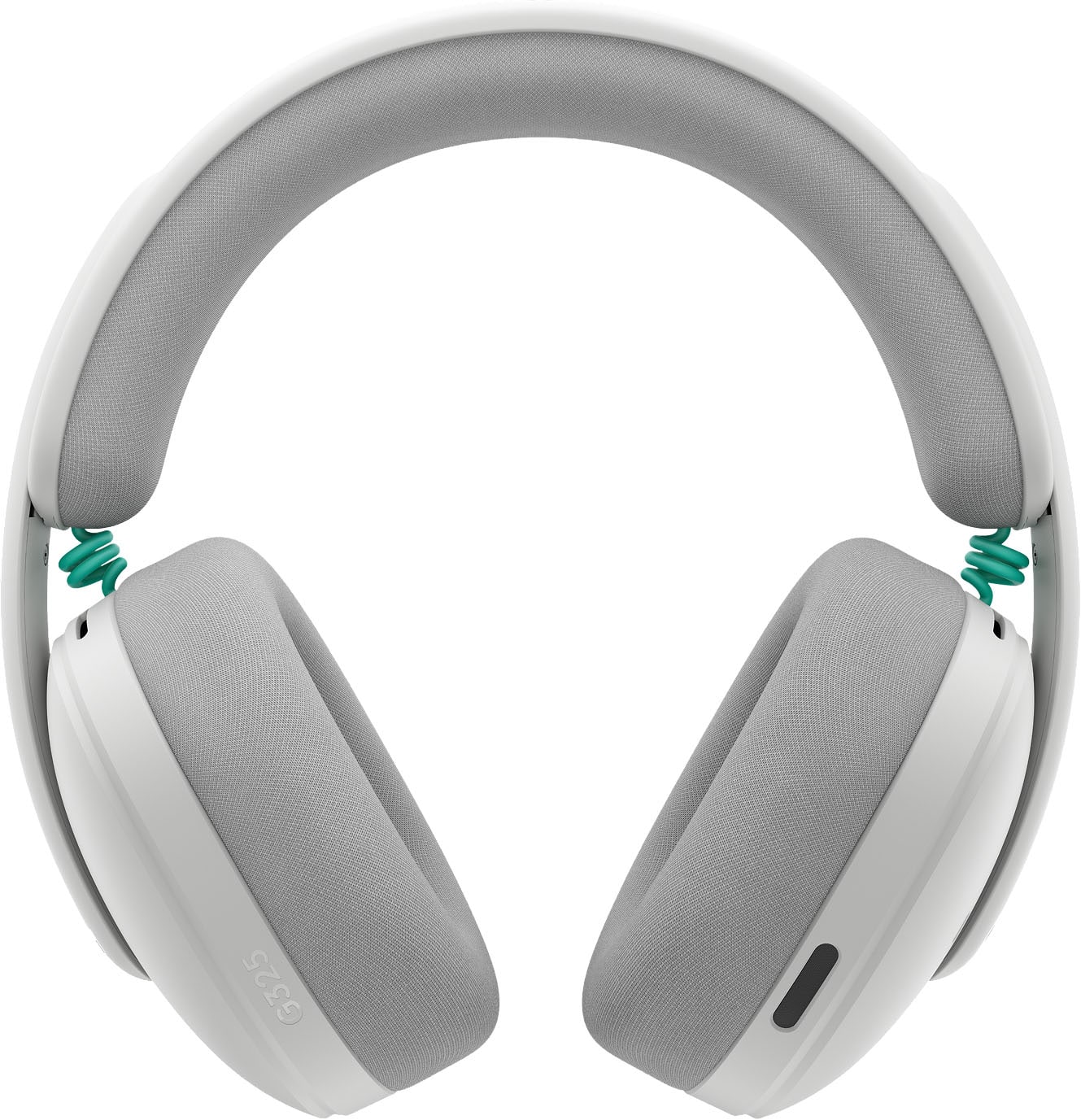
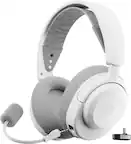
Logitech - G325 LIGHTSPEED Wireless Bluetooth Gaming Headset with Noise Reduction Microphone for PC, PlayStation, Switch, Mobile - White
SKU: J7H7ZYGV8Hgreat audio...not alot of weight great lightweight gaming headset i love it....Beautiful, lightweight headset, and it sounds great... IF using on PC....I gave them to my teenager for his PC, and he seems...
See all Gaming HeadsetsProduct Description
A white wireless gaming headset with 24-hour battery, noise-reducing mic, and Bluetooth for versatile connectivity.Your price for this item is $64.99Save $15The previous price was $79.99 -
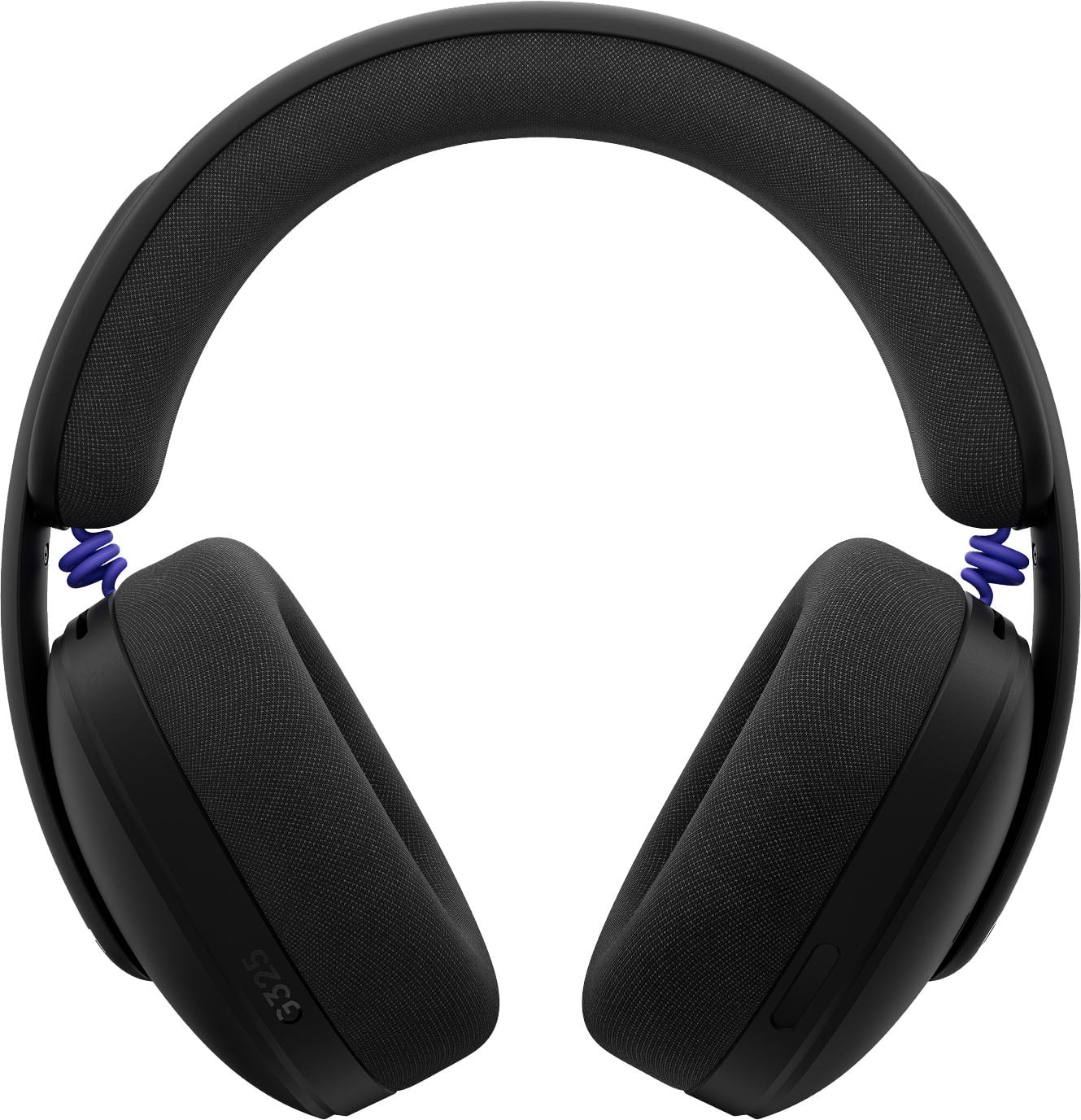
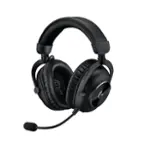
Logitech - G325 LIGHTSPEED Wireless Bluetooth Gaming Headset with Noise Reduction Microphone for PC, PlayStation, Switch, Mobile - Black
SKU: J7H7ZYGV3TLove!!!...I love these so much!! The colour is so nice. They're a lilac colour....Love them
See all Gaming HeadsetsProduct Description
A black wireless gaming headset featuring noise reduction microphone, 24-hour battery, and Bluetooth connectivity.Your price for this item is $64.99Save $15The previous price was $79.99

Best Sellers

Related Pages


FAQ
When choosing a stereo wireless headset, consider features such as battery life, Bluetooth range, sound quality, microphone clarity, comfort, and compatibility with your devices. Additional features like noise cancellation, touch controls, and voice assistant integration can also enhance your listening experience.
Yes, most stereo wireless headsets are designed to work seamlessly with a wide range of devices, including smartphones, tablets, laptops, and desktop computers that support Bluetooth connectivity. Always check the product specifications for details on device compatibility.
To pair your stereo wireless headset, turn on the headset and enable pairing mode, usually by holding down the power or Bluetooth button. Then, activate Bluetooth on your device, search for available devices, and select your headset from the list. Follow any additional prompts to complete pairing.
Many stereo wireless headsets are suitable for gaming and video calls, offering clear audio and built-in microphones for communication. For the best experience, look for headsets with low latency and high-quality microphones, especially if you plan to use them for online multiplayer games or virtual meetings.
Stereo wireless headsets deliver sound through two earcups, providing a richer, more immersive audio experience with left and right channel separation. Mono headsets, on the other hand, have a single earpiece and are typically used for calls rather than music or media playback.