Wireless Computer Headset
-
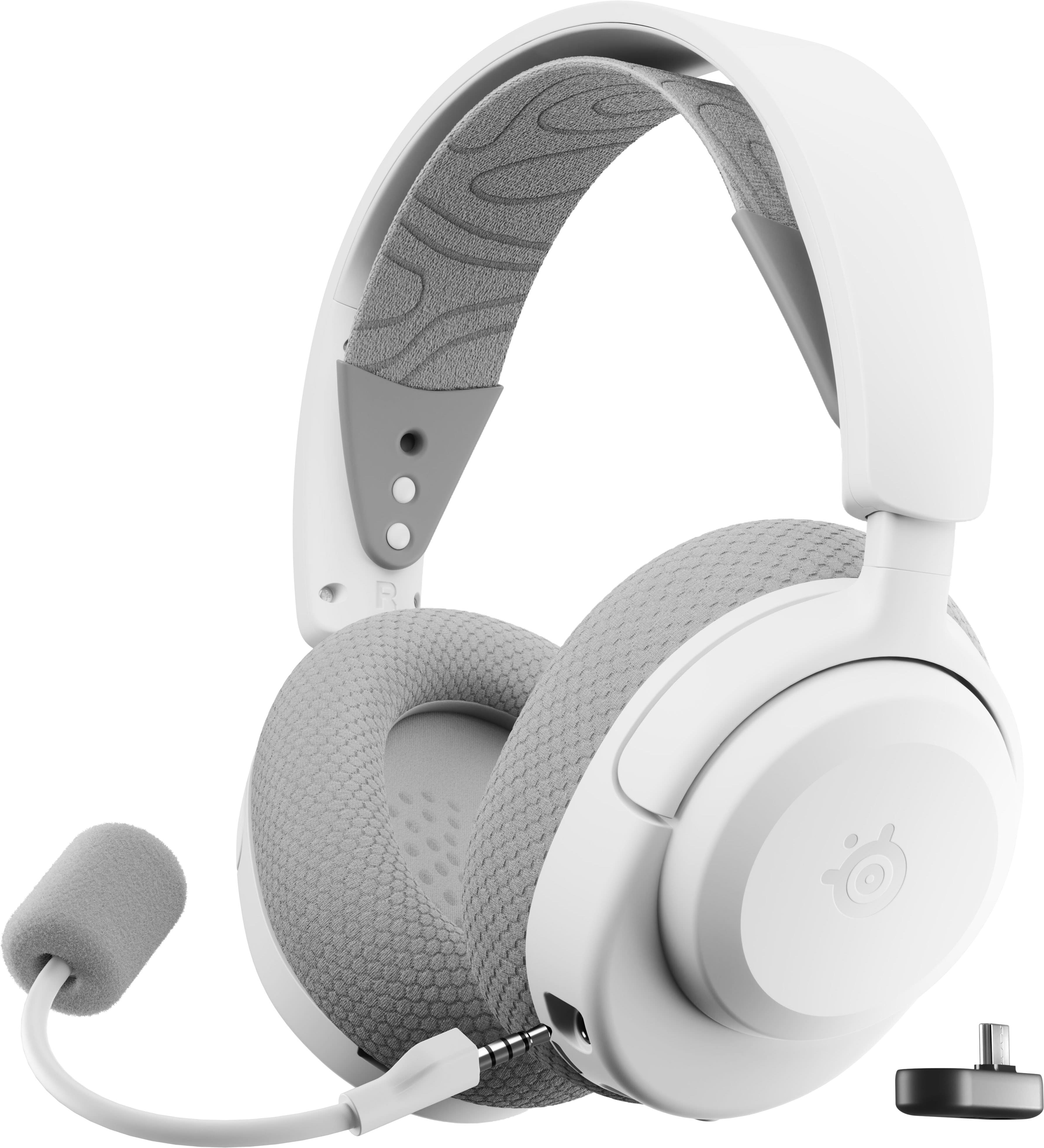
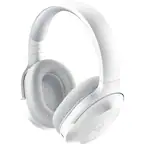
SteelSeries - Arctis Nova 3P Wireless Over-the-Ear Gaming Headset with 2.4Ghz/Bluetooth for PlayStation, PC, and Switch - White
SKU: J3GTVPH89SI bought this headset just 3 weeks ago but I can already say that it’s the best headset I’ve ever owned...Best headset I ever bought for gaming! Love it and definitely recommended it!...Best headset ever...
See all Gaming HeadsetsProduct Description
A white wireless gaming headset with customizable audio presets, neodymium drivers, and multi-platform compatibility.Your price for this item is $109.99 -
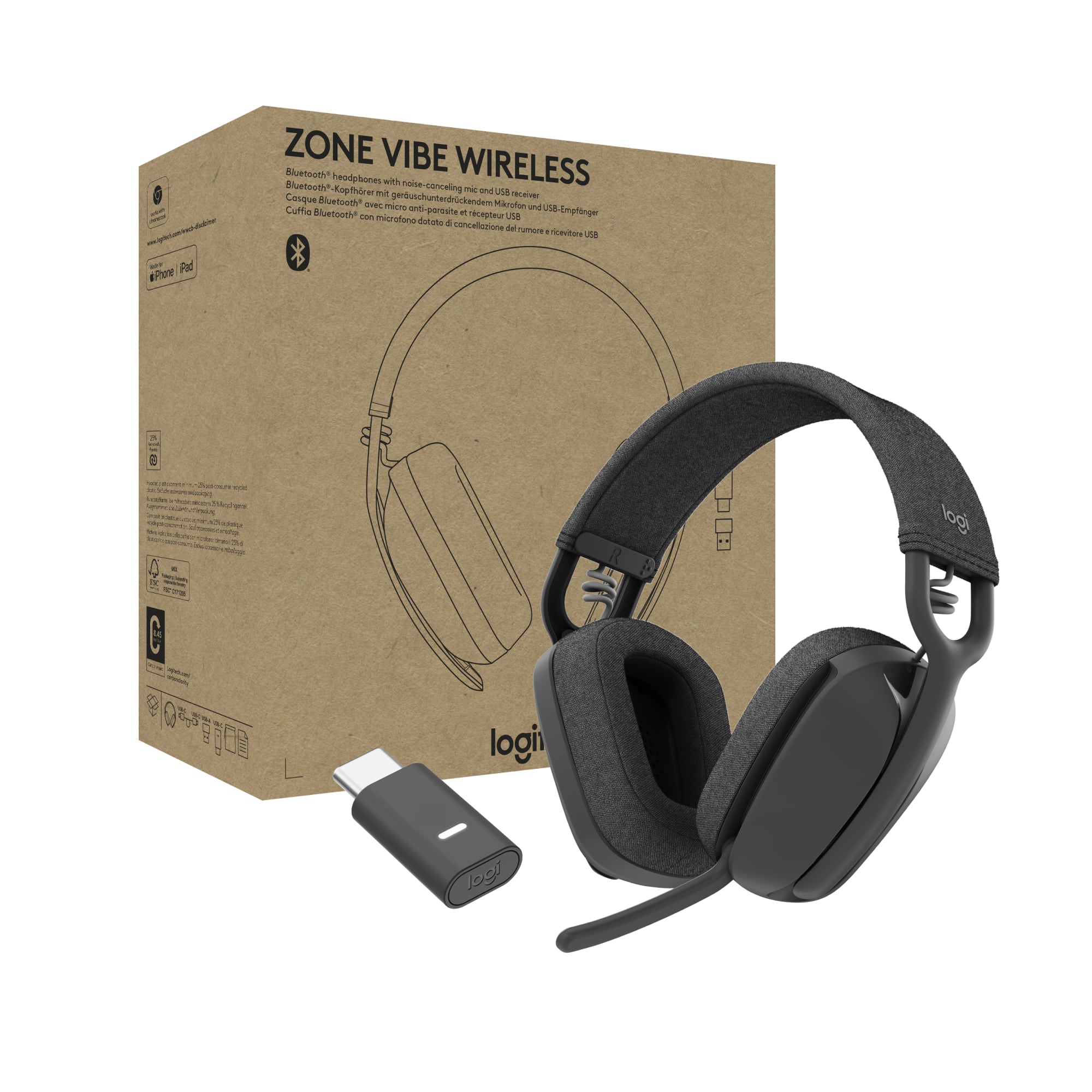
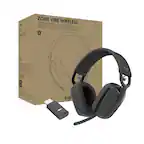
Logitech - Zone Vibe Wireless Bluetooth Headphones with Noise Canceling Microphone for Microsoft Teams, Mac/PC (with receiver) - Graphite
SKU: J7H7ZY8XVKSee all All PC Gaming AccessoriesProduct Description
A lightweight, over-the-ear wireless headset in graphite with noise-canceling microphone and Bluetooth connectivity.Your price for this item is $99.99 -
Lenovo - UC Wireless On-Ear Stereo VoIP Headset w/USB-A Adapter, Teams - Blue
SKU: JJGCYLWFCWSee all Headsets & MicrophonesProduct Description
A wireless, on-ear blue headset with Microsoft Teams certification, multipoint Bluetooth, and 30-hour talk time.Your price for this item is $80.39 -
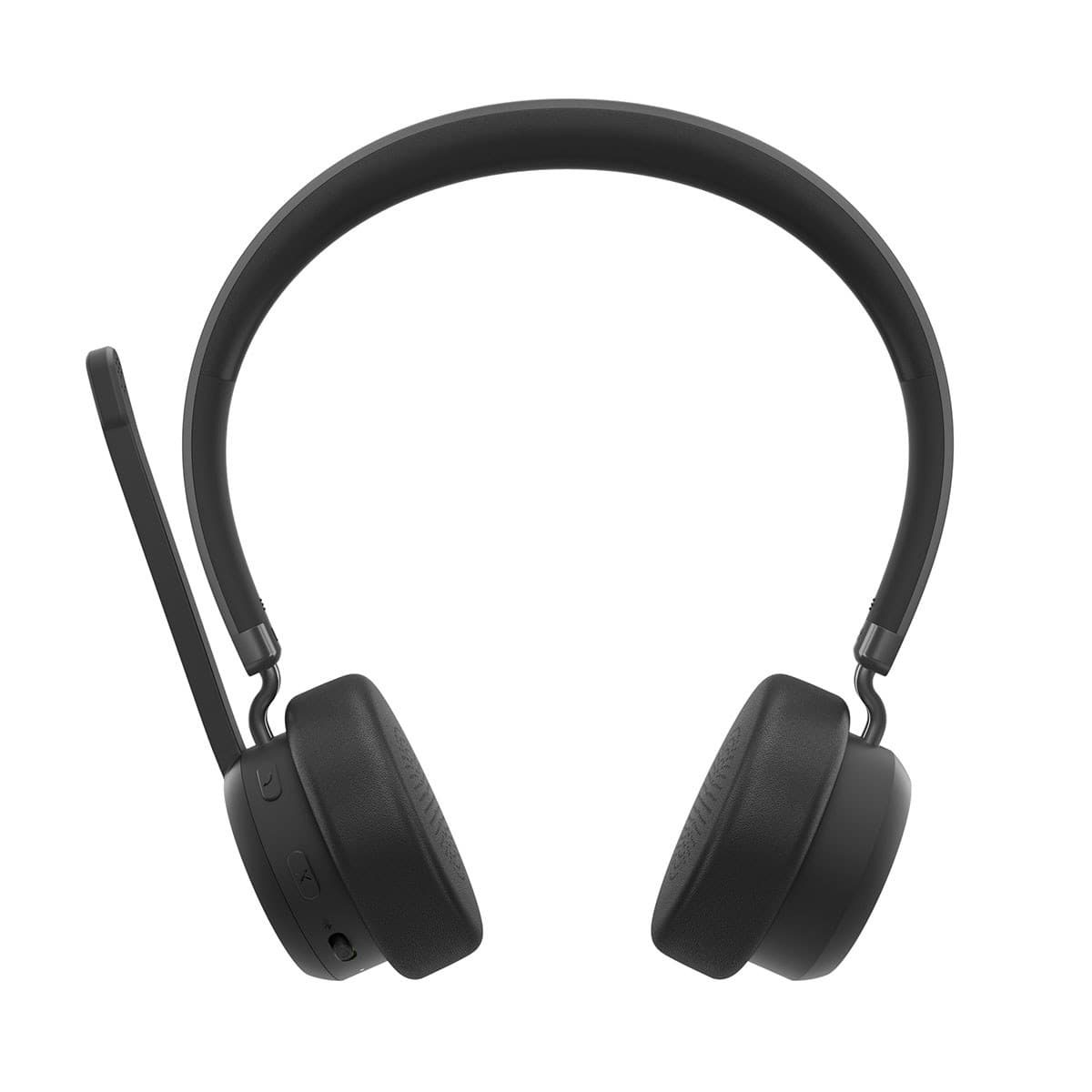
Lenovo - 2000 Wireless Closed-Back Over-Ear Headset - Black
SKU: JJGCYL52JRSee all Over-Ear HeadphonesProduct Description
A black on-ear headset offering immersive stereo sound, Bluetooth and wired connectivity, and up to 110-hour battery life.Your price for this item is $39.55 -
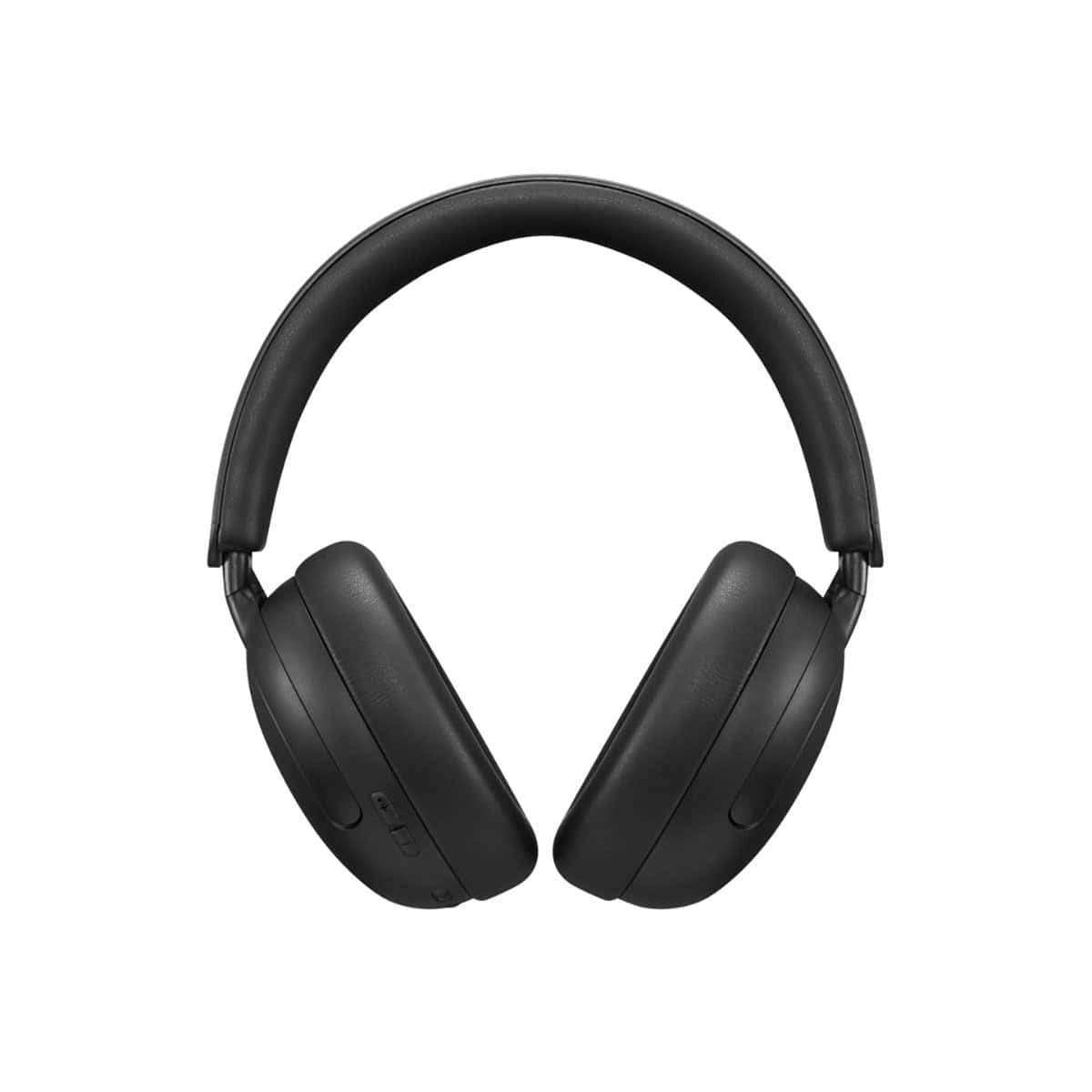
Delton - 50X Noise Canceling Wireless Headset & Charging Dock (DBTHEAD50XBTDL) - Black
SKU: J38PCKSLW4See all Headsets & MicrophonesProduct Description
A black wireless on-ear headset with Bluetooth, noise canceling, USB-C charging, and sound isolating features.Your price for this item is $89.99 -
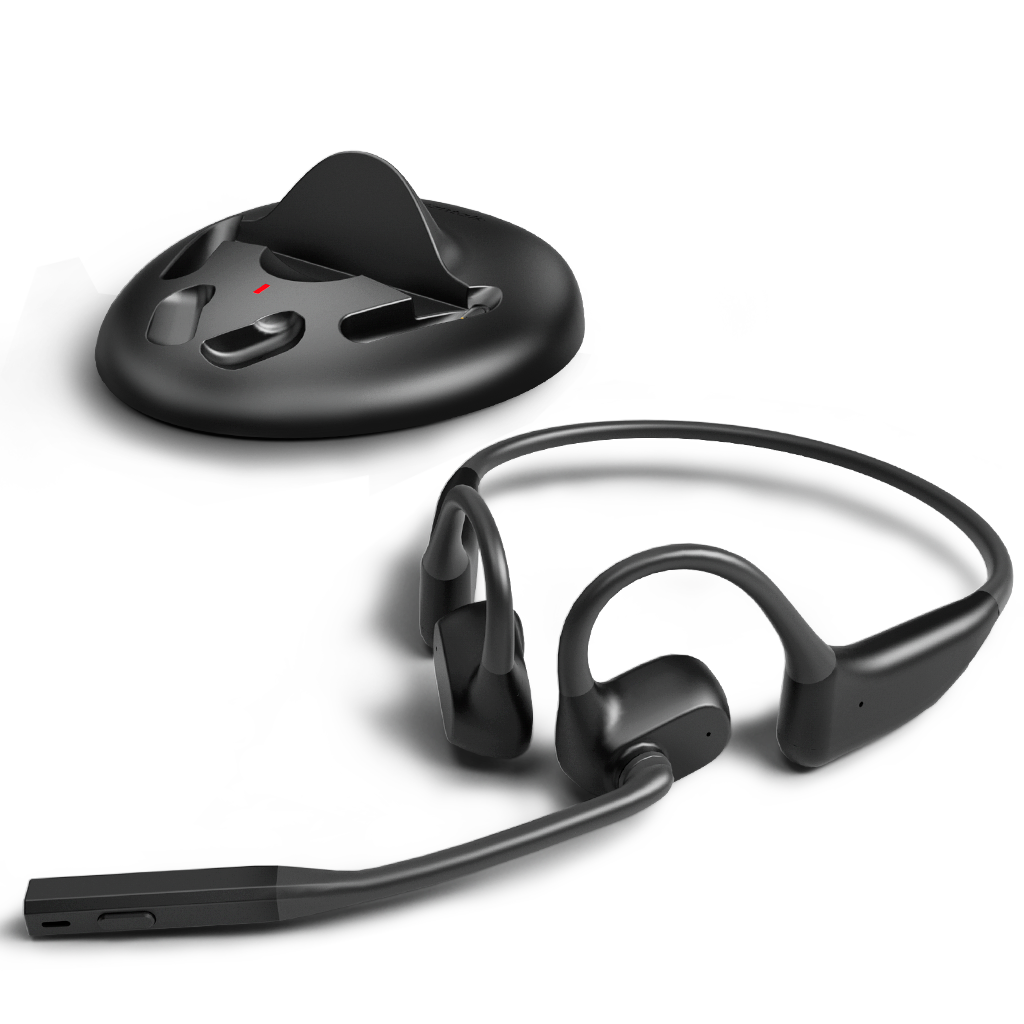
avantalk - Lingo N21 (Upgraded) - Open-Ear Wireless Headset with Noise-Canceling Mic & Charging Dock - Black
SKU: CZ9V8VKR7FSee all Headsets & MicrophonesProduct Description
An open-ear black wireless headset with a noise-canceling mic and convenient charging dock for calls.Your price for this item is $69.99 -
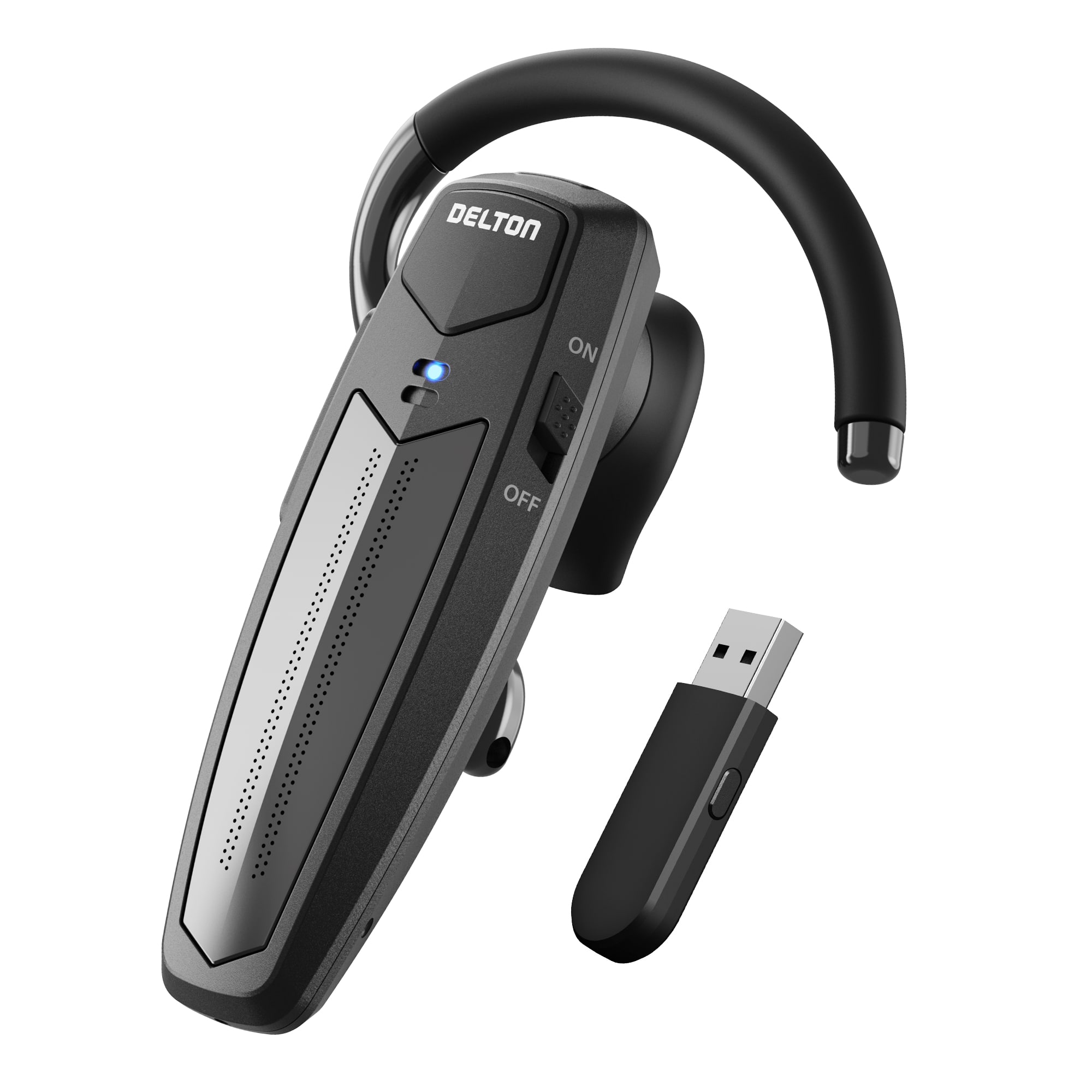
Delton - 87X Wireless Single-Ear Bluetooth Computer Headset with Mic, Black
SKU: J38PCKS6ZRSee all Headsets & MicrophonesProduct Description
A lightweight black wireless headset with ENC, CVC 8.0, HD Voice, and intuitive controls for clear calls.Your price for this item is $69.99 -
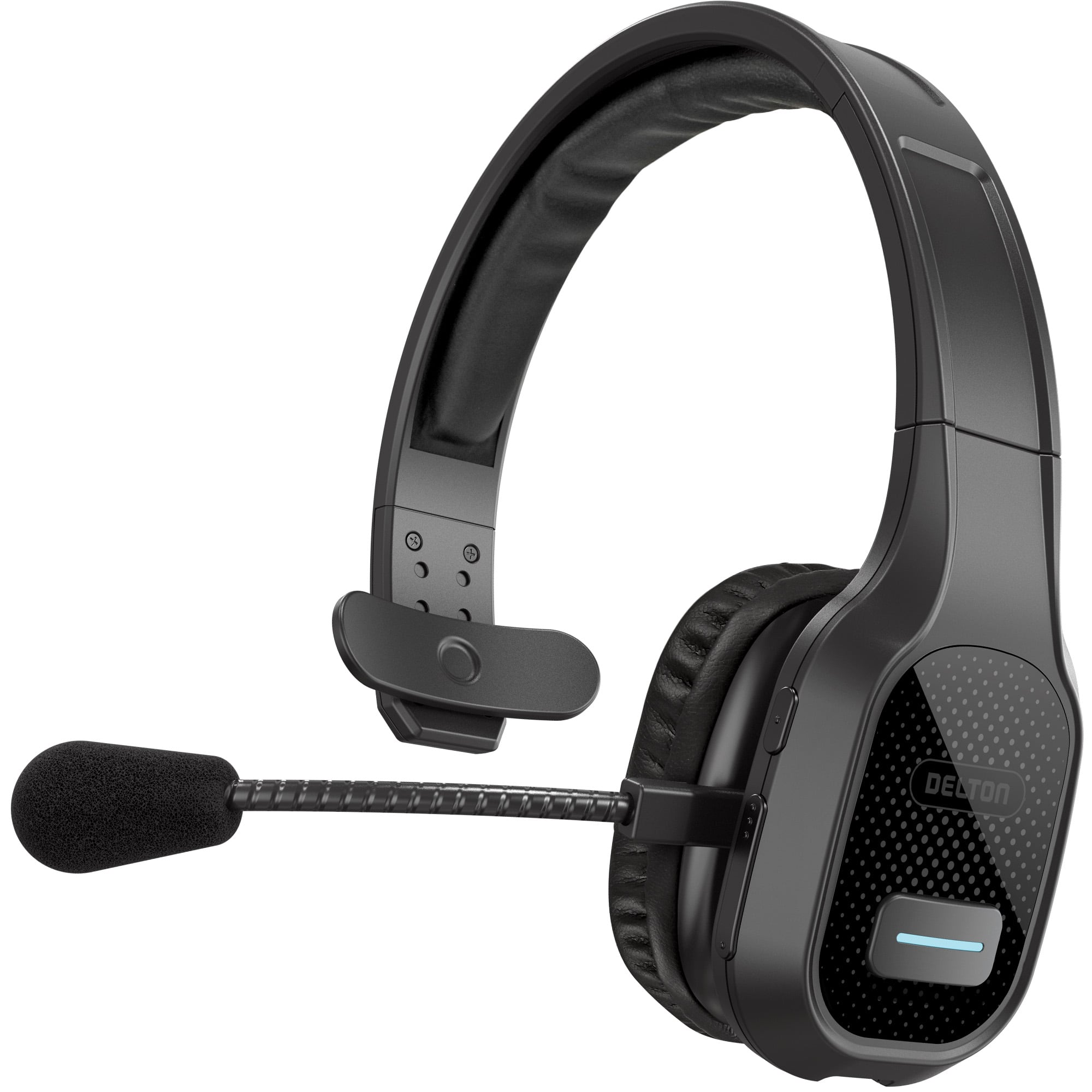
Delton - 20X Wireless Computer Headset, Trucker Bluetooth Headset (DBTHEAD20X) - Black
SKU: J38PCKS25RSee all Headsets & MicrophonesProduct Description
A black wireless headset featuring Bluetooth 5.0, noise-canceling mic, plush cushions, and USB-C charging.Your price for this item is $41.69Save $0The previous price was $42.10 -
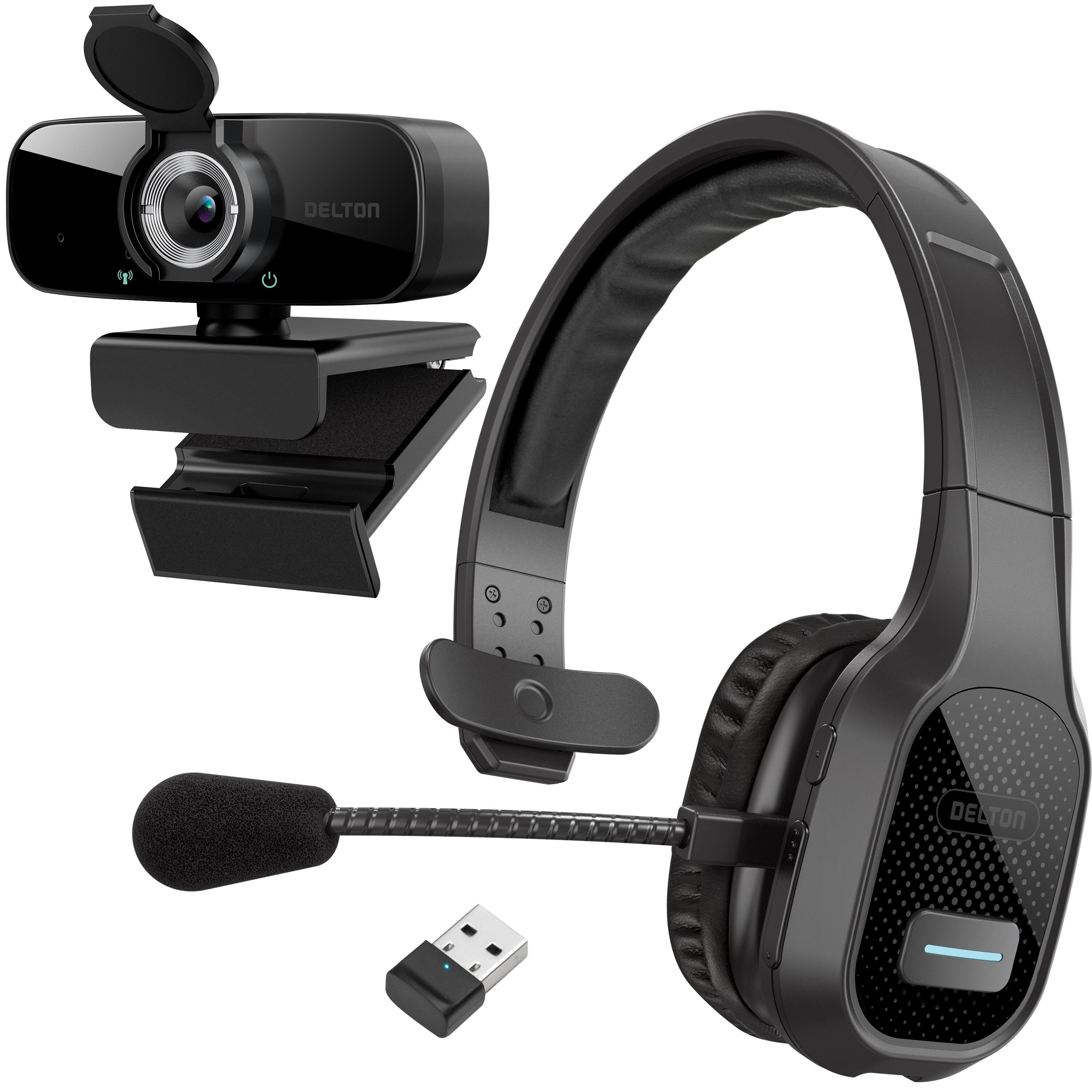
Delton - 20x Bluetooth Computer Headset Wireless, 1080p Webcam (DBTHEAD20XBNDL)
SKU: J38PCKSLVVSee all WebcamsProduct Description
A wireless black headset and 1080p webcam bundle featuring Bluetooth 5.0, noise cancellation, and HD video.Your price for this item is $79.99 -
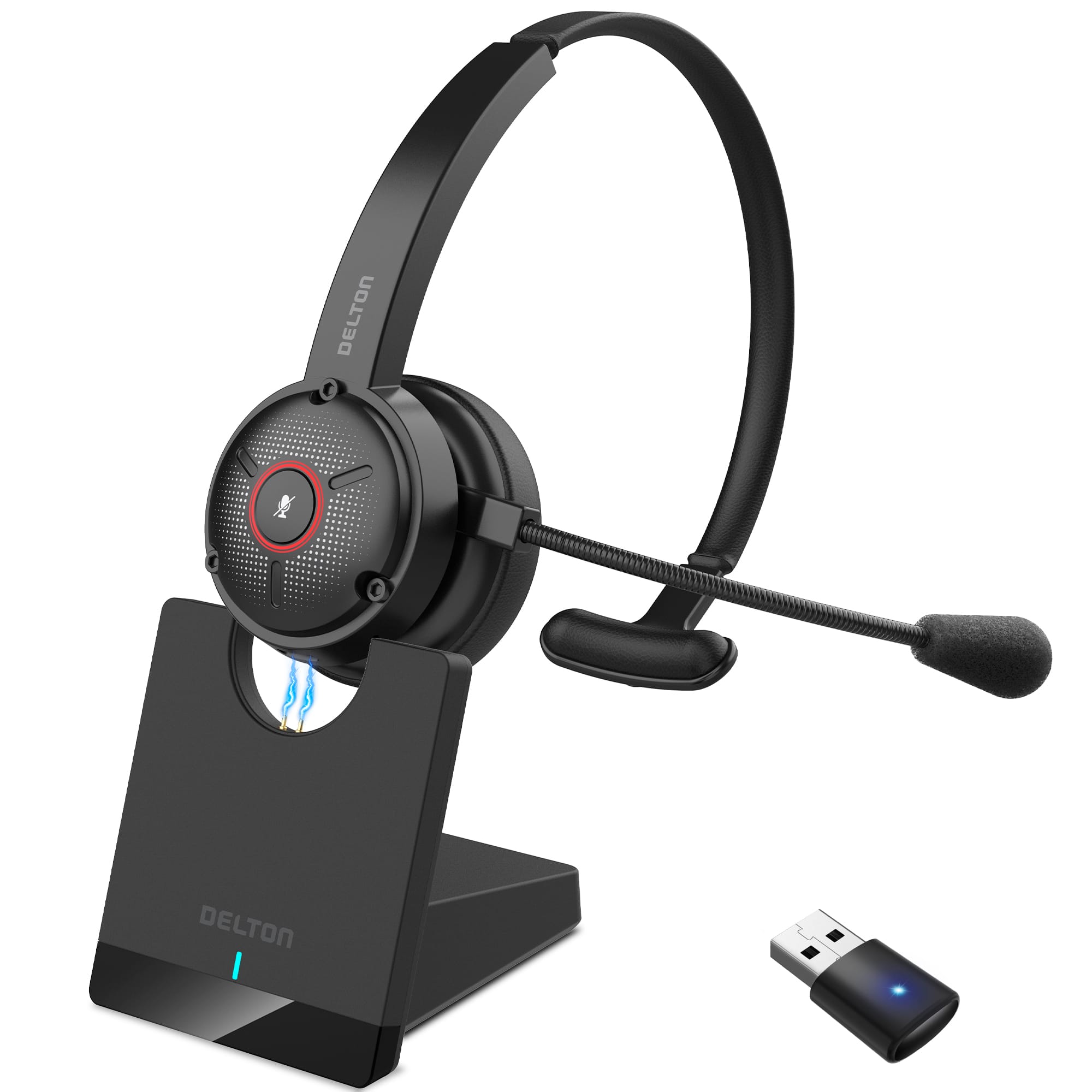
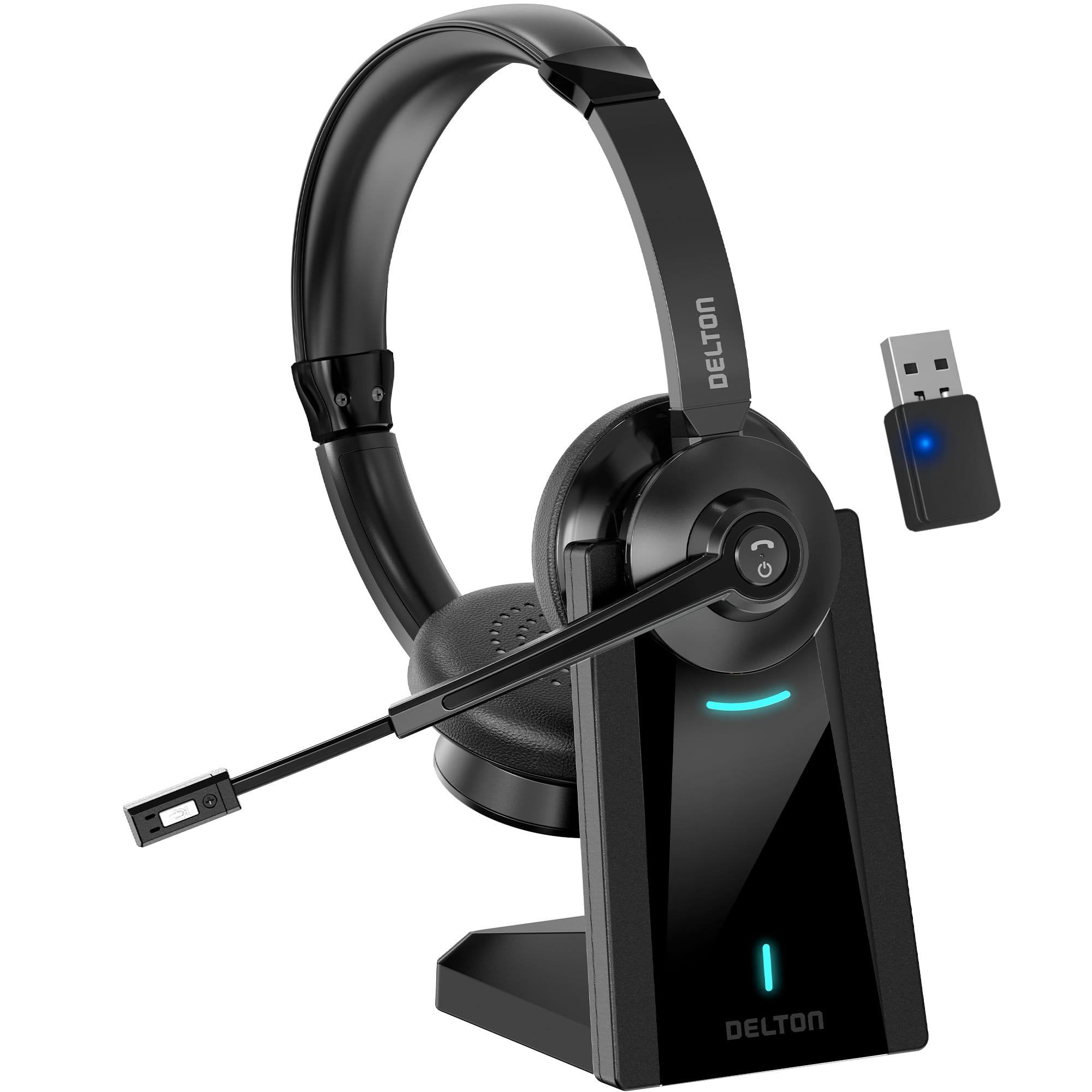
Delton - 35x Noise Cancelling Wireless 2-Ear Headset with USB Dongle & Charging Dock (DBTHEAD35XBTDL) - Black
SKU: J38PCKSL44See all Headsets & MicrophonesProduct Description
A black wireless headset with dual-ear noise cancellation, USB-C charging dock, and Bluetooth connectivity for clear calls.Your price for this item is $84.99
Best Sellers
Related Pages

FAQ
Most wireless computer headsets are compatible with PCs, Macs, and laptops that support Bluetooth or have a USB wireless receiver. Some models also work with tablets and smartphones for added versatility.
To connect a wireless headset, turn on the headset and enable pairing mode. On your computer, go to Bluetooth settings or plug in the included USB receiver, then select the headset from the list of available devices to complete the pairing process.
Yes, wireless computer headsets are ideal for both gaming and video calls. Many models feature built-in microphones with noise cancellation, providing clear audio for communication and immersive sound for gaming.
Many wireless computer headsets include noise-cancelling technology, either for the microphone, the earcups, or both. This helps reduce background noise for clearer calls and a more focused listening experience.
Battery life varies by model, but most wireless computer headsets offer between 12 to 30 hours of use on a full charge. Some headsets also support quick charging for added convenience.