Storage Computers
-
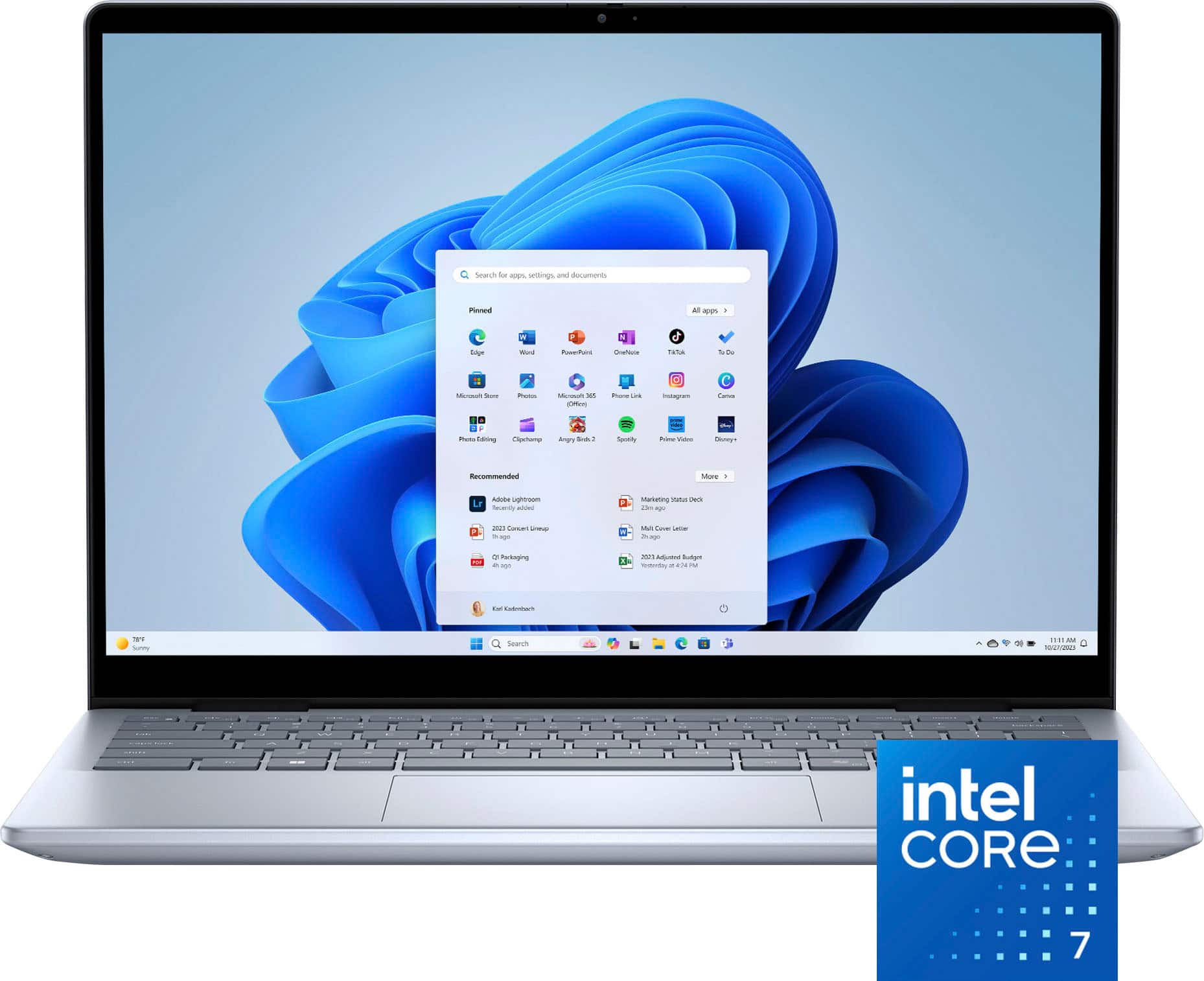
Dell - Inspiron - 14” 2K Touchscreen Laptop – Intel Core 7 Series 1 150U 2024 - 16GB Memory – 1TB Storage - Ice Blue
SKU: J3K4L6XC9XSee all Windows LaptopsProduct Description
A versatile ice blue 2-in-1 laptop with Intel Core 7, 16GB RAM, 1TB SSD, and touch screen.Your price for this item is $989.99Save $10The previous price was $999.99 -
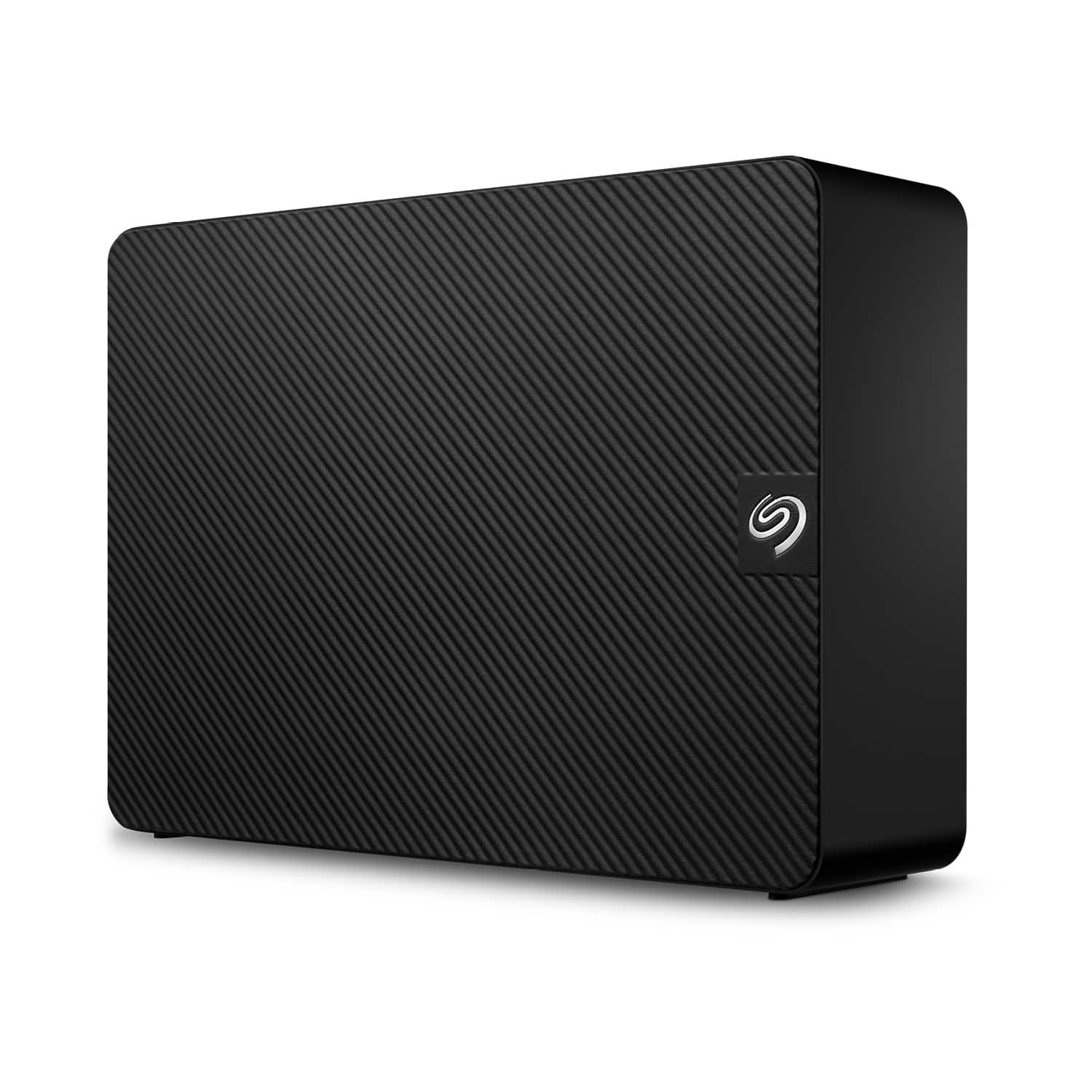
Seagate - Expansion Desktop 8TB HDD - Black
SKU: J37C5H4GJGRock solid storage. Does exactly what it's supposed to do....Bought this because I needed storage never ran out again...Rock solid storage....Storage issues
See all External Hard DrivesProduct Description
A high-capacity black external USB 3.0 hard drive with easy setup and Rescue Data Recovery Services.Your price for this item is $279.99 -
Seagate - Expansion 20TB External USB 3.0 Desktop Hard Drive with Rescue Data Recovery Services - Black
SKU: J37C5H5XXKSee all External Hard DrivesProduct Description
A high-capacity black external USB 3.0 hard drive with easy setup and included data recovery services.Your price for this item is $629.99 -
Seagate - Expansion 16TB External USB 3.0 Desktop Hard Drive with Rescue Data Recovery Services - Black
SKU: J37C5H4GCZSee all External Hard DrivesProduct Description
A high-capacity black external hard drive offering fast USB 3.0 transfers and Rescue Data Recovery Services.Your price for this item is $549.99 -
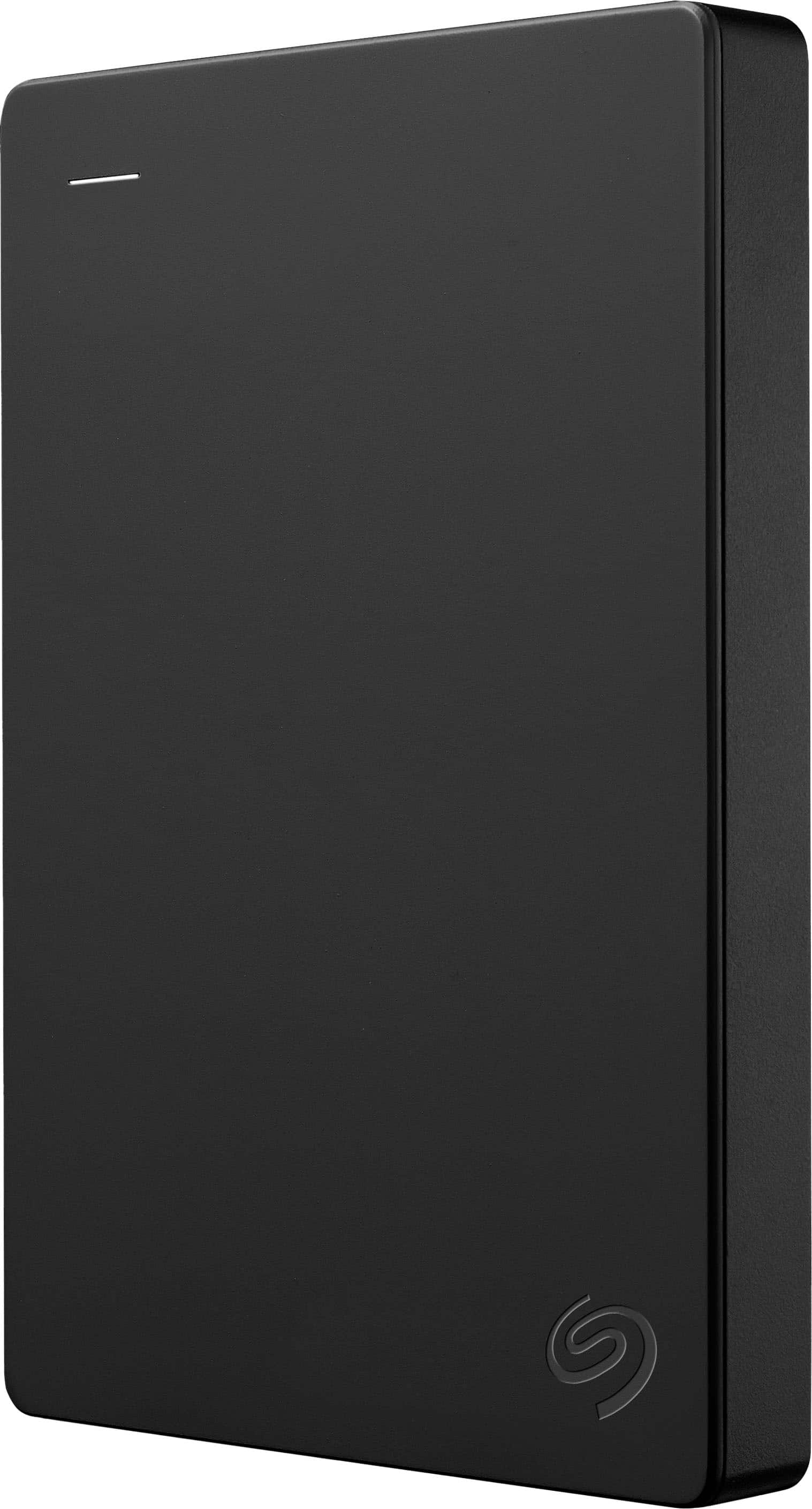
Seagate - 1TB External USB 3.0 Portable Hard Drive with Rescue Data Recovery Services - Black
SKU: J37C5HK2HTSee all External Hard DrivesProduct Description
A portable black external hard drive offering 1TB storage, fast USB 3.0 transfers, and data recovery services.Your price for this item is $109.99Save $10The previous price was $119.99 -
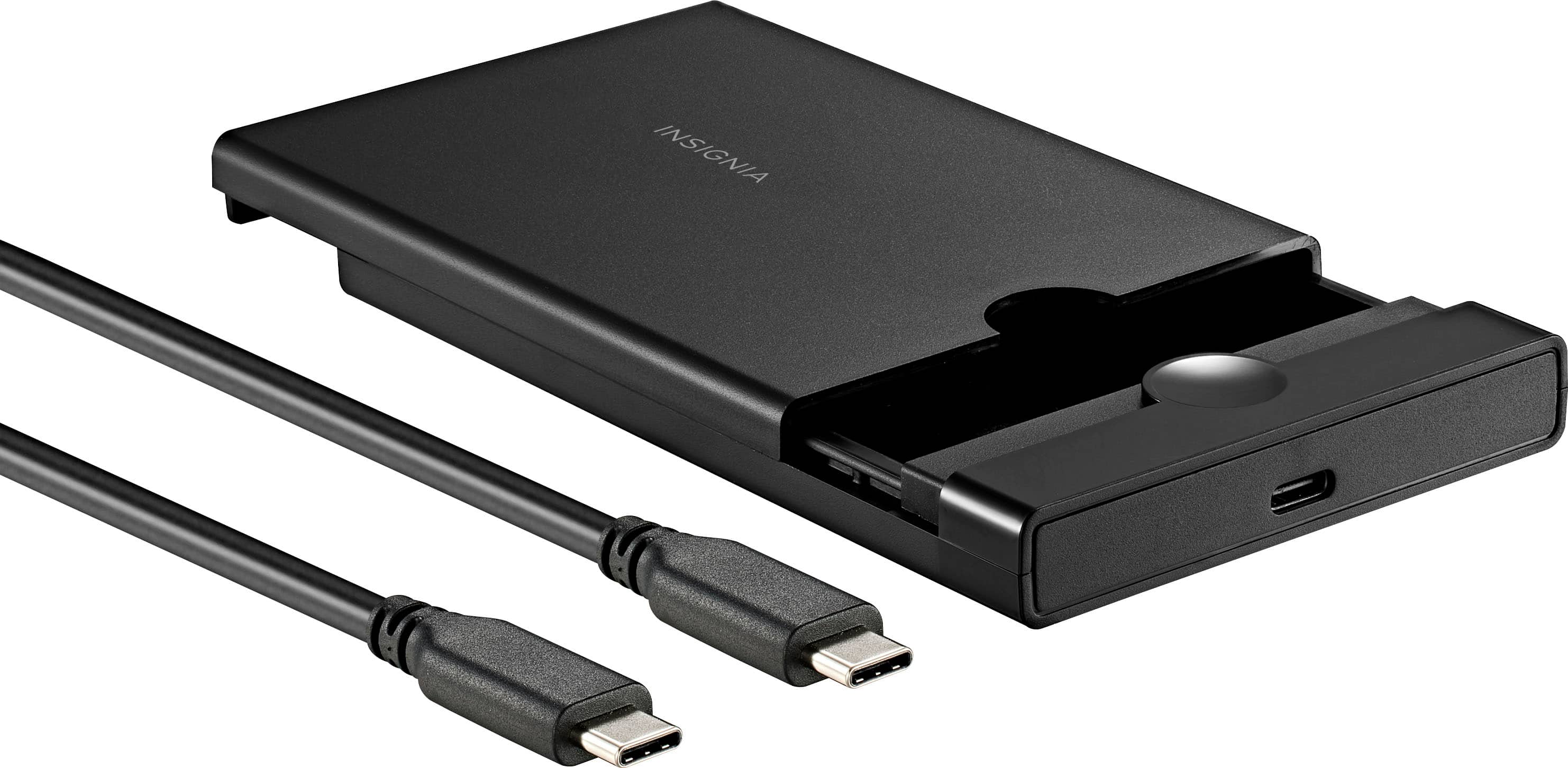
Insignia™ - 2.5" SATA to USB-C HDD Enclosure - Black
SKU: J2FPJKSY68Backup Storage...It is great to keep the old drive as a backup storage device....Additional storage...This enclosure let me use an extra hard disk drive as additional storage for my Dell laptop
See all Hard Drive Cables & AccessoriesProduct Description
A black ABS plastic enclosure that converts 2.5" SATA drives to USB-C with up to 6 Gbps speeds.Your price for this item is $24.99 -
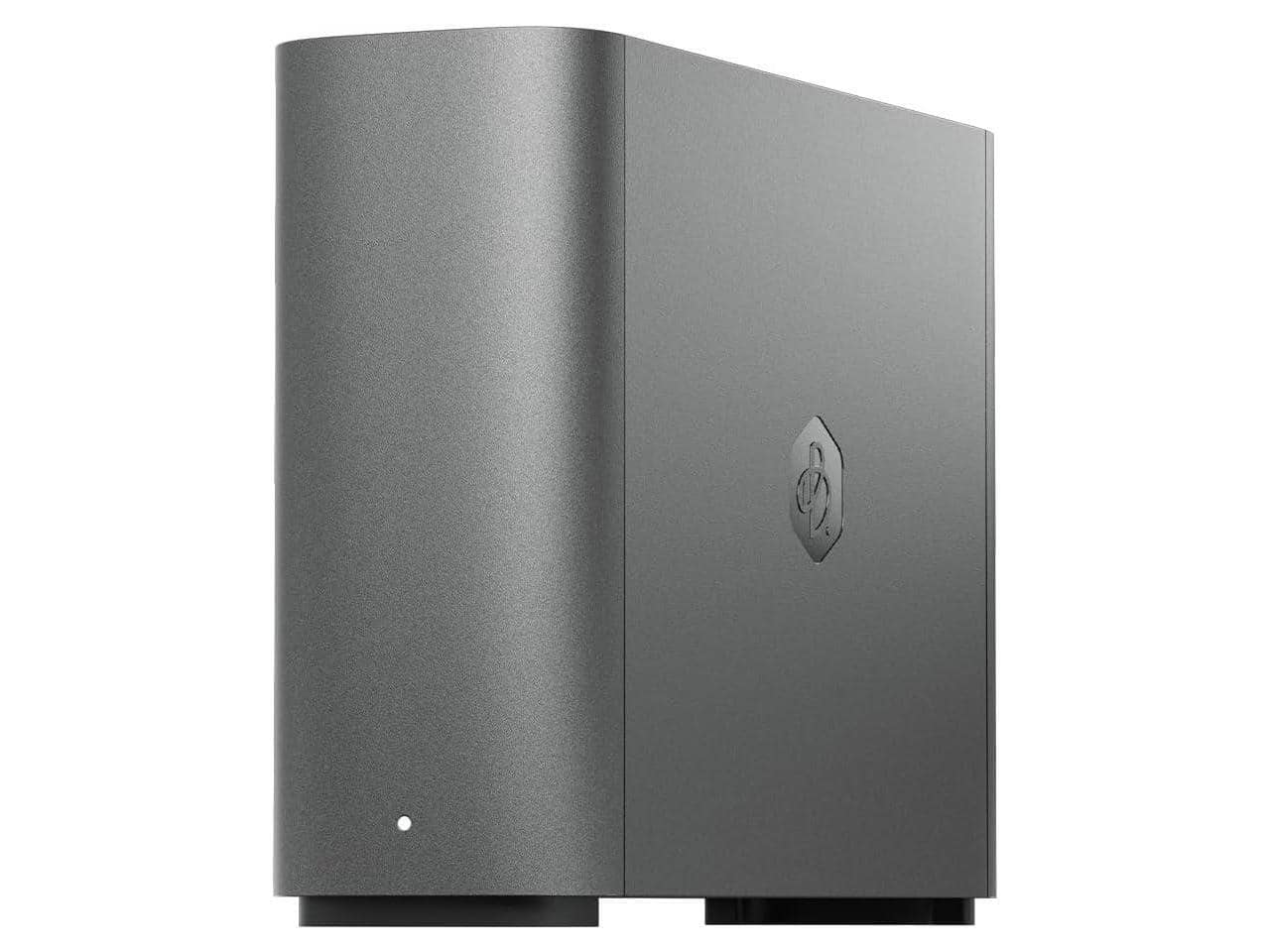
Synology - BeeStation Plus 8TB Personal Cloud Storage Device BST170-8T
SKU: J36TG78YVXSee all Network Attached Storage (NAS)Product Description
A personal cloud storage device with 8TB capacity, Intel processor, and USB ports for easy connectivity.Your price for this item is $665.99 -
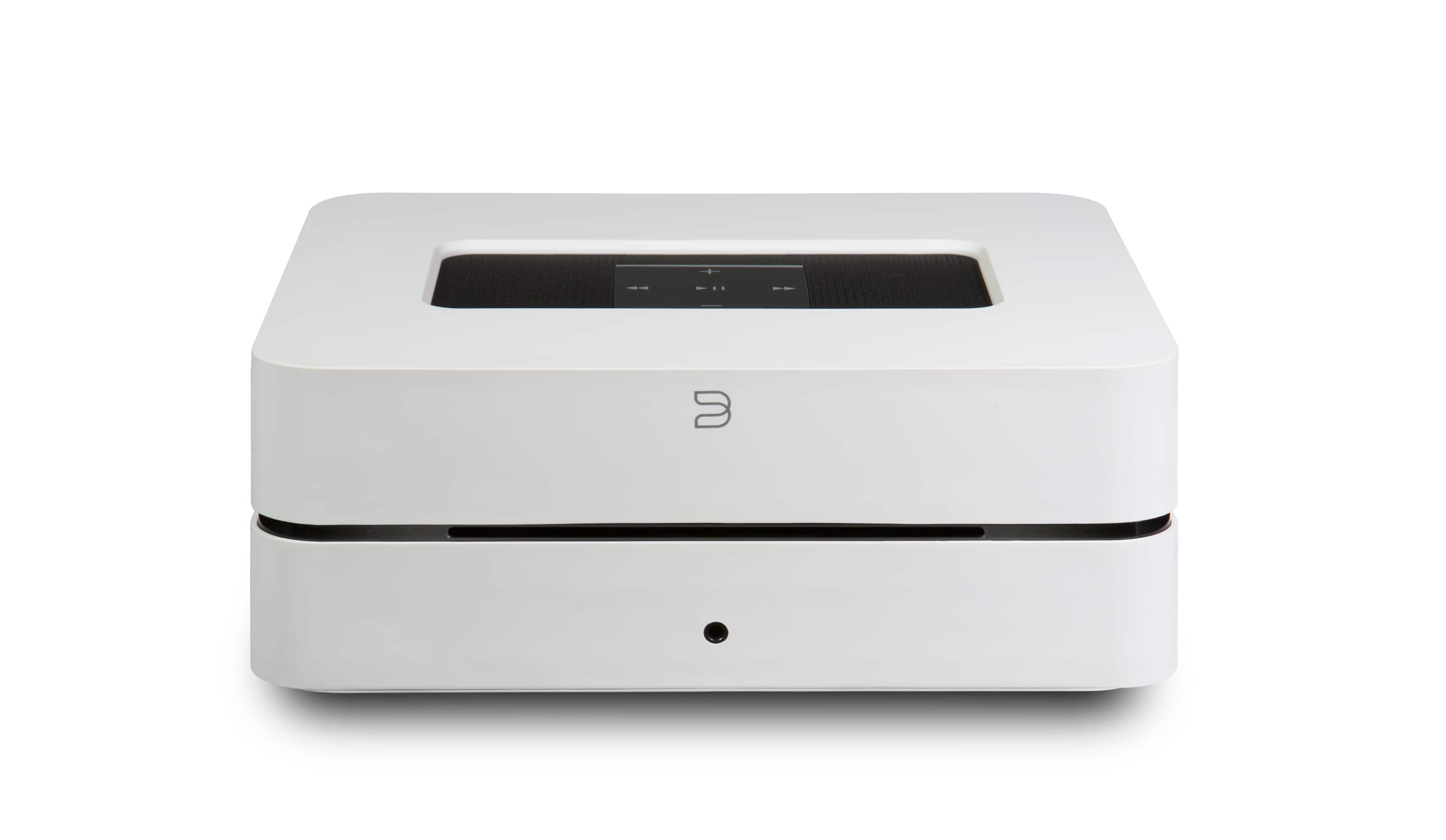
Bluesound - VAULT 2i 2TB Streaming Media Player - White
SKU: C9YYV9FHWPGreat product . Great storage device for cds works nice with stereo system
See all Streaming DevicesProduct Description
A white streaming media player with a 2TB hard drive for CD ripping, Bluetooth, and smart home compatibility.Your price for this item is $2,149.00 -
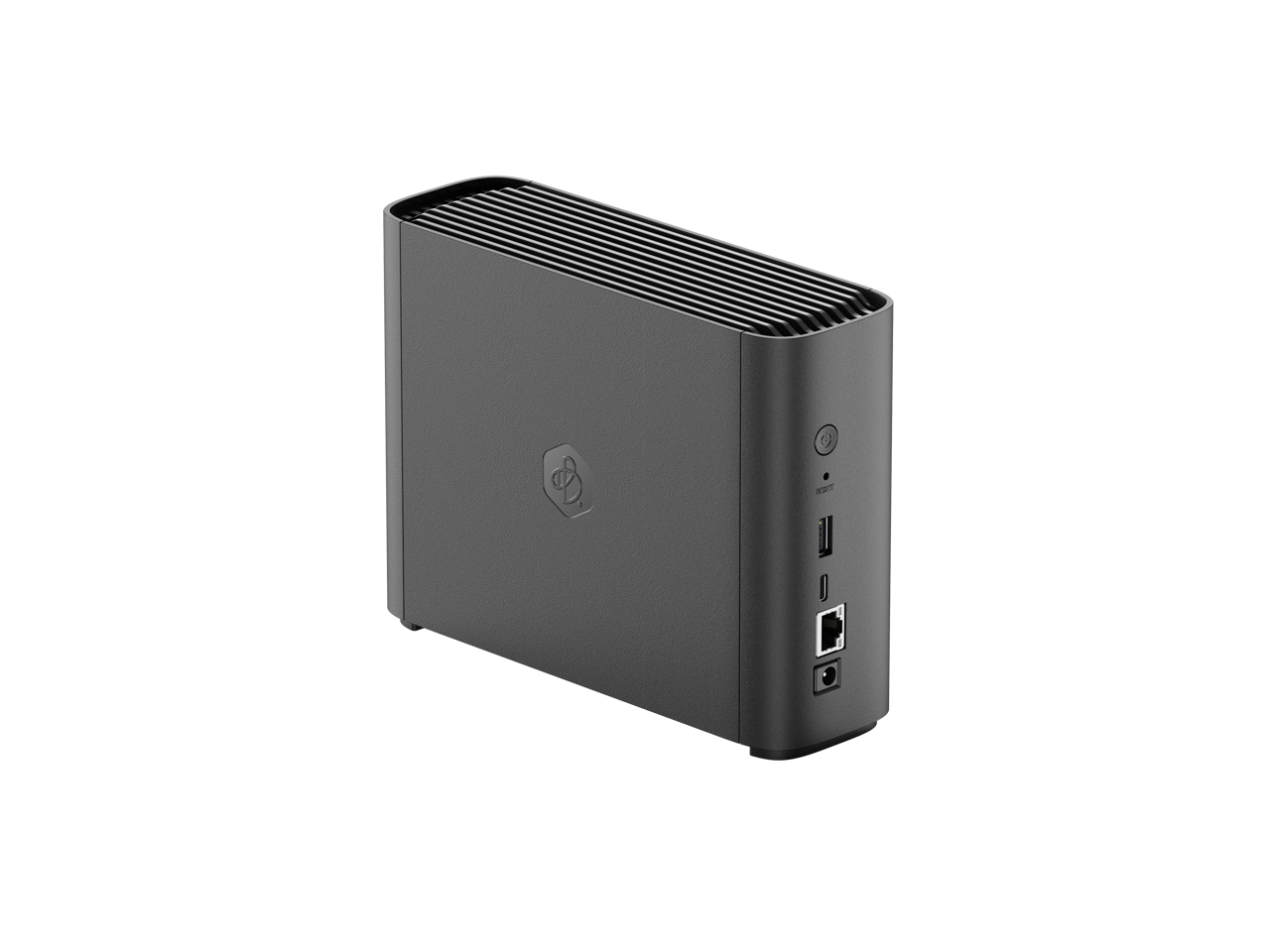
Synology - BeeStation 4TB Personal Cloud Storage Device - Black
SKU: J36TG78L9RSee all Network Attached Storage (NAS)Product Description
A black personal cloud storage device offering 4TB capacity and USB connectivity for secure data management.Your price for this item is $482.13 -
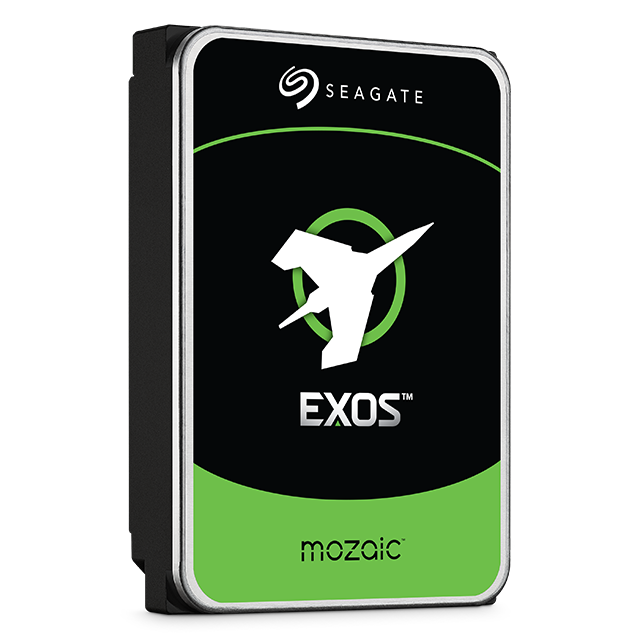
Seagate - Exos M 32TB Internal Hard Drive
SKU: BG2Q5FSVPHSee all Internal Hard DrivesProduct Description
An enterprise-grade 32TB internal HDD offering exceptional storage capacity and power efficiency for demanding applications.Your price for this item is $1,279.99
Best Sellers


Related Pages



FAQ
Computers typically offer storage options such as hard disk drives (HDDs), solid state drives (SSDs), and hybrid drives. Each type has its own benefits, with SSDs generally providing faster performance and HDDs offering larger capacities at a lower cost.
Many desktop computers and some laptops allow you to upgrade or add additional storage drives. It's important to check your device's specifications to determine compatibility and available slots for expansion.
Internal storage refers to drives that are installed inside your computer, such as HDDs or SSDs, and are used for the operating system and files. External storage, like USB drives or external hard drives, connects to your computer via ports and is often used for backups or transferring data.
Consider what you’ll be using the computer for. If you work with large files like videos or photos, or want faster load times, opt for a computer with a larger SSD or a combination of SSD and HDD. For everyday tasks, a standard SSD or HDD may be sufficient.
Yes, some computers come equipped with both an SSD and an HDD. This setup allows you to enjoy the fast boot and load times of an SSD while also having the large storage capacity of an HDD for files and applications.