Tri-Band Wi-Fi Extender
-
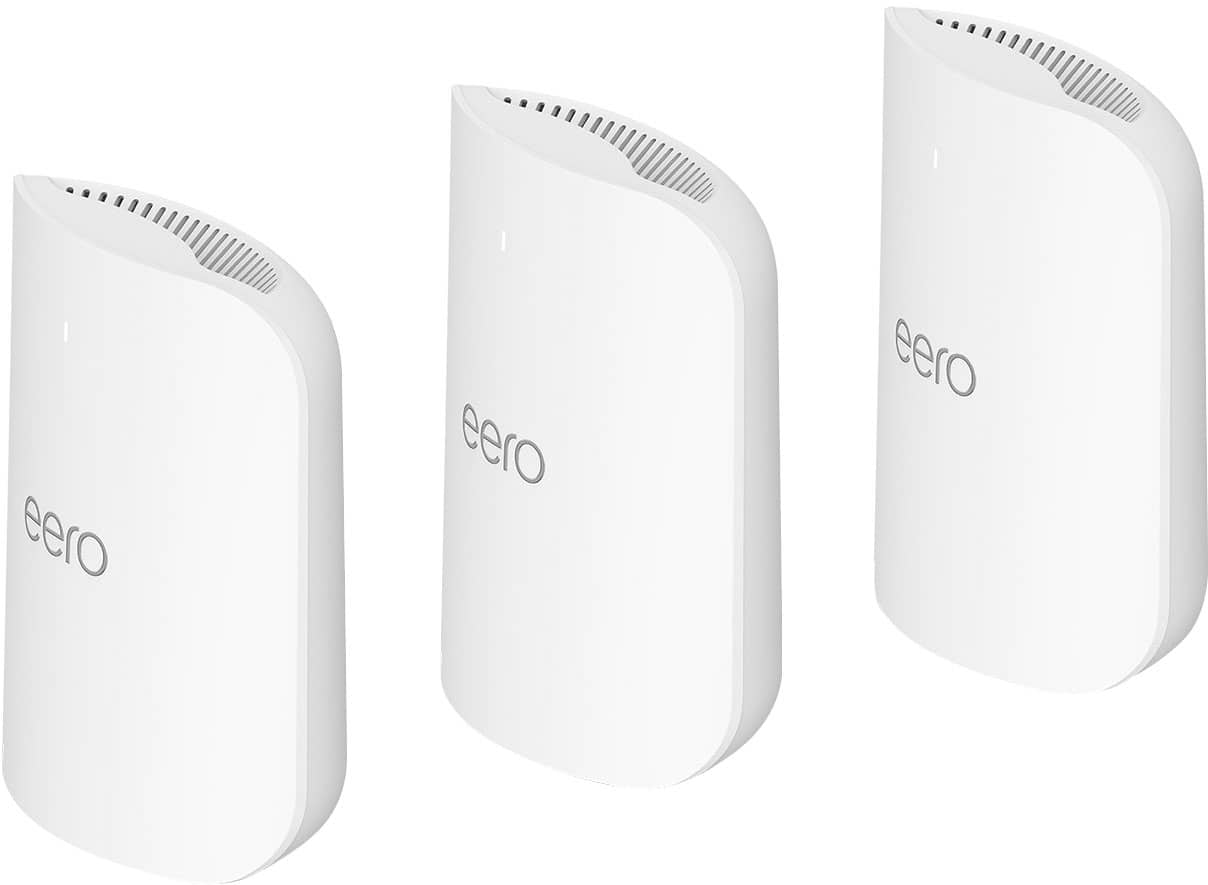
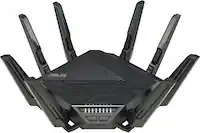
eero - Pro 7 Tri-band Mesh Wi-Fi 7 System (3-pack) - White
SKU: J39HW6RKK3I love eero 7 is great i have like 35 items connected and is great...Best of the best in mesh systems. Just works. The End.
See all Mesh Wi-FiProduct Description
A tri-band mesh Wi-Fi 7 system in white, supporting up to 5 Gbps speeds and 600+ devices.Your price for this item is $599.99Save $200The previous price was $799.99 -
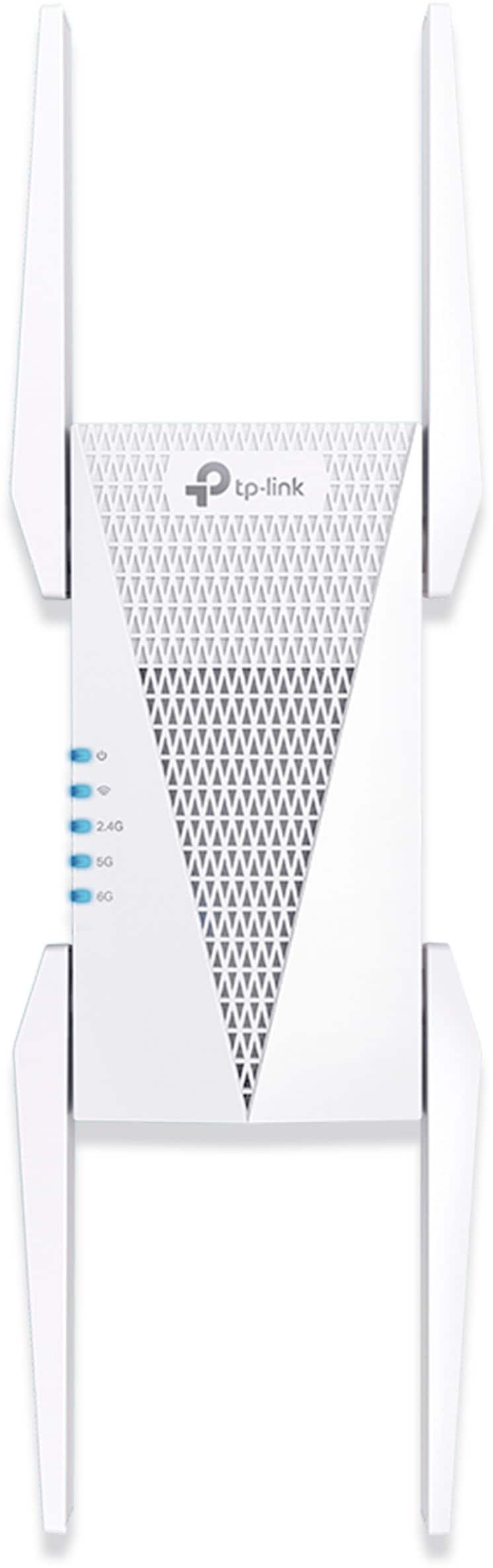
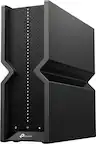
TP-Link - AXE5400 Tri-Band Mesh Wi-Fi 6E Range Extender - White
SKU: J39QK2QGY2The best of America...I love that place and I recommend shopping here, nice place and nice prices...Great value...Great investment one of the best product I ever bought if you ever in the line of a Wi-Fi...
See all Wi-Fi ExtendersProduct Description
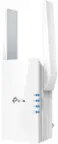
A white tri-band Wi-Fi 6E extender that eliminates dead zones and boosts high-speed wireless coverage.Your price for this item is $199.99 -
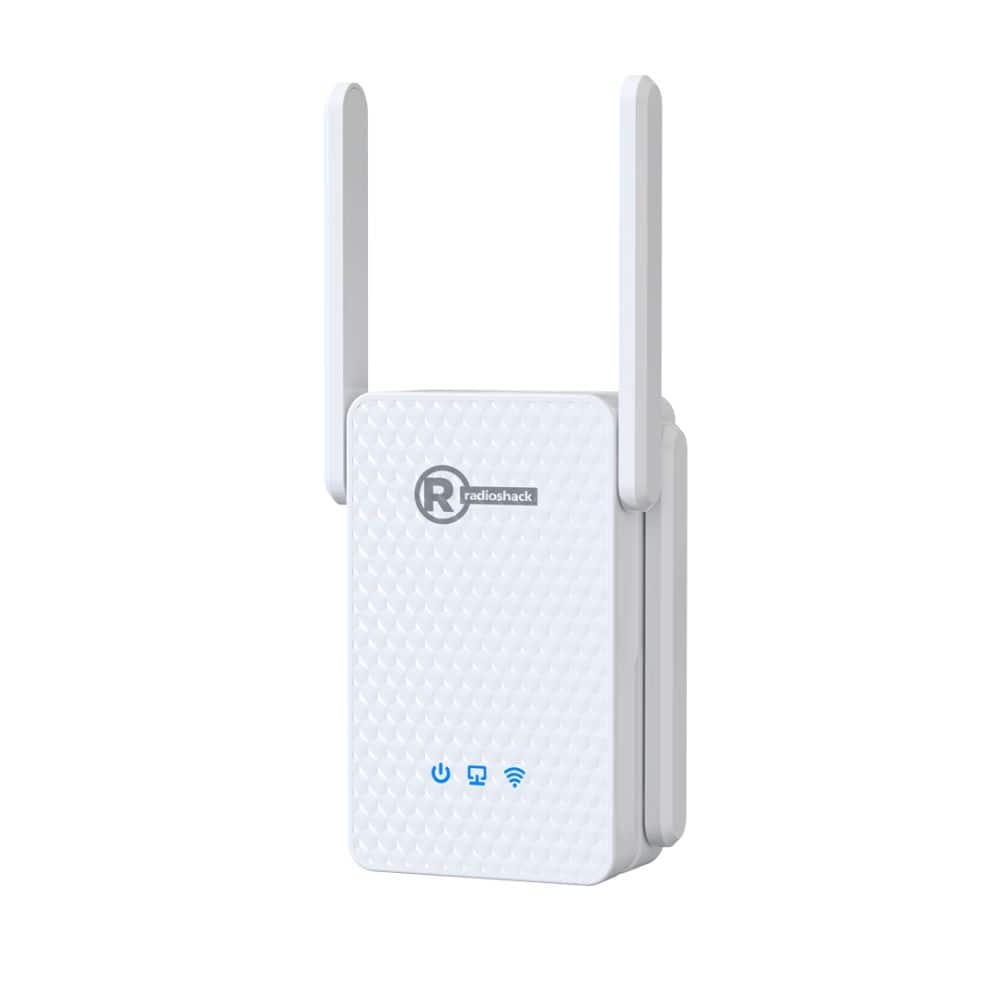
RadioShack - 3000 Mbps High-Speed Wi-Fi Repeater - White
SKU: CFRJQSY8WCSee all Wi-Fi RoutersProduct Description
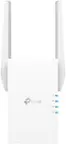
A high-speed white Wi-Fi 6 repeater with four antennas, MESH support, and advanced WPA3 encryption.Your price for this item is $69.99 -
TP-Link - BE11000 Wi-Fi 7 Range Extender - White
SKU: J39QK2QRZZEasy set up and great range. It synced with my curtsy TP-Link router no problem....Love this...Love it
See all Wi-Fi ExtendersProduct Description
A white tri-band Wi-Fi 7 range extender delivering up to 10.8 Gbps speeds and EasyMesh compatibility.Your price for this item is $199.99Save $100The previous price was $299.99 -
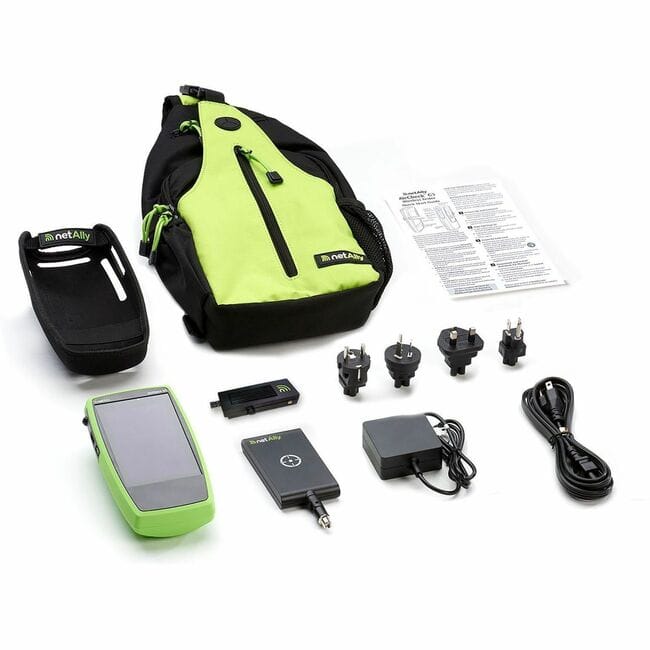
NetAlly - AIRCHECK G3 PRO PLUS EXTANT, HOLSTER (FULL TRIBAND) - Supports WiFi troubleshooting, validation, analysis, and site - Unknown
SKU: J39FTQ598PSee all All Wi-Fi & NetworkingProduct Description
A comprehensive tri-band Wi-Fi troubleshooting and analysis kit with external antenna, holster, and spectrum analyzer.Your price for this item is $5,091.38Save $3The previous price was $5,095.00

Best Sellers
Related Pages


FAQ
A tri-band Wi-Fi extender is a device that uses three separate wireless bands—typically one 2.4GHz and two 5GHz bands—to boost your existing Wi-Fi coverage and reduce network congestion, ensuring faster and more reliable connections for multiple devices.
Yes, most tri-band Wi-Fi extenders are designed to be compatible with any standard Wi-Fi router, regardless of the brand. However, for optimal performance, it's best to pair it with a router that also supports tri-band technology.
Setting up a tri-band Wi-Fi extender is usually straightforward. Most models support WPS (Wi-Fi Protected Setup) for quick pairing with your router, or you can use the manufacturer's mobile app or web interface to follow step-by-step instructions.
Tri-band Wi-Fi extenders provide an additional 5GHz band, which helps reduce interference and allows more devices to connect simultaneously without slowing down your network. This results in improved speed, coverage, and overall network performance.
For optimal performance, place your tri-band Wi-Fi extender about halfway between your router and the area where you need better coverage. Ensure it's within range of your router's signal and avoid placing it near thick walls, metal objects, or electronic devices that may cause interference.