USB Receivers
-
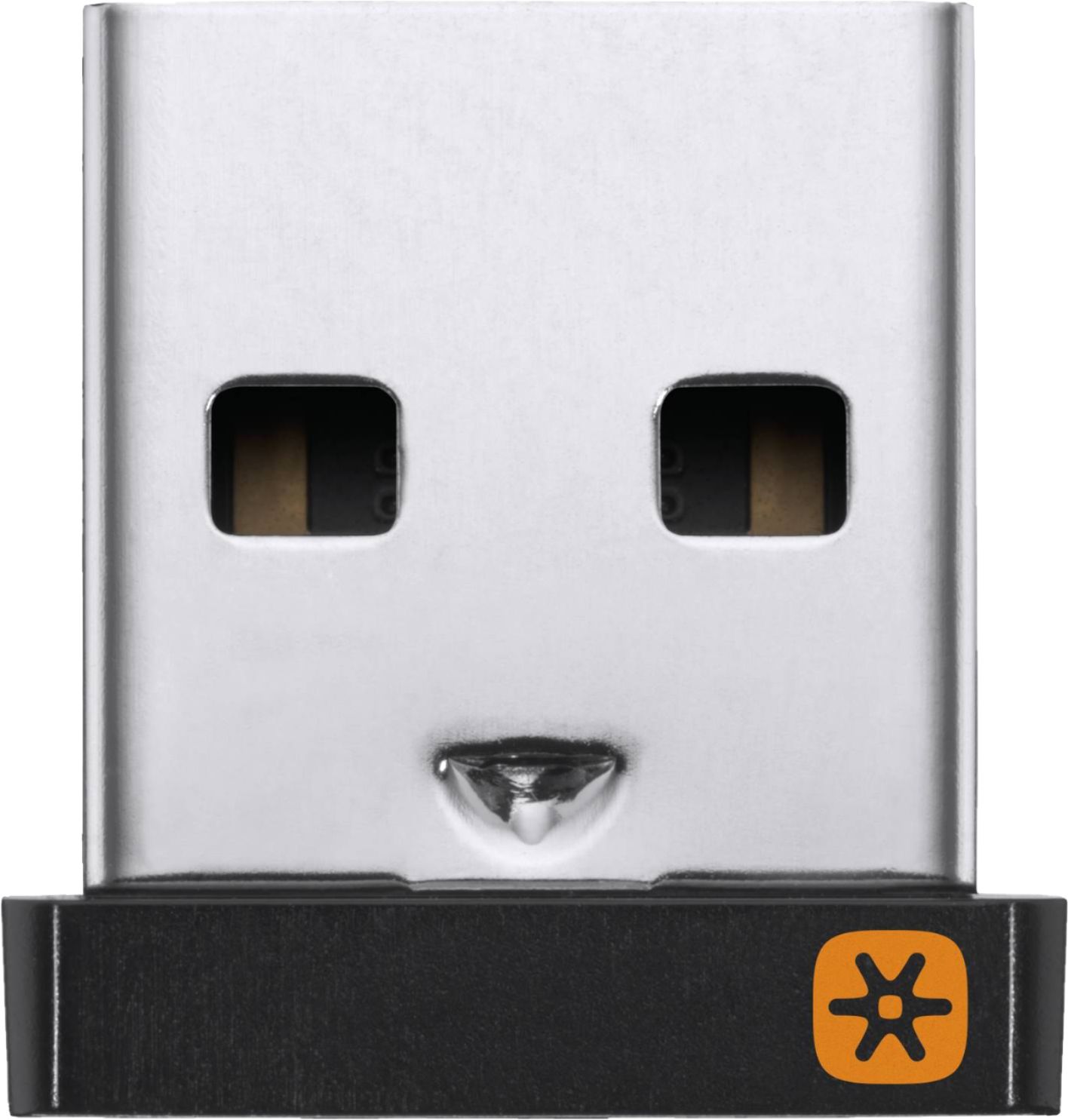
Logitech - USB Unifying Receiver - Black
SKU: J7H7ZY2RYHI have to replace the receivers every few years, but they work great while they are working....Works great but no feedback during setup....Wroks great for a few years...This works great!
See all Home ReceiversProduct Description
A compact black USB receiver that wirelessly connects up to six compatible devices with reliable 2.4GHz technology.Your price for this item is $20.86Save $2The previous price was $23.01 -
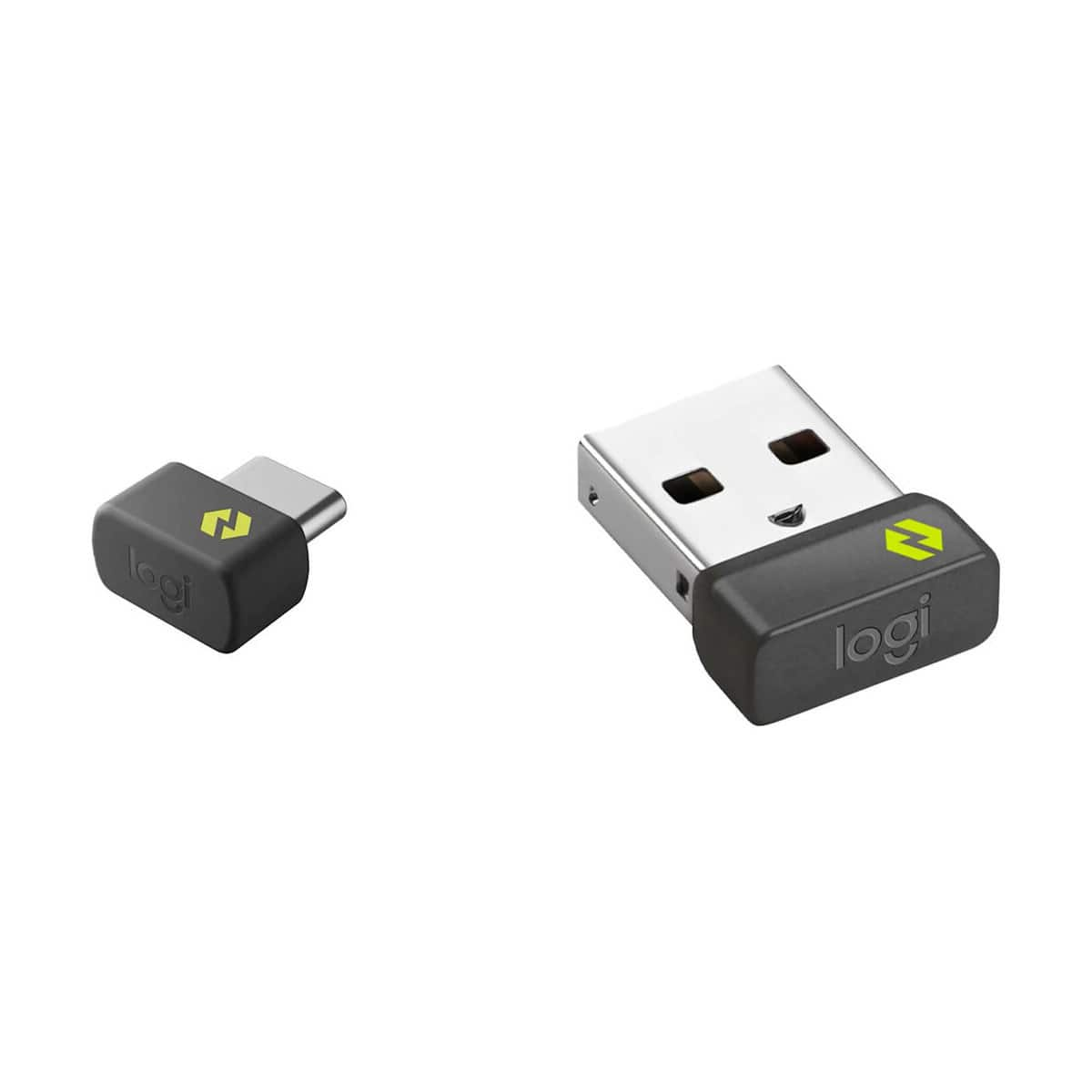
Logitech - Logi Bolt USB-C Receiver, Graphite
SKU: J7H7ZYL7XXSee all A/V ReceiversProduct Description
A secure graphite USB-C receiver enabling high-performance wireless connections for multiple compatible mice and keyboards.Your price for this item is $28.13Save $4The previous price was $33.02 -
PylePro - Pyle PDA99BU Bluetooth HD Home Audio HDMI/MP3/USB/SD/AUX FM Radio Amplifier Receiver with Remote Control
SKU: J3284H4CRVSee all Stereo ReceiversProduct Description
A versatile Bluetooth home audio amplifier receiver with HDMI, MP3, USB, SD, AUX, FM, and remote control.Your price for this item is $156.99 -
Cables to Go - C2G 29353 Black 1-Port USB Superbooster Dongle RJ45 Female to USB B Male - Receiver
SKU: JXVJXCFKH6See all Monitor & Video CablesProduct Description
A black dongle receiver that converts RJ45 female connections to USB B male for reliable data transfer.Your price for this item is $82.79 -
EPOS - IMPACT SDW D1 USB - US Audio Receiver - 442.91 ft - Wireless - Portable
SKU: J39Q5R5C9YSee all All HeadphonesProduct Description
A portable black wireless audio receiver that keeps your headset seamlessly connected for flexible office mobility.Your price for this item is $131.84Save $123The previous price was $255.00 -
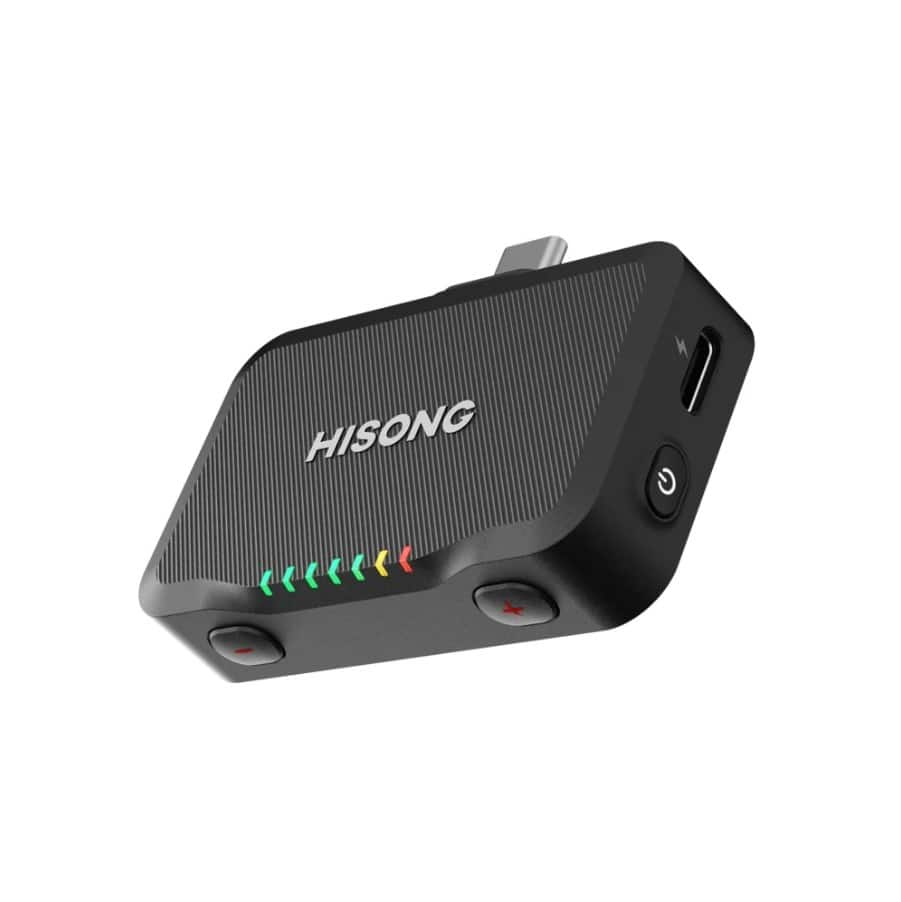
HISONG - RX Plus Component Set- wireless receiver expansion for AirStudio S1
SKU: J3R8F9KPQCSee all TV & Home Theater AccessoriesProduct Description
A wireless receiver expansion with USB-C and 3.5mm TRS connections for cameras, speakers, mixers, and devices.Your price for this item is $99.00


Best Sellers

Related Pages




FAQ
USB receivers are commonly compatible with a wide range of devices, including desktop computers, laptops, and some tablets that have a standard USB port. Many USB receivers are designed to work with specific brands or types of peripherals, so it's important to check compatibility with your device before purchasing.
Some USB receivers, such as those using proprietary technologies like Logitech's Unifying Receiver, can connect to multiple compatible devices (like keyboards and mice) simultaneously. However, most standard USB receivers typically pair with one device at a time.
To pair your wireless mouse or keyboard, plug the USB receiver into an available USB port on your computer. Most devices will automatically connect to the receiver upon insertion. For certain models, you may need to press a pairing button on the device or install specific software provided by the manufacturer.
Many USB receivers are designed to work with both Windows and Mac operating systems. However, it's always best to check the product specifications to ensure compatibility with your specific OS version.
Most USB receivers are plug-and-play, meaning they do not require additional software or drivers for basic operation. However, advanced features or customization options may require installing software from the manufacturer.