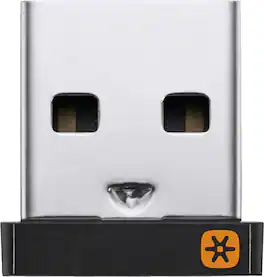
Logitech - USB Unifying Receiver - Black
About this product
Connect unifying mouses and keyboards to your computer with this Logitech USB receiver. Wireless functionality lets you efficiently link up to six devices per receiver, while the compact form factor takes up minimal bag space. Featuring 2.4GHz wireless technology, this Logitech USB receiver provides a reliable connection at a range of up to 33 feet for versatile use.
Compatible with most Logitech Unifying devices
Easily connect up to six compatible keyboards and mice to one computer - without the hassle of multiple USB receivers.
Advanced 2.4 GHz wireless technology
Provides a powerful, reliable connection up to 33 feet away with virtually no delays or dropouts.
Tiny design
You can leave the tiny receiver in your notebook, so there's no need to unplug it when you move around.
System requirements
One free USB port, Internet connection for software download, Windows 10, 11 or later.
More sustainable
Uses FSC-certified paper for responsible packaging. Certified carbon neutral: the carbon impact of the product and packaging has been reduced to zero.
- BrandLogitechModel Number910-005235Product NameUSB Unifying ReceiverColorBlackProduct Height4.3 inchesProduct Length4 inches
Reviews
Rating 4.7 out of 5 stars with 75 reviews
Customer Images
The vast majority of our reviews come from verified purchases. Reviews from customers may include My Best Buy members, employees, and Tech Insider Network members (as tagged). Select reviewers may receive discounted products, promotional considerations or entries into drawings for honest, helpful reviews.
Compare similar products
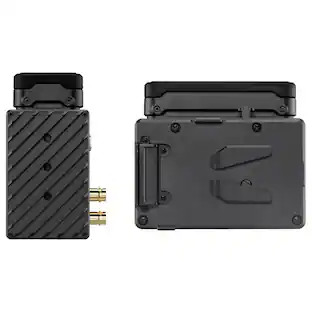
Connect unifying mouses and keyboards to your computer with this Logitech USB receiver. Wireless functionality lets you efficiently link up to six devices per receiver, while the compact form factor takes up minimal bag space. Featuring 2.4GHz wireless technology, this Logitech USB receiver provides a reliable connection at a range of up to 33 feet for versatile use.

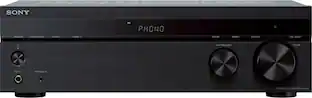
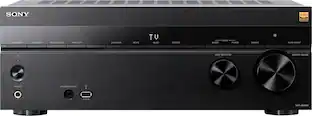
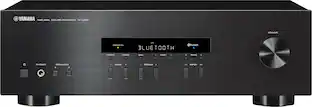
Bring together your analog and digital music collection with this 2-channel Sony receiver. Its phono input lets you hook up a record player directly, and its Bluetooth capability allows convenient wireless streaming from compatible devices. This Sony receiver has a built-in power amplifier for clear, distortion-free sound, and the rigid chassis minimizes vibration.

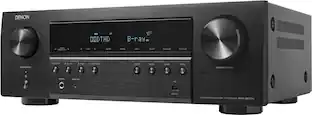
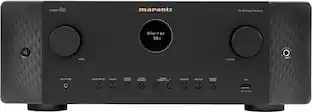
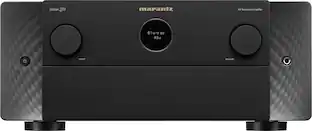
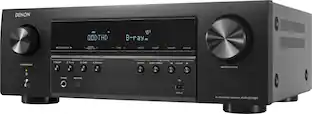
The Highest Resolution. This 7.2-channel AV receiver boldly explores entertainment possibilities for an advanced home theater with the latest in video and audio including Dolby Vision, Dolby Atmos, Dolby Atmos Height Virtualization, DTS:X, wireless streaming and more.
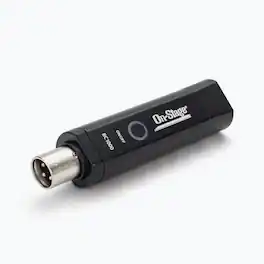
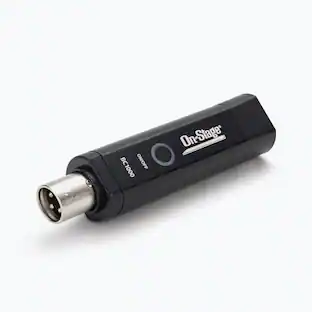
Our BC1000 Bluetooth Receiver wirelessly connects a Bluetooth audio source, such as a mobile device or computer, to a mixer or powered speaker up to 30' away, eliminating the need for running cables. Only one receiver is needed because it automatically sums incoming stereo audio to a mono signal. The built-in connector plugs into a single XLR input, conserving channels on a mixing board. Its USB-rechargeable battery provides power, so no power cord is needed during use.
| Pros for Logitech - USB Unifying Receiver - Black | |||
|---|---|---|---|
| There were no pros for this product— | Sound Quality, Ease of use, Bluetooth, Price, Phono Input | Sound Quality, Ease of use, Power, Connectivity, Setup | There were no pros for this product— |
| Cons for Logitech - USB Unifying Receiver - Black | |||
| There were no cons for this product— | Bass, Volume, Size | HDMI, Input Switching, ARC, Display Size, Manual | There were no cons for this product— |
Specs
Customers often buy these together
 $54.99The price was $64.99
 $39.99The price was $55.39
More to consider
 Labor Day Deal$218.00The price was $249.99
- $39.99The price was $55.39
 Labor Day Deal$519.00The price was $649.00
Your sound, your style Sponsored
- Labor Day Deal$218.00The price was $249.99
 $544.95The price was $559.95
 $948.99The price was $1,149.99
Discover related products
- $54.99The price was $64.99
 $82.99The price was $94.95
 $26.99The price was $48.00