Windows Utilities Software
-
iolo - System Mechanic - Windows [Digital]
SKU: JCQ6K7WQJXOf all the antivirus products I have been using till now, this is so far the best one....Great...Quick purchase and great
See all Maintenance SoftwareProduct Description
A digital Windows utility that speeds up your PC, repairs errors, and protects against malware automatically.Your price for this item is $29.99Save $20The previous price was $49.99 -
Corel - Easy CD & DVD Burning 2 - Windows [Digital]
SKU: JXZS3THVFJBest DVD burner software I have purchased yet and it was cheap...dvd copying at its best
See all CD & DVD BurningProduct Description
An easy-to-use digital software for Windows that burns, organizes, edits, and shares CDs and DVDs.Your price for this item is $29.99 -
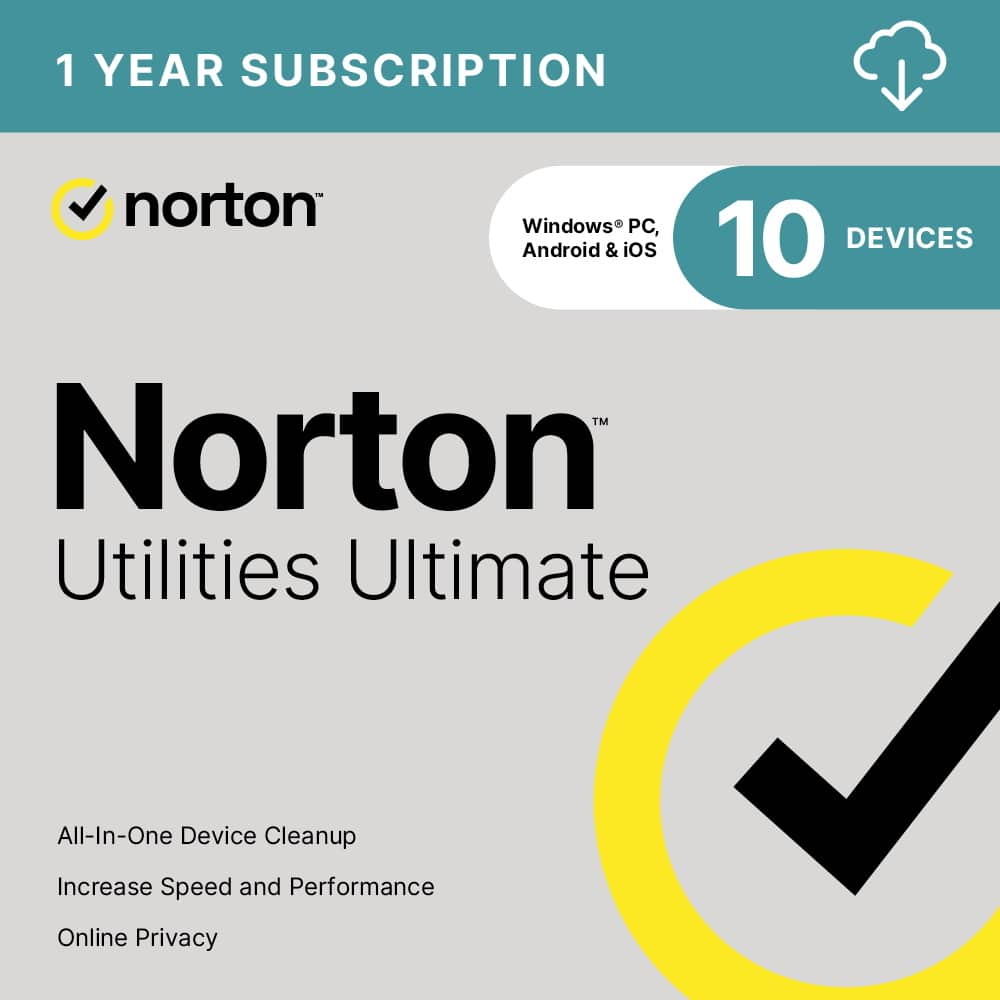
Norton - Utilities Ultimate (10 Device) - Android, Apple iOS, Windows [Digital]
SKU: J78X33H57HGreat product to keep the bad at bay. Easy to setup and use....Best Utilities manager on the market....Great Product
See all Antivirus & Security SoftwareProduct Description
An all-in-one digital utility suite that optimizes performance and cleans devices across Android, iOS, and Windows.Your price for this item is $39.99 -
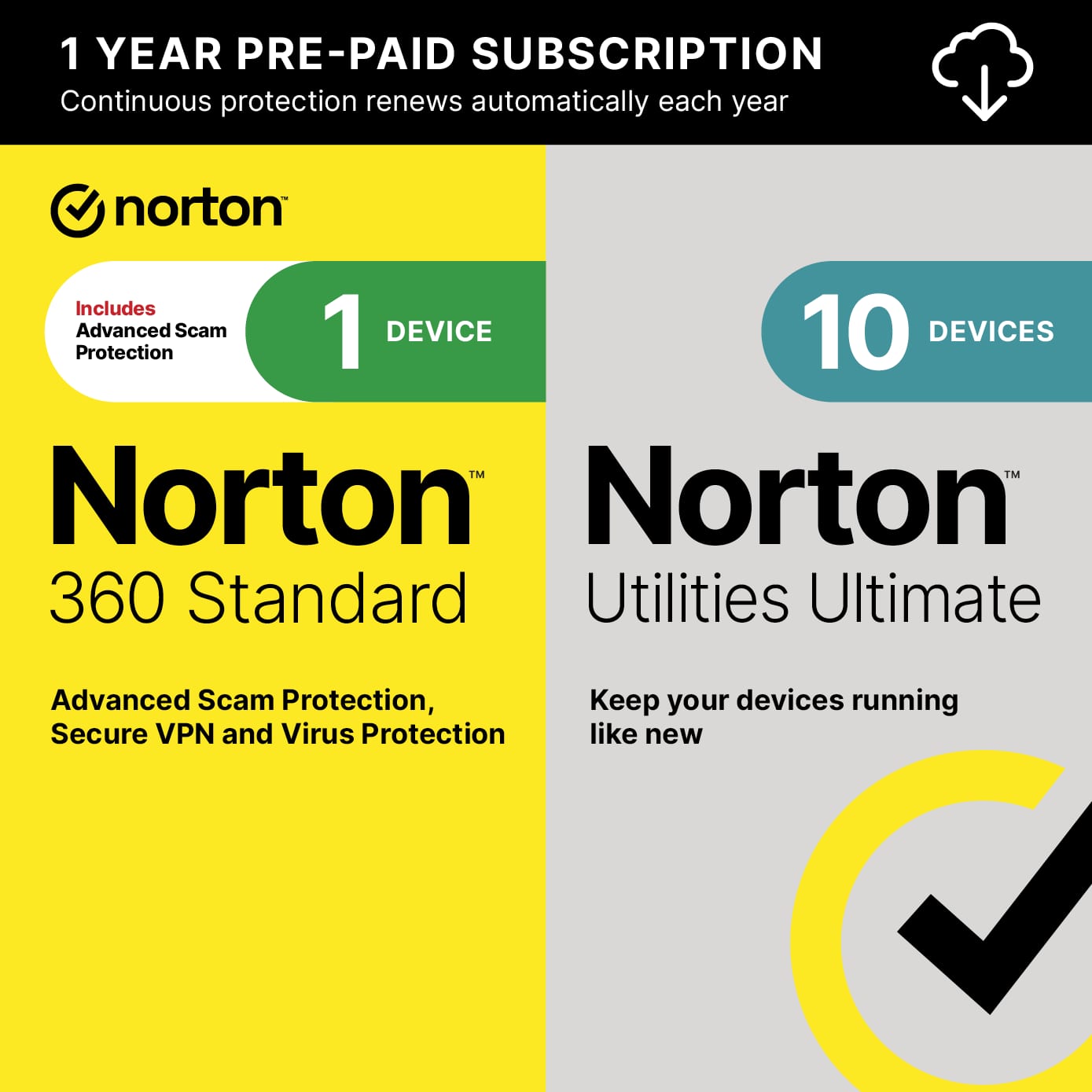
Norton - 360 Standard + Utilities Ultimate (1 Device) Antivirus Internet Security + Scam Protection + VPN (1 Year Subscription) - Android, Apple iOS, Mac OS, Windows [Digital]
SKU: J78X33HPXWBest Buy / Nortons...I highly recommend Nortons at Best Buy Store....Norton is the best security software for your pc and norton utilities
See all Antivirus & Security SoftwareProduct Description
An all-in-one digital security suite with antivirus, VPN, scam protection, and PC optimization for multiple platforms.Your price for this item is $79.99 -
Acronis - True Image 2025 5 PC/Mac - Android, Apple iOS, Mac OS, Windows [Digital]
SKU: J3GW3VPSC4See all Internet Security SoftwareProduct Description
A comprehensive digital backup solution offering fast recovery, disk cloning, and flexible scheduling across multiple operating systems.Your price for this item is $107.99Save $32The previous price was $139.99



Best Sellers





Related Pages






FAQ
Windows utilities software can assist with a variety of tasks such as system optimization, file management, disk cleanup, data backup, security enhancements, and performance monitoring. These tools help users maintain, organize, and improve the overall functioning of their Windows computers.
Most utilities software is designed to support multiple versions of Windows, such as Windows 10 and Windows 11. However, it's important to check the specific product details for compatibility information to ensure it works with your operating system.
Yes, you can use different utilities software together, as long as they do not conflict with each other. For example, you might use one program for disk cleanup and another for data backup. Always review the software documentation to prevent potential conflicts or redundant features.
Many Windows utilities are designed with user-friendly interfaces and step-by-step guides, making them accessible to users of all skill levels. Advanced tools may offer additional features for experienced users, but most basic functions can be used without technical expertise.
Most Windows utilities software providers offer regular updates to improve performance, add new features, and enhance security. The availability and frequency of updates can vary by product, so it's best to review the software's update policy for specific details.