Xbox 360 Flash Drives
-
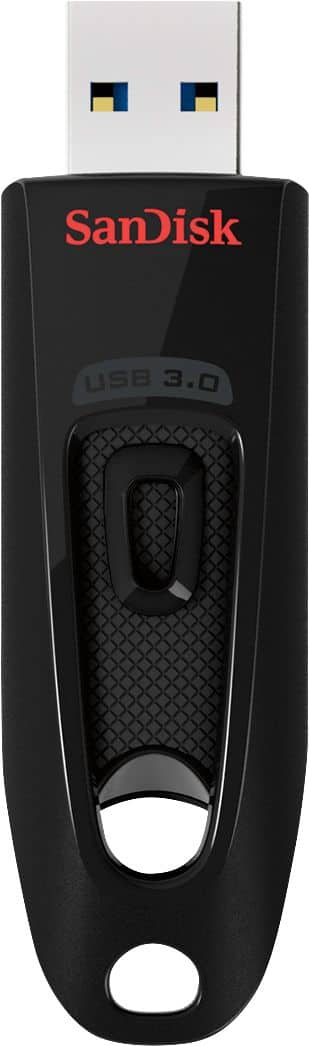
SANDISK - Ultra 32GB USB 3.0 Flash Drive - Black
SKU: JXJ62CG6SYThank you, it is great product. I love it. I love Best Buy!...Love it! Great price at Best Buy, Too!!!!
See all USB Flash DrivesProduct Description
A sleek black USB 3.0 flash drive offering 32GB storage, fast transfers, and password protection.Your price for this item is $17.99Save $4The previous price was $21.99 -
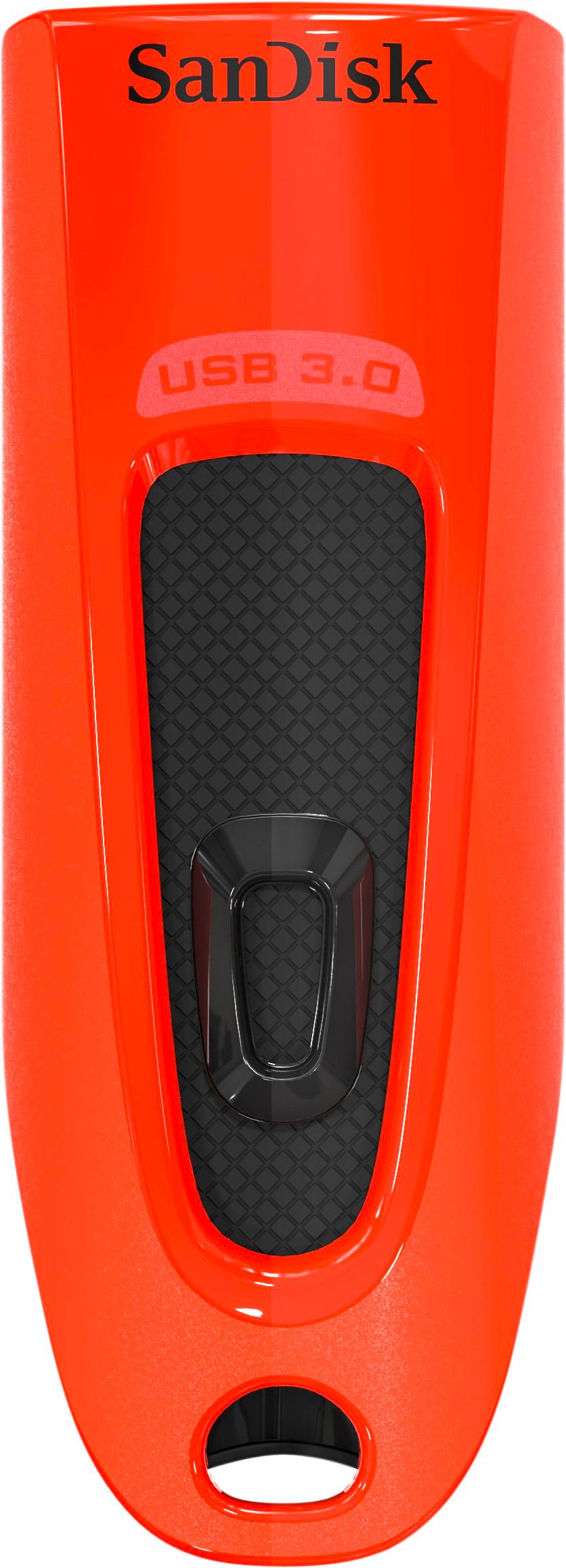
SANDISK - Ultra 64GB USB 3.0 Flash Drive - Red
SKU: JXJ62CYQZHgreat product...Great service pricing and over all experience i love best buy...Love best buy.
See all USB Flash DrivesProduct Description
A high-speed red USB 3.0 flash drive with 64GB storage, password protection, and retractable design.Your price for this item is $20.99Save $3The previous price was $23.99 -
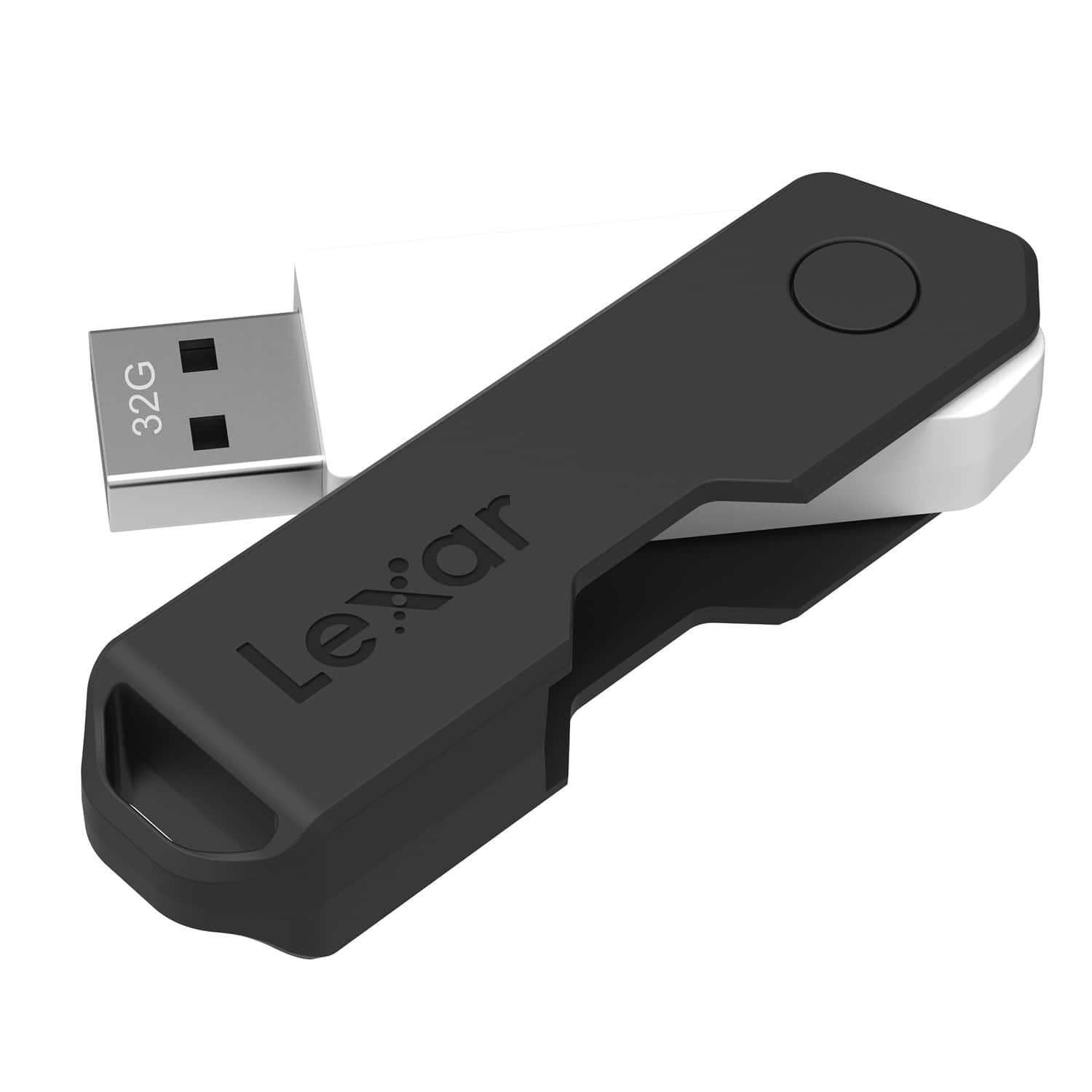
Lexar - JumpDrive TwistTurn2 USB 2.0 Flash Drive 32 GB - Black
SKU: J36XPKKKTYSee all USB Flash DrivesProduct Description
A black USB 2.0 flash drive with 32GB storage and a capless, rotating protective design.Your price for this item is $21.85 -
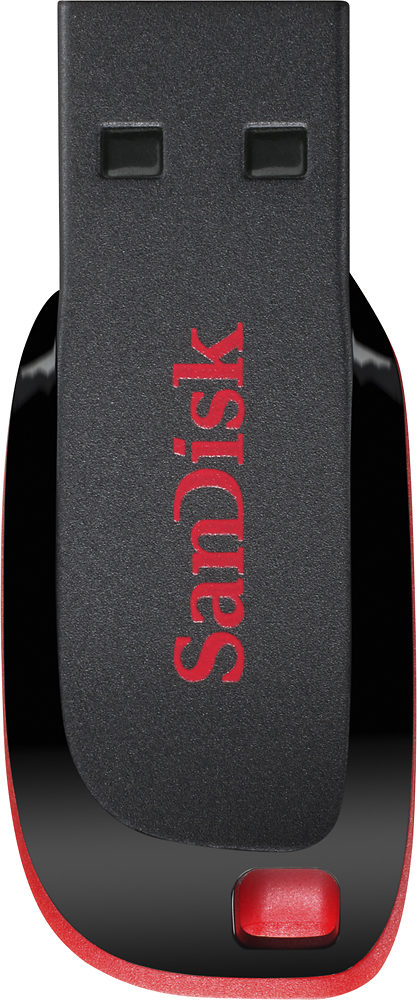
SanDisk - Cruzer 128GB USB Flash Drive - Black/Red
SKU: JXJ62CYJS3See all USB Flash DrivesProduct Description
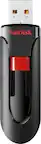
A sleek black and red USB 2.0 flash drive offering 128GB storage and password protection.Your price for this item is $25.98 -
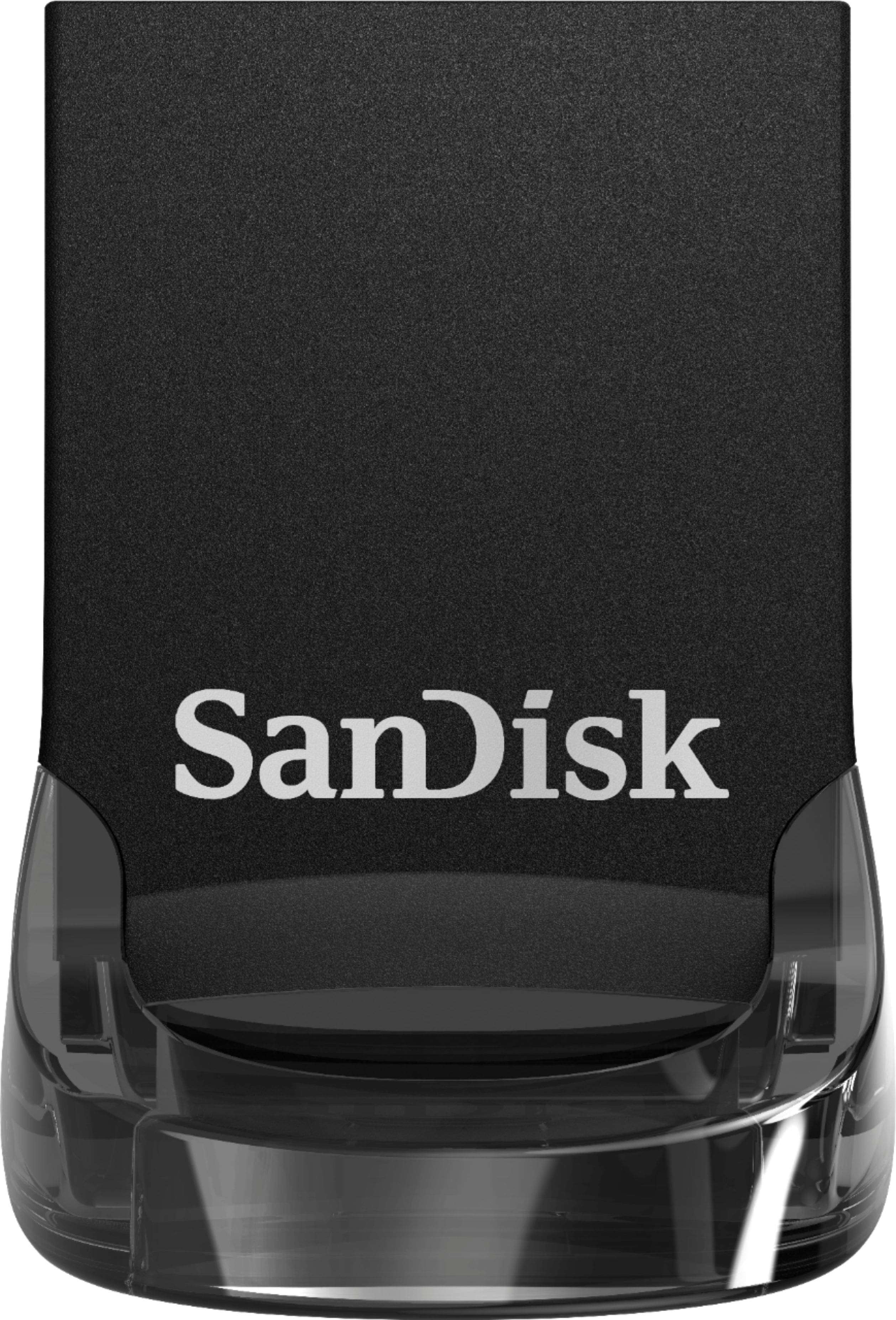
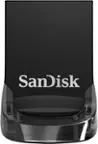
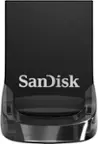
SANDISK - Ultra Fit 128GB USB 3.1 Flash Drive - Black
SKU: JXJ62CSR8XLove it! Nothing like a good purchase!!!!!!!!!! I always great quality from Best Buy!...Best expansion for a great deal...Love this easy to read and write very compact and sleek design.
See all USB Flash DrivesProduct Description
A compact black USB 3.1 flash drive offering 128GB storage and fast data transfer speeds.Your price for this item is $29.99Save $6The previous price was $35.99
Best Sellers
Related Pages
FAQ
Yes, Xbox 360 flash drives are designed to work with all Xbox 360 console models, including the original, S, and E versions. Simply plug the flash drive into a USB port on your console to get started.
To use a flash drive for game saves, insert it into your Xbox 360, navigate to System Settings > Storage, and select the flash drive. The console will prompt you to configure it for Xbox 360 use, allowing you to save games, profiles, and downloadable content.
Yes, you can transfer profiles, saved games, and downloadable content between Xbox 360 consoles using a compatible flash drive. Just move or copy the desired files to the flash drive, then insert it into the other console and transfer the content.
When you first connect a new flash drive to your Xbox 360, the system will guide you through formatting and configuring the drive for use. This process ensures the drive is optimized for Xbox 360 storage requirements.
Yes, you can use a flash drive to update your Xbox 360 system software. Download the update from the official Xbox website onto the flash drive, then insert it into your console and follow the on-screen instructions to complete the update.