StarTech.com - HDMI to VGA Video Converter - Black
About this product
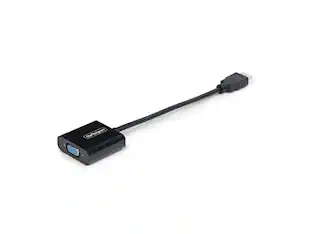
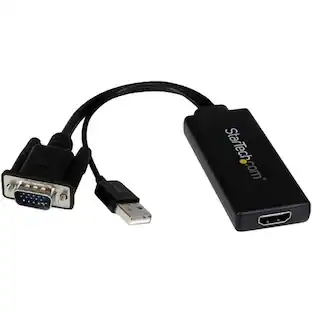
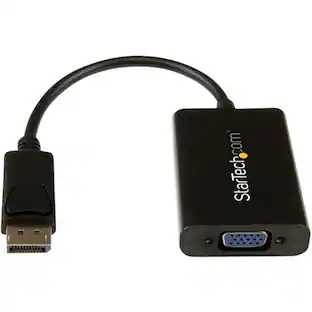
Convert digital media for analog display with this StarTech HDMI to VGA adapter. It connects a laptop or any portable HDMI-enabled device to a VGA monitor, projector or television without the need for a power adapter. This StarTech HDMI to VGA adapter supports two-channel audio and video resolutions at 1080p and 1920 x 1200.
Features
Compatible with PC
For use with your existing computer.
Secure connection
19 pin HDMI type A, 15 pin HD d-sub (HD-15), mini-phone stereo 3.5 mm and 5 pin micro-USB type B connectors.
Specifications
- HDMI Cable TypeHigh Speed HDMI CableConnector Type (End 1)HDMI Type AGender (End 1)MaleConnector Type (End 2)VGAGender (End 2)Female
Reviews
Rating 4.9 out of 5 stars with 15 reviews
The vast majority of our reviews come from verified purchases. Reviews from customers may include My Best Buy members, employees, and Tech Insider Network members (as tagged). Select reviewers may receive discounted products, promotional considerations or entries into drawings for honest, helpful reviews.

Compare similar products
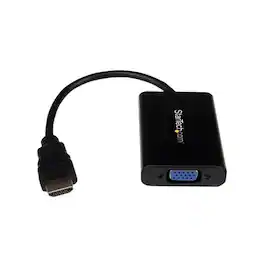
Convert digital media for analog display with this StarTech HDMI to VGA adapter. It connects a laptop or any portable HDMI-enabled device to a VGA monitor, projector or television without the need for a power adapter. This StarTech HDMI to VGA adapter supports two-channel audio and video resolutions at 1080p and 1920 x 1200.
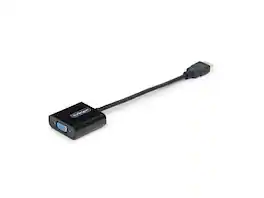
StarTech HDMI to VGA Adapter, Active Video Converter For Laptop/Desktop, 1920x1080 (1080p), HDMI Source to VGA Monitor/Display/Projector - HD2VGAE3
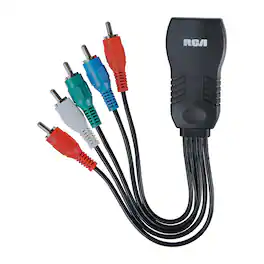
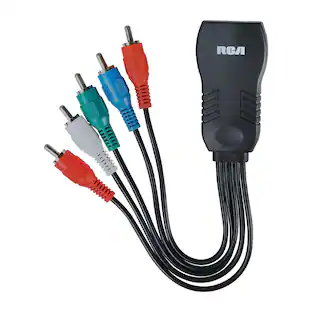
Up your TV gaming or solve other thorny signal adapter issues with the easy-to-install DHCOPE HDMI® to Component Video Adapter from RCA. This adapter converts digital HDMI® video to analog component video and supports up to 1080p video. It easily connects to televisions and displays without HDMI® ports but do have component inputs. No external power supply is required.
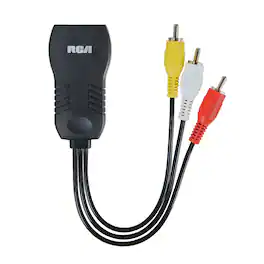
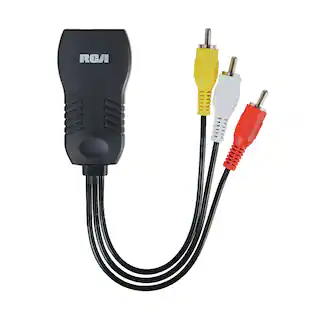
No HDMI inputs on your TV? Don’t despair. Up your TV game with the easy-to-install HDMI to Composite Video Adapter from RCA. This adapter converts digital HDMI video to analog component video – that’s a yellow video cable, a white left channel audio cable, and a red right channel audio cable. It easily connects to televisions and displays without HDMI ports.
Specs
Customers often buy these together
Panasonic Men’s Ear and Nose Hair Trimmer, Wet Dry Hypoallergenic Dual Edge Blade - ER-GN30-H
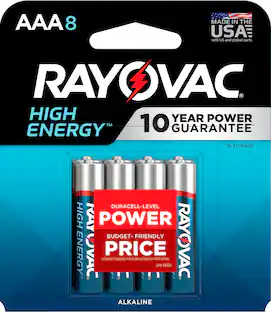
$15.19The price was $19.99Rayovac High Energy AAA Batteries (8 Pack), Alkaline Triple A Batteries
Clearance$5.99The price was $7.49











More to consider
StarTech.com StarTech HDMI to VGA Adapter, 1080p Active Converter - HD2VGAE3
$24.99The price was $28.76
Explore related products Sponsored
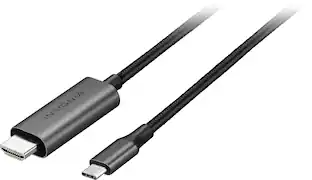
Discover related products


Keep exploring
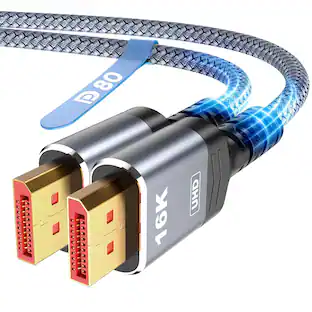
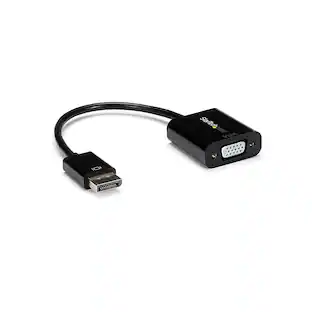
iVANKY 80Gbps VESA Certified DisplayPort Cable 2.1, 16K Display Port 6.6FT
$19.99The price was $39.99