







Early Black Friday Deals & DoorbustersEnds Nov. 8.Shop now

Main Content

Mac

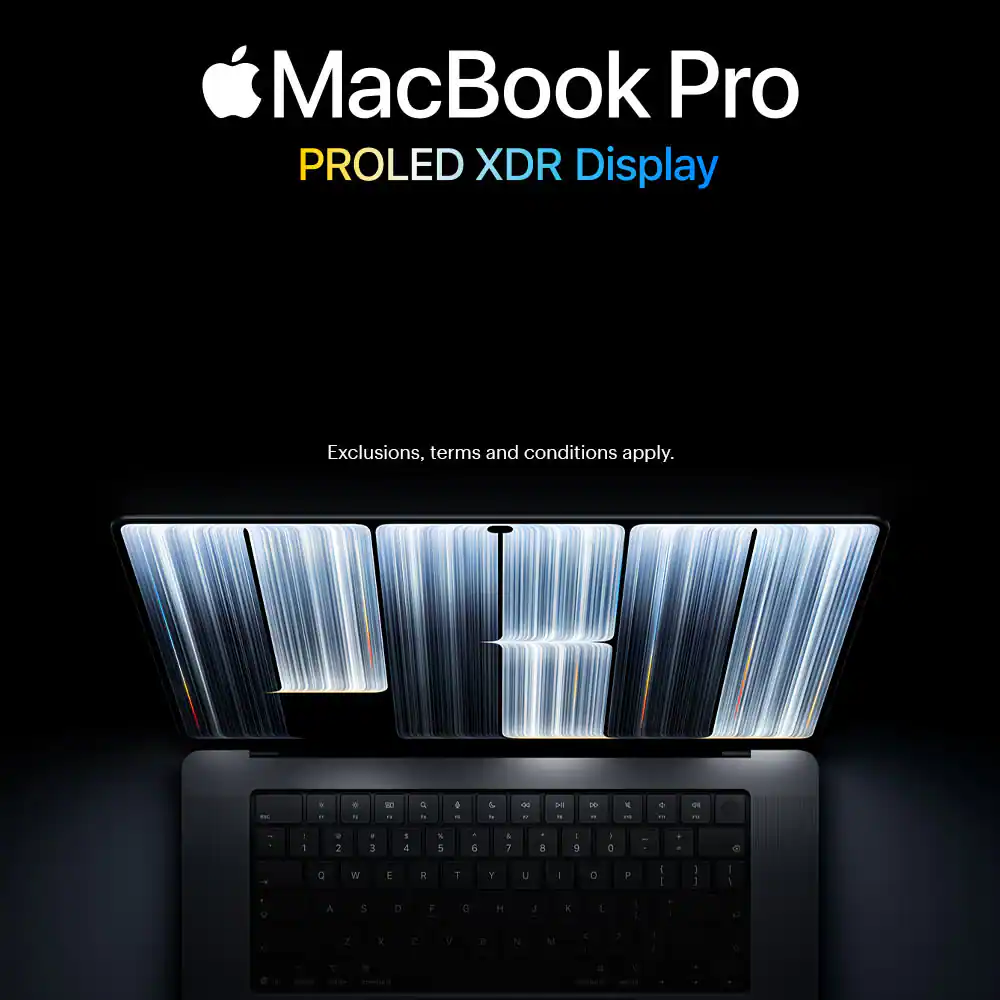
MacBook Pro PROLED XDR Display

Get a free $100 Best Buy Gift Card with purchase.
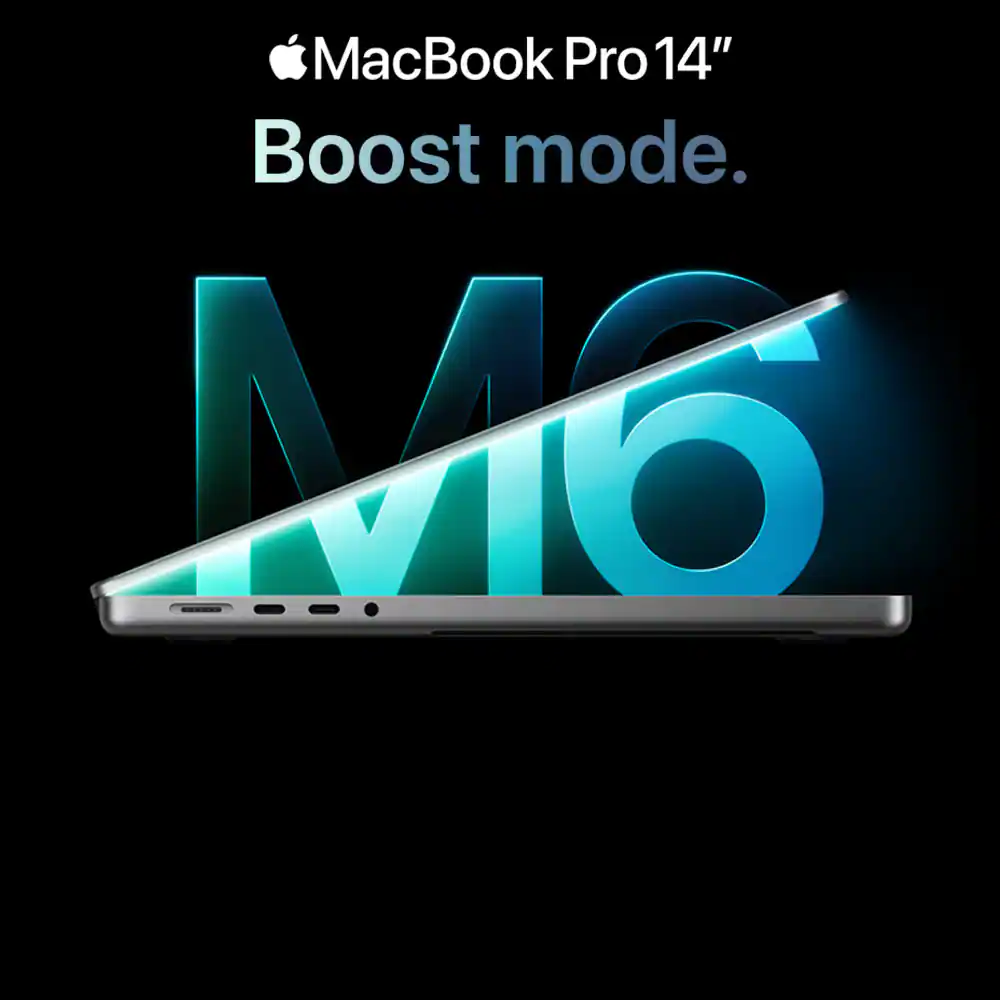
MacBook Pro 14" M6. Boost mode.

Get a free $100 Best Buy Gift Card with purchase.

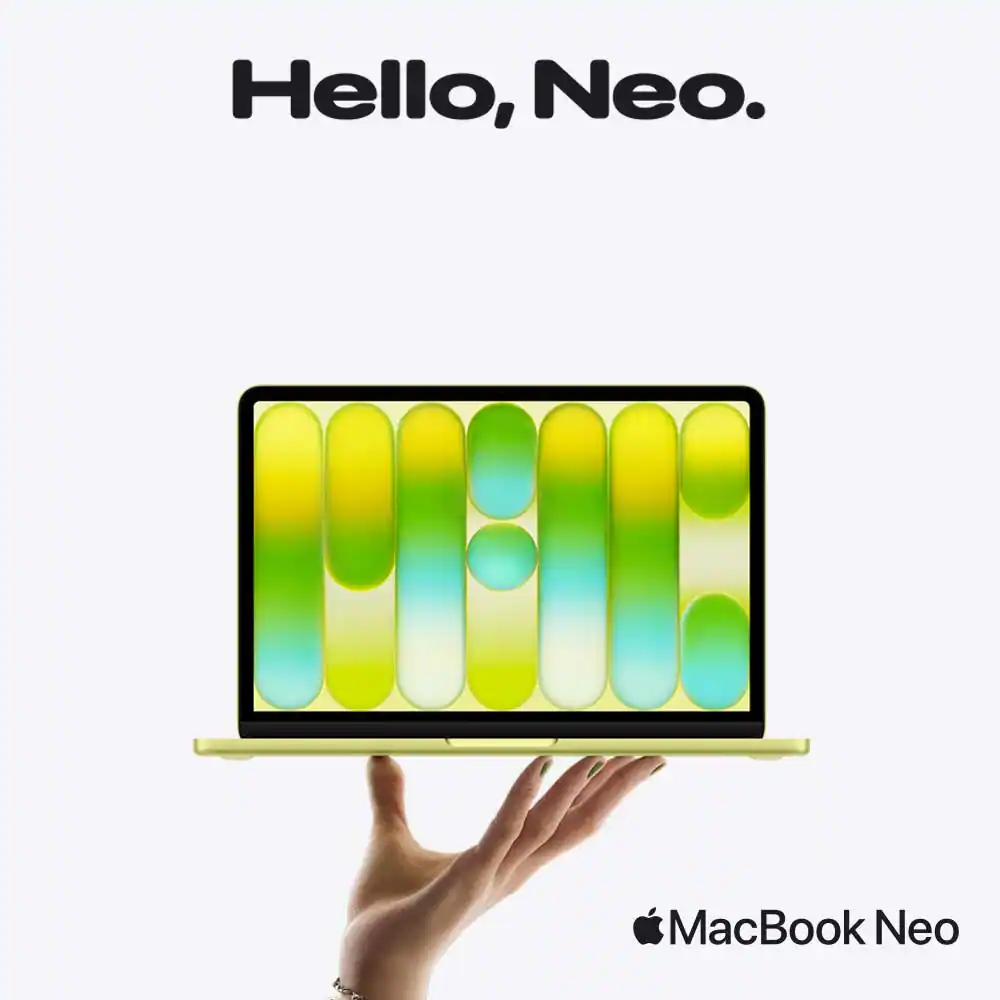
Hello, Neo. MacBook Neo.
Starting at $699.
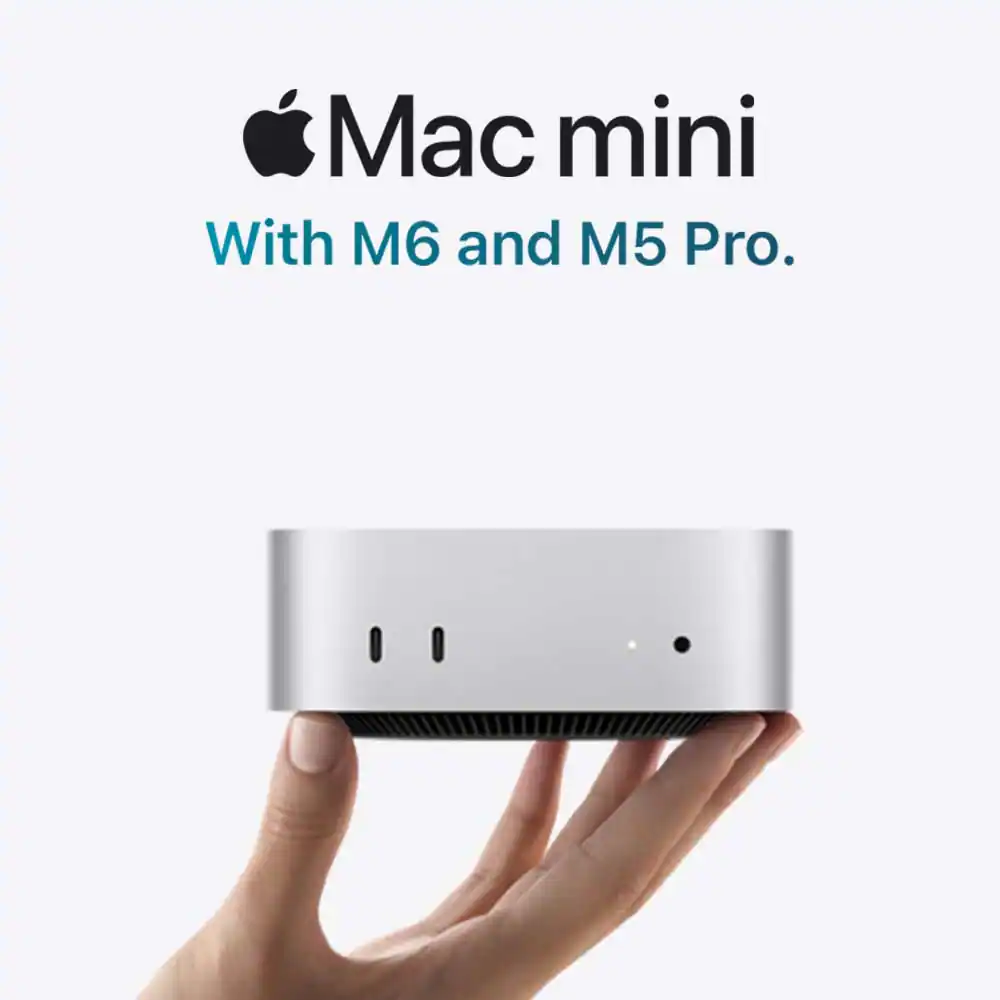
Mac mini with M6 and M5 Pro
Allllll that. And a brand-new chip. Exclusions, terms and conditions apply.
iMac (M6) starting at $1,339 with qualifying trade-in.

MacBook Neo
Trade in your old device
and save on the latest Mac laptops
Exclusions, terms and conditions apply.
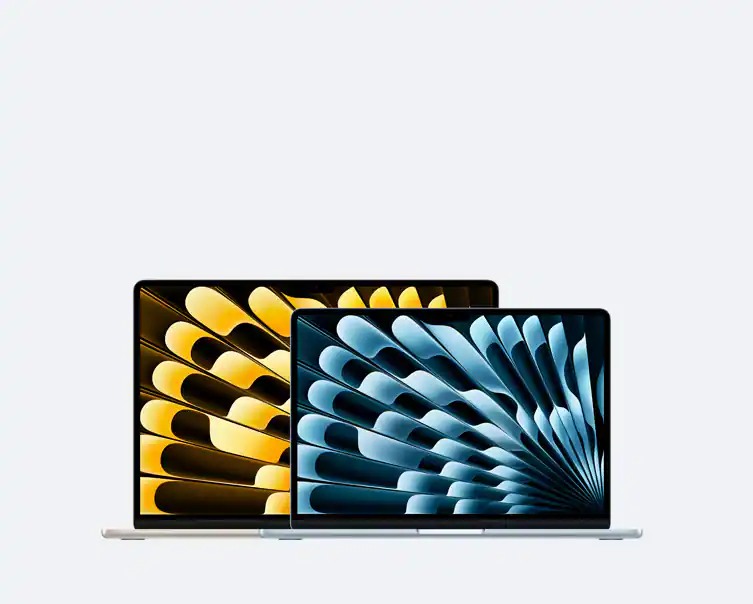
Compare Mac models
Save on a new device with qualified trade-in
Terms and conditions apply.
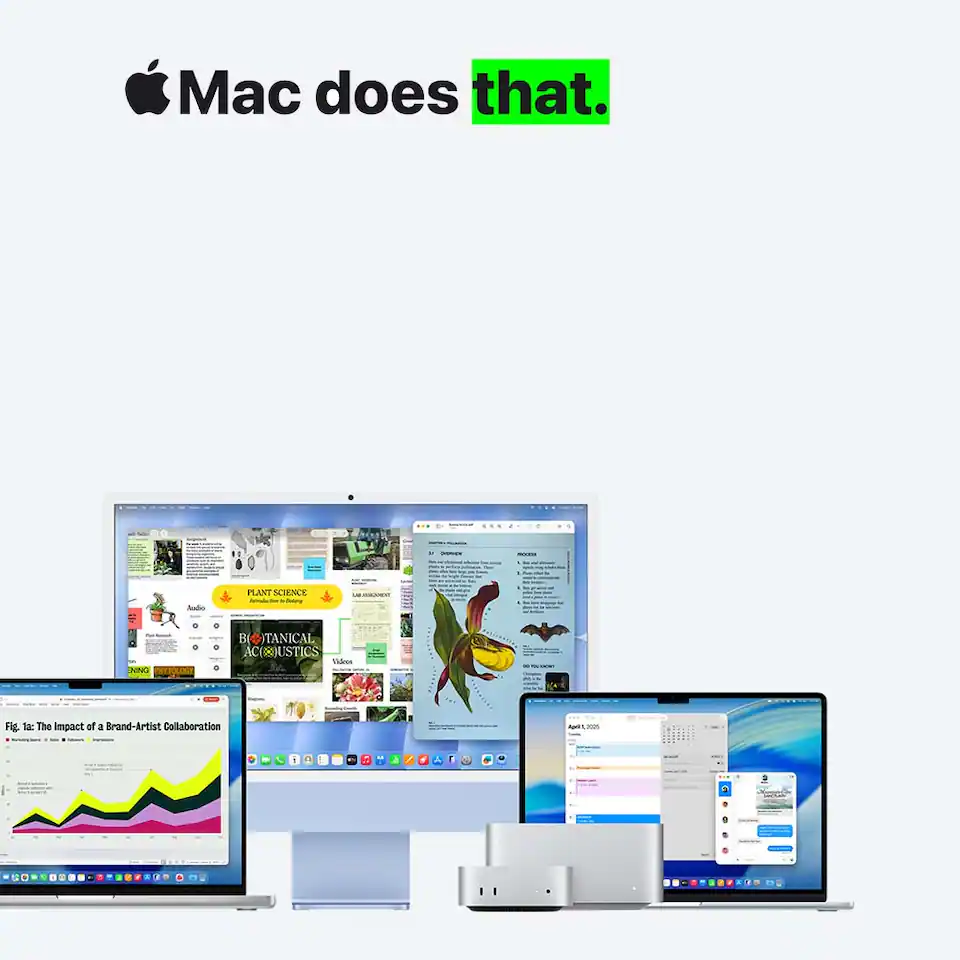
Mac does that
Never used a Mac? No problem. Getting started is a breeze if you’re switching from PC to Mac.
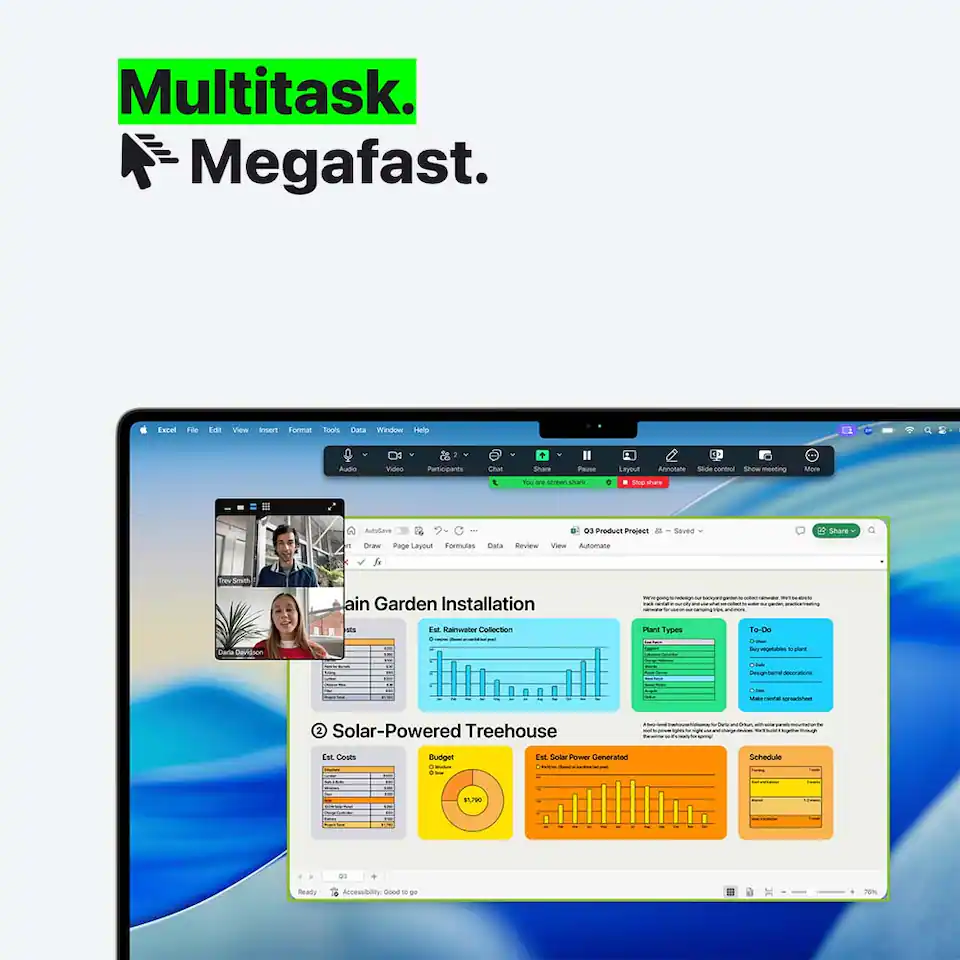
Multitask, megafast
Get more done faster without slowing down. That’s the power of Apple silicon.
Up to 24 hours of battery life, reference disclosure. Go further.
Your MacBook ProSee Disclosure won’t quit until you do. And its performance won’t change when it’s not plugged in.

Shop Mac accessories

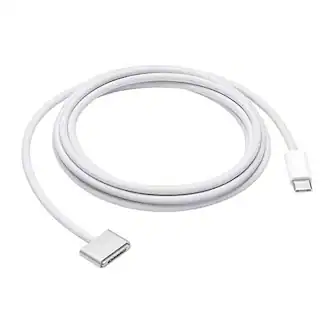
Cables, connectors and chargers
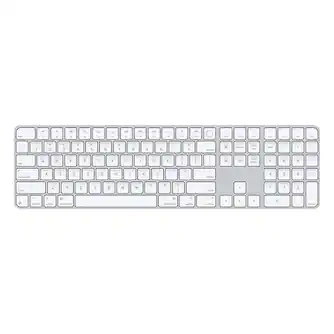
Magic Keyboard
Magic Mouse and Magic Trackpad
Studio Display
AirPods
Software

Disclosures

Power and Battery:

*Up to 24 hours of battery life applies to MacBook Pro with M5, M5 Pro and M5 Max, and the 16-inch MacBook Pro with M4 Pro. Battery life for Apple TV app movie playback. Battery life varies by use and configuration. See apple.com/batteries for more information. 

Choosing a Mac for work, school and everyday use

What type of Mac is right for you?

Choosing an Apple Mac starts with how you plan to use it each day. If portability is a priority, a Mac laptop can be a practical choice for classes, travel or remote work. Consider battery life, performance and software compatibility to help identify the best computer for you. The MacBook Air is often a strong fit for everyday tasks. The Macintosh lineup includes options for a wide range of users, from casual web browsing to demanding creative projects. Many people shopping for MacBooks look for a balance of speed and portability, while the MacBook Pro is designed for more intensive workloads. Each Mac computer offers access to the same ecosystem, making it easier to move between devices. As for desktop computers, the iMac combines display and computing power in a single design, while the Mac mini offers flexibility with existing accessories. For advanced creative or professional tasks, the Mac Studio delivers additional performance. Exploring different Apple Macs can help you find the right solution, whether you need a family device or an Apple computer for specialized projects. 

Getting the most out of your Apple computer

Once you have your device, taking advantage of the broader Apple ecosystem can add convenience to daily use. A Mac works well with accessories designed to support productivity and organization. Adding Apple monitors can expand your screen space for multitasking, while quality Apple cables help connect peripherals, charge devices and keep your setup running smoothly. Regular software updates, file organization and cloud syncing can help keep an Apple computer operating efficiently. Many people also appreciate the added support available through AppleCare+, which can provide service and assistance when unexpected issues arise. Learning built-in features, keyboard shortcuts and accessibility tools can help you get more value from your device over time. Whether you use your system for school, work or entertainment, a few habits can make everyday tasks easier. Organizing documents, managing storage and customizing settings can help create a setup that fits your preferences. As newer products such as the MacBook Neo enter discussions, it remains worthwhile to focus on the features and performance that matter most for your needs.