FREE shipping to
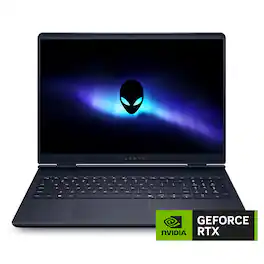
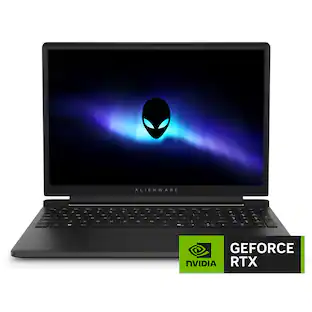
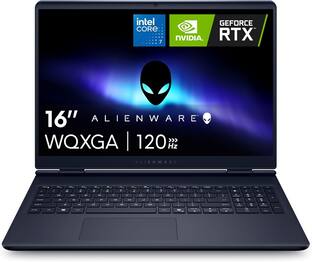
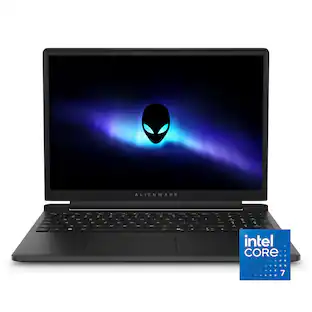
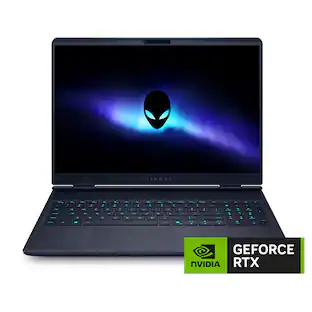
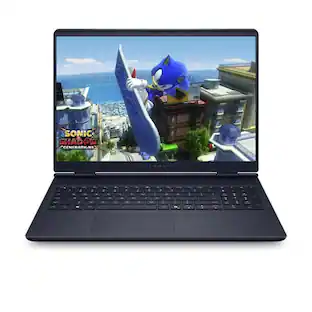
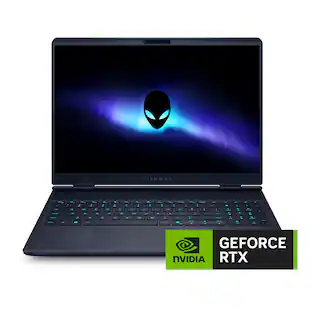
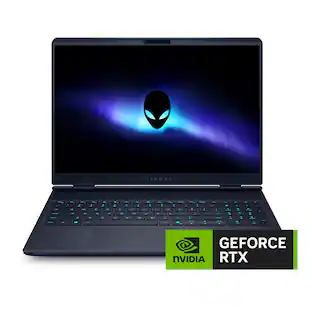
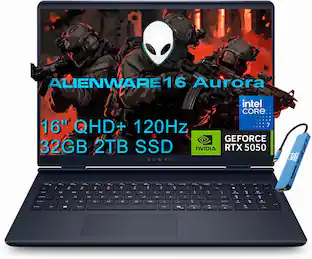
Alienware 16 Aurora Gaming Laptop. Pure performance. No distractions. Optimized performance in a sleek design, featuring a WQXGA 120Hz 300 nits display, stylish anodized aluminum lid and Intel Core processors (Series 2).
Q: Description says 240hz but Specifications says 120hz which one is the correct?thx
A: Pretty sure it's 120. The more expensive version has 240.
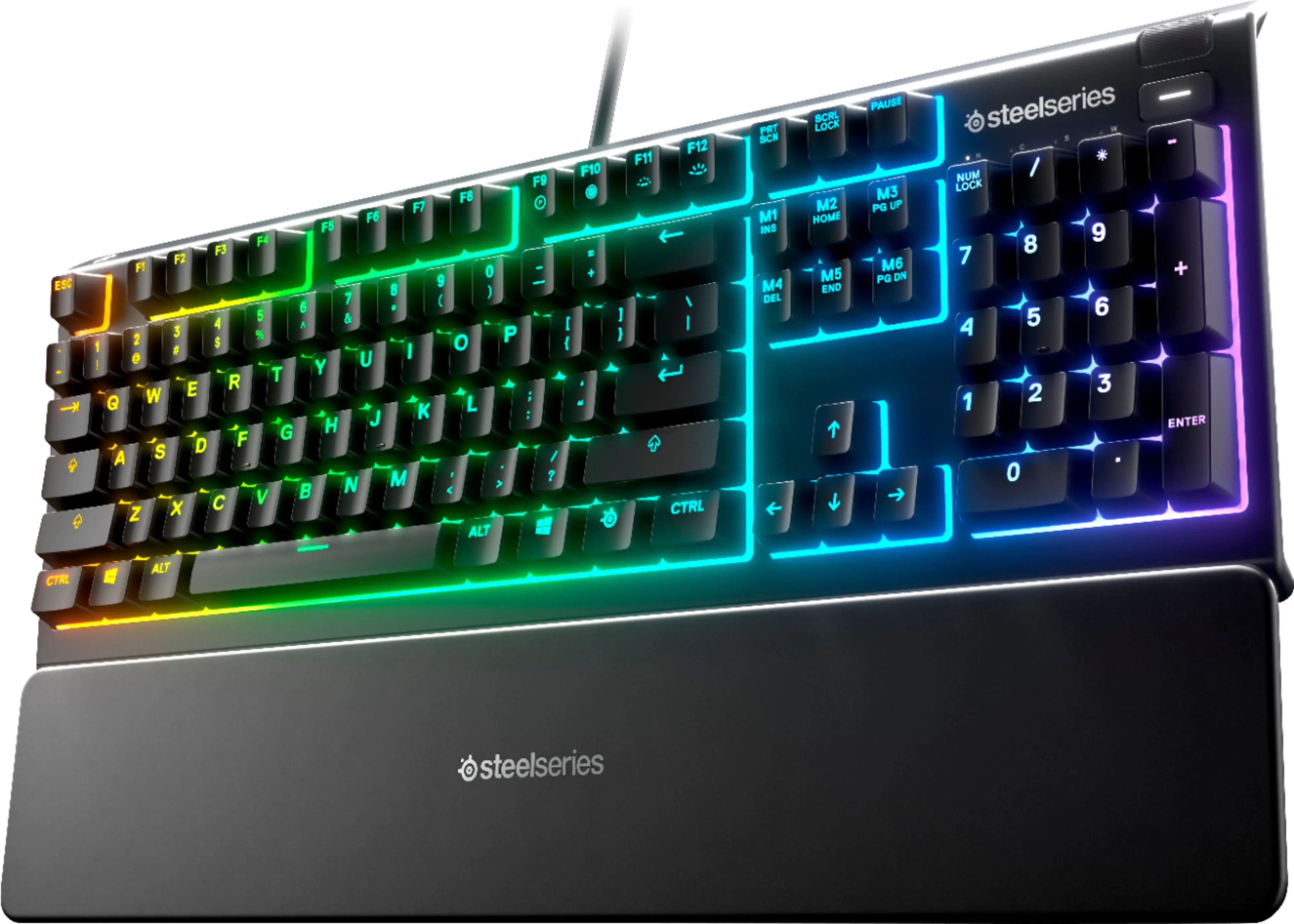
Q: Is there a way to make the keyboard RGB?
A: No, the RGB lighting customization is not available in this keyboard.
Q: Hi! Looking to run some AIs on this, wondering how much vram is has?
A: It comes with 8GB of dedicated VRAM (GDDR7) on the RTX 5060 GPU.
A: The laptop is not upgradeable in terms of CPU. Here's why: Laptop CPUs are soldered directly onto the motherboard (BGA format), unlike desktops where CPUs are socketed and replaceable.
Q: How bright is the display? Is it 500 nits?
A: It is 16:10 WQXGA 120Hz panel with 300 nits, sRGB 100% with ComfortView Plus low blue light technology.
Q: Does this computer have DVD/CD drive?
A: No it does not
Q: when will it come on sale??
A: I'm not sure but keep an eye out because it may happen for Black Friday..
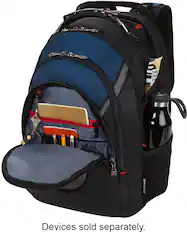
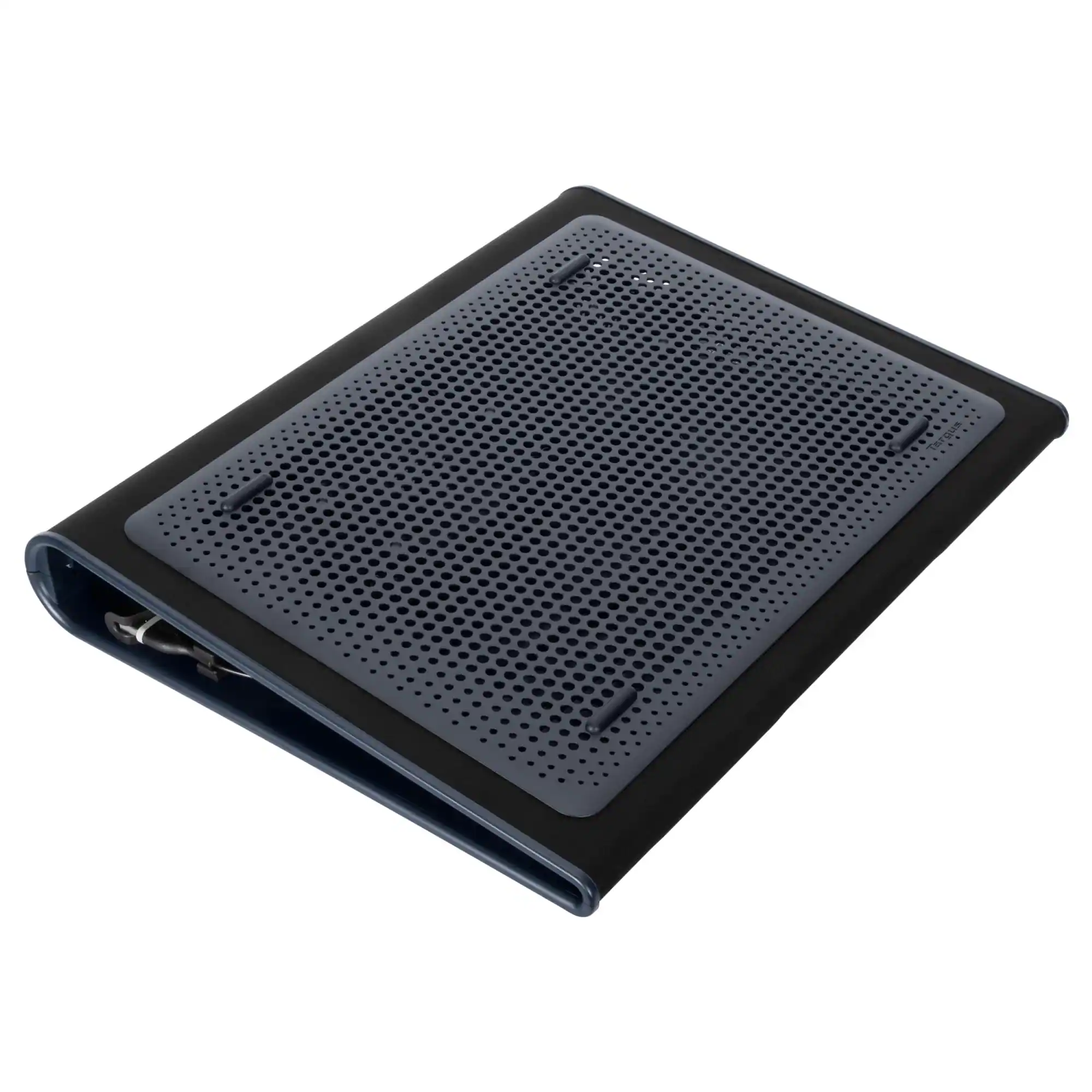
A: Dell Gaming Backpack 17, Alienware 18 Backpack - AW7825P, will be a great fit for this laptop. You don’t necessarily need a cooling stand for this laptop as Alienware laptops have advanced internal cooling systems (vapor chamber, dual fans, and heat pipes).

Alienware 16 Aurora Gaming Laptop. Pure performance. No distractions. Optimized performance in a sleek design, featuring a WQXGA 120Hz 300 nits display, stylish anodized aluminum lid and Intel Core processors (Series 2).

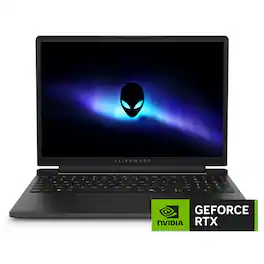
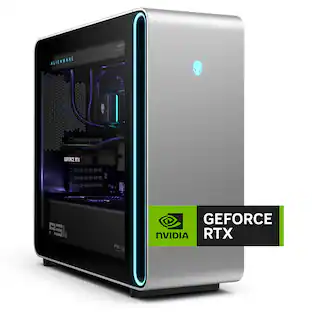
Essential power. No distractions. Optimized performance in a sleek design, featuring a WQXGA240Hz 500 nits display, stylish anodized aluminum lid and bottom cover and Intel Core Ultra processors. Alienware 16X Aurora delivers an immersive gaming-first experience in a sleek design. Get the performance you need, anywhere – powered by Intel Core Ultra HX processors (Series 2) and NVIDIA GeForce RTX 50 Series Laptop GPUs.

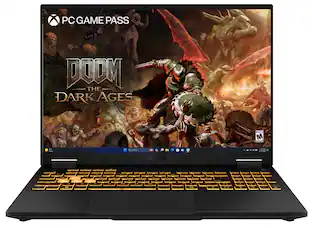
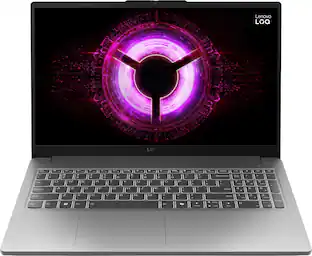
The TUF Gaming F16 is built to power through every gaming challenge. Dive into Windows 11 Home with confidence, backed by an Intel Core Processor i7-14650HX and NVIDIA GeForce RTX 5060 Laptop GPU with NVIDIA Advanced Optimus for smooth, responsive gameplay. Its sleek design, featuring a subtle TUF logo, pairs understated style with rugged strength. The 165Hz FHD display with 100% sRGB color range delivers vibrant, lifelike visuals that pull you straight into the action. With 32GB of DDR5 memory and a spacious 1TB PCIe Gen4 SSD, multitasking and storage are effortless. Designed for real-world toughness, it meets military-grade durability standards. Powerful components require powerful cooling, so we’ve equipped the TUF Gaming F16 with a whole suite of technology to keep it running at peak performance. From the 2nd Gen Arc Flow Fans inspired by aircraft engines to a full-width heatsink and integrated dust filters, the F16 will never lose its cool. And with Dolby Atmos and Hi-Res Audio, you’ll get rich, immersive sound that enhances every moment of your game.

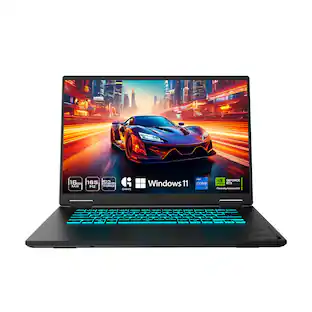
The TUF Gaming A16 is built for resilience, delivering powerful performance in any environment. Equipped with Windows 11 Home and Microsoft Copilot, it features an AMD Ryzen AI 9 270 processor and an NVIDIA GeForce RTX 5070 Laptop GPU, ensuring seamless gameplay and multitasking. With 32GB of DDR5 RAM and a 1TB PCIe Gen 4.0 SSD, load times remain lightning-fast. Designed for durability, the laptop meets military-grade standards while maintaining a sleek, understated aesthetic with the TUF logo. Its 16-inch, 165Hz display with a 16:10 aspect ratio delivers immersive gaming visuals, while 2nd Gen Arc Flow Fans, a full-width heatsink, and integrated dust filters keep performance cool and efficient. Dolby Atmos and Hi-Res audio provide rich, distortion-free sound, keeping distractions at bay so gamers can stay focused on the action.
| Pros for Alienware - 16 Aurora - 16" 2.5K Gaming Laptop - Intel Core 7 240H 2024 - 32GB Memory - NVIDIA GeForce RTX 5060 8GB - 1TB Storage - Interstellar Indigo | |||
|---|---|---|---|
| There were no pros for this product— | Overall Performance, Processor Speed, Battery Life, Portability, Port Count | Overall Performance, Processor Speed, Cooling System, Portability | Overall Performance, Battery Life, Cooling System, Port Count, Speed |
| Cons for Alienware - 16 Aurora - 16" 2.5K Gaming Laptop - Intel Core 7 240H 2024 - 32GB Memory - NVIDIA GeForce RTX 5060 8GB - 1TB Storage - Interstellar Indigo | |||
| There were no cons for this product— | Fan Noise, Weight, Heat Dissipation | Fan Noise, Screen Quality, Weight, Battery Life | Fan Noise, Screen Quality, Weight, Keyboard, VRAM |
The vast majority of our reviews come from verified purchases. Reviews from customers may include My Best Buy members, employees, and Tech Insider Network members (as tagged). Select reviewers may receive discounted products, promotional considerations or entries into drawings for honest, helpful reviews.

Very Fast, Run games smooth, i use mainly to edit long videos (1h+) and run a lot of AI aplications and i can assure that is doing a good job
This review is from Alienware - 16 Aurora - 16" 2.5K Gaming Laptop - Intel Core 7 240H 2024 - 32GB Memory - NVIDIA GeForce RTX 5060 8GB - 1TB Storage - Interstellar Indigo
Posted by FelipeA
Alienware - 16 Aurora 16" 120Hz Gaming Laptop WQXGA - Intel Core 7 240H with 32GB Memory, 1TB SSD, and NVIDIA’s GeForce RTX 5060. I’ve never had a computer that gave me a chance to “set-to-stun” with blazing fast performance. I’ll explain further in my description of performance, but I’m having a blast with this new laptop from the designers at Alienware. The Aura 16” is discrete about its ability to fulfill a gamer’s dreams because it looks like a business person’s laptop, with a professional blue suit, nothing flashy about its backlit keyboard, and a lineup of ports along one side and also hidden around the back. The weight tells you something serious is hidden inside, but you do need to get into the SETTINGS to unleash the power. Alienware and the NVIDIA 50 series graphics cards are popular so there are numerous videos offering tips for naïve owners to unlock the performance in these spectacular machines. As you will see in my before and after computer optimization pictures, a few parameter changes turn this computer into something very special. SETUP: Although Windows 11 computers require a while for initial startup, you can still begin work fairly soon. In fact, what’s not so apparent is that Windows hides the true setup time burden behind a delayed software update algorithm that I suppose works in the background for the next day or so. I prefer to get the pain out of the way by going immediately into the SYSTEM SETTINGS and looking for the update list. It is a very long list, and it will frustrate your evaluation of your new computer’s speed and efficiency until those updates are all completed. Just request updates now. As I note later on, you will once again want to revisit the SYSTEM SETTINGS to add in a number of performance management tools provided by both NVIDIA and Alienware to truly achieve the performance capabilities this great laptop has prepared for you. FEATURES: Alienware’s 16” Gaming laptop represents a laptop for 2025, but it also ensures you can continue to grow capabilities into the future. I’m especially impressed with a thorough complement of ports for accessories as well as two upgradeable PCIe Gen 4 SSD slots and two user-upgradeable DDR5 SO-DIMM memory slots. There is also 115W Total Power (45W for processing; 85W for Graphics) available to support serious gaming activity. Two fans and extensive venting provide sufficient cooling to enable uninterrupted gaming sessions, and the shell and keyboard never get too warm for comfortable use. The port configuration uses both the left side of the laptop [Ethernet; USB Type-A 3.2; headset jack] and an array across the rear panel [USB Type-A 3.2; 2x Type C USB 3.2 Gen2]; HDMI 2.1; and power DC in]. The screen/top cover is hinged in such a way that rear ports are easily reached and wires are not crushed. Wireless connectivity is Wi-Fi 7 and backwards compatible. An Ethernet port is available. There are both a built-in microphone and front-facing camera. There is no Media Card Reader, and the keyboard does not provide customizable lighting, but it is backlit. NOTES: The keyboard has a wonderful feel, and having a number pad is a nice touch, though its placement throws my balance off because the keyboard is now off-center. The truly odd feature I will have to overcome is the keyboard labeling for symbols and punctuation. The label position on these keys is the opposite of every keyboard I have ever used. Quirky. It surely makes the symbols easier to read, but I have to keep myself from trying to shift-key-keystroke on the primary number or punctuation. The cooling fans make their presence known (measured 61dB from 2’ distance) when you move performance parameters to maximum. They are silent under balanced settings or any typical use scenarios. During extreme gaming sessions you will want to use headphones and be considerate if others are nearby. I think the screen is perfect in every way, however, I’ve come to prefer the higher contrast designs of better screen technologies such as OLED. I also realize most end users, including me, will add a larger premium monitor with the technology we prefer. The only other feature of interest is the audio/speaker. It has nice space-filling sound, but the frequency range does not go very deep, and it will not satisfy on games or movies. Hopefully, most end users will add either a desktop speaker system or nice headphones (via the audio jack or bluetooth) or please remember that the HDMI provides digital audio as well as digital video for higher end accessory systems. COPILOT - AI: It’s right there on the right side of the spacebar on the keyboard. Very intuitive. I relied on CoPilot to quickly find those optimization settings provided by Microsoft, NVIDIA, and Alienware. While I prefer detailed written guidance, this Copilot AI tool is especially helpful extracting all the performance the Alienware 16 is capable of. Copilot completely improves on the traditional HELP button with nicely organized step-by-step instructions and some great hand-holding. This is my first time using Copilot and it was impressive, making so many of my research, shopping and planning projects easier. This is the tool that we always needed. PERFORMANCE for everyone: Focusing on just the remarkable gaming results misses an important segment of buyers who should be looking closely at the Alienware laptop for their work or play. The premium GPUs (NVIDIA), processors (Intel Core7), and large, fast storage (SSD) will also serve the demands of video production, music creation, 3D modeling, computational research, software development, and many business purposes. In these uses, you’ll want to revert back to Balanced Mode, continue with the NVIDIA graphics processor, and of course select the software that addresses your work. For photo work, you can calibrate this display or even add a special-purpose display and maybe a tablet. The Alienware easily supports an external display with its HDMI 2.1 port. It also supports a fast external drive. For scientific computing, you can add in NVIDIA’s CUDA (Compute Unified Device Architecture) software, etc. This is a powerful system that invites creative uses and users. GAMING: I turned my focus to the expected use of Alienware’s laptop, gaming, and relied on benchmarking (3DMark) software to see how capable the Aurora 16 is out of the box. Results using benchmarking tests, “Steel Nomad”, “Time Spy”, and “Fire Strike” appear in several pictures that accompany my review. For the first two benchmarks, the top image is a screenshot just after I completed all suggested updates from NVIDIA, Alienware, and Windows but before optimizing any parameters. The bottom images are a result of applying the recommended setting changes from Copilot using the prompt: “How do I optimize my Alienware Aurora laptop for the best gaming experience?” You can see the results. Improvements to both graphics and CPU ranged from nice (Steel Nomad) to doubling the performance of “Time Spy.” I tested using “Fire Strike” at the computer’s best (I could find) settings. 3DMark declared the results, “LEGENDARY.” And, I can offer my personal observations that, especially while viewing in real time the latter benchmark, the moving images and world building dramatically improved. What were sparkles and minor smearing before optimization became crystal-sharp, smooth, solid images with less noise in the improved video presentation. The entire Alienware Aurora 16 as configured here delivers on the promise of an exceptional gaming experience. SUMMARY: It is difficult not to marvel at the engineering you can have in your home for purposes that include game play, creative activities, and even serious scientific exploration. This Alienware Aurora 16" 120Hz Gaming Laptop is loaded to serve any purpose you might find. The folks at Alienware ensure you can enhance, expand, and augment your computing, gaming, or creating with any peripheral you need. Gaming is next level fun, and using a variety of game genres quickly proves I’ve made the right decision. It’s fun going into a gaming collection and exploring. I’ll repeat myself. The entire Alienware Aurora 16 as configured here delivers on the promise of an exceptional gaming experience.
This review is from Alienware - 16 Aurora - 16" 2.5K Gaming Laptop - Intel Core 7 240H 2024 - 32GB Memory - NVIDIA GeForce RTX 5060 8GB - 1TB Storage - Interstellar Indigo
Posted by TECHBEENGOOD
This is a heavy laptop, not just the laptop but the power brick is also very heavy. So consider that when traveling. The laptop is very fast though, running Marvel Rivals at 120 to 150 fps The cooling fan in the laptop is strong, able to moves lots of air and the laptop never go above 120F when playing latest games. Even though the fan is very strong, it is not loud, it has a low pitch droning audio signature. Chassis design also helps with moving massive amount of air and lowering noise. While browsing web or watching video on battery power, the laptop is totally silent. I feel the laptop is designed for right hand user because all the ports are either at the back or at the left side of the laptop. At the back we have round power socket, hdmi port, two usb-c ports and one 5gbps usb-a port. At the left, we have rj45 ethernet port, headphone/mic combo socket and one 5Gbps usb-a port. So if you are a right hand user, holding the mouse on the right side of the laptop is free of any obstruction. The display screen is bright and sharp. Color rendition is accurate and pleasing to my eye. I like the 16:10 aspect ratio, making this suitable for work and content creation as well not just for gaming. The keyboard is well spaced and easy to type on and has very nice comfortable feel. No issue with the touch pad as well, it is responsive and accurate. The speaker is very loud, good stereo separation and wide sound field, good for virtual surround sound but it has no bass at all. Battery life is very good for such powerful laptop. 5.5 hours at 95% battery, see screen shot. Beside it being heavy as a con for me, the webcam does not have a privacy cover so another con but easily fixed by a tape. If you wanted to upgrade the laptop by yourself like adding or replacing RAM or SSD, I have good news, the back cover of the laptop is fastened by ten Philips type screws and is very easy to remove. It has two upgradeable PCIe Gen 4 SSD slots and two user-upgradeable DDR5 SO-DIMM memory slots. The two solid state drive slots supporting both M.2 2230 and m.2 2280 ssd. SSD slot 1 comes with m2. 2230 ssd pre-installed. I am very happy with this laptop.
This review is from Alienware - 16 Aurora - 16" 2.5K Gaming Laptop - Intel Core 7 240H 2024 - 32GB Memory - NVIDIA GeForce RTX 5060 8GB - 1TB Storage - Interstellar Indigo
Posted by