ASUS - Zenbook S16 16" 3K OLED Touchscreen Laptop - AMD Ryzen AI 9 465 2026 - 32GB Memory - 1TB Storage - Copilot+ PC - Antrim Gray
Customers are saying
Customers are impressed with the device's solid build quality, excellent battery life, and highly portable design. Users also frequently praise the stunning OLED display and the impressive speed of the processor. While the laptop is highly regarded for its performance, some users noted that it can run hot and generate fan noise under heavy workloads. Additionally, a few customers expressed a preference for a more expansive keyboard layout.
Color
Antrim GrayHighlights
Features
Copilot+ PC on Windows 11 Home
As a Copilot+ PC on Windows 11 Home, Zenbook S16 delivers up to 50 TOPS of on-device AI, powering faster searches, instant file retrieval, quick summaries, real-time assistance, and AI features that work smoothly in the background without slowing you down.
Stunning 16-inch 3K OLED Touch Screen Display
Indulge in stunning visuals with a breathtaking 2880 x 1800 (16:10) display, 100% DCI-P3 color gamut, and brilliant Pantone-validated accuracy. With up to 1100-nit peak HDR brightness for clear outdoor viewing and an ultra-smooth 120Hz refresh rate, every detail looks vivid, precise, and effortlessly fluid.
Stay Focused. Get More Done.
Built with up to 50 TOPS of AI performance, the AMD Ryzen AI 9 465 processor accelerates demanding workloads with ease. From advanced productivity tasks to AI-enhanced applications, it delivers intelligent speed and seamless responsiveness wherever work takes you.
Graphics that Keep Up
The integrated AMD Radeon graphics deliver smooth, responsive visuals for creative work, media editing, and immersive viewing. Everything looks fluid and natural, so your ideas and content flow without interruption.
Multitask Without Limits
With 32GB of LPDDR5X RAM, switching between large files, multiple apps, and complex projects feels effortless. Experience smoother collaboration, faster load times, and the freedom to keep everything open without slowing down your momentum.
Speed You Can Feel
A spacious 1TB SSD gives you fast boot times, quick file access, and reliable storage for your essential work. Launch applications instantly, store large assets confidently, and keep your workflow moving without interruption.
Crafted from Ceraluminum
At just 0.51" thin, Ceraluminum blends ultraportable durability with exceptional strength. Its smooth matte finish resists scratches and fingerprints while offering a refined, enduring texture.
All-Day Battery
With an 83Wh battery, take the Zenbook S16 anywhere without an adapter, keeping your bag light and workspace clear. Fast charge lets you go from 0% to 50% in just 30 minutes, so you stay productive without pause.
Smart Gesture Touchpad
Zenbook S16 features a backlit keyboard and an enlarged touchpad with intuitive smart gestures, giving you quick control over video playback, screen brightness, audio, and more, so every interaction feels smooth and effortless.
Immersive Audio Experience
Six super-linear speakers deliver powerful, crystal-clear sound. Smart Amplifier and ASUS Audio Booster let you personalize audio for rich, immersive listening wherever you go.
Military-Grade Durability
Meeting MIL-STD 810H military standards for unmatched reliability in harsh conditions. This rigorous testing enhances longevity, ensuring the Zenbook S16 is ready for work, travel, or relaxation today and in the future.
Durability with a Conscience
Built to the tough US MIL‑STD 810H military‑grade standard for enhanced reliability, and certified with Energy Star, RoHS, and REACH for efficient, environmentally responsible performance.
Connectivity With Attitude
Enjoy ultra‑fast USB and USB‑C ports, HDMI 2.1 for crisp displays, an SD card reader for quick media transfers, and a 3.5mm audio jack—all powered by next‑gen Wi‑Fi 7 and Bluetooth 5.4 for smooth, reliable wireless performance.
Premium Performance PC
Premium Performance PCs are built for all-day performance, so you can move from work to play with the speed, battery life, and flexibility to keep up without slowing down.
Specifications
- Screen Size16 inchesScreen Resolution2880 x 1800Touch ScreenYesRefresh Rate120HzBrightness500 nits
Reviews
Rating 4.6 out of 5 stars with 109 reviews
- Build Quality (53)
- Battery Life (37)
- Portability (32)
- OLED Quality (24)
- Processor Speed (14)
- Heat Dissipation (10)
- Keyboard Layout (8)
- Performance (7)
- Fan Noise (5)
Customer Images
The vast majority of our reviews come from verified purchases. Reviews from customers may include My Best Buy members, employees, and Tech Insider Network members (as tagged). Select reviewers may receive discounted products, promotional considerations or entries into drawings for honest, helpful reviews.
Compare similar products
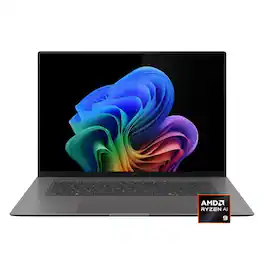
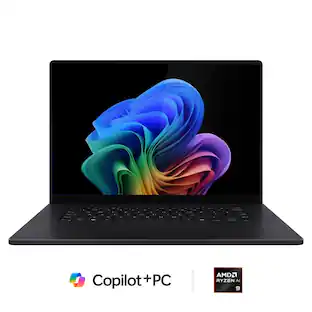
The Zenbook S16 harmoniously blends beauty and performance. Featuring an impossibly thin 0.51-inch profile crafted from premium Ceraluminum, the Zenbook S16 exudes elegance through meticulous craftsmanship. Immerse your senses in its breathtaking 16-inch 3K 120Hz OLED ASUS Lumina display and experience rich, high-fidelity audio from a powerful six-speaker system. Optimized for productivity, the Zenbook S16 is powered by an AMD Ryzen AI 9 465 processor with up to 50 TOPS to accelerate local AI workloads, while a dedicated Copilot AI Assistant key streamlines your workflow. Despite its compact form and powerful performance, the Zenbook S16 delivers exceptional battery life with its high-capacity 83Wh battery.
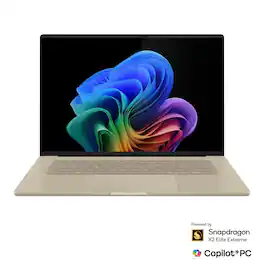
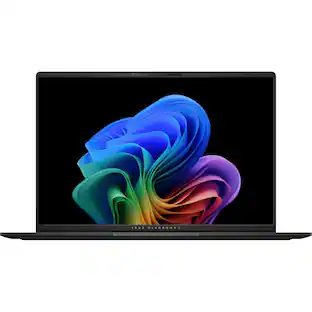
The Zenbook A16 moves as effortlessly as you do. Ultra-light and slim, with all-day battery life, it lets you work, create, and explore without worry. As a Copilot+ PC with up to 80 NPU TOPS, it keeps AI tasks flowing seamlessly, while the Ceraluminum chassis provides a soft matte finish, refined texture, and lasting strength. Its vibrant OLED touch display delivers stunning clarity and color, making every moment on screen a calm, immersive experience.
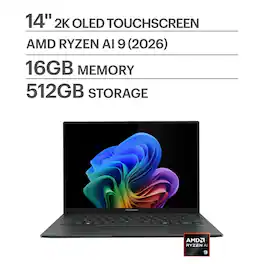
Go the extra mile with the remarkably sleek Zenbook 14, the ultimate ultraportable laptop that takes sophistication to a whole new level. Seize every moment using its enhanced extended-life battery, amplify your efficiency with an AMD Ryzen AI 9 465 processor and find seamless connectivity with full I/O ports. Immerse your senses in its vivid Lumina OLED touch screen and powerful super-linear speakers.
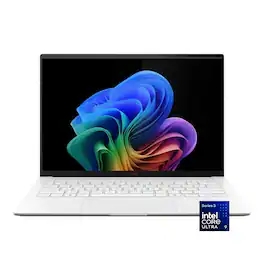
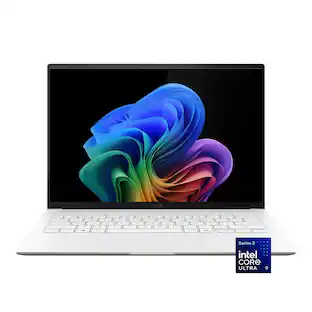
ASUS Zenbook S14 brings luxury to mobility with its ultra‑thin, ultra‑light Ceraluminum design that feels as refined as it looks. As a Copilot+ PC powered by the latest Intel Core Ultra processors, it delivers intelligent performance wrapped in effortless elegance. Its stunning 14" OLED WQXGA+ 16:10 display elevates every detail with vivid brilliance, while the long‑lasting 77 Wh battery keeps you going in style wherever the day leads.
| Pros for ASUS - Zenbook S16 16" 3K OLED Touchscreen Laptop - AMD Ryzen AI 9 465 2026 - 32GB Memory - 1TB Storage - Copilot+ PC - Antrim Gray | |||
|---|---|---|---|
| Build Quality, Battery Life, Portability, OLED Quality, Processor Speed | There were no pros for this product— | Portability, Battery Life, OLED Quality, Processor Speed, Overall Performance | Portability, Build Quality, Battery Life, Processor Speed, OLED Quality |
| Cons for ASUS - Zenbook S16 16" 3K OLED Touchscreen Laptop - AMD Ryzen AI 9 465 2026 - 32GB Memory - 1TB Storage - Copilot+ PC - Antrim Gray | |||
| Heat Dissipation, Keyboard Layout, Performance, Fan Noise | There were no cons for this product— | Heat Dissipation | Keyboard Backlighting |
Specs
Questions & Answers
How can I add Windows 11 pro to this computer
Answered by ASUS AnswersYou can upgrade the Zenbook S16 (UM5606GA) laptop from Windows 11 Home to Windows 11 Pro directly through the Microsoft Store by purchasing or entering a Pro product key.
Yesterday the price was 1500 now its 1800, when will it be back to the original price?
Answered by ASUS AnswersThank you for your inquiry. For confirmation regarding the availability of the ASUS UM5606GA at its previous price or whether future promotions may reduce it again, we recommend contacting Best Buy Customer Support directly at 1‑888‑237‑8289. Their team can provide the most accurate details on current pricing, upcoming sales, and restock promotions.
How can I get notified if this goes on sale?
Answered by ASUS AnswersThank you for your inquiry. To be notified when the ASUS UM5606GA goes on sale at Best Buy, we recommend contacting Best Buy Customer Support directly at 1‑888‑237‑8289. Their team can provide the most accurate information regarding upcoming promotions, restock alerts, and sale notifications for this model.
What are the specs
Answered by ASUS AnswersSince this is UM5606GA-ZB/S16_90 laptop is being sold by Best Buy, please click the link: https://www.bestbuy.com/product/asus-zenbook-s16-16-3k-oled-touchscreen-laptop-amd-ryzen-ai-9-465-2026-32gb-memory-1tb-storage-copilot-pc-antrim-gray/JJGHGPFSKV and scroll down the page to see the specifications of this specific Zenbook S16 laptop.
I want this item in white
Answered by ASUS AnswersTo confirm if the ASUS Zenbook S16 UM5606GA is available in white, we recommend contacting Best Buy Support at 1‑888‑237‑8289. Availability of specific colors can vary by store and region, and Best Buy support will provide the most accurate information.

Customers often buy these together
Office Software






Laptop Bags and Cases
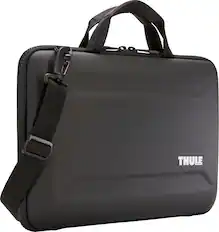
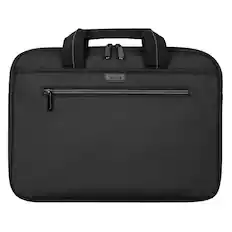

More recommended items
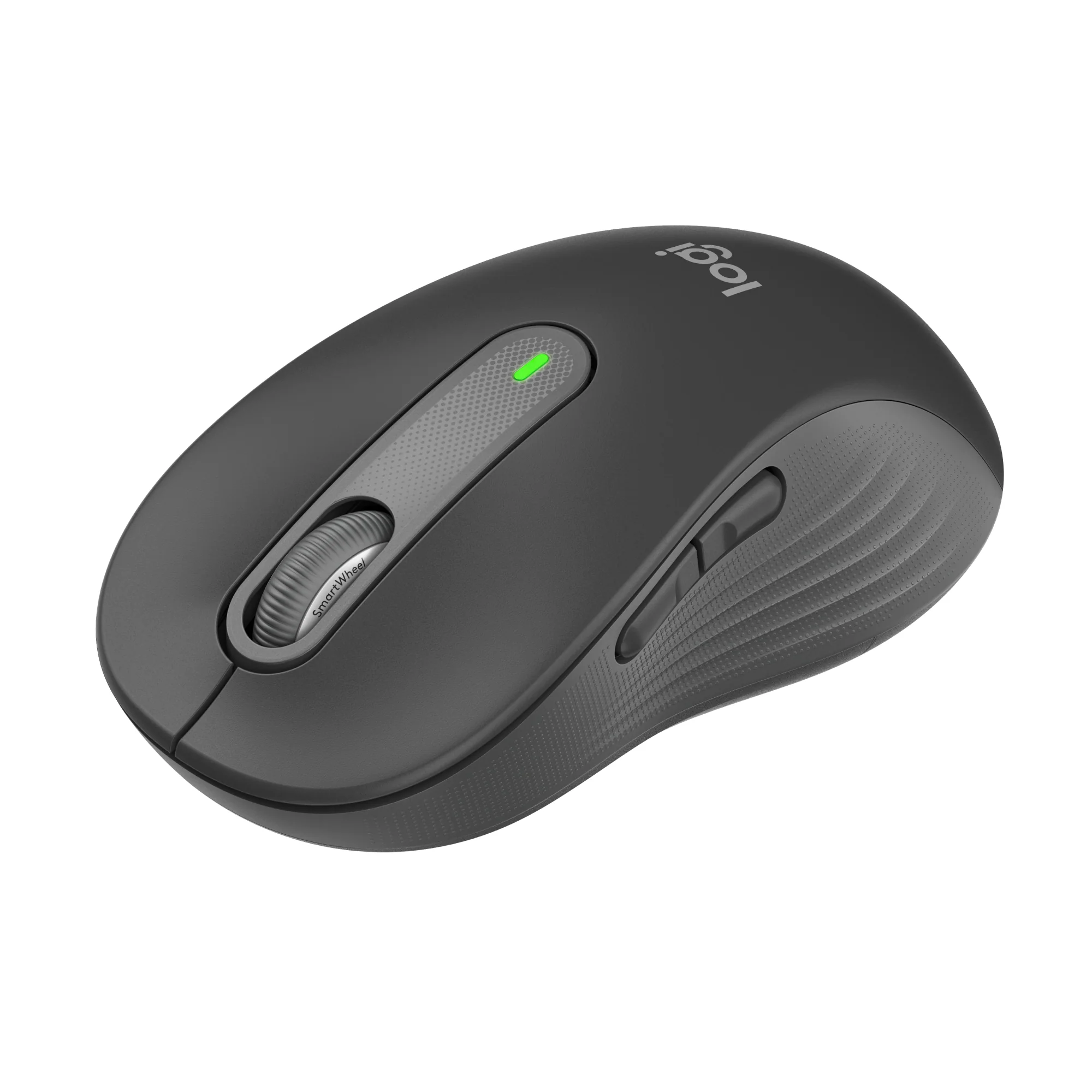 Mice
Mice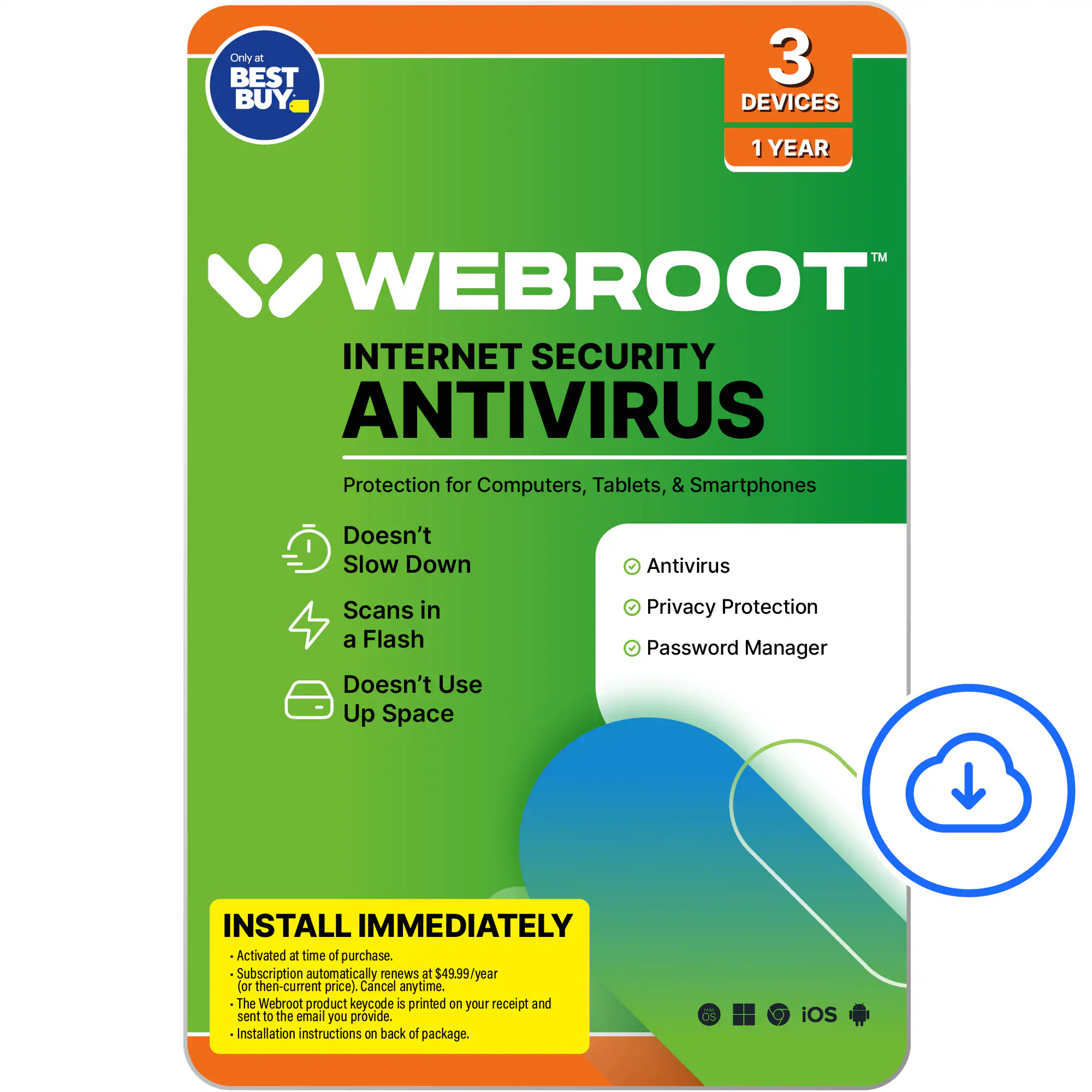 Antivirus and Internet Security Software
 Monitors
 Laptop Docking Stations
 Laptop Cooling Pads
![Sure, here is the corrected and grouped text:
```
ESC F1 F2 F3 F4 F5 F6 F7 F8 F9 F10 F11 F12 1 2 3 logitech - - 1 2 # $ 4 % 5 6 & 7 8 9 0 - - back insert home page up num lock clear / . tab Q W E R T Y U I O P { [ } ] / delete end page down 7 home 8 A 9 P9 up + caps lock A S D F G H J K L : ; a enter 4 5 6 shift Z X C V B N M < > ? shift 1 end 2 3 pg dn enter ctrl fn start alt opt alt crnd x alt cmd x fn ctrl alt opt 0 ins del 1 logitech
```](https://pisces.bbystatic.com/image2/BestBuy_US/images/products/5761/5761911_sd.jpg?format=webp) Computer Keyboards
Computer Keyboards
More to consider
 $1,102.00The price was $1,199.99
 $1,699.99The price was $1,799.99
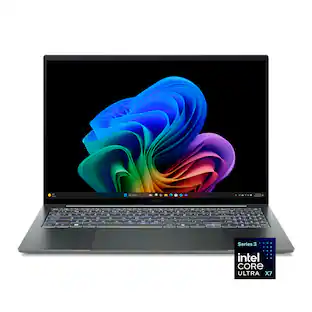 $1,399.00The price was $1,549.99
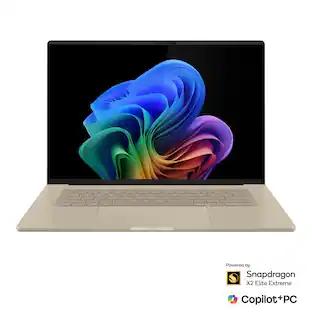 $1,869.00The price was $1,899.99
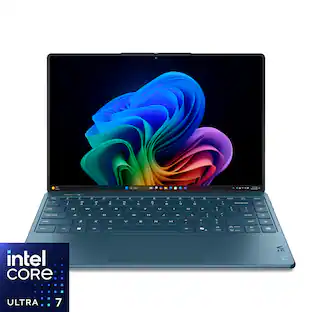 Clearance$1,599.99The price was $1,999.99
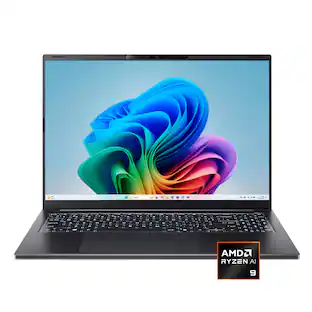 $999.99The price was $1,499.99
 $2,029.00The price was $2,299.99
 Top Deal$1,699.99The price was $2,149.99
 $1,699.99The price was $1,799.99
 $1,219.00The price was $1,549.99
 $1,269.00The price was $1,349.99
Explore tech essentials Sponsored
 $1,119.00The price was $1,199.00

Discover related products
 $399.99The price was $479.99






Keep exploring
 $1,249.00The price was $1,749.00
 $1,099.99The price was $1,999.00
 $1,599.99The price was $1,799.99
 $1,099.99The price was $1,399.99
 $549.99The price was $899.99