Main Content
product image

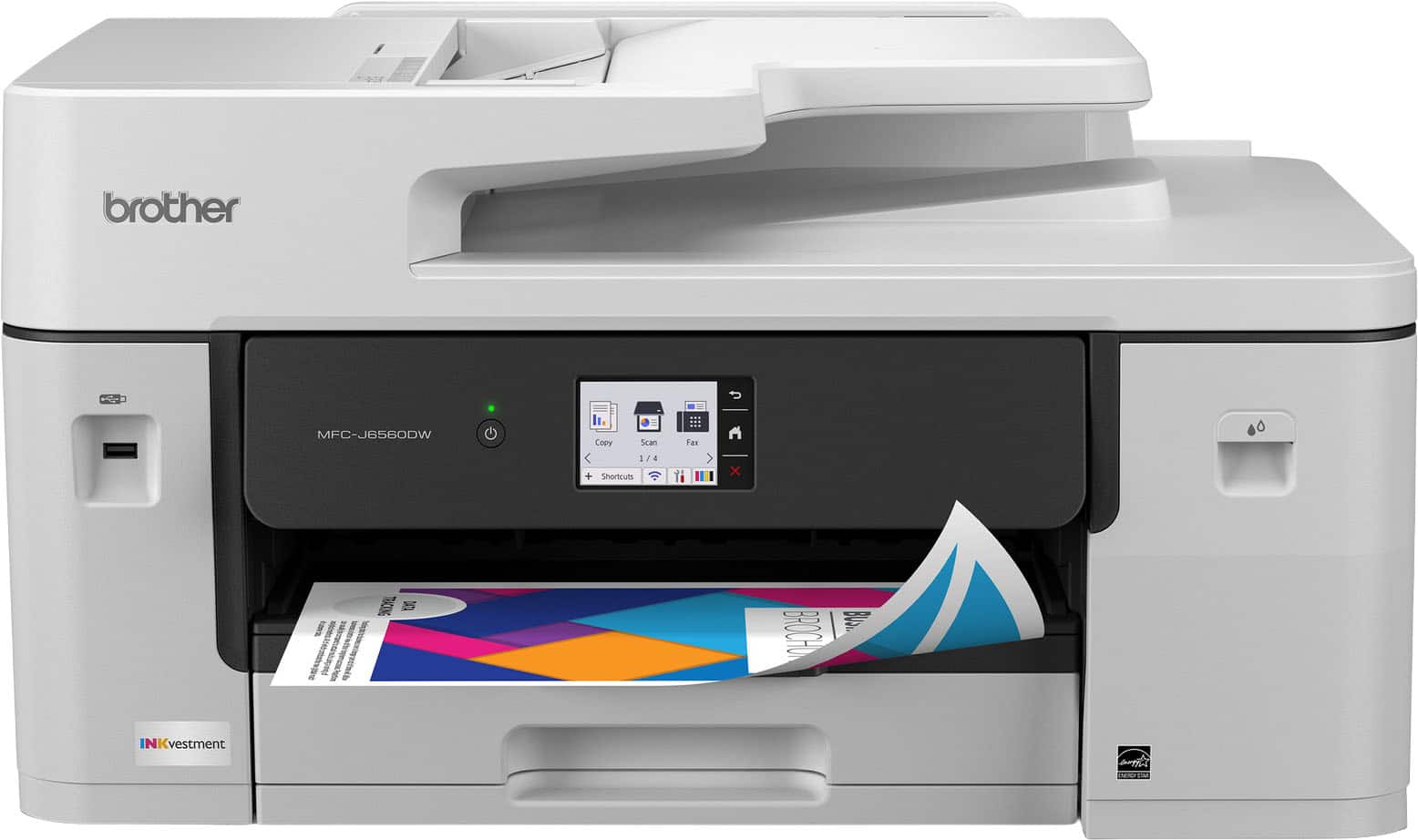
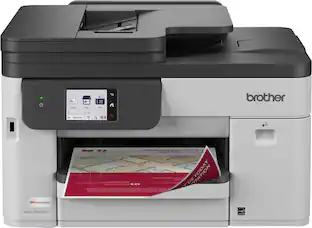
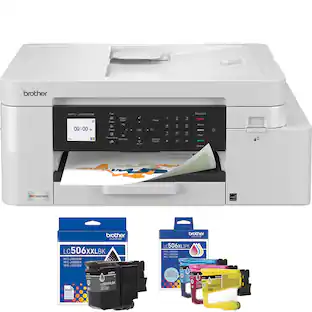
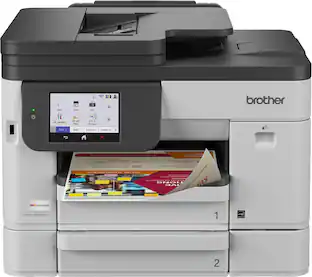
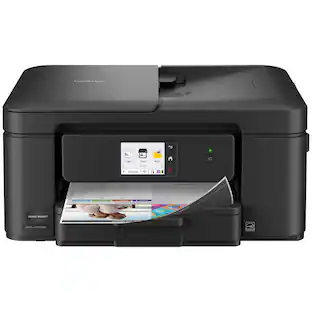
Brother - INKvestment 6560 Wireless Color All-in-One Inkjet Printer with 11”x17” capabilities (MFCJ6560DW) - Gray

Rating 4.7 out of 5 stars with 11 reviews

$309.99

Brother - INKvestment 6560 Wireless Color All-in-One Inkjet Printer with 11”x17” capabilities (MFCJ6560DW) - Gray

Model: MFCJ6560DW
SKU: 6666172
$309.99
or
$25.84/mo.
suggested payments with 12-Month Financing
Show me how
Standard Geek Squad Protection
96% of reviewers would recommend
Warranty Protection Plans
Availability
Order now for pickup on Fri, Apr 3 at
Sold by Best Buy

More Buying Options

Specifications
  • Networking
    Wireless, Wired
    ENERGY STAR Certified
    Yes
    Printer Type
    All In One, Printer, Copier, Scanner
    ISO Color Print Speed
    30 pages per minute
    ISO Mono Print Speed
    31 pages per minute
    Output Tray Capacity
    100
  • Key Specs
    • Networking: Wireless, Wired
    • ENERGY STAR Certified: true (Devices carrying the ENERGY STAR service mark, such as computer products and peripherals, kitchen appliances, and other products, generally use 20% to 30% less energy than required by federal standards.)
    • Printer Type: All In One, Printer, Copier, Scanner
    • ISO Color Print Speed: 30 pages per minute (The number of color pages able to be printed per minute in the device's default single-side mode, as tested by the International Standards Organization (ISO).)
    • ISO Mono Print Speed: 31 pages per minute (The number of black ink (grayscale) pages able to be printed per minute in the device's default single-side mode, as tested by the International Standards Organization (ISO).)
    • Output Tray Capacity: 100
    • Touch Screen: true (Touch-screen devices make navigating more intuitive. Using a touch-screen display, you can do things such as tap to select, hold and drag to move items, swipe to scroll, and pinch to zoom.)
  • General
    • Brand: Brother
    • Model Number: MFCJ6560DW
    • Product Name: Brother INKvestment 6560 Wireless Color All-in-One Inkjet Printer with 11”x17” capabilities (MFCJ6560DW)
    • Color: Gray
    • Display Screen: true
    • Display Screen Size: 2.7 inches
  • Dimensions
    • Product Height: 12 inches (The out of box height of the item. Height is measured as the vertical distance from the bottom of the item to the top as it would be primarily used or placed.)
    • Product Width: 22.7 inches (The out of box width of the item. Width is measured as the horizontal distance from one side of the item to the other as it would be primarily used or placed.)
    • Product Depth: 18.8 inches (The out of box depth of the item. Depth is measured as the distance from the front of the item to the back as it would be primarily used or placed.)
    • Product Weight: 44.1 pounds (The out of box weight of the item.)
  • Features
    • Automatic Document Feeder: true
    • Photo Printing: true
    • Wide Format Printing: true (Machines with this function support printing on media with widths between 18 and 100 inches, such as posters, banners, canvases, and more.)
    • Wide Format Scanning: true
    • Monochromatic/Color: Color
    • Automatic Reduction/Enlargement: true
    • Automatic Two-Sided Printing: true
    • Tray Capacity: 250
    • Duty Cycle: Up to 35,000 (The maximum number of pages per month that the device can produce without failing, as specified by the manufacturer.)
  • Connectivity
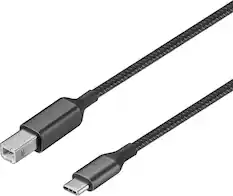
    • Wired Connectivity: USB-B
    • Wireless Connectivity: Wi-Fi (The manner in which a device sends data to another device over a short distance without the use of wires or cables.)
    • Minimum System Requirements: Windows: 10 Home / 10 Pro / 10 Education / 10 Enterprise, Windows 11 Home / 11 Pro / 11 Education / 11 Enterprise, Windows Server 2016 / 2019 / 2022; Mac(7): macOS v13 / v14 / v15, ChromeOS, Linux (Supported Package Management System: dpkg, rpm).
  • Certifications Listings & Approvals
    • EPEAT Qualified: true (The Electronic Product Environmental Assessment Tool (EPEAT) was designed to provide an environmental assessment tool for purchasers. In order to qualify for EPEAT, a product must meet all 23 required criteria.)
    • EPEAT Level: Silver (The Electronic Product Environmental Assessment Tool (EPEAT) was designed to provide an environmental assessment tool for purchasers. In order to qualify for EPEAT, a product must meet all 23 required criteria. Products are rated Bronze, Silver or Gold based on how many of 28 optional criteria they meet (below 50%, 50%, 75%).)
    • TWAIN Compliant: true (Products with this label are compliant with standards set by the TWAIN Working Group for regulating communication between software and digital imaging devices. Devices that are TWAIN compliant are compatible for use with each other without requiring additional software, even if they have different capabilities.)
  • Scanner Info
    • Scanner Type: Flatbed, Sheetfed
    • Duplex Scan Function: false
    • Scanner Resolution: Up to 1200 x 2400 (Refers to the number of pixels/dots, both horizontally and vertically, of the image produced by the scanner. Generally, the higher the resolution, the sharper and cleaner the produced image.)
  • Fax Info
    • Integrated Fax: true
  • Ink
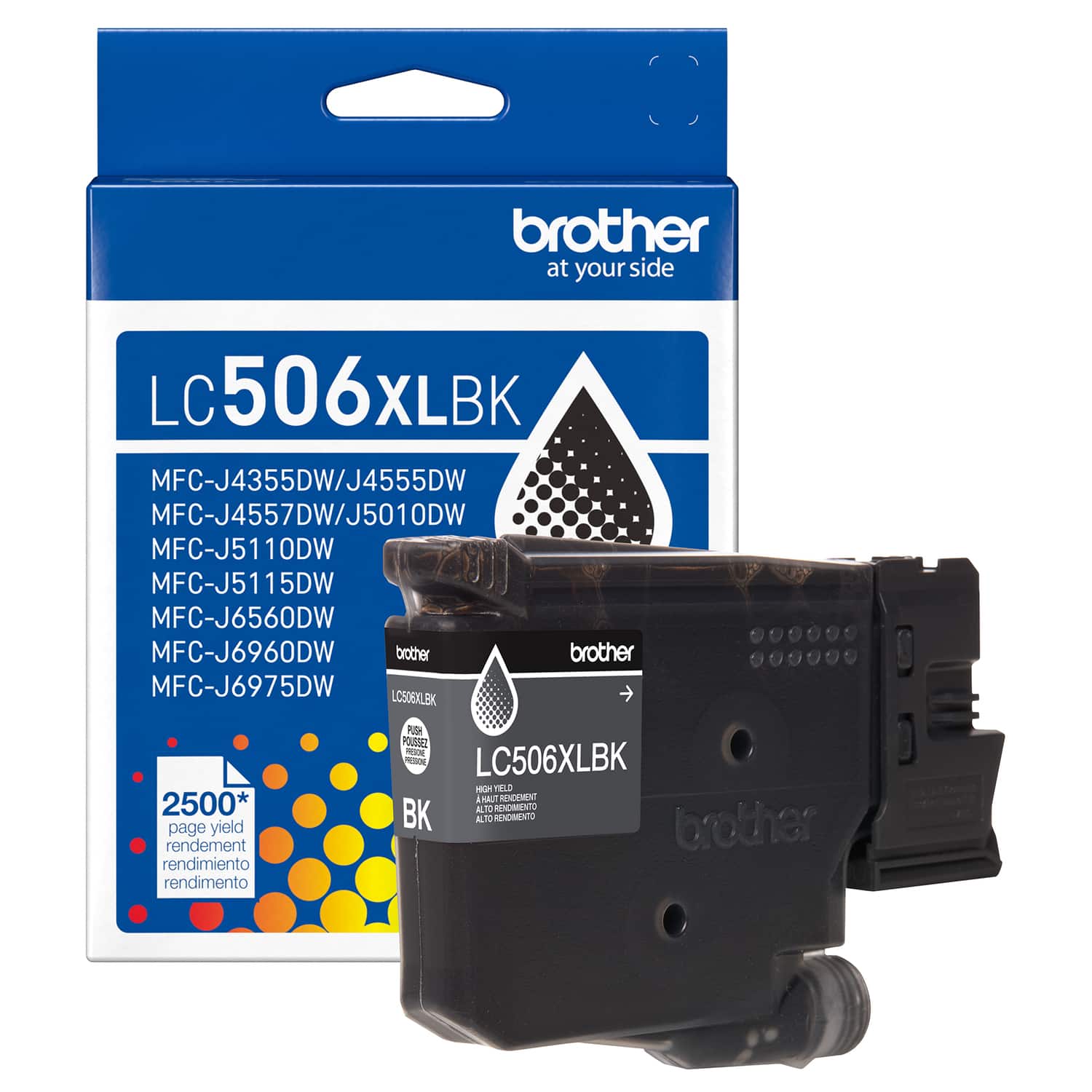
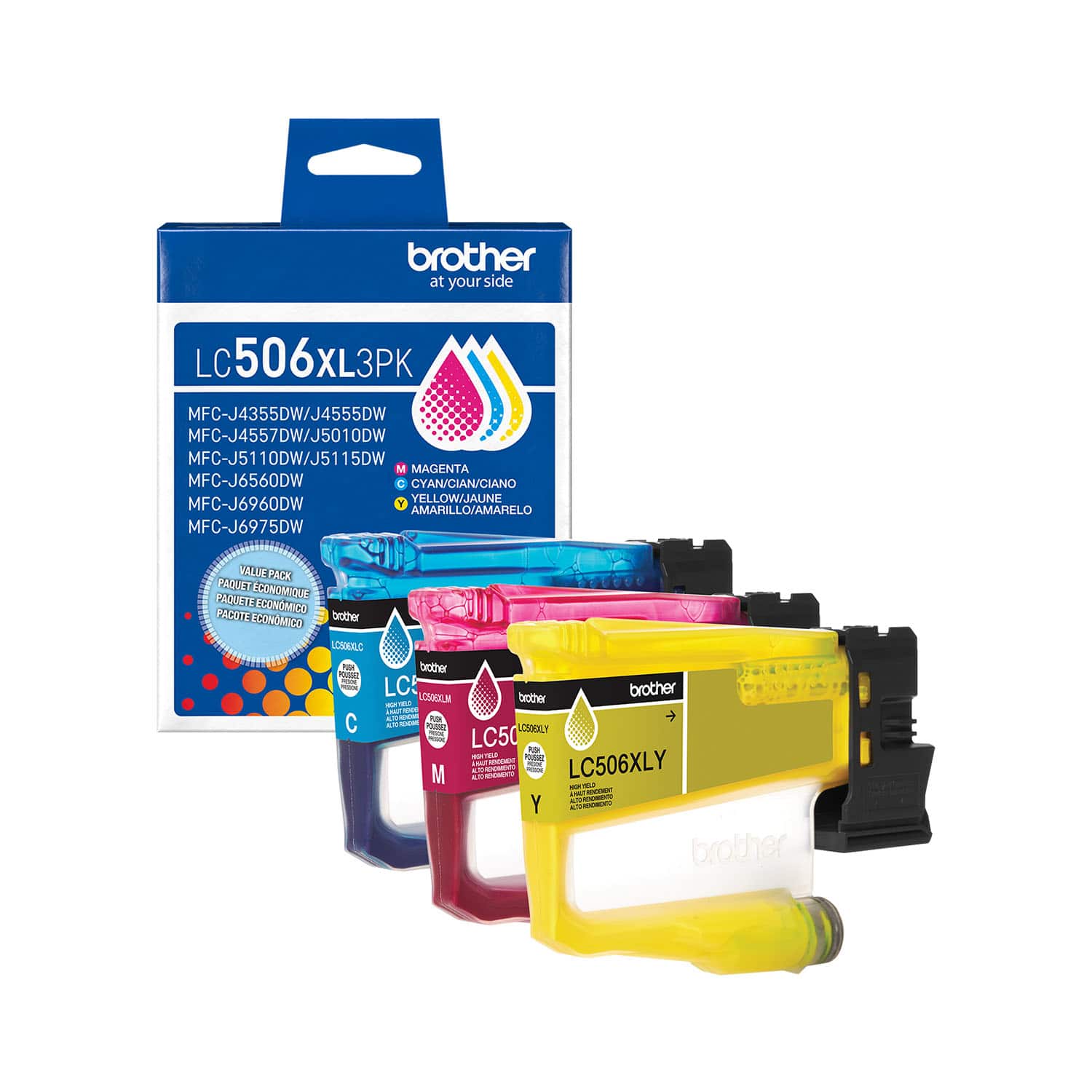
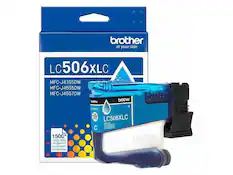
    • Compatible Cartridges: Brother LC506
    • Ink Subscription Service Available: true (The printer monitors ink usage and alerts the subscription provider when levels are low. A purchased subscription provides refills of ink based on usage.)
    • Ink Cartridges Required: 1 x Black, 1 x Cyan, 1 x Magenta, 1 x Yellow (The quantity and color of ink cartridges required for the printer to operate.)
    • Ink Cartridges Included: 1 x Black, 1 x Cyan, 1 x Magenta, 1 x Yellow (The quantity and color of ink cartridges included.)
    • Ink Bags/Bottles Required: None (The quantity and color of ink bags/bottles required for the printer to operate.)
    • Ink Bags/Bottles Included: None (The quantity and color of ink bags/bottles included.)
  • Memory
    • Memory Card Slot: false
  • Paper Info
    • Automatic Document Feeder Capacity: 50 sheets
    • Maximum Document Length: 17 inches
    • Maximum Document Width: 11 inches
    • Supported Paper Sizes: Standard Tray: Up to 11" x 17" (Ledger); Manual Feed Slot: Up to 11" x 17" (Ledger); Duplex: Up to 11" x 17" (Ledger); ADF: Up to 11" x 17" (Ledger)
    • Paper Feeder: Cassette tray
    • Paper Handling: 250 Sheets
    • Compatible Media Types: Standard Tray/Manual Feed Slot: Plain Paper, Inkjet Paper, Glossy Paper, Recycled Paper, Envelopes, Index Cards
  • Copier Info
    • Maximum Number Of Copies: 999
    • Copier Resolution (Black): Up to 600 x 600 (Refers to the number of pixels/dots, both horizontally and vertically, of the image produced by the copier in black ink. Generally, the higher the resolution, the sharper and cleaner the produced image.)
    • Copier Resolution (Color): Up to 600 x 600 (Refers to the number of pixels/dots, both horizontally and vertically, of the image produced by the copier in colored ink. Generally, the higher the resolution, the sharper and cleaner the produced image.)
  • Performance
    • Printer Resolution (Black): Up to 4800 x 1200 (Refers to the number of pixels/dots, both horizontally and vertically, of the image produced by the printer in black ink. Generally, the higher the resolution, the sharper and cleaner the produced image.)
    • Printer Resolution (Color): Up to 4800 x 1200 (Refers to the number of pixels/dots, both horizontally and vertically, of the image produced by the printer in colored ink. Generally, the higher the resolution, the sharper and cleaner the produced image.)
    • Approximate Page Yield (Black): 1800
    • Approximate Page Yield (Color): 750
  • Warranty
    • Warranty - Parts: 2-year limited warranty
    • Warranty - Labor: not applicable
  • Other
    • UPC: 012502681991

With advanced features designed to improve your productivity, the INKvestment 6560 Wireless Color Inkjet All-in-One Printer means business. Handle your toughest tasks with print, copy, scan, and fax capabilities up to 11” x 17”, automatic duplex (2-sided) printing on standard or ledger/tabloid sized paper, a 250-sheet paper tray, 1-sheet manual feed slot, and a 50-page single-sided automatic document feeder(1). Convenient dual band wireless(2) and Cloud connectivity options(3) are available on the generously sized 2.7” color touchscreen. Maintain superior productivity from day one with fast print speeds and the right amount of ink in-box. This color inkjet printer reliably outputs vibrant colors and bold, rich blacks, and Page Gauge(4) monitors your ink usage so you know when you’re running low. When paired with the Brother Mobile Connect app, setup is quick and easy – plus, you’ll gain the ability to print from virtually anywhere on your mobile device(5). Engineered with MAXIDRIVE Technology with impressive print speeds of up to 31 pages per minute (ppm) in black and up to 30 ppm in color(7), you can produce beautiful prints in vibrant color and bold blacks with Brother Genuine LC506 Ink cartridges – the only brand we recommend for your Brother printer.
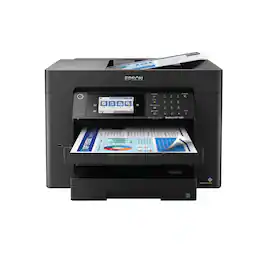
  • All-in-One Printer: This multifunction printer makes it easy to print, copy, scan, and fax —all in one powerful device, and includes one 1,800-page yield black ink cartridge and one 750-page yield cartridge for each color in cyan, yellow and magenta in the box(6).
  • Productivity-Focused Printing Features: A 250-sheet paper tray(1), 50-page single-sided automatic document feeder (ADF)(1), and automatic duplex (2-sided) printing provide advanced media-handling capabilities on paper up to 11”x17”.
  • Superior Print Speeds: Engineered with MAXIDRIVE Technology with impressive print speeds of up to 31 pages per minute (ppm) in black and up to 30 ppm in color(7).
  • Print Quality: Crisp, efficient printing. The Brother PerfectPrint Auto Detection System helps support reliable and consistent print quality for results you can be proud of.
  • Innovative Technology: Enhance your workflow with Wi-Fi Direct, which allows you to print wirelessly even without an external network connection.
  • Cloud App Connections: Print from and scan to popular Cloud apps(3), including Google Drive, Dropbox, Box, OneDrive, and more, from an impressive 2.7” color touchscreen that enhances clarity and helps ensure effortless operation.
  • Wireless, Ethernet and USB Connectivity: Connect your way. Multiple users can interface with your printer on your wireless network, or you can connect directly via Ethernet or USB.
  • The Brother Mobile Connect app: Put the power of printing at your fingertips. Go mobile with the simple-to-use Brother Mobile Connect app(5) that delivers easy onscreen menu navigation for printing, copying, scanning, and device management from your mobile device.
  • Brother Customer Support: For customer service, visit us at Brother Support
  • Brother Genuine Ink: Reliable performance you can count on. Brother Genuine Ink is quality-tested to work seamlessly with your Brother printer. Choose Brother Genuine LC506 Ink, the only brand we recommend for use with your printer.
Whats Included
  • Brother MFC-J6560DW
  • Starter Black Ink Cartridge (1,800 pages)(18), Starter Cyan, Magenta, Yellow Ink Cartridges (750 pages)(18)
  • AC Power Cord
  • Product Safety Guide
  • Reference Guide
  • Warranty Card
  • Quick Setup Guide
Disclaimers
  • (1)Maximum Capacity based on using 20lb. paper.
  • (2)Wireless connection required.
  • (3) Requires an internet connection and an account with desired service.
  • (4) Page Gauge is an estimate for informational purposes only. For actual cartridge yield information refer to go.brother/pageyield.
  • (5) Free Brother Mobile Connect App download, wireless connection and connection of an eligible printer with Brother are required. Compatibility may vary by device, operating system and country.
  • (6) Approximate page yields in accordance with ISO/IEC 24711. For additional page yield information, see go.brother/pageyield.
  • (7) Based on ISO/IEC 24734 (after first set of ISO test pages). For inkjet print speed methodology, please visit www.brother-usa.com/printspeed. Print speeds vary with use. See manufacturer for info on print speed.
  • (18)Approx. ink cartridge yield in accordance with ISO/IEC 24711 (letter/A4)
Sponsored

Compare similar products

Brother - INKvestment 6560 Wireless Color All-in-One Inkjet Printer with 11”x17” capabilities (MFCJ6560DW) - Gray
4.7(11)

With advanced features designed to improve your productivity, the INKvestment 6560 Wireless Color Inkjet All-in-One Printer means business. Handle your toughest tasks with print, copy, scan, and fax capabilities up to 11” x 17”, automatic duplex (2-sided) printing on standard or ledger/tabloid sized paper, a 250-sheet paper tray, 1-sheet manual feed slot, and a 50-page single-sided automatic document feeder(1). Convenient dual band wireless(2) and Cloud connectivity options(3) are available on the generously sized 2.7” color touchscreen. Maintain superior productivity from day one with fast print speeds and the right amount of ink in-box. This color inkjet printer reliably outputs vibrant colors and bold, rich blacks, and Page Gauge(4) monitors your ink usage so you know when you’re running low. When paired with the Brother Mobile Connect app, setup is quick and easy – plus, you’ll gain the ability to print from virtually anywhere on your mobile device(5). Engineered with MAXIDRIVE Technology with impressive print speeds of up to 31 pages per minute (ppm) in black and up to 30 ppm in color(7), you can produce beautiful prints in vibrant color and bold blacks with Brother Genuine LC506 Ink cartridges – the only brand we recommend for your Brother printer.

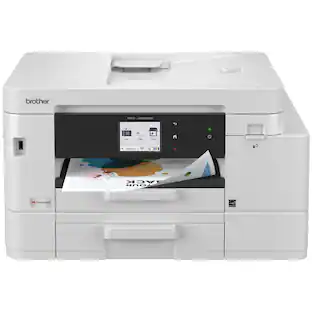
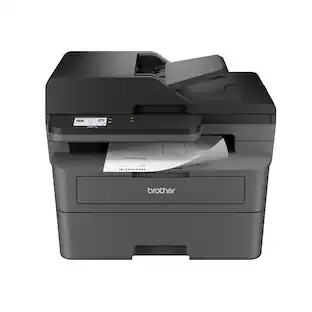
Brother - MFC-J5340DW Wireless All-in-One Business Inkjet Printer with Ledger Printing up to 11”x17” - White/Gray
4.1(9)

The Brother MFC-J5340DW Color Inkjet All-in-One Printer delivers economical, reliable, professional-quality printing for any small office or home workspace. Whether you’re printing personal documents, school reports or large presentations, you can count on quick printing with vibrant colors. Designed for exceptional ease of use right out of the box, it comes ready to connect the way you work. Connect built-in dual band wireless (2.4GHz /5GHz)1, Wi-Fi Direct, via Ethernet cable or connect locally to a single computer via USB cable. Print, copy, scan, and fax functions are easy to manage from a computer, mobile device, or using the intuitive 2.7” LCD color touch screen. Have it all, at an affordable price, with the Brother MFC-J5340DW Color Inkjet All-in-One Printer.

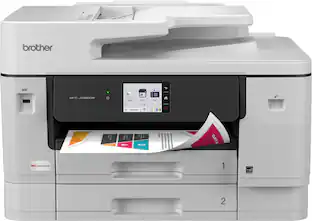
Brother - INKvestment 6960 Wireless Color All-in-One Inkjet Printer with 11”x17” capabilities/2 Paper Trays (MFCJ6960DW) - Gray
4.9(10)

The INKvestment 6960 Wireless Color Inkjet All-in-One Printer was designed with impressive business-minded features to tackle your most robust day-to-day tasks. Optimize your productivity with print, copy, scan, and fax capabilities up to 11” x 17”, single-pass duplex (2-sided) copy and scan capabilities for up to 50-sheets via the automatic document feeder (ADF)(1), a 500-sheet paper capacity between two trays, and 100-sheet multi-purpose tray(1). Convenient dual band wireless(2) and Cloud connectivity options(3) are available on the 3.5” color touchscreen. Maintain superior productivity from day one with fast print speeds and the right amount of ink in-box. This color inkjet printer reliably outputs vibrant colors and bold, rich blacks, and Page Gauge(4) monitors your ink usage so you know when you’re running low. When paired with the Brother Mobile Connect app, setup is quick and easy – plus, you’ll gain the ability to print from virtually anywhere on your mobile device(5). Engineered with MAXIDRIVE Technology with impressive print speeds of up to 31 pages per minute (ppm) in black and up to 30 ppm in color(7), you can produce beautiful prints in vibrant color and bold blacks with Brother Genuine LC506 Ink cartridges – the only brand we recommend for your Brother printer.

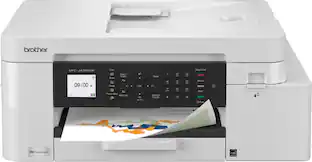
Brother - INKvestment 4555 Wireless Color All-in-One Inkjet Printer with 2 Paper Trays (MFCJ4555DW), Great for Small Offices - White
4.9(8)

Designed with next-level innovation, the INKvestment 4555 Wireless Color Inkjet All-in-One Printer is easy-to-use with a 2.7” color touchscreen that provides enhanced functionality, with the ability to connect directly to popular Cloud apps(1), and a front USB Port(2). An included 400-sheet paper capacity between 2 trays(3), 20-sheet single-sided automatic document feeder (ADF)(3), and automatic duplex (2-sided) printing, plus 1-sheet manual feed slot(3) provides flexibility and convenient media handling. Get things done quickly with advanced print speeds, Wi-Fi Direct, and multiple connectivity options including ethernet and wireless(4). What’s more, you’ll enjoy the convenience of completing your work wherever you go – print directly from your mobile device from virtually anywhere(5) with the Brother Mobile Connect app(5). Produce beautiful prints in vibrant color and bold blacks at fast print speeds with Brother Genuine LC506 Ink cartridges – the only brand we recommend for your Brother printer.

Pros for Brother - INKvestment 6560 Wireless Color All-in-One Inkjet Printer with 11”x17” capabilities (MFCJ6560DW) - Gray
Print Quality, ConnectivityThere were no pros for this productThere were no pros for this productPrint Quality
Cons for Brother - INKvestment 6560 Wireless Color All-in-One Inkjet Printer with 11”x17” capabilities (MFCJ6560DW) - Gray
SizeThere were no cons for this productThere were no cons for this productThere were no cons for this product

Specs

Reviews

Customer Images

The vast majority of our reviews come from verified purchases. Reviews from customers may include My Best Buy members, employees, and Tech Insider Network members (as tagged). Select reviewers may receive discounted products, promotional considerations or entries into drawings for honest, helpful reviews.

  • Rated 5 out of 5 stars

    Brother Color Inkjet All-In-One MF-J6560DW

    Wow, this thing is a workhorse! First, it is large but then again it does accommodate 11x17 paper. The first thing you notice after unboxing is how this is constructed. This is a solidly built unit for sure. Now, it does have the plastic casing but underneath, you can tell this is not your average Color Inkjet printer. Initial setup was easy; I used the nice 2.7inch touchscreen. You can also perform from your mobile device or on each computer using the setup.brother.com site. I wanted to set up locally from the device first as that establishes the network, gets the cartridges installed and tests of the coloring and alignment. I really like that this device is dual band for network. Too many devices still rely on the older 2.4ghz Wi-Fi and sometimes it’s difficult to get setup. Having 5ghz is nice and makes the setup and visibility on my network happen quickly. This printer has a long list of great features, beyond Print, Scan, Copy and Fax. It’s 11x17 seamless support along with automatic duplex 2-sided printing. The 250-sheet paper tray and 50-page automatic feeder gives this printer the features it needs to be a strong small business printer. Its print speeds are around 31 pages per minute using black while still a strong 30 page per minute using color. I was very impressed with the quality of the output. In my attached pictures, I used a test picture from a site that really stresses the printers’ color capabilities. This was beautiful! I really like the mobile app as well. It’s very convenient to be able to get docs via email on my phone and just go ahead and print them without having to bring them up on my PC, download and then print. The app is very well done; you can even buy supplies or interface with your Refresh EZ Print Subscription. I have not signed up yet, they do have good deals on automated ink replacements, but I want to see how my usage is going to go first. Overall, I am very pleased with this printer. I am replacing an older Black and White laser that was incompatible with Windows 11, since it was so old. This is a welcome, high powered and quality replacement. I especially enjoy the copy and scan features. I frequently scan documents and have to send them back out. This makes this process much easier. I would recommend this product and especially not just for serious/advanced home users but also for small businesses. The price point of this device is great for all potential customers.

    bradrobster Posted

  • Rated 4 out of 5 stars

    Oh Brother

    Buying a home office printer can be a bit overwhelming with all the offerings that can be found on the market, while each manufacturer has solid offerings with various pros and cons I found that I was looking for a printer for my home office with faxing capabilities. While it may sound odd it was not as easy as I had hoped to come across one until I came across the brother line of printers. I am not familiar with the brand as I usually like to stick with the brands that I know. I decided to give it the inkvestment 6560 a shot and it has grown on me. I must be upfront about the fact that this is a hefty device and not only that it is on the larger side of any printer that I have ever owned. It took me a little bit of time to figure out why and it is because it offers wide format printing and scanning particularly (11x17) to be exact. The inkvestment is designed as a high yield ink printer that would mean less trips to the store to buy ink. I have not had this long enough to tell you whether that claim is true because while the cartridges are large it would vary with each individual and their printing frequency. Setup was easy, I set up the device on mac, windows and IOS. There are apps that make printing a breeze and setup did not take long. There is a touchscreen and it is wide and easy to read. The only thing I have not had the time to figure out is the faxing setup due to the fact that I have a home phone that runs off of VOIP. So, my phone service isn’t just plug and play, I might have to pay extra for the ability or change my phone plan. Overall, my findings are this was easy to setup, easy to use regardless of whatever device or operating system, prints are clean and fast, scanning is clear and fast as can be, the only thing that remains to be seen is whether I will get close to the number of prints advertised for this device. While no fault of Brother I do have a complaint about UPS they delivered my printer and never bothered bringing it to my front door and the box was in rough condition and a side panel of mine is out of place and I can’t seem to pop it back in place it looks like the tab is cracked. A slight grievance but again no fault of the manufacturer despite all the padding and cardboard protection it still wasn’t enough to arrive in pristine condition.

    Johnnyboy84 Posted

  • Rated 4 out of 5 stars

    One Beast of a Deskjet Printer

    Brother MFC-J6560 Deskjet Printer I submitted and received this Deskjet printer from Best Buy for evaluation. My wife and I do our share of printing, and it is always a good idea to have a backup when possible. My primary use would be print, but my wife would also use the scanner much more than I would. The manufacturer states that the printer prints at a rate of 30 ppm in black and white or color. It also is capable of print The Print, Copy and Scan functions were tested but the Fax function was not. The printing function was impressive and both color and black and white produced pages reasonably quiet and the manufacturer claim the print speed would be 30 pages per minute. It also prints on 11 X 17 paper. The copy function worked well but it did not work in duplex mode. My wife was pleased with the scanning function, as well. Perhaps you question my title for this review: One Beast of a Deskjet Printer. That is because that is what it is. Let me explain. On the outside of the box Brother described the unit like this: Print Scan Copy Fax in a Compact Printer....This is not the compact printer I had in mind! All the functions I tried worked very well and the output was impressive. It is an exceptional printer but it is not compact. The weight of the unit is 44 pounds, and it is the biggest inkjet printer I have ever seen. But, if you have the space, you might want to consider purchasing it.

    ERN52 Posted

No content
Sponsored

Similar products from outside of Best Buy

sponsored