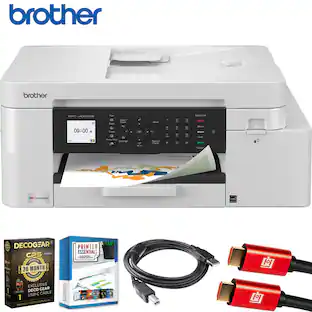
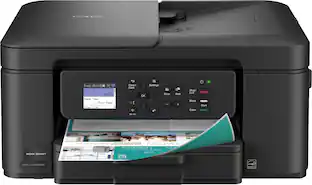
Brother - INKvestment MFC-J1215W Wireless All-in-One Inkjet Printer with up to 1-Year of Ink In-box - White/Gray
About this product
The Brother MFC-J1215W INKvestment color inkjet printer is sleek, compact, and very affordable. This revolutionary inkjet printer features high-capacity ink cartridges that provide up to 1-year of uninterrupted printing(1) using only the cartridges included in-box. Print, copy and scan features can be accessed from your mobile device through the Brother Mobile Connect App(2), which offers a user-friendly interface that gives you the freedom to print from virtually anywhere and always have access to the status of your printer’s ink usage. Brother’s Intelligent Page Gauge(3) - a feature that can be accessed through the App(2) – provides a visual, numerical way to know the amount of ink you’ve used and the amount of ink you have remaining. This wireless printer also offers flexible connection options, including a built-in wireless(4) interface for sharing with multiple users on your network or connecting locally to a single computer via a USB interface. When you need a reliable color inkjet printer at an affordable price to keep pace with your home or home office document needs, the Brother INKvestment MFC-J1215W is the printer for you.
Features
Provides up to 1-year of uninterrupted printing(1)
Print more with up to 1-year of ink, using only the 4 cartridges provided in-box(1).
Put the power of printing at your fingertips
The simple to use Brother Mobile Connect(2) App delivers easy onscreen menu navigation for printing, copying, scanning and device management from your mobile device.
The sleek, compact design fits almost anywhere – even in tight workspaces
The compact, desktop footprint and sleek design makes the INKvestment multifunction printer a welcome addition to any home or home office space. Ideal for small spaces including dorm rooms, dens, bedrooms and more.
The convenience of Brother Genuine INKvestment ink cartridges
The front-loading plug-in INKvestment ink cartridges hold more ink than traditional cartridges and continually deliver ink to the internal ink reservior for convenient, uninterrupted printing.
Buy Genuine Brother Ink Cartridges
When you do need to replace your ink supply, choose Brother Genuine LC404 inks. To avoid worrying about running out of ink again, get started with Refresh EZ Print Subscription service and save up to 50% on ink(6).
Connect your way and print from virtually anywhere
Choose from built-in wireless(4), Wireless Direct or connect locally via USB interface. The MFC-J1215W features wireless printing and scanning capabilities that enable you to print and scan from your desktop, laptop, smartphone and tablet(4).
Works with Alexa
Add voice control by combining with an Alexa device (sold separately).
Page Gauge helps eliminate ink replacement guesswork
Use the Brother Mobile Connect(2) App to access Page Gauge(3), so you know the amount of ink you’ve used and the amount of ink you have remaining.
Brother At Your Side Support
The MFC-J1215W comes with a 2-Year Limited Warranty and Brother At Your Side support for the life of your printer.
Specifications
- NetworkingWirelessENERGY STAR CertifiedYesPrinter TypeAll In One, Printer, Copier, ScannerISO Color Print Speed9 pages per minute
Reviews
Rating 3.9 out of 5 stars with 41 reviews
Customer Images
The vast majority of our reviews come from verified purchases. Reviews from customers may include My Best Buy members, employees, and Tech Insider Network members (as tagged). Select reviewers may receive discounted products, promotional considerations or entries into drawings for honest, helpful reviews.


Compare similar products

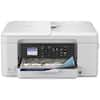
The Brother MFC-J1215W INKvestment color inkjet printer is sleek, compact, and very affordable. This revolutionary inkjet printer features high-capacity ink cartridges that provide up to 1-year of uninterrupted printing(1) using only the cartridges included in-box. Print, copy and scan features can be accessed from your mobile device through the Brother Mobile Connect App(2), which offers a user-friendly interface that gives you the freedom to print from virtually anywhere and always have access to the status of your printer’s ink usage. Brother’s Intelligent Page Gauge(3) - a feature that can be accessed through the App(2) – provides a visual, numerical way to know the amount of ink you’ve used and the amount of ink you have remaining. This wireless printer also offers flexible connection options, including a built-in wireless(4) interface for sharing with multiple users on your network or connecting locally to a single computer via a USB interface. When you need a reliable color inkjet printer at an affordable price to keep pace with your home or home office document needs, the Brother INKvestment MFC-J1215W is the printer for you.
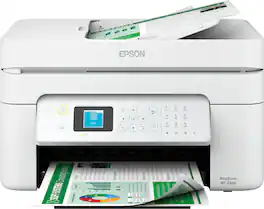
Enjoy hassle-free business printing with the WorkForce WF-2940 home office printer. An efficient printer scanner copier all-in-one, the WF-2940 streamlines workflow with a built-in scanner, copier, fax and Auto Document Feeder. Perfect for printing presentations, contracts and corporate graphics, as well as occasional prints for the home or family, this color printer features Epson’s industry-leading printing technology to consistently deliver documents with sharp text and vivid colors. Plus, with quick and easy setup and wireless connectivity, this office printer is the convenient choice for everyday home office printing.
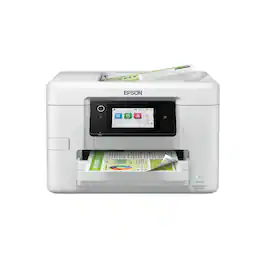
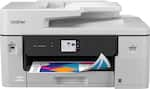
The WorkForce Pro WF-4920 is a wireless all-in-one printer designed for productivity-focused offices that want ultra fast print speeds and intuitive navigation. This inkjet printer with PrecisionCore Heat-Free technology delivers professional-quality prints with fast performance up to 25 ISO ppm black and 12 ISO ppm color and reduces downtime compared to laser printers, which need to preheat the fuser to print. With fewer maintenance parts, heat-free technology also minimizes failure points, versus laser printers. Combining precise performance and DURABrite Ultra pigment inks, the WF-4920 color printer produces vibrant prints with crisp text and vibrant graphics that dry instantly. The office printer scanner copier all-in-one features a large 4.3" color display simplifies navigation, while auto 2-sided printing and a 35-page ADF help manage busy workflows. The 250-sheet paper tray reduces interruptions, and built-in wireless connectivity and the Epson Smart Panel app¹ support easy printing from laptops, smartphones and tablets.

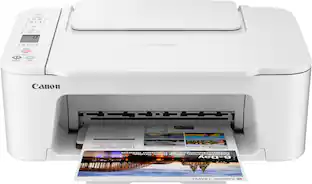
Designed for home use, the Canon PIXMA TS3720 All-in-One inkjet printer delivers high-quality printing and outstanding wireless connectivity in a compact size. The PIXMA TS3720 is easy to set up and maintain and offers great media versatility to print on a variety of media types and sizes, including photo paper, envelopes, borderless photos, banners and more. Use Poster Artist Online1 to create professional-posters, banners and signage. Print both documents and photos on a variety of paper types using a hybrid ink system with pigment black for sharp black text and dye-based colors for vivid photos up to 8.5” x 14”. Produce crisp, colorful documents and photos quickly and cost-effectively with fast print speeds and high-quality 2 cartridge FINE Hybrid ink system. Keep printing with a plain paper capacity of up to 60 sheets in the rear paper tray. Easily connect and print through high-speed USB or wirelessly2 from computers or mobile devices, and easily print from your compatible mobile devices using the free Canon PRINT app and more. This comes with a 1-year limited warranty* and is backed by Canon's Service and Support network.
| Pros for Brother - INKvestment MFC-J1215W Wireless All-in-One Inkjet Printer with up to 1-Year of Ink In-box - White/Gray | |||
|---|---|---|---|
| There were no pros for this product— | There were no pros for this product— | There were no pros for this product— | Setup Ease, Print Quality, Size |
| Cons for Brother - INKvestment MFC-J1215W Wireless All-in-One Inkjet Printer with up to 1-Year of Ink In-box - White/Gray | |||
| There were no cons for this product— | There were no cons for this product— | There were no cons for this product— | Connectivity |
Specs
Questions & Answers
Does this printer work with Windows 11 as well as Windows 10?
Answered by BrotherYes, the Brother MFCJ1215W is Windows 10 and 11 compatible.
Can this printer do envelops
Answered by BrotherYes, the Brother MFCJ1215W is able to print envelopes. I have included a link to the FAQ answer that should assist you. Please follow all the steps listed in the following link: Answer Link: https://support.brother.com/g/s/id/htmldoc/mfc/cv_mfc1205w/use/html/GUID-AE89843F-7E43-47CE-81E2-83CAE4812BF4_1.html?c=us&lang=en&prod=mfcj1215w_us&KEY=print%20envelopes

I recently changed the ink using the recommended Brother ink cartridges. The printer recognizes the request to print, however, only produces blank pages.
Answered by BrotherI’m sorry to hear that you are having printing blank pages issues with the Brother MFCJ1215W. I sincerely apologize for any inconvenience this issue may have caused you. We can help with that. I have included a link to the FAQ answer that should assist you. Please follow all the steps listed in the following link: Answer Link: https://help.brother-usa.com/AgentWeb/api/contextmanager/v.32503280002/workspaceContext/workspace/processedPrint/Answer/174191 If you still have difficulties please contact Brother Customer Service at: https://www.brother-usa.com/support/MFCJ1215W
Is there a display and buttons on the printer like my old Brother? Can i set it up without an app, no smartphone.
Answered by BrotherThe Brother MFCJ1215W does not have an LCD display and would require the Brother Mobile Connect app for setup.
What is the maximum paper size supported by this printer?
The printer supports a maximum paper size of 8.5" x 11.7".
This question and answer was generated by AI based on customer and product data.

More to consider
Epson WorkForce WF-2940 Wireless Color All-in-One Inkjet Printer (C11CK63203)
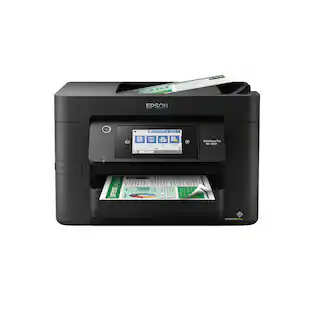
$79.99The price was $119.99Epson WorkForce Pro WF-4920 Wireless Color All-in-One Inkjet Printer (C11CM02201)
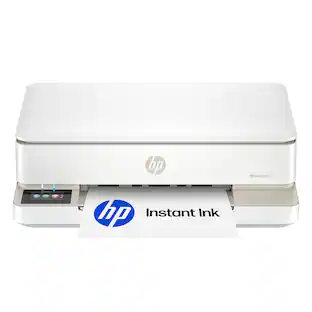
$129.99The price was $249.99HP Envy 6155 Wireless All-in-One Inkjet Printer, Scanner, Copier, AI-Enabled with 3 Months of Instant Ink
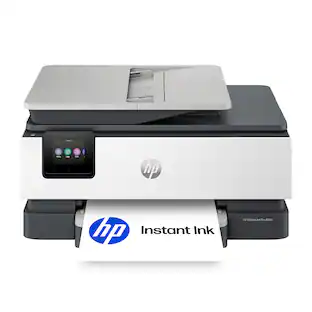
$89.99The price was $159.99HP OfficeJet Pro 8135 Wireless All-in-One Inkjet Printer, Scanner, Copier, AI-Enabled with 3 Months of Instant Ink
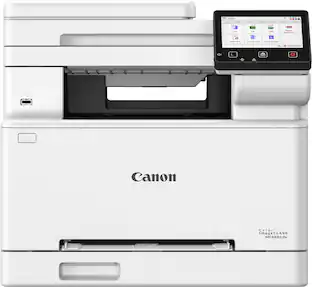
Holiday Deal$159.99The price was $239.99Canon imageCLASS MF665Cdw Wireless Duplex Color All-In-One Laser Printer with Fax and 50-Sheet ADF
$409.99The price was $683.00
Explore tech essentials Sponsored
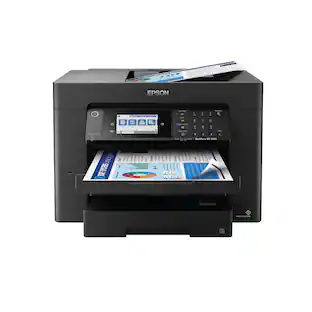
Epson WorkForce Pro WF-7840 Wireless Wide-format All-in-One Inkjet Printer
$229.99The price was $379.99
Discover related products
Acer USB C Docking Station With 2 HDMI, 9-IN-1 Docking Hub with USB A&C 3.0, SD/Micro SD, 100W Charging
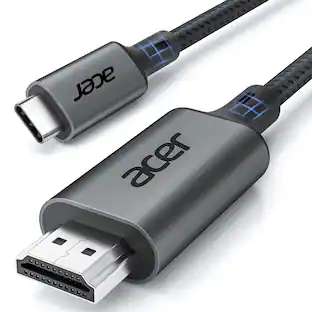
$42.99The price was $47.99Acer USB C to HDMI Cable for Home Office 6.6FT (4K@60Hz), High-Speed Type C to HDMI 2.0 Braided Cord
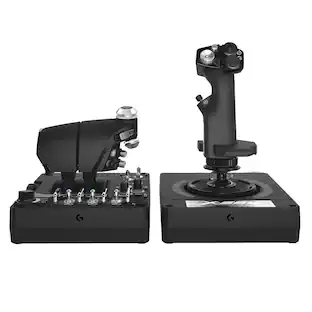
$12.99The price was $19.99Logitech X56 HOTAS Microsoft Flight Simulator RGB Dual-Throttle and Joystick
$247.00The price was $275.00Intel Core i5-14400F 14th Gen 10-Core 16-Thread - 4.7GHz Turbo Socket LGA1700 Unlocked Desktop Processor
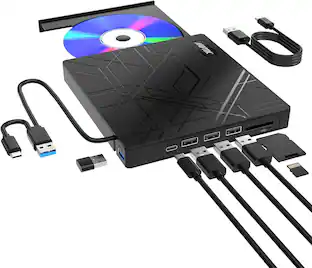
$167.54The price was $197.23AGPtek 8 in 1 External CD/DVD Drive for Laptop, USB 3.0 Ultra Slim Portable CD Burner with 4 USB Ports
$31.99The price was $32.99
Keep exploring
Brother INKvestment MFC-J4355DW Wireless All-in-One Inkjet Printer + 26 Month Protection Warranty & Cable Bundle
$289.99The price was $299.99xTool Apparel Printer Plus, One Click DTF Printer, Effortless Customization for Business.
$4,999.00The price was $5,399.00Epson EcoTank Photo ET-8550 Special Edition All-in-One Supertank Printer, Copy/Print/Scan (EPSC11CJ21201C)
$844.99The price was $859.99