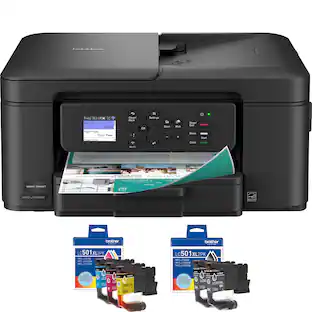
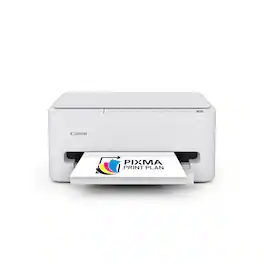
Canon - PIXMA TS3720 Wireless All-In-One Inkjet Printer - White
Customers are saying
Customers are positive about the printer's setup process, which many users find to be straightforward and simple. They also frequently praise the crisp print quality and appreciate the compact size that fits well in their workspaces. However, customers are negative about the connectivity features, as some have experienced significant difficulty getting the device to function properly.
All-In-One
Print, copy, scan features for full control at your fingertips.
Fast print speeds
Print approximately 7.7 (black) or 4 (color) images per minute.
Easy setup
Get running in just a few minutes thanks to a streamlined and easy setup process out of the box.
Easy to install ink
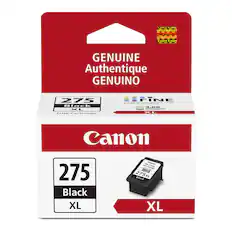
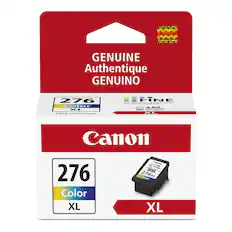
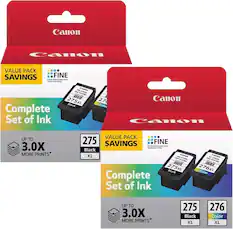
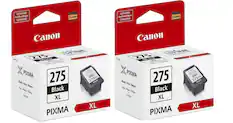
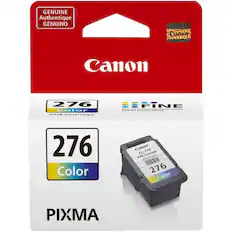
Print full color with only 2 (no mess) easy-to-replace ink cartridges.
1.5" LCD Screen
Get the job done with an intuitive and easy to use 1.5” segment LCD screen.
Stable, reliable connection
Stable and reliable connection with Dual Band Wi-Fi (2.4GHz or 5GHz.
Printing
Single sided printing only
Easy wireless connect
Easy Wi-Fi setup in minutes. Connect to Wi-Fi without the need for a computer.
Mobile device printing
Print from your compatible mobile devices using the free Canon PRINT app, Apple AirPrint, and Mopria Print Services.
Versatile media support
Print envelopes, photos, high resolution paper, banners and more! You can print 5" x 5" square photos and borderless photos up to 5" x 7".
Free software available
Be creative with POSTER ARTIST Online, a free web-based poster creation software you can use to create banners, signage and more!1
Chromebook compatible
Works withChromebook, so you can print schoolwork and other documents hassle-free.
1-year warranty
Have peace of mind with a 1-year warranty.
- NetworkingWireless, WiredENERGY STAR CertifiedYesPrinter TypePrinter, Copier, Scanner, All In OneISO Color Print Speed4 pages per minuteISO Mono Print Speed7.7 pages per minuteOutput Tray CapacityNot specified
Reviews
Rating 4.4 out of 5 stars with 68 reviews
- Setup Ease (22)
- Print Quality (18)
- Size (6)
- Connectivity (7)
Customer Images
The vast majority of our reviews come from verified purchases. Reviews from customers may include My Best Buy members, employees, and Tech Insider Network members (as tagged). Select reviewers may receive discounted products, promotional considerations or entries into drawings for honest, helpful reviews.

Compare similar products

Designed for home use, the Canon PIXMA TS3720 All-in-One inkjet printer delivers high-quality printing and outstanding wireless connectivity in a compact size. The PIXMA TS3720 is easy to set up and maintain and offers great media versatility to print on a variety of media types and sizes, including photo paper, envelopes, borderless photos, banners and more. Use Poster Artist Online1 to create professional-posters, banners and signage. Print both documents and photos on a variety of paper types using a hybrid ink system with pigment black for sharp black text and dye-based colors for vivid photos up to 8.5” x 14”. Produce crisp, colorful documents and photos quickly and cost-effectively with fast print speeds and high-quality 2 cartridge FINE Hybrid ink system. Keep printing with a plain paper capacity of up to 60 sheets in the rear paper tray. Easily connect and print through high-speed USB or wirelessly2 from computers or mobile devices, and easily print from your compatible mobile devices using the free Canon PRINT app and more. This comes with a 1-year limited warranty* and is backed by Canon's Service and Support network.
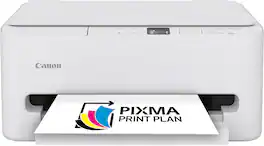
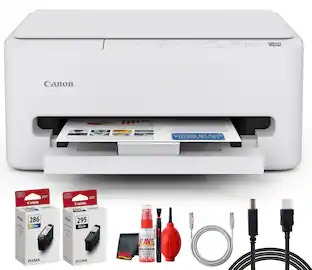
The PIXMA TS6520 strikes a perfect balance between functionality and affordability. While it doesn’t include an ADF like the TR7120, it still offers high-quality printing, scanning, and copying for everyday tasks. Its auto 2-sided printing helps save on paper and its 1.42” OLED display and simple setup make it user-friendly, and its compact design fits easily into any home workspace. With reliable Wi-Fi and mobile printing support, it’s great for printing school projects, recipes, and vibrant photos—without the extra bells and whistles. Best for: Families and students who want a reliable, easy-to-use printer for occasional use without needing advanced features.

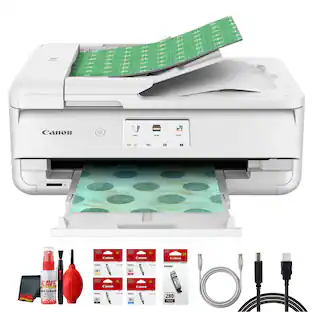
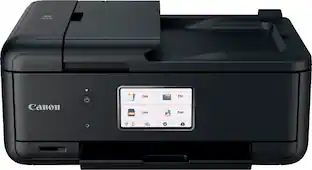
The PIXMA TR7120 is an excellent and feature-rich printer for home users who require more than basic printing capabilities. It includes an Auto Document Feeder (ADF) for scanning and copying multi-page documents with ease, auto 2-sided printing to save paper, and a 1.42” OLED display for intuitive navigation. Whether you’re printing school assignments and vibrant photos, scanning contracts, or copying recipes, the TR7120 delivers crisp results and efficient performance. With robust Wi-Fi connectivity and support for mobile printing via the Canon PRINT app, it’s perfect for multitaskers who want speed, convenience, and versatility—all in a compact design. Best for: Users who need advanced features like ADF and duplex printing for frequent, multi-page tasks.
The PIXMA TS4320 is the most affordable and user-friendly option. It’s designed for users who need basic printing, scanning, and copying – like school projects, recipes, and vibrant photos without the need for a display screen or advanced features. While it lacks the OLED display and ADF found in the higher models, it still offers auto 2-sided printing, wireless printing, a compact design, and easy setup—making it a dependable choice for light home use. Best for: Users who want a simple, budget-friendly printer for occasional tasks like printing homework or recipes.
| Pros for Canon - PIXMA TS3720 Wireless All-In-One Inkjet Printer - White | |||
|---|---|---|---|
| Setup Ease, Print Quality, Size | Setup Ease, Print Quality, Size, Connectivity, Noise Level | Print Quality, Setup Ease | Setup Ease, Print Quality, Size |
| Cons for Canon - PIXMA TS3720 Wireless All-In-One Inkjet Printer - White | |||
| Connectivity | Features | There were no cons for this product— | Connectivity |
Specs
Customers often buy these together
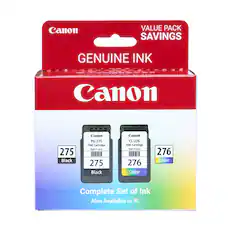
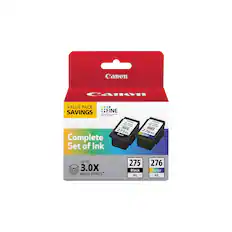
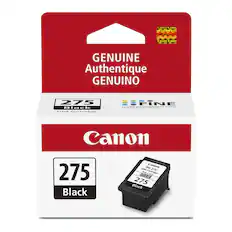
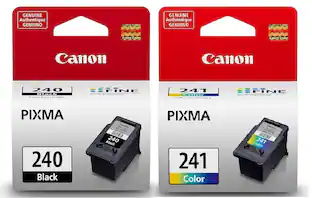
Ink Cartridges
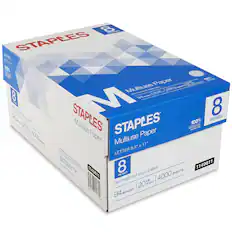
Copy and Multipurpose Paper



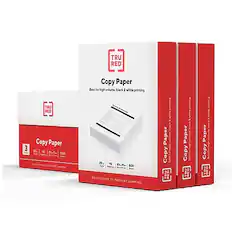

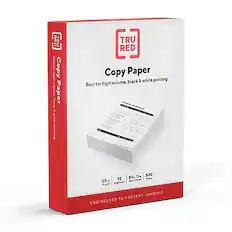
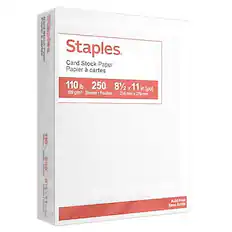
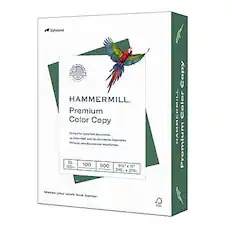

More recommended items
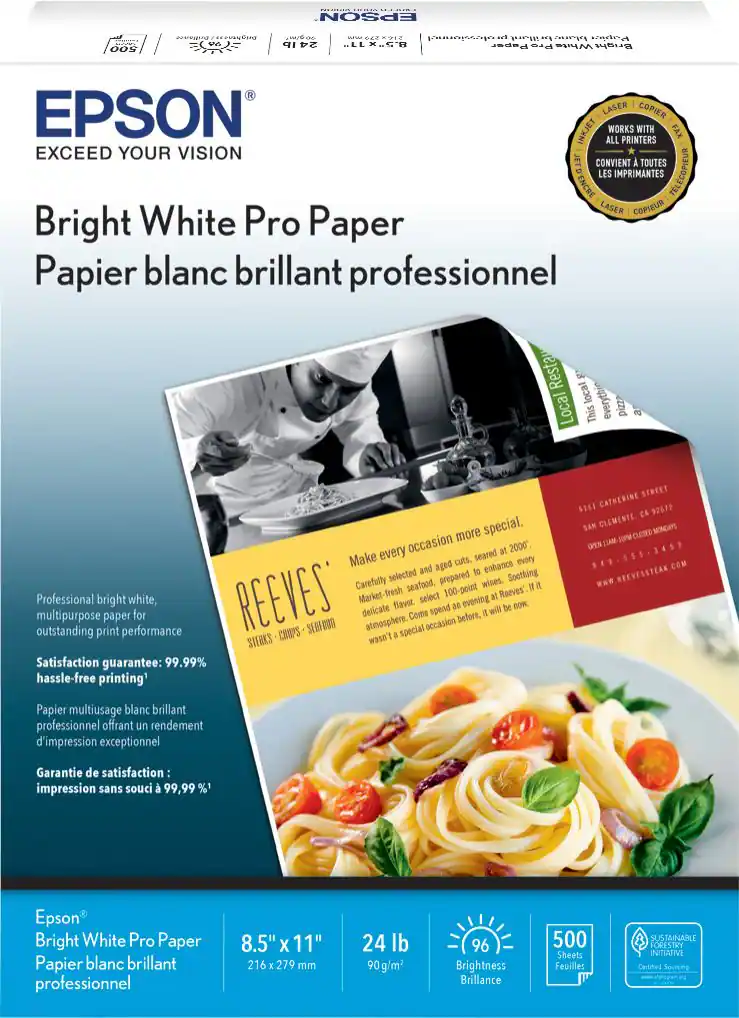 Printer Paper
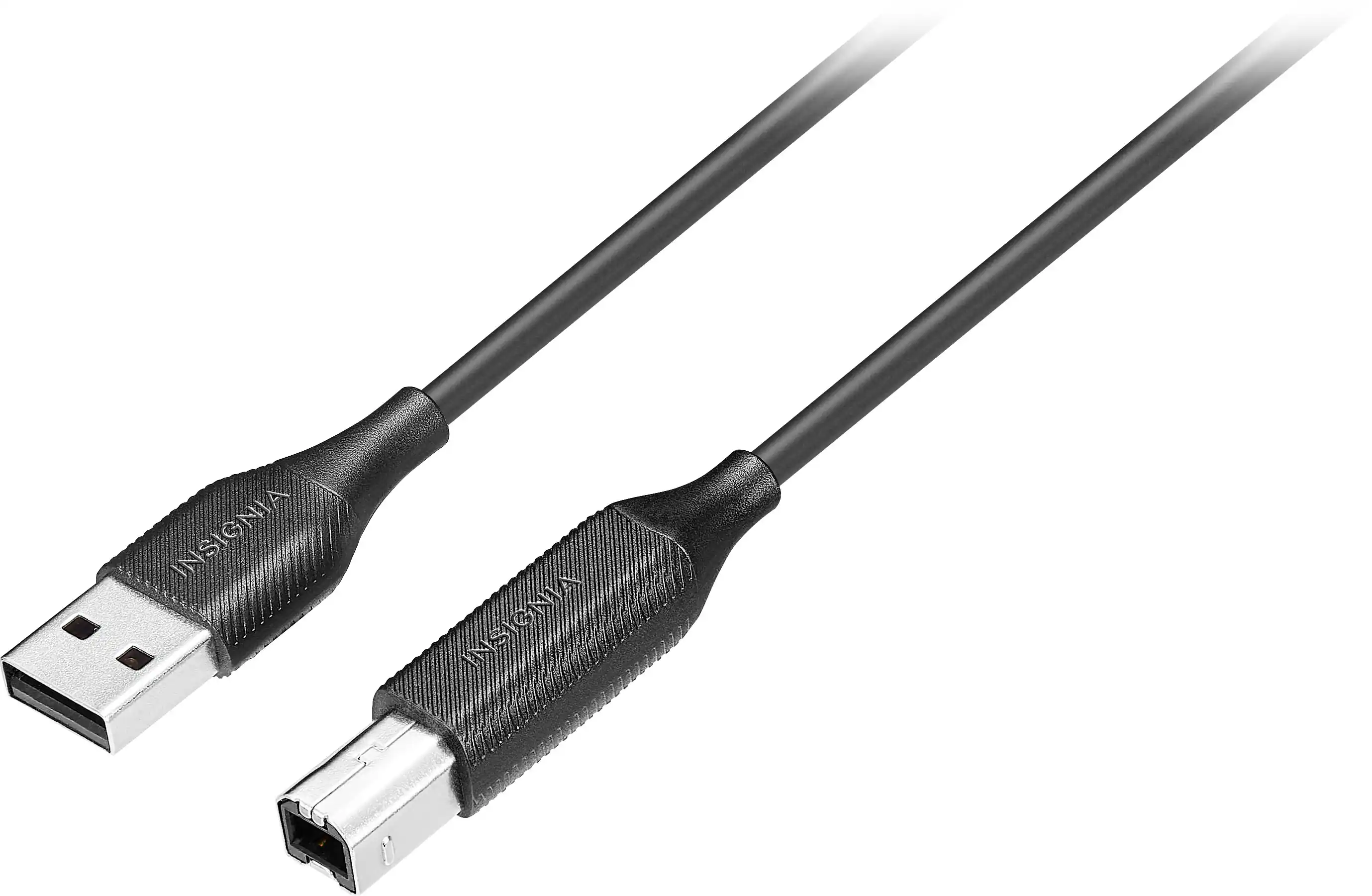 Monitor and Video Cables
Customers ultimately bought
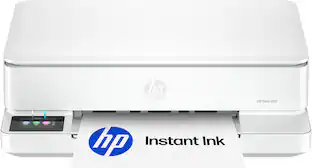 $79.99The price was $159.99
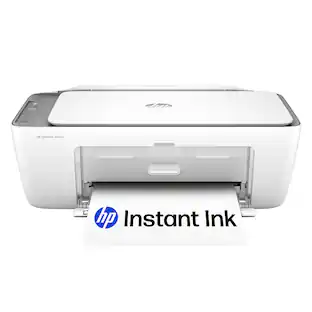 $109.00The price was $119.90
 $109.99The price was $179.99


Discover related products
 $12.99The price was $13.99











Keep exploring
 $149.00The price was $199.99