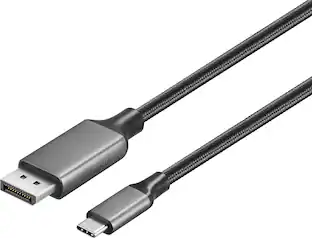
Cable Leader - USB-C to DisplayPort Cable, 4K 60Hz UHD HDR Video for Laptop, Tablet, Gaming Monitor, Workstation - Black
Reviews coming soon
About this product
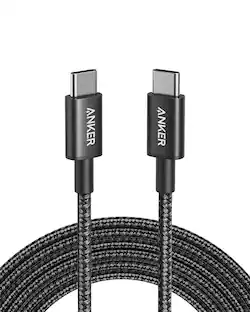
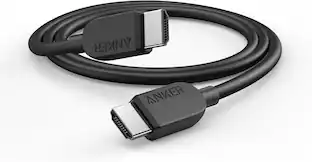
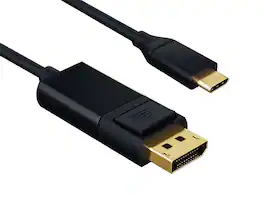
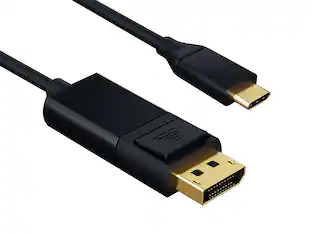
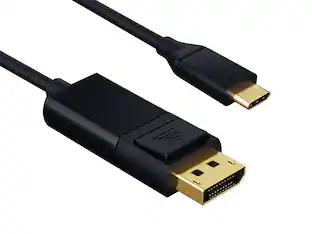
Need to drive a high-resolution gaming monitor, professional display, or workstation monitor from your USB-C MacBook, iPad Pro, or Surface? This Cable Leader USB-C to DisplayPort cable connects directly from a USB-C device with DisplayPort Alt Mode to any DisplayPort monitor at 4K @ 60Hz UHD with HDR — no hub, no adapter. Cleaner connection than HDMI for monitor use, with full DP audio support and color depth. Built with double-shielded conductors, gold-plated DP contacts, and fully molded strain relief. Compatible with MacBook Air / Pro, iPad Pro / Air (USB-C), Surface Pro, Galaxy with DeX, Pixel, Chromebook, Steam Deck, and any USB-C device supporting DisplayPort Alt Mode. Drives Dell UltraSharp, LG UltraFine, ASUS ProArt, BenQ professional monitors, and gaming displays. ⚠️ Important: not all USB-C ports support video — check your device specs. Best for: USB-C laptop to DisplayPort monitor at 4K. Not for: USB-C charging-only ports. RoHS compliant.
Cable Length
10'Features
Connect USB-C Laptop to Pro DisplayPort Monitor
Direct USB-C to DisplayPort connection — no USB-C hub, no adapter chain. Drive Dell UltraSharp, LG UltraFine, ASUS ProArt, BenQ pro monitors, and gaming displays from your MacBook, Surface, or iPad Pro at full 4K @ 60Hz with HDR.
4K @ 60Hz UHD HDR — Pro Color and Smooth Desktop
Supports DisplayPort Alt Mode at 4K @ 60Hz UHD with HDR for color-accurate work, smooth desktop scrolling, and gaming. DisplayPort connection delivers full color depth and audio where a direct DP connection is preferred for desktop monitors and workstations. Backward compatible with 1080p and 1440p displays.
Requires USB-C with DP Alt Mode — Not for All USB-C Ports
Works with MacBook, iPad Pro / Air (USB-C), Surface Pro, Galaxy with DeX, Pixel, Chromebook, Steam Deck. Quick check: MacBook to DisplayPort monitor — Yes. iPad Pro / Surface Pro to pro display — Yes. USB-C charging-only port (no Alt Mode) — No. 8K output — No, requires DisplayPort 1.4+ cable. Check your device specs for "DisplayPort Alt Mode" or "USB-C video out".
Reversible + Latching DP — Workstation Build
USB-C end plugs in either way. DisplayPort end has standard latching connector for secure monitor connection that won't slip out during desk movement. Built with double-shielded conductors, gold-plated contacts, and fully molded strain relief. Designed for daily workstation use.
Sample-Tested Production — Cable Leader Direct Support
Each cable is sample-tested during production for continuity, current rating, and data integrity. Manufactured to RoHS environmental standards (lead, mercury, and cadmium-free). If your cable arrives defective or stops working in normal use, Cable Leader handles replacement requests directly — no manufacturer redirects.
Specifications
- Cable Length10 feetConnector Type (End 1)USB-CGender (End 1)MaleConnector Type (End 2)DisplayPortGender (End 2)MaleMaximum Data Transfer Rate480 megabits per second
Reviews
This product doesn't have any reviews yet.
Compare similar products
Need to drive a high-resolution gaming monitor, professional display, or workstation monitor from your USB-C MacBook, iPad Pro, or Surface? This Cable Leader USB-C to DisplayPort cable connects directly from a USB-C device with DisplayPort Alt Mode to any DisplayPort monitor at 4K @ 60Hz UHD with HDR — no hub, no adapter. Cleaner connection than HDMI for monitor use, with full DP audio support and color depth. Built with double-shielded conductors, gold-plated DP contacts, and fully molded strain relief. Compatible with MacBook Air / Pro, iPad Pro / Air (USB-C), Surface Pro, Galaxy with DeX, Pixel, Chromebook, Steam Deck, and any USB-C device supporting DisplayPort Alt Mode. Drives Dell UltraSharp, LG UltraFine, ASUS ProArt, BenQ professional monitors, and gaming displays. ⚠️ Important: not all USB-C ports support video — check your device specs. Best for: USB-C laptop to DisplayPort monitor at 4K. Not for: USB-C charging-only ports. RoHS compliant.
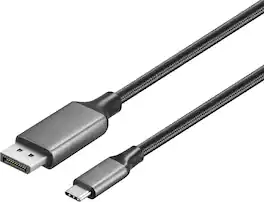
Improve your workstation by connecting your laptop to an external monitor with this Insignia 6 ft. USB-C to DisplayPort Cable. The cable supports 4K Ultra HD to prevent loss in quality when transferring between screens. It features a sleek braided cable jacket for protection, and the plug-and-play design makes setup a breeze.

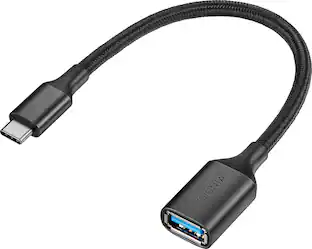
The Insignia USB-C to USB Adapter lets you connect standard USB products to your Mac, iPad and other USB-C enabled products. It supports up to 5 Gbps of high-speed data transfer between devices, saving you time. The attached, short, braided cable is durable with a compact design.
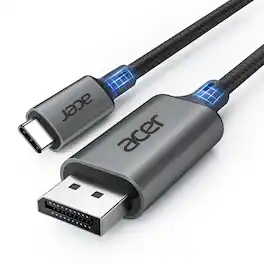
acer USB C to DisplayPort Cable 10 FT (4K@60HZ 2K@165Hz), Type-C to DisplayPort Cord (Sturdy Aluminum, Plug & Play) Thunderbolt 3/4/5 Compatible with MacBook Pro/Air, iPhone 16 Pro/Max, XPS, Surface
| Pros for Cable Leader - USB-C to DisplayPort Cable, 4K 60Hz UHD HDR Video for Laptop, Tablet, Gaming Monitor, Workstation - Black | |||
|---|---|---|---|
| There were no pros for this product— | Overall Performance, Functionality, Signal Stability, Cable Length, Refresh Rate | Compatibility, Quality, Ease of use, USB, Data Transfer | There were no pros for this product— |
| Cons for Cable Leader - USB-C to DisplayPort Cable, 4K 60Hz UHD HDR Video for Laptop, Tablet, Gaming Monitor, Workstation - Black | |||
| There were no cons for this product— | There were no cons for this product— | Connection | There were no cons for this product— |
Specs
Be the first to ask a question.
We’ll try to get your question answered within 24 hours by a Best Buy customer or brand representative.
Customers often buy these together
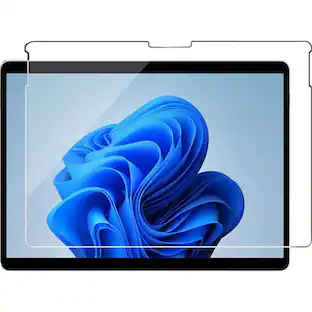
SaharaCase ZeroDamage Ultra Strong+ Tempered Glass Screen Protector for Microsoft Surface Pro 9 and Pro 10
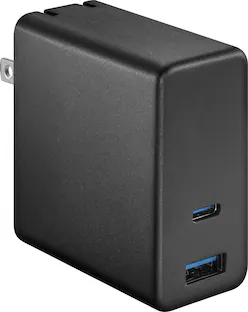
Clearance$25.99The price was $49.99Best Buy essentials™ 100W Dual Port USB-C and USB Wall Charger for MacBook Pro, iPad, iPhone, Apple Watch, Smartphones & other USB-C Devices
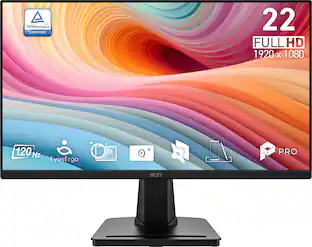
Clearance$20.99The price was $29.99MSI PRO MP225 E12VL 22" IPS FHD 120Hz 1ms Business Monitor with EyesErgo Tech (Video Port, HDMI)
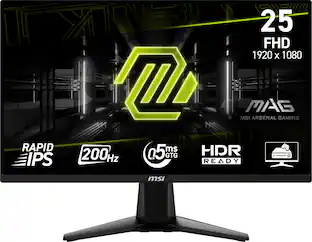
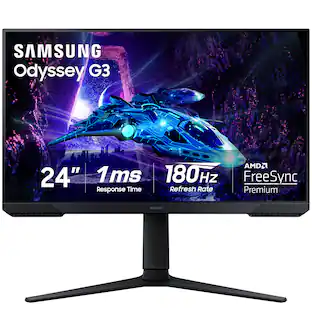
$64.99The price was $69.99Samsung Odyssey G30D 24" LED FHD AMD FreeSync Premium 180Hz 1ms Gaming Monitor (DisplayPort, HDMI)
Holiday Deal$109.99The price was $199.99
More to consider

Explore tech essentials Sponsored
Keep exploring
Acer USB C to HDMI Cable for Home Office 6.6FT (4K@60Hz), High-Speed Type C to HDMI 2.0 Braided Cord
$12.99The price was $19.99