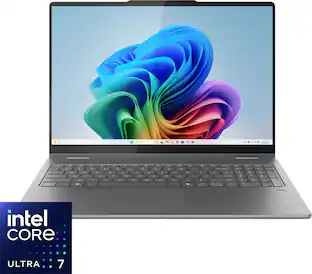
The XPS 13 Laptop. Effortless Mobility. Powerful AI. Create and work anywhere with our thinnest XPS notebook. Powered by the Intel Core Ultra processors Series 2, with more powerful AI.
About Open Box
This is an Open Box product, which means it's been opened and returned by another customer. Each open box item is unique, and we offer different discounts based on the . To see a product's condition before purchasing, visit us in store.
Big SavingsScore a major deal on a product that's a perfect fit for you and your budget.
Customers are sayingCustomers commend the XPS 13 for its exceptional screen quality, long battery life, and overall performance. Its portability and fast processor speed are also highly appreciated, along with its lightweight design and ample RAM. The primary concern expressed by users is the limited number of USB ports.
This summary was generated by AI based on customer reviews.
Customer Images
The vast majority of our reviews come from verified purchases. Reviews from customers may include My Best Buy members, employees, and Tech Insider Network members (as tagged). Select reviewers may receive discounted products, promotional considerations or entries into drawings for honest, helpful reviews.
Rated 5 out of 5 stars
Light-weight and versatile!
Loving this new computer- it is light-weight, has a long battery life, a small screen and lots of memory. I like Dell computers in general, and I really recommend this one!
Posted by ReneeP
Rated 4 out of 5 stars
decent
its fine it gets the job done but the battery life is allegedly good on these
The evolution of laptops from bulky, heavy, clunky and slow to this sleek, light, stylish and ThunderBolt 4 fast Dell XPS 13 9350 Laptop with smart Copilot Artificial Intelligence (AI) is truly amazing. This amazing transition of laptop design over time comes from extreme advances in processor design utilizing chip miniaturization and layering of multiple efficient & performance cores, component integration resulting in higher performance in an incredibly smaller package, low power utilization and low destructive heat generation.
The Dell XPs 13 9350 is modeled around the new and exceptional Intel Core Ultra 7 Series 2 256V, 17W processor which, in my mind, takes this design to the next generation. Not only is this processor designed for extreme mobility in mind with a miniaturized processor with 8 cores and 8 threads that has 12 MB of cache onboard, an integrated Intel Arc Graphics Processing Unit with 8GB of GDDR graphic memory onboard, but also has the 16GB of system LPDDR5/x 7467 MT/s RAM onboard. In fact, this new processor design integrates the complete supporting chipset which used to be on a Mother Board, including the PCIe Bus, HD Audio and a newly integrated Neural Processing Unit (NPU) for AI support all on this one processor! The Dell XPS 13 9350 is one of the first laptops to feature this new advanced chip. The results are a high performing laptop weighing 2.62 lbs, with a thickness of 0.6" x 11.63" wide x 7.94" deep.
I am a bit of a computer hardware geek and this new chip design sure sparks my geekiness.
Now the processor chosen for this Dell XPS 9350 model is near the bottom of the new high-end Intel Ultra line, but that doesn't affect the performance and incredible capabilities of this chip, which will run at speeds up to 4.8GHz. And the choice of this model processor is reasonable for what most people would do with this powerful enough AI endowed, ultra light and mobile 13.4" laptop. It is more than sufficient and appropriate for school, home and work.
The XPS 13 9350 model has a FHD+ (Full High Definition +) non-touch, 1920 x 1200 dpi, 30 to 120 Hz variable refresh rate, up to 500 NIT bright, 85 degree Wide Angle Viewing, Anti-Glare screen with an Infinity Edge (imperceptible bezel), and employs Eye-Safe (low blue light). It has 100% sRGB color space that is designed to ensure consistent and accurate color representation, but doesn't have the widest color gamut that you will find with Full RGB or Adobe RGB. Nevertheless, graphics look great on this screen.
There are only (2) ports on this laptop, which I find a bit annoying. Both are Thunderbolt 4 with Power Delivery in a USB Type-C format. These ports support USB 4, DisplayPort 1.4, and Thunderbolt 4 with data transfer speeds up to 40 Gbps. Yes, these ports are backwards compatible with USB3.2 & 2.0, as well as Thunderbolt 3. They will support a connection to an external display, but only with an USB Type-C to DisplayPort adapter. Thunderbolt 4 will support (3) 4K monitors, or (1) 5K monitor, or (1) 8K monitor. If you need other ports or more displays, then you need to purchase an appropriate adaptor or a Docking Station.
I personally do not like using the Cloud for storage. I have to use it for work on my work computer, but for home, I prefer my own storage. This Dell XPS 13 9350 model comes with a 512GB M.2 PCIe NVMc 2230 Solid State Drive (SSD). This is the only thing on this laptop that is upgradeable and will go to 2TB max. I am seriously debating this upgrade.
As far as peripherals, this XPS 13 has a Realtek ALC1318 Audio Controller. It has a Quad Speaker system with (2) 2W apiece Woofers and (2) 2W apiece Tweeters for 8W's total. Since I usually use headphones, I can't really comment on the speakers. There are (2) dual array microphones.
The unit comes with (2) cameras - (1) 15 fps Infrared for facial recognition and authentication, and (1) 75.8 degree angle, 30fps RGB camera for video chat, photo capture and even video recording. I can tell you that the IR camera does an excellent job recognizing my face and instantly allows me access to the computer. Choose this facial recognition option at setup.
Other fun features include a backlit keyboard, which has an LED display of the alternate function keys (make sure to read the manual & look at my pictures); a FingerPrint Reader, which is on the unmarked Power Button (a bit disconcerting when you first open the computer); a Multi-Touch gesture-enabled precision Touchpad with integrated scrolling that is in an undelineated area (look at the pictures); and last but not least, Intel Wi-Fi 7 wireless card BE201 which supports 2.4GHz, 5GHz, & 6GHz transmission to 802.11 standards a/b/g/n/ac/ax/be (the latest) along with Bluetooth v5.4 (the latest).
So, this sleek, petite Dell XPS 13 9350 Copilot Laptop is packed with a ton of cutting edge features and puts on a great performance. Just ask the Copilot AI & me. I found it intriguing and it just may be my new go-to for carry around and for travel.
Posted by NatureLover2
Rated 4 out of 5 stars
Solid laptop. Pricy
I think the laptop is pretty expensive, but it's solid.
Some issues I've had are:
- a few BSOD
- WiFi issues when closing the laptop and reopening later (can be fixed though by changing windows settings)
Other than that it's fine, It's small, lightweight, and has the minimalist vibe, which I like.
The keyboard feels great and the trackpad is incredibly smooth. Some people dislike the touchbar, but I don't have any issues with it. I believe it labs to the laptops aesthetic as well.
I haven't used any heavy software with it, so I'm not sure how it fares. I've used KiCad with it and it runs pretty smoothly.
The copilot feature isn't really a positive. I rarely use it, so it's "just there".
The battery life is great. It lasts me about 12 hours.
I think it is pretty expensive. I'd be willing to pay this price for an OLED screen or higher memory, but whatever.
The Dell XPS 13 is a staple for the Dell Brand and continues to redefine portability and performance in a minimal design that's also powerful and that is geared towards work and productivity. This new model comes with an 8 core Intel Core Ultra 7 processor 2.20 GHz, 16GB of memory, and a 512GB SSD, delivering performance in a compact and lightweight laptop. That being said, this laptop might not be for everyone, and I’ll go over what's great and what's not to love.
The Dell XPS 13 offers a respectable 13.4-inch FHD+ matte screen display at resolution of 1920 x 1200 resolution, providing sharp, vibrant visuals for any work task or media consumption, along with a 120 Hz refresh rate, which ensures smoother motion, especially noticeable when scrolling pages or moving apps around your desktop, while offering a visually seamless experience without sacrificing battery life. The 500-nit brightness rating is about standard for a laptop in this price range. The screen’s aspect ratio is 16:10 and provides a bit more vertical space, which is particularly good for productivity tasks, like working on documents or browsing large spreadsheets. While not a 1440p or 4K display, the resolution is decent enough for most users.
Dell has equipped this XPS 13 model with Windows AI Copilot+, an AI-powered assistant integrated into the operating system. It provides intelligent recommendations, personalized suggestions, and optimization tips that can adapt to your usage patterns, which can improve productivity and efficiency in your daily tasks. For instance, the AI can help by suggesting shortcuts, automating workflows, and assisting with task organization, making it ideal for those who want assistance in streamlining their work. If you are having issues or can’t figure something out with your computer, you can ask it a question like “how do I change the disk partition on my SSD” and it will give you a step by step guide on how to do that and where the apps you need are located.
durable and visually appealing. The aluminum finish gives it a nice premium feel. This blend of materials makes it not only durable but also lightweight, making it easy to carry around a huge advantage for the professionals or students on the go. That being said, this design is not for everyone. The aluminum of this laptop is a fingerprint magnet and I recommend having a microfiber cloth to wipe it down if you plan on bringing this laptop into meetings.
When it comes to upgradability there is not much you can do with this laptop, in that the RAM is soldered onto the motherboard and there are no DIMM slots for adding more RAM if you want to down the road. The SSD can be upgraded but there is only one slot on the motherboard, so you will have to back everything up on the cloud or an external drive if you plan on increasing the storage.
The keys on this laptop are very nice and have a good travel distance and are not too loud when typing. That being said, I found the keyboard to be a bit on the smaller size for a 13in laptop than what I’ve used from other brands in this size. I have slightly bigger hands than the average person and I found it very uncomfortable and somewhat difficult at times typing on the keyboard. In order for my index fingers to be on the “F" and “J” keys, my palms hang over the edge of the laptop, which due to the edges on this laptop make it uncomfortable for long periods of typing. The function keys row are touch-sensitive, which might feel odd to those who are used to physical buttons, but as someone who doesn't use those keys too often is not a deal breaker. Having the media controls, audio controls and brightness being the default is appreciated and if you need to use a function key, just hold the “Fn” key and it will switch to F1-F12. The down side of these keys being touch sensitive is that there is no feedback when pressing them and I wish there was some sort of haptic feedback (like the trackpad) with the touch-sensitive keys to get that tactile response when pressing it.
The haptic glass touchpad is kind of hit or miss, offering responsive haptic feedback when clicked, but because it's one piece of glass. It's initially hard to tell where the trackpad starts and stops and it takes some muscle memory to get used to it. The trackpad starts on the left end of the spacebar and goes to about the end of the right “alt” key. I personally wish they just sectioned it off as just one dedicated piece of glass for the track pad. I found it annoying trying to right-click things, in that you have to click the lower right corner of the trackpad and multiple times I would just miss the trackpad all together, forcing myself to just do the 2-finger click to bring the right-click drop down up. If you have big hands or long fingers, I would probably recommend sizing up to the XPS 14 for a more comfortable typing experience.
One area of potential contention with XPS 13 is in its port selection. Since Dell decided to go with the minimalistic approach that is the trade off you are willing to accept, with it only having 2x USB-C ports and forgoing a HDMI port, USB-A or a headphone jack. While this does align with the slim and sleek design, it may not meet the needs for those who rely on options with their connectivity without wanting to use a dongle. I was able to use this laptop in my office setup where I have 2x 4K monitors but because of my dock limitations, I was not able to get the 120Hz refresh rate out of my monitors and could only get 60Hz. You could potentially run into this situation as there are only a handful of 4K HDMI 2.1 docks on the market currently. If you want to attach a 4k 120 Hz monitor to this laptop, you will need to get a cable adapter that is a USB-C to HDMI 2.1 or USB-C to Display Port to get those high refresh rates.
Pros:
Portability and Size: Lightweight and compact, making it ideal for on-the-go.
Windows AI Copilot+: Enhanced productivity and optimization through intelligent AI assistance.
Display Quality: Bright, sharp screen with a high refresh rate that enhances experience.
Premium Build Quality: Durable materials and a high-end finish give the laptop a sophisticated feel.
Cons:
Limited IO: Lack of traditional ports, including HDMI, USB-A and headphone jack could be a
turnoff for some users.
Keyboard Layout: On the Smaller size and might be uncomfortable for those bigger hands.
Function Keys: Touch sensitive function keys
Overall the Dell XPS 13 is a good laptop for those who want a compact design, and portability in their laptops. It has a great screen, powerful performance, and quality build for professionals or students. But those who are on the bigger size might find this laptop to be uncomfortable with its typing experience, and cumbersome when navigating with the trackpad. The Dell XPS 13 does everything it advertises it should do but its design makes it so that it's not made for everyone, so I would recommend trying it out for yourself in person and see if it's right for you before buying it.
The XPS 13 Laptop. Effortless Mobility. Powerful AI. Create and work anywhere with our thinnest XPS notebook. Powered by the Intel Core Ultra processors Series 2, with more powerful AI.
The first XPS CoPilot+ PC has powerful on-device AI that delivers cutting-edge responsiveness and unmatched speed for navigating demanding creative and multitasking workloads with efficiency.
No matter what adventure you chase, the 360° hinge gives you the flexibility to get things done, whether in tablet, tent, stand or laptop modes. An optional active pen allows for natural writing while taking notes or journaling.
A versatile creative canvas. A stunning 16-inch screen built for versatile use with on-device Copilot+ featuring the latest Intel Core Ultra processors, designed to deliver the ultimate power efficiency and performance for the newest AI experiences in a sleek and stylish 2-in-1 laptop.




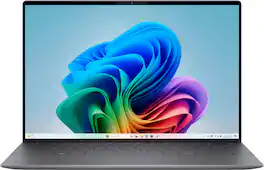

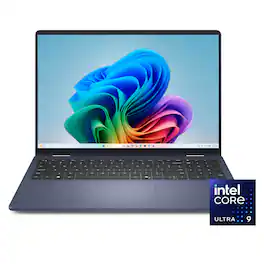
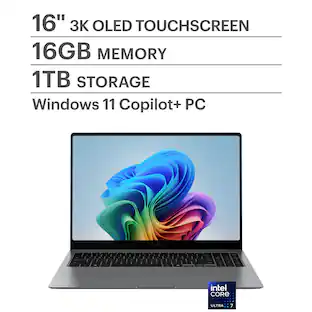 $1,099.99The price was $1,649.99
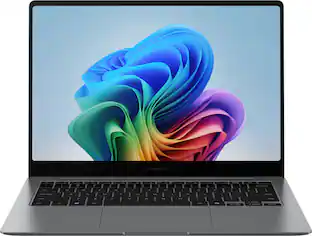 $1,049.99The price was $1,349.99
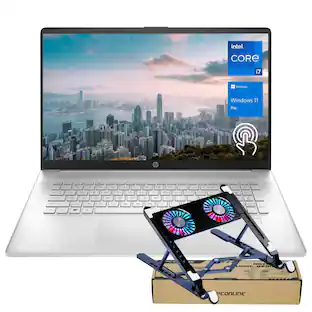 Memorial Day Deal$1,169.00The price was $1,439.00
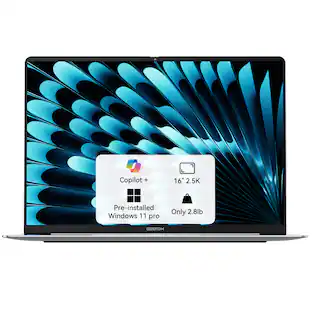 Memorial Day Deal$1,209.00The price was $1,349.00
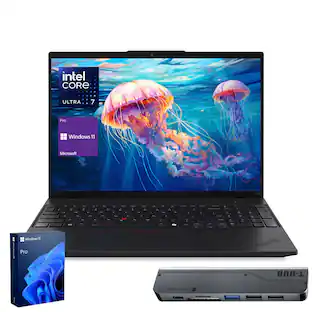 Memorial Day Deal$1,599.00The price was $2,149.00
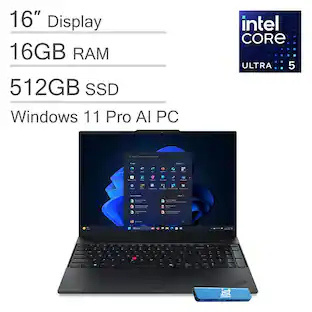 $999.99The price was $1,299.99