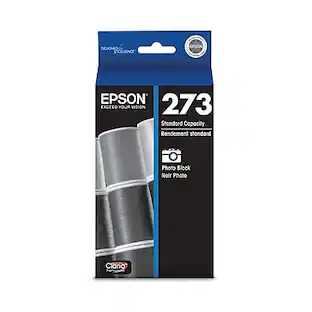
Epson - 273 Ink Cartridge - Black
About this product
Create vivid, sharp prints with this Epson Claria Premium T273020 black ink cartridge that produces crisp, dark text. The individual design makes installation easy.
Compatible with select Epson Expression Premium printers
Including XP-520, XP-600, XP-610, XP-620, XP-800, XP-810 and XP-820 models.
Black ink
Produces dark, sharp text that lasts up to 200 years in an album, so you can easily preserve your special documents.
Individual cartridge
For simple replacement.
- BrandEpsonModel NumberT273020Product Name273 Ink CartridgeColorBlackPackage TypeSingleInk TypeDye
Reviews
Rating 4.5 out of 5 stars with 1521 reviews
Customer Images
The vast majority of our reviews come from verified purchases. Reviews from customers may include My Best Buy members, employees, and Tech Insider Network members (as tagged). Select reviewers may receive discounted products, promotional considerations or entries into drawings for honest, helpful reviews.
Compare similar products
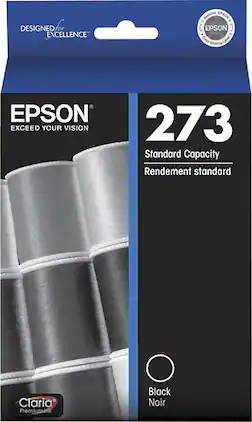
Create vivid, sharp prints with this Epson Claria Premium T273020 black ink cartridge that produces crisp, dark text. The individual design makes installation easy.
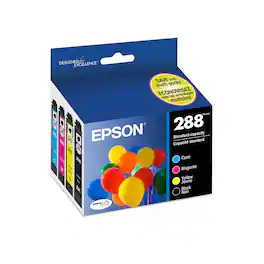
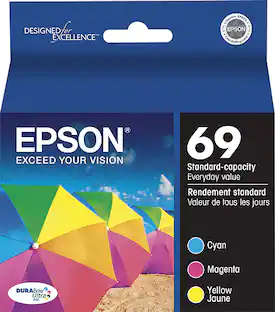
Print high-quality photos and important documents with this Epson ultra black and color ink cartridge. It includes black, yellow, cyan and magenta cartridges for a full-color print option. The pigment-based ink lasts for years in proper storage. Each Epson ultra black and color ink cartridge produces 165 colored pages and 175 black pages.
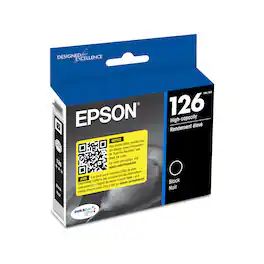
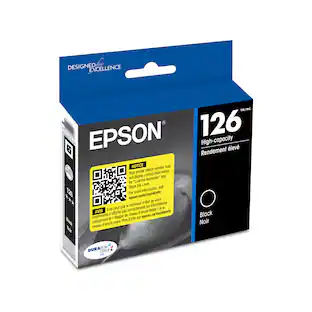
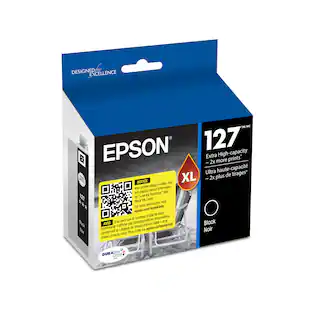
DURABrite Ultra ink offers superior image quality with smudge, water and fade resistance for durable prints. Ideal for double-sided printing, DURABrite Ultra ink does not bleed through and is quick-drying for worry-free handling of photos. Plus, get about 50% more prints than a standard-capacity ink cartridge when you use 126 high-capacity cartridge.

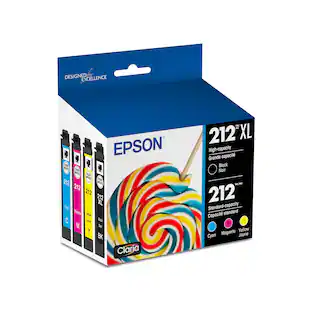
Help reports, photos and other documents stand out with these Epson 212 black and colored ink cartridges. The individual units let you replace a single color as needed for added efficiency. These Epson 212 black and colored ink cartridges feature ink that dries quickly, preventing prints from bleeding, smearing or smudging for a clean look.
| Pros for Epson - 273 Ink Cartridge - Black | |||
|---|---|---|---|
| There were no pros for this product— | Ink Quality, Price, Ease of use, Compatibility, Availability | There were no pros for this product— | Ink Quality, Ease of use, Price, Overall Performance |
Specs
Do you have to replace all ink cartridges at once for 273xl if I only print black? Do I need both black cartridges replaced at once?
Answered by EpsonHello Mich. The printer will notify you which color needs to be replaced when expended. You do not need to replace multiple colors unless notified by the printer. Regards, Kevin - The Epson Team.

I have an XP-620 printer. Can i use the XL inks for all the colors or just the Black?
Answered by JewelsI also have the xp-620 and use XL ink in all colors
ink specifically for Epson XP-410 series, no photo inkI can't seem to find ink (non photo) for my computer in economic sizes with filters on website. How do I enter that? * (FYI) Also would like to add, your website is so complex and does not save prior info. I had to start over 6 times to order an appliance taking 1 1/2 hrs to place ONE order! not related to original question. Sorry. ####### And now I see I have to wait up to 12 hours to receive a simple response? How crazy is that. I am going elsewhere very soon.
Answered by BetsBest Buy Sells the Epson Inks. If you're a member you could get 15% off. I have not ordered on line as of yet.
Can you substitute Epson PBK 273 PHOTO inkjet cartridge for Epson 273 inkjet cartridge in an Epson XP-820 printer?
Answered by LMartin0401The Photo black and standard black won't interchange. The only place I found the 273 in stock was at Best Buy.
Where can I find epson 273XL Black ink cartridgesPhoto black single ink cartridge won't fit in the regular black ink slot on my xp-620. Cartridge slot has two ink pads. Looks like it will only accept the XL ink cartridge.
Answered by rrayjrwhen you say regular black, do you mean regular black cartridge? If so then you might be trying to put the photo black in a spot that is supposed to be for just the regular black cartridge area, there are 2 black cartridges, Photo Black ink and Black ink. Do not mix these cartridges up. In fact, the regular black ink cartridge is bigger than the photo black ink cartridge, so it is hard to get them mixed up. But the photo black ink is about the same wieth as the other colored cartridges. But the regular black in is wider than the other cartridges. Even though it has the same capacity size as the other cartridges. I don't know the setup for the XP-620 I have the XP-810 and it has spots for both cartridges, one for the photo black ink and one for the black ink. If your printer has both save this for the other spots when that ink runs out. If you only have one black ink area on your printer, then you need to get the right cartridge as you are trying to put the special PHOTO BLACK Ink cartridge in the BLACK Ink Cartridge area, It will not fit, not matter which capacity cartridge you try.
Customers often buy these together
 $179.99The price was $199.99
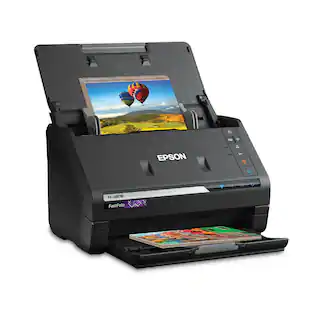 Top Deal$559.99The price was $629.99
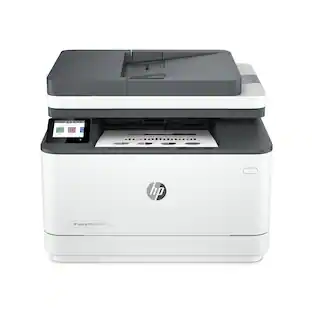 $378.90The price was $379.99
 Top Deal$249.99The price was $379.99
 $79.99The price was $159.99

More to consider


Explore tech essentials Sponsored
 Top Deal$469.99The price was $499.99
 Top Deal$149.99The price was $249.99

Discover related products
 $12.99The price was $13.99
 $24.99The price was $27.99