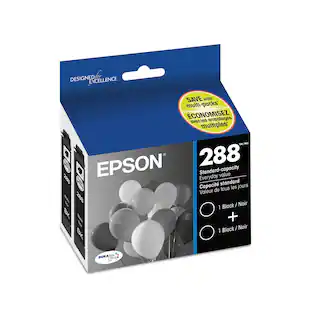
Epson - 288 Ink Cartridge - Black
About this product
Choose an Epson 288 black ink cartridge for your Epson XP-330, XP-430 or XP-434 all-in-one machines, and enjoy crisp printouts that won't smudge or fade. This OEM ink cartridge yields up to 175 pages, and it delivers rich black tones on plain and glossy paper. The Epson 288 black ink cartridge uses pigment-based inks that won't bleed.
Features
Compatible with select printers
Including Epson Expression Home XP-330 Small-in-One and Epson Expression Home XP-430 Small-in-One, XP-434, XP-340, XP-440, XP-446.
Black ink
Produces rich, dark text.
Replacement ink cartridge
To keep your printer ready for use.
Specifications
- BrandEpsonModel NumberT288120-SProduct Name288 Ink CartridgeColorBlackPackage TypeSingleInk TypePigment
Reviews
Rating 4.6 out of 5 stars with 2755 reviews
Customer Images
The vast majority of our reviews come from verified purchases. Reviews from customers may include My Best Buy members, employees, and Tech Insider Network members (as tagged). Select reviewers may receive discounted products, promotional considerations or entries into drawings for honest, helpful reviews.
Compare similar products
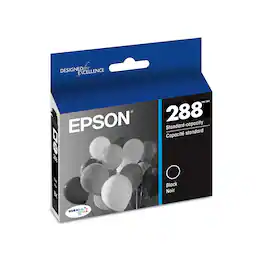
Choose an Epson 288 black ink cartridge for your Epson XP-330, XP-430 or XP-434 all-in-one machines, and enjoy crisp printouts that won't smudge or fade. This OEM ink cartridge yields up to 175 pages, and it delivers rich black tones on plain and glossy paper. The Epson 288 black ink cartridge uses pigment-based inks that won't bleed.

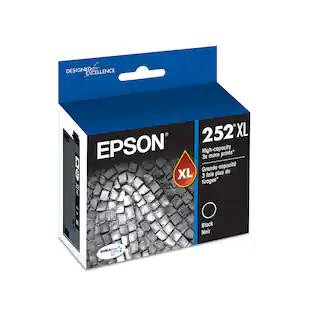
Print crisp text and images on your Epson Workforce printer with this Epson 252XL T252XL120-S ink cartridge, which features DURABrite Ultra ink for smudge-, fade- and water-resistant documents. The high yield easily handles your office printing needs.
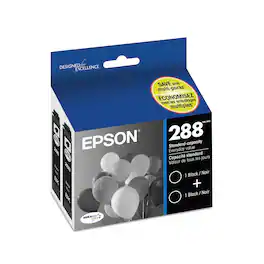
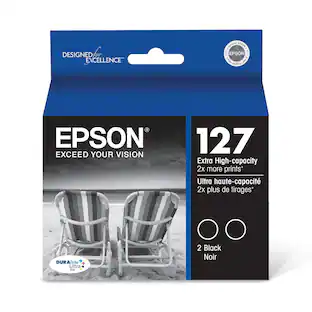
Purchase this Epson 288 black ink cartridge two-pack to keep office productivity high. These cartridges are designed for use with Epson XP-330, XP-430 or XP-434 inkjet printers, and they produce text that is crisp and clear. Enjoy printouts that won't fade or smudge when you choose the Epson 288 black ink cartridge two-pack.
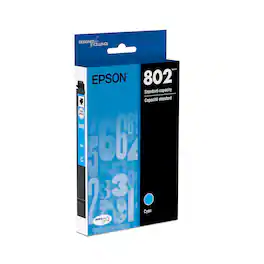
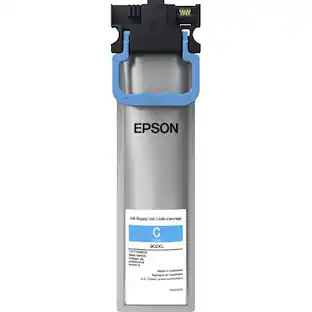
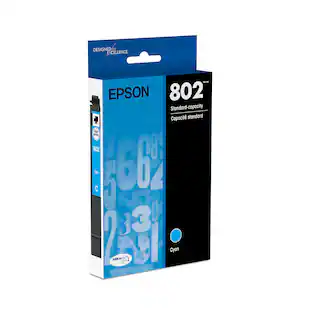
Create vibrant, colorful printouts with this Epson cyan ink cartridge. The high-quality DURABrite Ultra ink prints crisply onto matte or glossy pages for versatility, and the single-cartridge design helps you save money by only replacing the color that's running low. This convenient Epson cyan ink cartridge works with several WorkForce Pro printer models.
Specs
Questions & Answers
I have a XP-440 Epson printer. Is it necessary to have the red, yellow, & blue if I just want to use black ink? How do I set it up to run on black only? I don’t have computer, only use an i-pad. Thanks.
Answered by EpsonHi Bullie, It is necessary that all ink cartridges be installed and have at least a minimal amount of ink. This prevents air bubbles from getting into the XP-440's permanent print heads. Air bubbles can cause nozzle clogs and potentially damage the heads. If you use the free Epson iPrint app, you have the option of selecting monochrome to print in black and grayscale rather than color. Regards, Mark - The Epson Team.

Can I use 288 ink in my do-4105 printer?
Answered by EpsonHi, This is Eduard from Epson. No. The Epson Expression Home XP-4105 small-in-one printer is only compatible with 212 or 212XL ink cartridge. Hope this answers your inquiry. Regards, Eduard - The Epson Team.
What model of Epson printers is Epson 288 cartridge compatible with? Thanks.
Answered by MareFromJCExpression Home: XP-330, XP-340, XP-430, XP-434, XP-440, XP-446
Is the 288 and 288-I cartridge the same? Is the 288 cartridges compatible with Epson XP – 330, as Best Buy suggested ? I'm trying to insert the 288 and the printers not recognizing the cartridge, the cartridge that's being replace is a 288-I
Answered by ElcheapoThe I stands for "Initial". Just to get you started. and then when you purchase the 288 that has more capacity
I want to purchase a black ink cartridge for my Epson XP430 printer. I do not see the option of purchasing just black, for the XP430, cartridge 288XL. I see a black cartridge for Epson 288 but not for 288XL. Will the 288 black cartridge fit the 288XL?
Answered by psc811yes, the XL just means it is the larger of the ink cartridges giving you more pages.
Find more like this
More to consider
Explore tech essentials Sponsored
 Top Deal$229.99The price was $329.99




Discover related products
 $12.99The price was $13.99