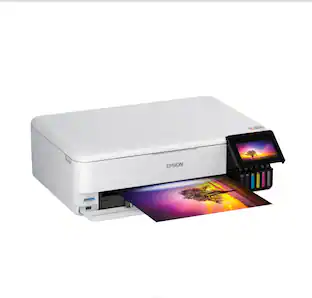
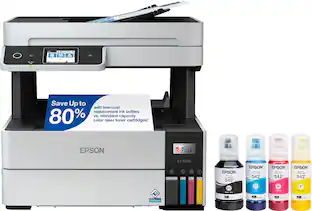
Epson - EcoTank ET-4950 Wireless All-in-One Color Supertank Inkjet Printer - Black
Customers are saying
Customers are enthusiastic about the printer's impressive print quality and its exceptionally user-friendly setup process. Users also appreciate the reliable connectivity options and the quiet operation of the device. Overall, the printer is regarded as a simple and effective tool for daily tasks.
Color
BlackIncredible Value
Each replacement ink bottle set is equivalent to about 90 individual cartridges (7).
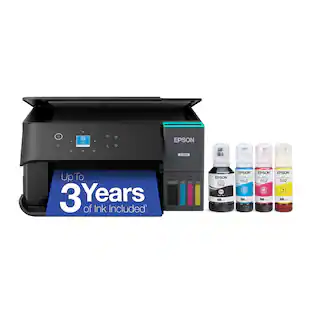
Up to 3 Years of Ink Included in the Box (2)
Comes with enough ink to print up to 6,600 pages black/5,500 color (8) for worry-free printing and fewer out-of-ink frustrations.
Simple Ink Refilling
Supersized ink tanks and uniquely keyed EcoFit bottles make refilling ink simple—no mess, no stress and no ink bottle mix-ups.
The #1 Best-Selling Supertank Printer (5)
Epson invented EcoTank to revolutionize the way people print; we’ve sold 100 million EcoTanks worldwide (6) and this is our 7th generation of cartridge-free printers.
Advanced, Productive Features
Fast 18 black/9 color ISO ppm print speeds with zero warmup time, an Auto Document Feeder, fax, a high-capacity 250-sheet paper tray, auto duplex printing and a 2.4" color display for easy navigation.
Stunning Print Quality
High 4800 x 1200 print resolution for exceptional photos and text; enjoy amazing image quality on a wide range of media.
Wireless Mobile Printing (4)
Print and scan from the convenience of your smart device with enhanced mobile printing from the Epson Smart Panel app (3); supports Apple AirPrint.
Engineered for Reliability
Epson PrecisionCore Heat-Free technology delivers a unique permanent printhead designed to last the life of the printer, plus professional-grade reliability with duty cycle twice as robust as its predecessor.
Zero Cartridge Waste
Join the club with the millions of EcoTank owners who’ve already helped to reduce millions of pounds (9) of plastic from going into landfills.
Use Genuine Epson Ink
For optimal print quality and performance. Non-genuine ink could cause damage not covered by the printer’s limited warranty.
- NetworkingWirelessENERGY STAR CertifiedYesPrinter TypePrinter, Copier, Scanner, FaxISO Color Print Speed9 pages per minuteOutput Tray Capacity30Touch ScreenYes
Reviews
Rating 4.5 out of 5 stars with 392 reviews
- Print Quality (140)
- Setup Ease (115)
- Connectivity (24)
- Noise Level (15)
- Design (6)
Customer Images
The vast majority of our reviews come from verified purchases. Reviews from customers may include My Best Buy members, employees, and Tech Insider Network members (as tagged). Select reviewers may receive discounted products, promotional considerations or entries into drawings for honest, helpful reviews.

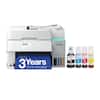
Compare similar products
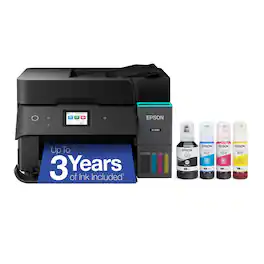
Introducing the EcoTank ET-4950—The Ultimate Home Office Printer. Say goodbye to expensive cartridges with the Epson EcoTank ET-4950, the newest innovation from a recognized leader in photographic printing. Combining simplicity with a modern design, the ET-4950 features advanced technology that enhances both performance and print quality, making it an ideal choice for productive office printing—including content created by AI. Powered by PrecisionCore Heat-Free technology, the ET-4950 offers a duty cycle that’s twice as robust as its predecessor (1). And unlike conventional thermal inkjet printers, its unique permanent printhead is engineered to last the life of the printer. Designed to be simple and error-free, refilling ink is a breeze with large ink tanks and uniquely keyed EcoFit bottles—no mess, no stress and no ink bottle mix-ups. And with enough ink in the box to last up to three years (2), you'll enjoy affordable color printing without the hassle of frequently replacing cartridges. Featuring Ethernet and Wi-Fi for seamless connectivity, along with the user-friendly Epson Smart Panel app (3), you can easily print, scan, and more directly from your computer or mobile device (4). Choose Epson EcoTank, the #1 Best-Selling Supertank Printer (5). With more than 100 million units sold globally (6) across seven generations of innovation, EcoTank consistently delivers affordable, photo-quality prints, making it a reliable choice for all your printing needs.
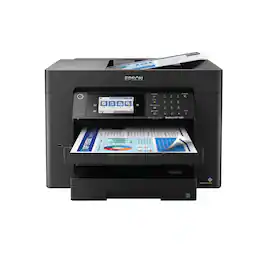
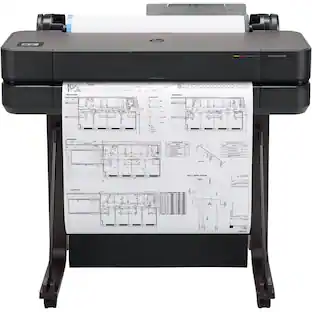
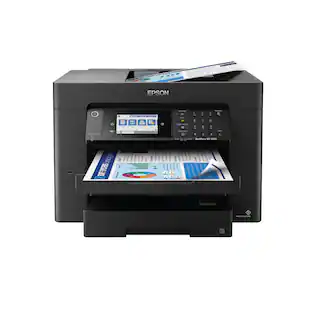
Supercharge workplace efficiency and productivity with the ultra fast WorkForce Pro WF-7840. Offering high-speed wide-format printing, this reliable all-in-one consistently delivers sharp, professional-quality, prints using innovative PrecisionCore Heat-Free Technology and vivid DURABrite Ultra inks. Built from the ground up to meet the demands of fast-paced businesses, the WF-7840 tackles a variety of tasks with wide-format printing up to 13" x 19", auto 2-sided print, copy, scan and fax, a 50-sheet rear tray, and a large, 500-sheet paper capacity. Convenient and easy-to-use, this complete duplex solution offers an abundance of features for simplified operation and navigation, including a 4.3" color touchscreen and wireless setup using mobile devices
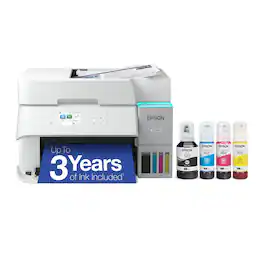
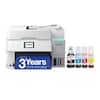
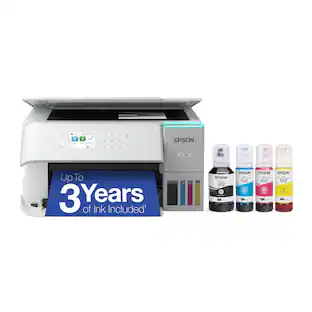
Introducing the EcoTank ET-3950 — The Perfect Printer for Busy Families. Say goodbye to expensive cartridges with the Epson EcoTank ET-3950, the newest innovation from a recognized leader in photographic printing. Combining simplicity with a modern design, the ET-3950 features advanced technology that enhances both performance and print quality, making it an ideal choice for home office printing—including content created by AI. Powered by PrecisionCore Heat-Free technology, the ET-3950 offers a duty cycle that’s twice as robust as its predecessor (1). And unlike conventional thermal inkjet printers, its unique permanent printhead is engineered to last the life of the printer. Designed to be simple and error-free, refilling ink is a breeze with large ink tanks and uniquely keyed EcoFit bottles—no mess, no stress and no ink bottle mix-ups. And with enough ink in the box to last up to three years (2), you'll enjoy affordable color printing without the hassle of frequently replacing cartridges. Featuring Ethernet and Wi-Fi for seamless connectivity, along with the user-friendly Epson Smart Panel app (3), you can easily print, scan, and more directly from your computer or mobile device (4). Choose Epson EcoTank, the #1 Best-Selling Supertank Printer (5). With more than 100 million units sold globally (6) across seven generations of innovation, EcoTank consistently delivers affordable, photo-quality prints, making it a reliable choice for all your printing needs.
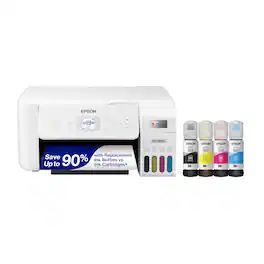
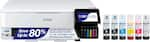
Your family needs a printer that’s fast, affordable, and easy to use. That’s why we developed the EcoTank ET-2800 – an innovative cartridge-free solution that uses high-capacity, easily refillable ink tanks. So you’ll worry less about running out of ink, and save a lot on replacement ink (1). The ET-2800 features genuine Epson print quality, a high-resolution flatbed scanner, and convenient color display – making it the ideal basic home printer.
| Pros for Epson - EcoTank ET-4950 Wireless All-in-One Color Supertank Inkjet Printer - Black | |||
|---|---|---|---|
| Print Quality, Setup Ease, Connectivity, Noise Level, Design | Print Quality, Ease of use, Overall Performance, Paper Tray, Price | Print Quality, Setup Ease, Connectivity, Size, Noise Level | Print Quality, Ease of use, Overall Performance, Size, Setup |
| Cons for Epson - EcoTank ET-4950 Wireless All-in-One Color Supertank Inkjet Printer - Black | |||
| There were no cons for this product— | Size, Connectivity, Weight | Paper Tray, Control Panel | Paper Tray, Noise Level |
Specs
Customers often buy these together
Copy and Multipurpose Paper


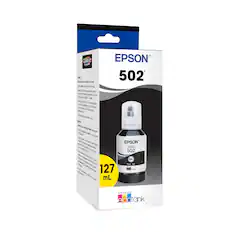
Ink Bags and Bottles

Printer Paper
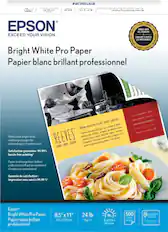
Epson - Paper - Bright White
$10.00The price was $14.29
More to consider
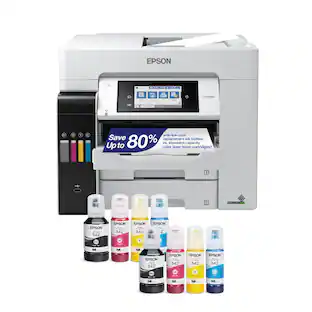 Top Deal$699.99The price was $849.99
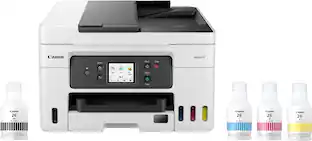 $450.99The price was $539.99


Explore tech essentials Sponsored
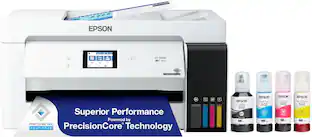
 Top Deal$469.99The price was $499.99


Discover related products
 $628.99The price was $659.99










Keep exploring
 $149.00The price was $199.99