Google - Pixel Watch 4 (45mm) - LTE - Matte Black Case - Obsidian Band - (2025)
Customers are saying
Customers appreciate the impressive battery life that lasts for several days and the convenience of the fast-charging feature. Users are also highly satisfied with the overall performance and the visual quality of the 45mm display. Additionally, many find the 45mm size to be perfect, while others highlight the effectiveness of the sleep tracking capabilities.
Color
Matte Black Case - Obsidian BandInnovative design all the way around.
A leap forward in precision craftsmanship, with a first-of-its-kind Actua 360 domed display and powerful health and fitness sensors.² ⁵
Iconic Actua 360 display.
See it all and do the most with a 10% larger active display that’s 50% brighter and as durable as ever with scratch-resistant Gorilla Glass.¹
The watch built for Gemini.
Just ask questions and your ultra capable AI assistant will deliver quick responses for personalized help.⁶
Longest lasting. Fastest charging.
With 25% faster charging and Google’s longest battery life yet, the Pixel Watch 4 is ready when you are.¹ ⁷ ² ⁴
AI text suggestions just for you.
Stay connected with AI-powered quick replies when you’re texting – they’re personalized with your style and hyper-relevant to your conversation.⁸ ⁹
A leading approach to better health.
The Pixel Watch 4 helps you understand your health with Google’s most accurate heart rate tracking, sleep insights, health metrics, and more.⁰ ² * **
Training smarter starts with the Pixel Watch 4.
It connects the dots between your activity and recovery, so you can make informed decisions about your workouts and optimize your performance.²
Detects loss of pulse, then calls for help.
Loss of Pulse Detection can detect a loss of pulse event and prompt a call to emergency services for potentially lifesaving help.***
SOS satellite communications.
Get help even if you’re in a remote location – the Pixel Watch 4 can connect you to emergency services through geo-stationary satellites.#, ²
Get help if you need it.
If you’re in a situation where you feel unsafe, the Pixel Watch 4 can alert trusted contacts or 911 with Emergency SOS.##
Google’s most accurate GPS tracking yet.
With high-precision dual-frequency GPS, you get more accurate route tracking on runs and hikes, from skyscraper-lined streets to dense forests.¹
Works with your Pixel and Android devices.
Pixel Watch 4 is compatible with most Google Pixel and Android phones running on Android 11.0 or newer.
Ditch the extra watch plan
Get 2 years of data for any Pixel Watch 4 (LTE) included.### Data from Google Fi Wireless to power your messaging, navigation, and music on the go. No changes to your current phone plan or number required. Calling not supported. Return of the watch terminates data service.
iOS phones are currently not supported
- Screen Size45 millimetersOperating System CompatibilityAndroid, Wear OS, Android WearOperating SystemAndroidApp CompatibleYesBuilt-in Storage32 gigabytesGlobal PositioningGLONASS, GPS, Galileo, BeiDou (BDS)
Reviews
Rating 4.5 out of 5 stars with 51 reviews
- Battery Life (20)
- Overall Performance (19)
- Charging Speed (5)
- Size (4)
- Sleep Tracking (3)
Customer Images
The vast majority of our reviews come from verified purchases. Reviews from customers may include My Best Buy members, employees, and Tech Insider Network members (as tagged). Select reviewers may receive discounted products, promotional considerations or entries into drawings for honest, helpful reviews.



Compare similar products

Meet the Pixel Watch 4, an exceptional smartwatch engineered by Google with precision craftsmanship. It’s built to last, from a first-of-its-kind Actua 360 domed display to Google’s longest battery life and fastest charging yet.¹ ² ³ ⁴ And it packs helpful AI, powerful health and fitness tools,² and safety features to give you peace of mind.⁵
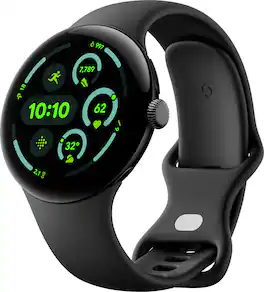
The Google Pixel Watch 3 is designed for performance.¹ The cutting-edge Actua display is bigger, brighter, and ultra responsive.² Beat your best times with advanced running features from Fitbit, then use all-new readiness and cardio load tracking to balance rest. And stay on top of your day with help from Google.
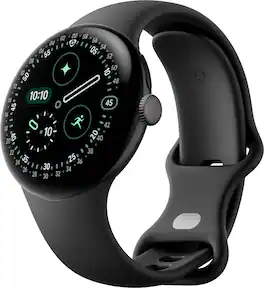
Meet the Pixel Watch 4, an exceptional smartwatch engineered by Google with precision craftsmanship. It’s built to last, from a first-of-its-kind Actua 360 domed display to Google’s longest battery life and fastest charging yet.¹ ² ³ ⁴ And it packs helpful AI, powerful health and fitness tools,² and safety features to give you peace of mind.⁵
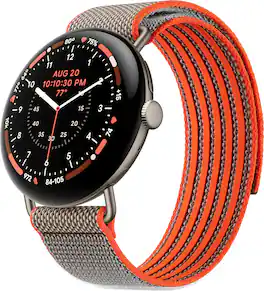
Designed with NBA champion Stephen Curry, this special edition pairs an exclusive band with a custom watch face for peak performance and legendary style.¹,²
| Pros for Google - Pixel Watch 4 (45mm) - LTE - Matte Black Case - Obsidian Band - (2025) | |||
|---|---|---|---|
| Battery Life, Overall Performance, Charging Speed, Size, Sleep Tracking | Battery Life, Overall Performance, Charging Speed, Screen Size, Comfort | There were no pros for this product— | There were no pros for this product— |
| Cons for Google - Pixel Watch 4 (45mm) - LTE - Matte Black Case - Obsidian Band - (2025) | |||
| There were no cons for this product— | Band Quality | There were no cons for this product— | There were no cons for this product— |
Specs
what are the differences between regular anklet 45 mm google watches
Answered by Google TeamHi there. The Pixel Watch 4 comes in 41mm and 45mm sizes. The core features like health tracking and performance remain the same. You can compare the full specs here: https://support.google.com/googlepixelwatch/answer/12651869
Does this watch have a built-in microphone?
Yes, this watch has a built-in microphone.
This question and answer was generated by AI based on customer and product data.Is the watch water resistant?
Yes, the watch has water resistant protective qualities.
This question and answer was generated by AI based on customer and product data.Does this watch have GPS?
Yes, this watch is GPS enabled.
This question and answer was generated by AI based on customer and product data.Is the display screen for this watch backlit?
Yes, the display screen is backlit.
This question and answer was generated by AI based on customer and product data.

Customers often buy these together
Activity Tracker and Smart Watch Bands
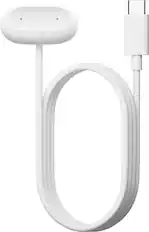


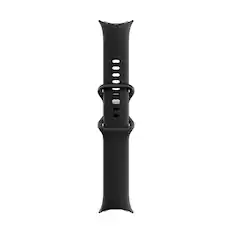
Activity Tracker and Smart Watch Screen Protectors
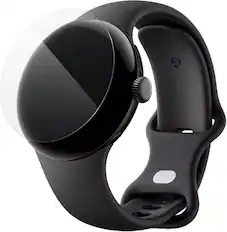
ZAGG - Ultra Eco Smart Watch Screen Protector 45mm Google Pixel 4 - Clear
$11.99The price was $19.99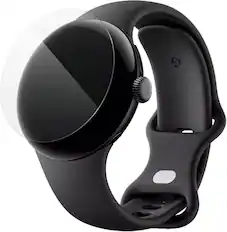
ZAGG - Ultra Eco Smart Watch Screen Protector 41mm Google Pixel 4 - Clear
$11.99The price was $19.99
More recommended items
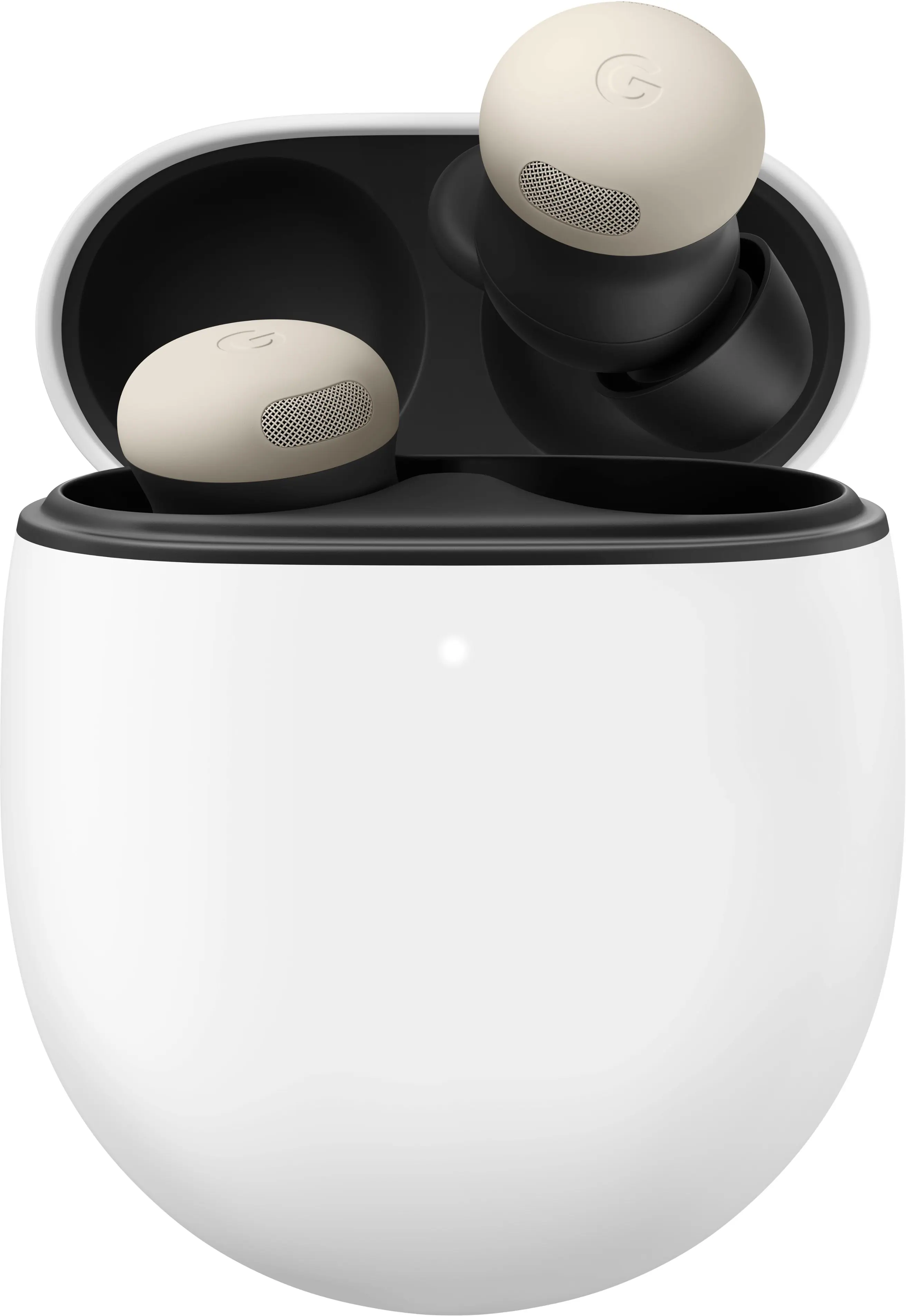 Headphones
 Power Adapters and Chargers
More to consider
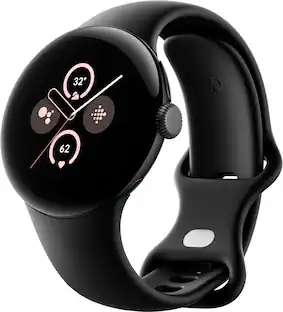 $79.00The price was $239.98
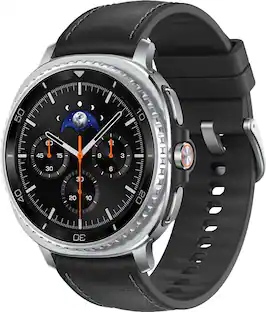 Top Deal$419.99The price was $499.99
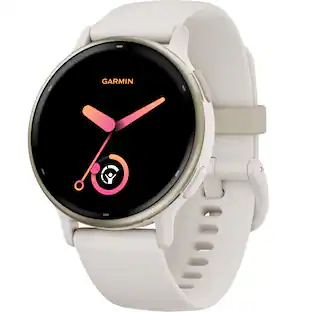 Top Deal$189.99The price was $249.99
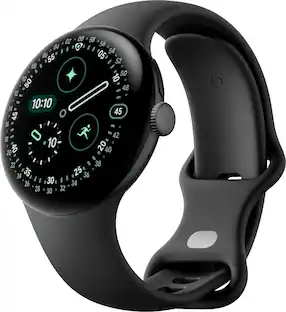


Gear up with tech Sponsored
Discover related products

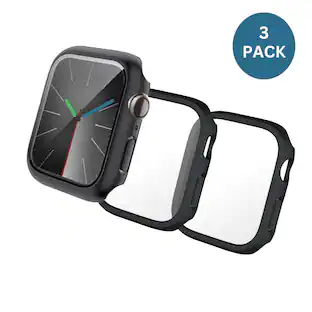
Keep exploring
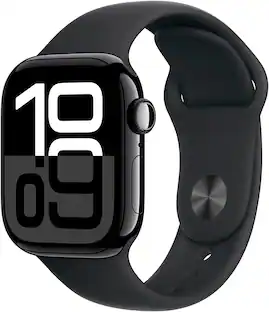 $259.99The price was $399.00
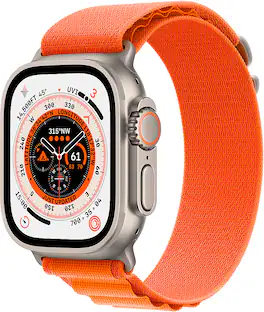 $299.99The price was $799.00
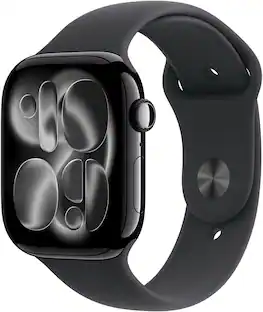 $349.99The price was $429.00
 $229.99The price was $429.00
 $299.99The price was $799.00
 $290.00The price was $329.99
 $239.99The price was $249.00
 $239.99The price was $249.00
 $649.99The price was $799.00
 $299.99The price was $799.00