Home Security Device and Sensor(s) Install
About this product
Sit back and let a professional installer set up and mount your smart home security devices, plus show you how to receive notifications and more.
Before we begin
When we arrive at your home, we'll discuss the scope of work to ensure that services purchased meet your needs and expectations. If they don't, we'll recommend solutions.
Getting started
We'll install and configure applicable software or applications onto your PC or device. Then, we’ll install and configure 1 primary base station or sensor hub and connect it to your home network.
Setting up
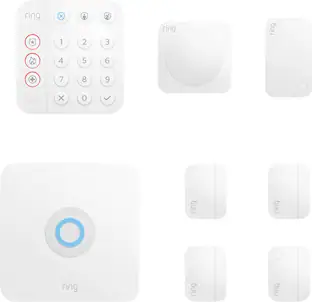
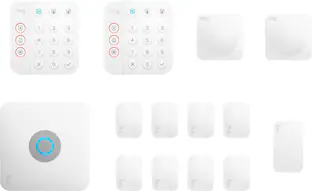
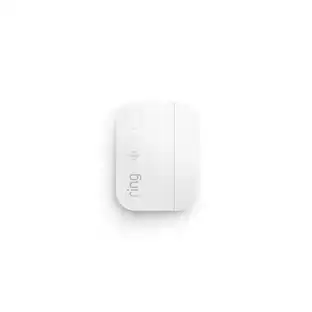
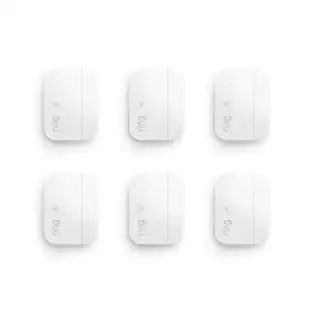
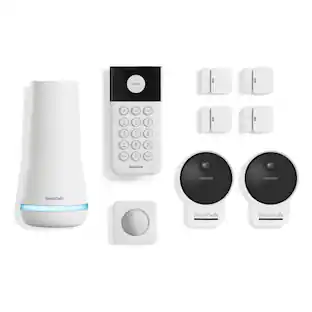
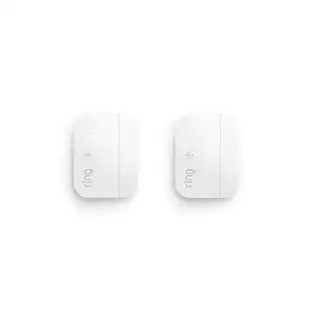
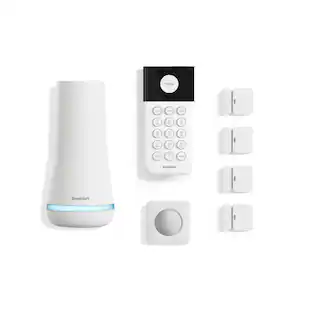
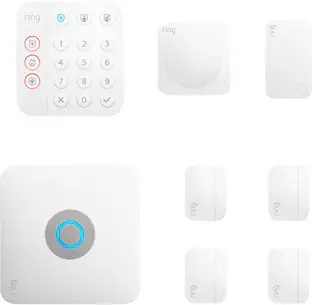
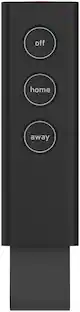
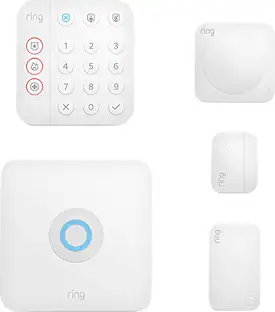
We’ll install and configure up to 10 smart home status devices, and connect them to your home network. Devices include keypads, entry sensors, motion sensors, key FOBs, sirens, and CO sensors.
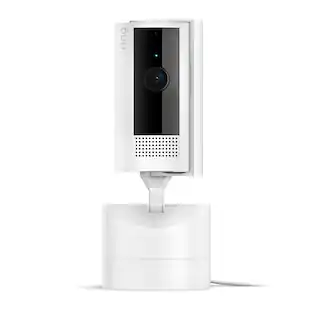
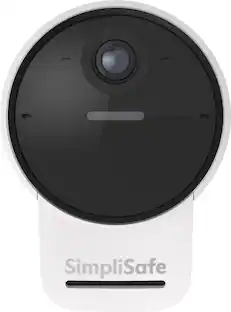
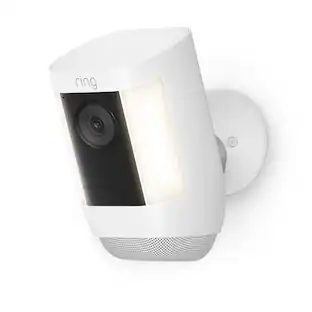
We will also install and setup one Indoor/Outdoor Camera included in the security kit.
Installation
You choose the locations, and we’ll either place or mount the smart home security devices exactly where you want them.
Giving you an update
We’ll perform software and firmware updates as needed on your new devices. We’ll also spend up to 5 minutes showing you how to configure the sensors to receive notifications and status updates.
Final steps
We’ll demonstrate how to use the new system and components, and let you know how to contact us for future support. We’ll clean up our work area, answer any questions you may have, and provide solutions as needed.
This service does not include home Wi-Fi setup, hard-wired device installation or wire runs, or DVR setup or configuration. Also not included are camera, door lock, thermostat, smoke detector, or doorbell installation.
*This service does not include monitoring services. You must enroll or register for any monitoring or surveillance services separately.
**Additional charges may be required for land travel beyond installation coverage areas. Service returns cannot be accepted after installation services are completed.
- BrandGeek Squad®Product NameHome Security Device and Sensor(s) InstallEstimated Time to Complete Service40 minutesRequired for ServiceCustomer supplied security base station or hub and applicable status sensors. An existing and functional network.Workmanship WarrantyWe stand behind our services and repairs with a 90-day workmanship warranty.UPC400059471286
Reviews
Rating 4.3 out of 5 stars with 512 reviews
Customer Images
The vast majority of our reviews come from verified purchases. Reviews from customers may include My Best Buy members, employees, and Tech Insider Network members (as tagged). Select reviewers may receive discounted products, promotional considerations or entries into drawings for honest, helpful reviews.
Compare similar products

Sit back and let a professional installer set up and mount your smart home security devices, plus show you how to receive notifications and more.

Sit back and let a professional installer set up 4 wireless cameras, so you can monitor your location.

Sit back and let a professional installer verify your internet speed and activate and set up your modem.

Sit back and let a professional install your smart doorbell and help you monitor the covered areas of your home, even when you’re away.
| Pros for Home Security Device and Sensor(s) Install | |||
|---|---|---|---|
| There were no pros for this product— | Installation, Ease of use, Knowledge, Camera Quality, Professionalism | Installation, Ease of use, Knowledge, Overall Performance, Modem | There were no pros for this product— |
| Cons for Home Security Device and Sensor(s) Install | |||
| There were no cons for this product— | Battery Life, Motion Detection, Communication | Signal | There were no cons for this product— |
Specs
I want a ring doorbell but without a monthly fee, I would also like a smart Lock for my patio door.
Answered by GeekSquadSupportHi there. Thanks for connecting with us on this. The Ring doorbells can run without a monthly fee. The Ring subscriptions add on features depending on what you're looking for however. We can also help out with finding a smart lock too. We'd recommend getting in contact with your local Best Buy to get assistance. You can find information about your local store at www.bestbuy.com/storelocator.

Does Geek Squad offer a warranty on their service?
Yes, Geek Squad offers a 90-day workmanship warranty on their services and repairs.
This question and answer was generated by AI based on customer and product data.What do I need to provide for the installation?
You will need to provide the security base station or hub, applicable status sensors, and an existing and functional network.
This question and answer was generated by AI based on customer and product data.How long does the installation service usually take?
The estimated time to complete the service is 40 minutes.
This question and answer was generated by AI based on customer and product data.What will the technician do before starting the installation?
Before beginning the installation, the technician will discuss the scope of work with you to ensure that the services purchased meet your needs and expectations.
This question and answer was generated by AI based on customer and product data.
Customers often buy these together
 Clearance$159.99The price was $199.99