HP - USB-C Dock G5 TAA - USB-C, RJ-45, HDMI, 100 W Docking Station
Reviews coming soon
About this product
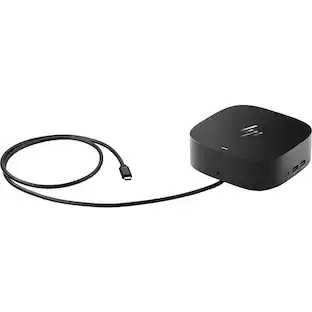
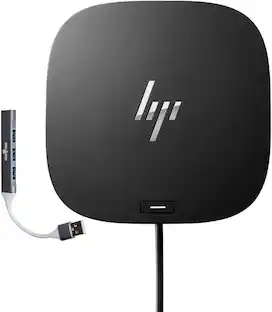
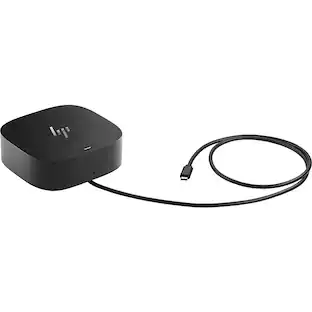
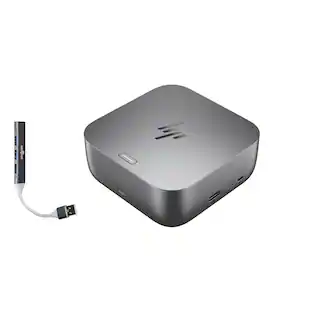
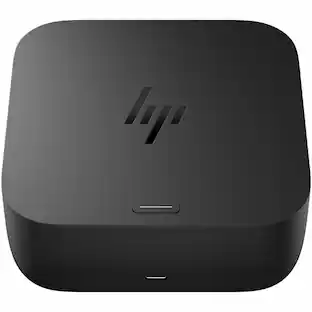
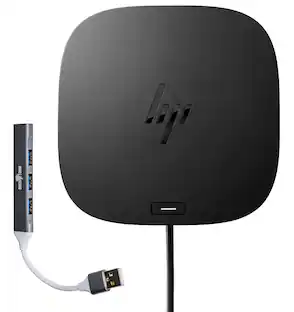
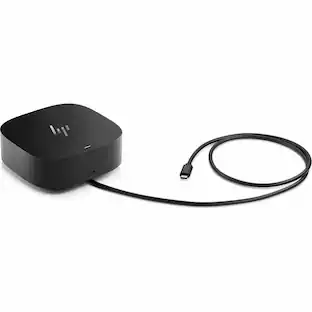
HP USB-C Dock G5 TAA for Notebook/Monitor USB Type C, Network (RJ-45), Wired Connectivity, HDMI, 100 W, Docking Station - 5YH27AV
Features
USB Type C Host Interface
Host Interface: USB Type C | TAA Compliant
Connectivity Technology: Wired
Device Supported: Notebook/Monitor
USB Type-C | Network (RJ-45)
Maximum Power Supply Wattage: 100 W
Specifications
- Maximum Number of Displays Supported2Number of DisplayPort Outputs (Total)0
Reviews
This product doesn't have any reviews yet.
Compare similar products
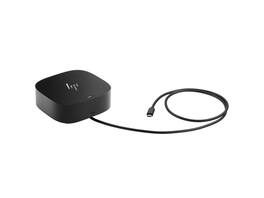
HP USB-C Dock G5 TAA for Notebook/Monitor USB Type C, Network (RJ-45), Wired Connectivity, HDMI, 100 W, Docking Station - 5YH27AV

Universal docking for today's laptops. Connect your USB-C-enabled laptop to your displays, accessories, and wired network with the versatile, elegant, and space-saving HP USB-C Dock G5.

Get to work with a single cable from your USBC-enabled notebook to your displays, devices, and wired network with the versatile, elegant, and space-saving HP USB-C Dock G5. The dock is compatible with notebooks from brands like HP, Apple, Dell, Lenovo, and more.
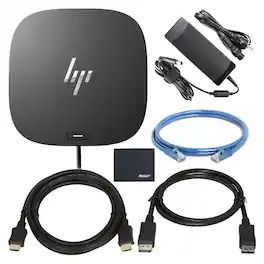
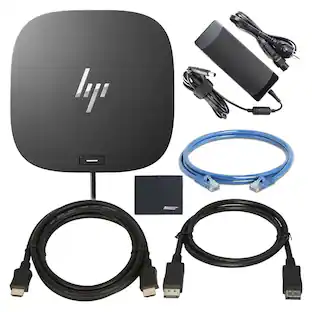
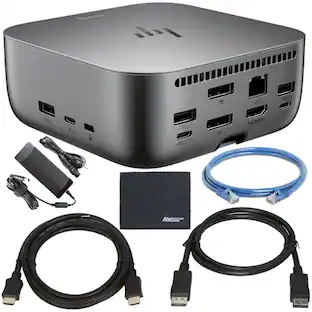
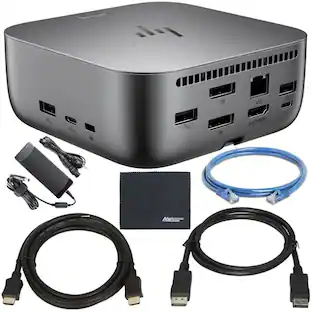
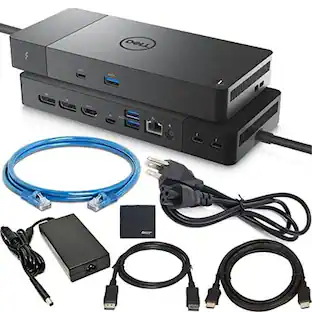
Complete docking bundle featuring the HP USB-C G5 Dock (models 5TW10AA / 5TW10UT / 5TW10AA#ABB) with a 120W adapter, HDMI and DisplayPort cables, Ethernet cable, and microfiber cloth. The dock enables a single-cable connection to compatible USB-C laptops, powers devices up to 120W, and supports dual external displays up to 4K resolution. Additional ports provide reliable wired networking and easy peripheral connectivity for office or home workstations.
| Pros for HP - USB-C Dock G5 TAA - USB-C, RJ-45, HDMI, 100 W Docking Station | |||
|---|---|---|---|
| There were no pros for this product— | Overall Performance, Connectivity, Setup, Design | Overall Performance | There were no pros for this product— |
| Cons for HP - USB-C Dock G5 TAA - USB-C, RJ-45, HDMI, 100 W Docking Station | |||
| There were no cons for this product— | Port Quantity, Compatibility | There were no cons for this product— | There were no cons for this product— |
Specs
Be the first to ask a question.
We’ll try to get your question answered within 24 hours by a Best Buy customer or brand representative.
Find more like this
 Techtober Deal$34.99The price was $39.99
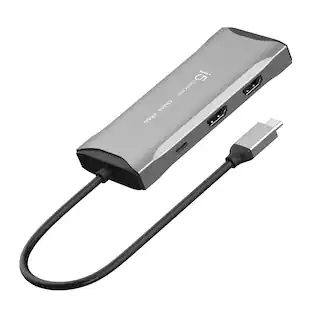 Our 365-day lowest price$79.99The price was $89.99
 Techtober Deal$49.99The price was $59.99
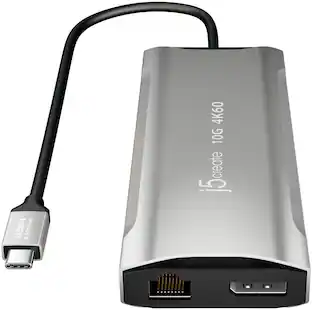 Techtober Deal$99.99The price was $119.99
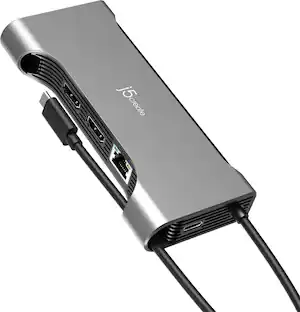 Techtober Deal$79.99The price was $89.99
 Our 365-day lowest price$39.99The price was $49.99

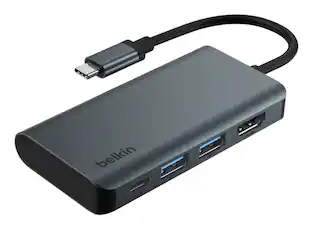
More to consider
- Techtober Deal$49.99The price was $59.99
- Techtober Deal$79.99The price was $89.99



Explore tech essentials Sponsored
Keep exploring
 $219.89The price was $249.99
 Techtober Deal$49.99The price was $59.99