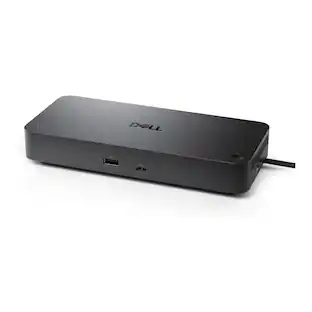
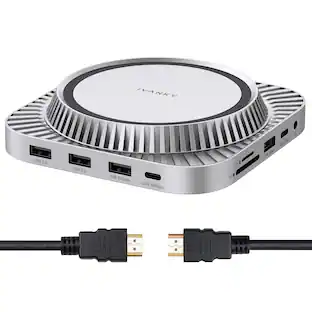
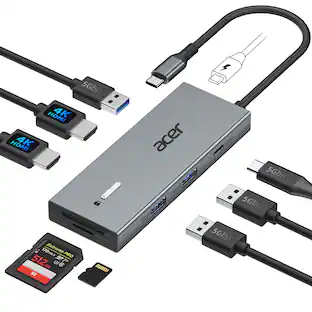
iVANKY - FusionDock 20 in 1 Triple 4K@60Hz DisplayLink Docking Station for Window/MacBook Pro with 180W Power Adapter - Black
Reviews coming soon
About this product
iVANKY 20-in-1 DisplayLink Docking Station for MacBook Pro/Air, Triple 4K@60Hz Monitor Display for M1/M2/M3/M4 Mac mini/Windows, 180W Power, 2.5GbE, 3*HDMI, 2*DP, 10Gbps Need Download Driver
Features
DisplayLink DRIVER NOTE
For the normal operation of this 20-in-1 docking station, please install the corresponding DisplayLink driver version before running your devices; the HDMI/DP 1&2 ports only work when the proper driver is installed for your dock. This driver poses no risk to user privacy or data security.
20-in-1 Rapid Data Transmission
Equipped with 1*10Gbps USB-C, 1*10Gbps USB-A, 2*5Gbps USB-C, 3*5Gbps USB-A, 2*USB-A 2.0, our dock can support up a full-speed data transfer and allow you connect massive external equipment. The dock’s SD/TF 3.0 card slot also supports up to 104MB/s while its RJ45 Gigabit Ethernet port can keep a smooth and stable 2.5Gbps connection.
Triple 4K@60Hz Displays
After installing the proper driver for the dock, you enjoy a wonderful triple monitors experience. All the three HDMI ports support up to 4K@60Hz and can be converted into VGA and DVI output by using an appropriate adapter or cable.
Lightning-Fast Charging
This dock features three USB-C ports that can all be used for charging. One 180W power adapter enables this docking station to efficiently charge laptops up to 100W via its upstream USB-C port and USB-C devices up to 20W via its PD port
Product Guarantee
After buying our iVANKY FusionDock Pro 2 (20-in-1, triple 4K@60Hz displays), you can receive a 24-month warranty and responsive customer service. If you meet any problems with the dock, we will be glad to replace you with a new one.
Specifications
- Maximum Number of Displays Supported3Maximum Supported Resolution4K (2160p)Number of DisplayPort Outputs (Total)3
Reviews
This product doesn't have any reviews yet.


Compare similar products
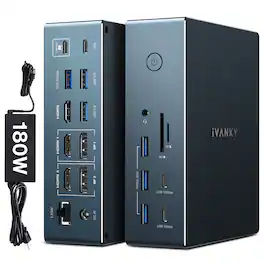
iVANKY 20-in-1 DisplayLink Docking Station for MacBook Pro/Air, Triple 4K@60Hz Monitor Display for M1/M2/M3/M4 Mac mini/Windows, 180W Power, 2.5GbE, 3*HDMI, 2*DP, 10Gbps Need Download Driver

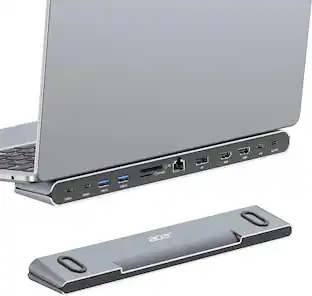
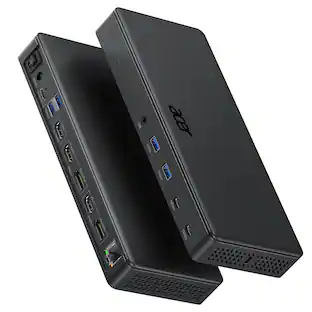
Acer 15-in-1 Laptop Docking Station Support DisplayLink Triple Monitors, USB C Docking Station, 130W Power Adapter, 10Gbps Data Transfer, 1Gbps Ethernet for MacBook Pro/Air, Acer Laptops, PC and More

The iVANKY FusionDock Max 2 is a 23-in-1 Thunderbolt 5 (TB5) docking station designed for MacBook users. Expand your workspace with support for up to three external displays on compatible Macs, up to 120Gbps Thunderbolt 5 bandwidth, 140W laptop charging, and 23 versatile ports. This powerful TB5 dock combines high-speed connectivity, multi-monitor productivity, and efficient cooling in one desktop solution. Display capabilities vary by Mac model and chip.
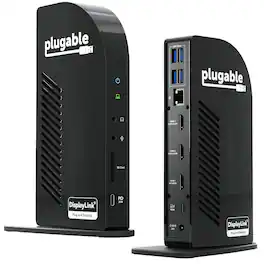
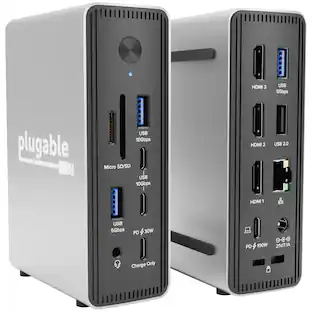
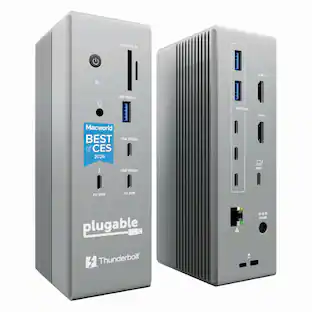
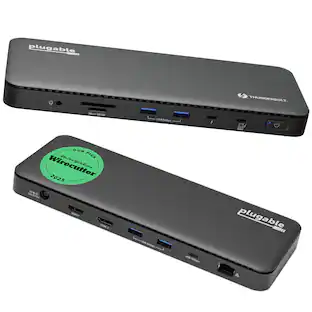
The Plugable UD-ULTCDL Triple Monitor USB-C Docking Station is an all-in-one solution for reliable multi-monitor productivity on Mac, Windows, and ChromeOS. Designed for home offices, corporate desks, and shared workspaces, this laptop dock connects displays, networking, audio, storage, and peripherals through a single USB-C cable. Powered by DisplayLink, this MacBook docking station can drive up to three extended displays from one USB-C connection, including on Macs that normally support only one external monitor. It also works as a usb c docking station dual monitor setup when you only need two screens. Video support depends on the HDMI port: HDMI 1 uses the computer’s native DisplayPort Alt Mode over USB-C for up to 4K@30Hz (or 1080p@60Hz when supported by the host), while HDMI 2 and HDMI 3 use DisplayLink USB graphics for up to 1920x1200@60Hz. DisplayLink outputs require DisplayLink drivers/DisplayLink Manager; with DisplayLink Manager installed, triple displays work on MacBook Neo, M1, M2, M3, M4, and M5. Note: DisplayLink outputs do not support HDCP, so protected streaming (Netflix/Disney+/Hulu) may not play on HDMI 2/3. If you need 4K@60Hz to a TV, choose a dock that explicitly supports it, such as the Plugable UD-ULTC4K. This 13-in-1 dock provides up to 100W USB-C Power Delivery to charge a laptop (rear USB-C) plus up to 20W USB-C PD on the front port for phones/accessories. Ports include 3x HDMI, 4x USB-A (up to 5Gbps), Gigabit Ethernet, SD card reader (SD/SDHC/SDXC/MMC), and 3.5mm audio in/out. UD-ULTCDL is not a Thunderbolt docking station. TAA compliant for government purchasing. VGA via an active HDMI-to-VGA adapter or a USB graphics adapter (e.g., Plugable UGA-3000); DisplayPort monitors not supported. In the box: dock, 1m USB-C cable, power adapter + 2m AC cord, quick start guide. Includes 2-year coverage with lifetime support from Plugable’s North American team
Specs
Customers often buy these together
iVANKY FusionDock Max 2 Thunderbolt 5 (TB5) Docking Station, 23-in-1, Triple Display for MacBook, 140W Charging
$399.99The price was $499.99





Customers ultimately bought
Explore tech essentials Sponsored
iVANKY FusionDock 14-in-1 Docking Station with 180W Power Adapter, Triple 4K@60Hz Monitor For Macbook
$179.99The price was $189.99


Discover related products
ViprTech Stryker Gaming PC - AMD Ryzen 7 (4.1GHz), AMD RX 580 8GB, 16GB DDR4, 500GB SSD, Desktop Computer
$649.99The price was $799.99Acer PM161Q 15.6" Portable Monitor Full HD 1920x1080 IPS USB-C HDMI Refurbished
$47.34The price was $48.99Logitech X56 HOTAS Microsoft Flight Simulator RGB Dual-Throttle and Joystick
$247.00The price was $275.00Intel Core i5-14400F 14th Gen 10-Core 16-Thread - 4.7GHz Turbo Socket LGA1700 Unlocked Desktop Processor
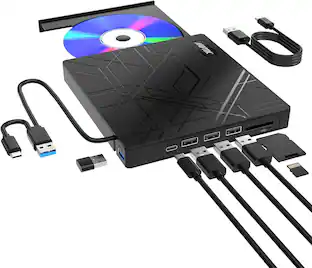
$164.99The price was $197.23AGPtek 8 in 1 External CD/DVD Drive for Laptop, USB 3.0 Ultra Slim Portable CD Burner with 4 USB Ports
$31.99The price was $32.99




Keep exploring
ACEMAGIC 8-in-1 USB C Hub Multiport Adapter Type C Docking Station Adaptor USB Hub
$8.99The price was $9.99Plugable USB 3.0 and USB-C Universal Laptop Docking Station for Windows, Mac, ChromeOS | Dual HDMI
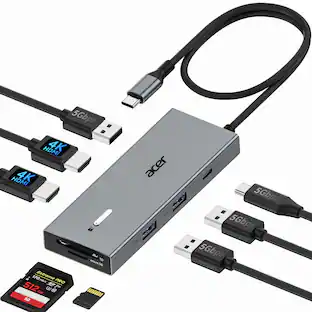
$99.84The price was $143.99Acer USB C Docking Station With 2 HDMI, 9-IN-1 Docking Hub with USB A&C 3.0, SD/Micro SD, 100W Charging
$42.99The price was $47.99