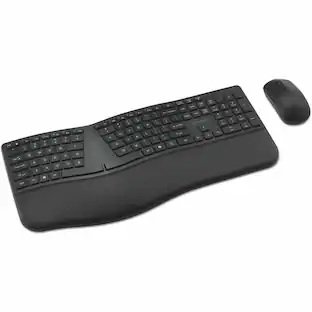
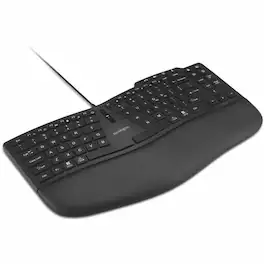
Kensington - Pro Fit Ergo KB675 EQ TKL Wired Keyboard - Cable Connectivity - Tenkeyless - USB Type A Interface - macOS - Black
Reviews coming soon
About this product
Kensington Pro Fit Ergo KB675 EQ TKL Wired Keyboard - Cable Connectivity - Tenkeyless - USB Type A Interface - macOS, Windows - PC, Mac - Black
Features
Kensington Pro Fit Ergo KB675 EQ TKL Wired Keyboard - Cable
Kensington Pro Fit Ergo KB675 EQ TKL Wired Keyboard - Cable Connectivity - Tenkeyless - USB Type A Interface - macOS, Windows - PC, Mac - Black
Reliable Wired Connection for Zero Latency Performance
Delivering high-speed performance in demanding environments, this keyboard features a wired USB-A connection that ensures zero lag – ensuring you can focus fully without the worries of battery life or signal dropouts.
Dedicated Video Conferencing Keys
Dedicated video conferencing keys support efficient meeting transitions, offering quick access to mute, camera on/off, and screen share functions.
Customizable Productivity Controls
Customize your experience by programming up to 20 keys, assigning a dedicated shortcut to launch your preferred AI application, creating macros, adjusting key mappings, managing profiles, and more with our optional Kensington Konnect™ software.
Sustainably Made Materials
The outer case and keycaps of this keyboard are composed of 44% postconsumer recycled (PCR) content and it is shipped in FSC® certified packaging.*
Specifications
- Form FactorTenkeyless (TKL)Connection TypeWired
Reviews
This product doesn't have any reviews yet.





Compare similar products
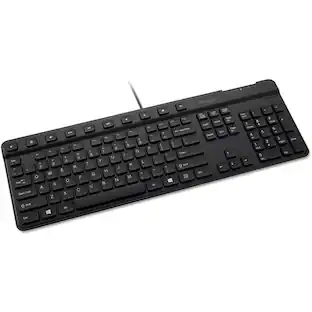
Kensington Pro Fit Ergo KB675 EQ TKL Wired Keyboard - Cable Connectivity - Tenkeyless - USB Type A Interface - macOS, Windows - PC, Mac - Black
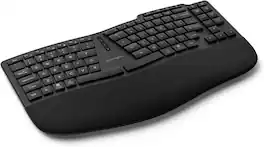
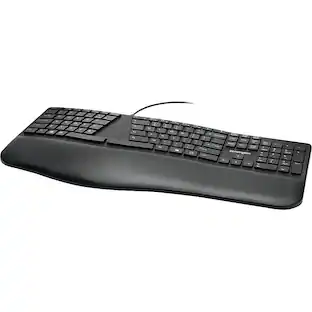
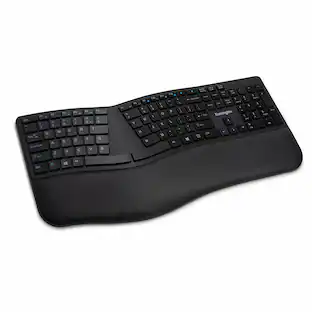
The Kensington Pro Fit Ergo KB675 EQ TKL Rechargeable Keyboard is built for people who spend most of the workday typing and want a layout that keeps the wrists in a more neutral position. The tenkeyless frame splits and slopes the key clusters outward, adding an adjustable reverse tilt so the hands can angle downward instead of arching upward the way they do on a flat keyboard, and an integrated wrist rest supports the palms during pauses between keystrokes. Connectivity is the standout feature, since the keyboard pairs over Bluetooth or a 2.4GHz RF USB-A dongle, both protected with 128-bit AES encryption and effective to about 30 feet from the host computer, giving users the flexibility to switch between a desktop and a laptop without re-pairing. A built-in 500mAh lithium-ion battery charges over USB-C and runs for roughly 2.5 months per charge, so the keyboard rarely needs to be plugged in during normal use, and a 5.9-foot USB-C cable is included for charging or wired operation. Non-mechanical key switches with N-key rollover register every press accurately even during fast typing, and dedicated keys for video conferencing and customizable macros sit within easy reach for quick access during calls or repetitive tasks. RGB indicators show battery and connection status at a glance. The keyboard measures 15.6 by 10.2 by 1.7 inches and weighs 2.16 pounds, giving it enough heft to stay planted on a desk. Full compatibility with both Mac and Windows makes the keyboard a fit for mixed-platform offices, and the black finish suits most desk setups.
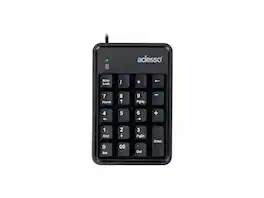
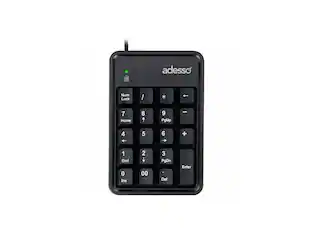
Adesso Easytouch 600UB Keypad - Cable Connectivity - Compact - USB Interface - 19 Key(s) - Windows 7, Mac OS - PC, Mac - Cherry MX Red Keyswitch
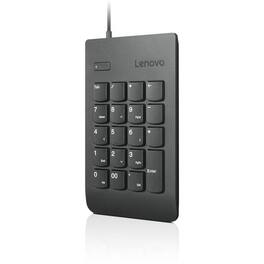
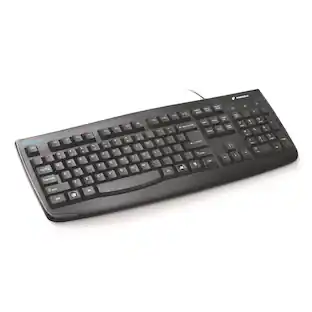
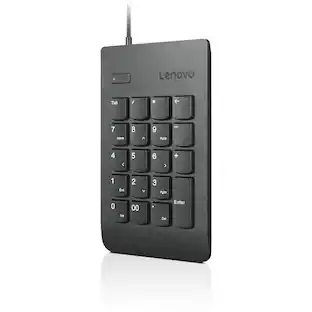
No matter what type of professional you are, you'll appreciate the efficiency and portability of the Lenovo USB Numeric Keypad Gen II. It's got all the features of our classic keypad, but with a more stylish, and functional design. Just plug it in, wait a few seconds, and you're good to go.
Specs
Be the first to ask a question.
We’ll try to get your question answered within 24 hours by a Best Buy customer or brand representative.
Customers often buy these together

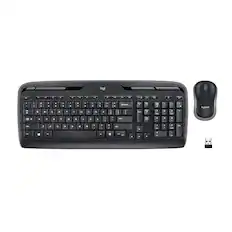
Logitech - MK270 Full-size Wireless Membrane Keyboard and Mouse Bundle for PC - Black
$26.99The price was $29.99





![Sure, here is the corrected and grouped text from the image:
**Top Row:**
- ESC
- F1
- F2
- F3
- F4
- F5
- F6
- F7
- F8
- F9
- F10
- F11
- F12
- PRTSC
- DEL
**Number Row:**
- 1
- 2
- 3
- 4
- 5
- 6
- 7
- 8
- 9
- 0
- -
- =
- \
**Letter Row:**
- TAB
- Q
- W
- E
- R
- T
- Y
- U
- I
- O
- P
- [
- ]
- \
**Letter Row:**
- CAPS
- A
- S
- D
- F
- G
- H
- J
- K
- L
- ;
- '
**Letter Row:**
- SHIFT
- Z
- X
- C
- V
- B
- N
- M
- ,
- .
- /
**Function Row:**
-](https://pisces.bbystatic.com/image2/BestBuy_US/images/products/9be10b95-8e90-4a5d-b85f-cbc6a7d8e8df.png;maxHeight=232;maxWidth=233?format=webp)
![esc F1 F2 F3 F4 F5 F6 F7 F8 F9 F10 F11 F12 1 2 3 4 5 6 7 8 9 0 - = backspace tab Q W E R T Y U I O P [ ] \ caps lock A S D F G H J K L ; ' shift Z X C V B N M , . / shift ctrl alt logi](https://pisces.bbystatic.com/image2/BestBuy_US/images/products/6411/6411501_sd.jpg;maxHeight=232;maxWidth=233?format=webp)

![esc ~ ! 1 tab caps lock shift ctrl F2 Fl # 2 3 Q W A S Z start opt L F3 $ 4 E D X alt cmd3 ) FS F4 A % 5 6 R T F G V C logi 44 HI & F9 FID FB F7 F6 * ) - - & 0 8 9 7 O P U I Y K L H J > < N M 1 B PM + = { [ : I ; ? I alt cmd D 2 4 300 3 1 F12 . * page I insert home up clear backspace 8 9 + 7 page A pg up end down home } I delete ] / 6 4 5 4 enter 2 3 enter 1 dn Pg end shift = 0 del ins etrl fn opt](https://pisces.bbystatic.com/image2/BestBuy_US/images/products/6539/6539505_sd.jpg;maxHeight=232;maxWidth=233?format=webp)


![Esc F1 F2 F3 F4 F5 F6 F7 F8 F9 F10 F11 F12 Print Screen Scroll Lock Pause Break 1 2 3 4 5 6 7 8 9 0 - + = Backspace Insert Home H Page Up A Num Look 1 I Tab Q W E R T Y U I o P { [ } ] I I Delete End IN Page Down 7 Home 8 9 Pg Up Caps A Lock A S D F G H J K L ; : DE g Enter 4 5 6 Shift Z X C V N M < > ? I Shift 1 End 2 3 Pp Dn Enter Ctrl Alt Alt Ctrl 0 Ins Del](https://pisces.bbystatic.com/image2/BestBuy_US/images/products/a588d446-5678-40ae-86b8-1f15e0026e66.jpg;maxHeight=232;maxWidth=233?format=webp)
![Sure, here is the corrected and grouped text:
```
ESC F1 F2 F3 F4 F5 F6 F7 F8 F9 F10 F11 F12 1 2 3 logitech - - 1 2 # $ 4 % 5 6 & 7 8 9 0 - - back insert home page up num lock clear / . tab Q W E R T Y U I O P { [ } ] / delete end page down 7 home 8 A 9 P9 up + caps lock A S D F G H J K L : ; a enter 4 5 6 shift Z X C V B N M < > ? shift 1 end 2 3 pg dn enter ctrl fn start alt opt alt crnd x alt cmd x fn ctrl alt opt 0 ins del 1 logitech
```](https://pisces.bbystatic.com/image2/BestBuy_US/images/products/5761/5761911_sd.jpg;maxHeight=232;maxWidth=233?format=webp)
More to consider
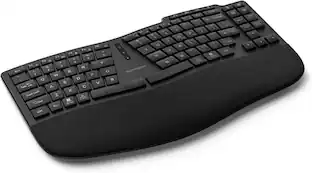
Explore tech essentials Sponsored
 Top Deal$129.99The price was $159.99





Keep exploring
 $59.99The price was $69.99
 $129.95The price was $159.95
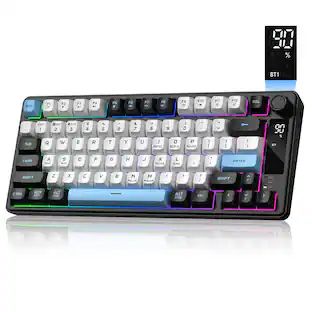 $37.99The price was $40.00
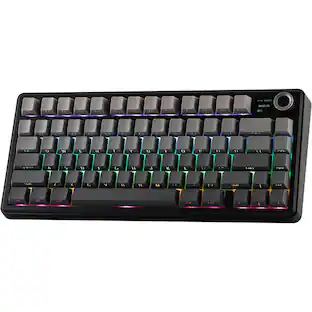 $71.99The price was $89.99