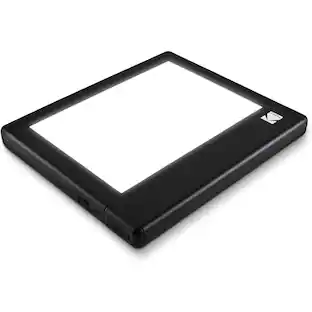
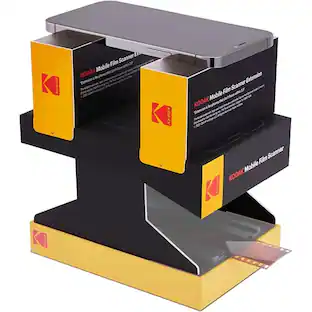
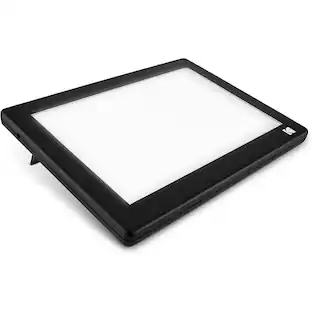
Kodak - REELS Film Scanner and Converter for 8mm and Super 8 Film - Black
About this product
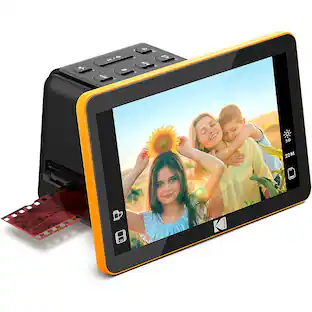
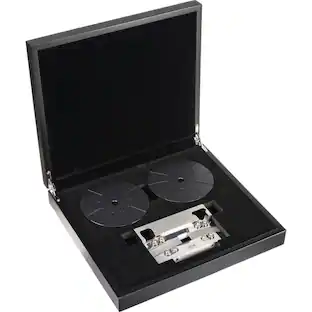
Have you always wanted to upgrade your old, dust-collecting films? Now you can with the KODAK REELS Portable Scanner & Film Digitizer. Don’t let your old film reels take up space in your basement, attic, or garage anymore. Condense your old movies by converting them to a modern video files. Scan all your films and play them back right on the photo scanner for old photos to digital. Have peace of mind knowing your precious films are saved in a more secure place. Insert an SD card into the KODAK REELS Film Scanner & Slide viewer and transfer all your MPEG-4 video files. Have all your classic movies stored on one card that you can take with you anywhere you go. You now have a modern way to show and share your old-fashion films. Experience past entertainment in the present day.
2 Film Types
Convert your favorite 8 mm or Super 8 films to modern movies.
Smooth Operation
The control panel is simple to use and the menu on the LCD screen is easy to navigate.
PC Connectivity
Send your video files straight to your computer by connecting a USB cable to the scanner.
Compact for Travel & Storage
Designed for ease of transport & includes all the accessories you need to feed.
Frame-by-frame Digitizing Process
Fully automated scanner with 8.08-megapixel sensor captures images with exceptional clarity.
- BrandKodakModel NumberRODREELSProduct NameREELS Film Scanner and Converter for 8mm and Super 8 FilmColorBlackProduct Width6.1 inchesProduct Height12.4 inches
Reviews
Rating 3.8 out of 5 stars with 6 reviews
The vast majority of our reviews come from verified purchases. Reviews from customers may include My Best Buy members, employees, and Tech Insider Network members (as tagged). Select reviewers may receive discounted products, promotional considerations or entries into drawings for honest, helpful reviews.
Compare similar products

Have you always wanted to upgrade your old, dust-collecting films? Now you can with the KODAK REELS Portable Scanner & Film Digitizer. Don’t let your old film reels take up space in your basement, attic, or garage anymore. Condense your old movies by converting them to a modern video files. Scan all your films and play them back right on the photo scanner for old photos to digital. Have peace of mind knowing your precious films are saved in a more secure place. Insert an SD card into the KODAK REELS Film Scanner & Slide viewer and transfer all your MPEG-4 video files. Have all your classic movies stored on one card that you can take with you anywhere you go. You now have a modern way to show and share your old-fashion films. Experience past entertainment in the present day.

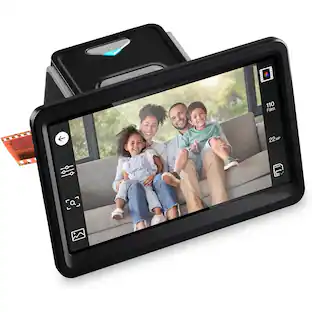
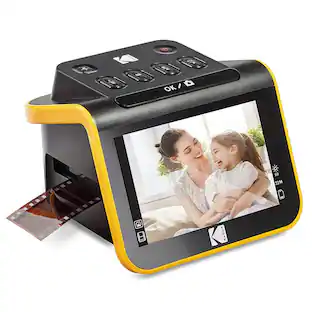
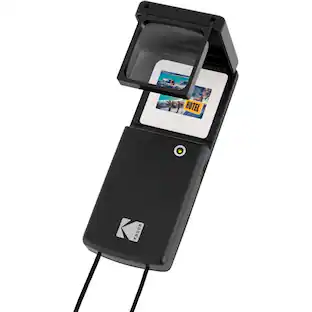
With the new portable slide projector & scanner from KODAK, you can view, edit & convert your old photos. This easy yet elegant 22MP scanner delivers crisp, clear, beautiful images with the press of a button. Watch old memories come to life on the large 5” LCD screen perfect for viewing pictures, or for using the scanner as a desktop photo frame!

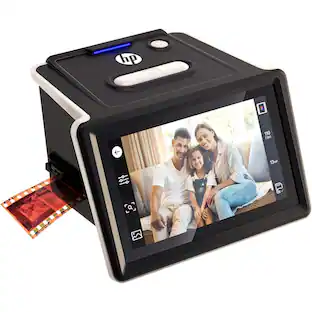
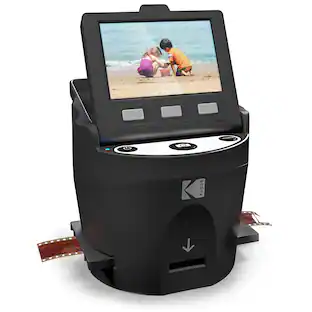
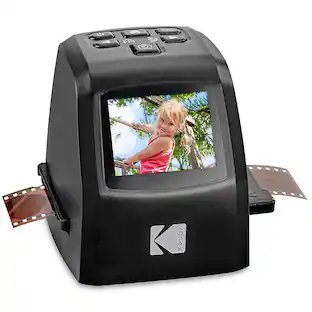
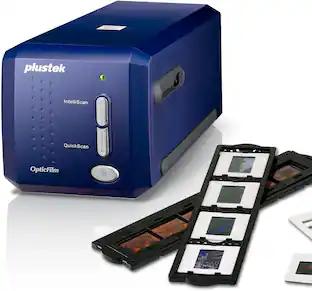
Safeguard your most treasured memories with this Kodak SCANZA digital film scanner. Easy-loading adapters and inserts let you scan negatives and slides of varying sizes, and a tilt-up full-color LCD screen provides access to color, size and resolution adjustments as you scan. Compatible with both PC and Mac systems, this Kodak SCANZA digital film scanner delivers a convenient way to convert your images to digital files.
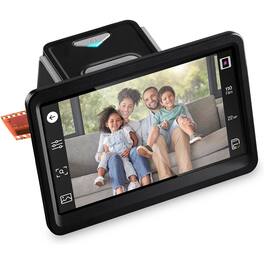
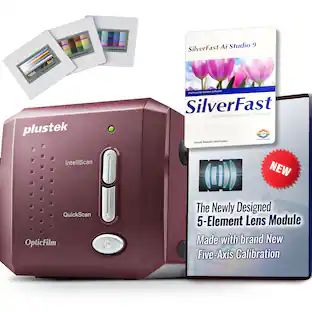
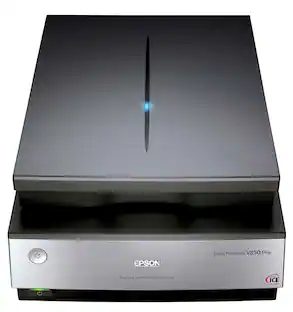
Bring your favorite memories back to life with this easy-to-use film scanner designed to help you digitize old photos at home. Whether you’re working with negatives or slides, this scanner lets you convert negatives to digital files you can view, share, and save for years to come. It’s a simple way to scan family photos without complicated software, making it ideal for anyone looking to preserve memories from film formats. This photo scanner is built for everyday use, helping turn physical film into clear digital images in just a few steps. Perfect for photo archiving projects, it allows you to organize, store, and back up images safely. By turning film into digital files, you can protect irreplaceable moments from fading, damage, or loss while enjoying them on modern devices whenever you want.
| Pros for Kodak - REELS Film Scanner and Converter for 8mm and Super 8 Film - Black | |||
|---|---|---|---|
| There were no pros for this product— | Image Quality, Ease of Use | Image Quality, Ease of use, Scanning Speed | There were no pros for this product— |
Specs
Find more like this
 $249.99The price was $259.99
 $219.99The price was $229.99
More to consider
- $219.99The price was $229.99
- $249.99The price was $259.99

Discover lifestyle innovations Sponsored
 $379.99The price was $529.99
 $299.99The price was $399.99

Discover related products
 $124.99The price was $169.99
 $849.00The price was $1,288.03
 $94.91The price was $99.90
 $112.99The price was $129.99



Keep exploring
- $249.99The price was $259.99
- $219.99The price was $229.99