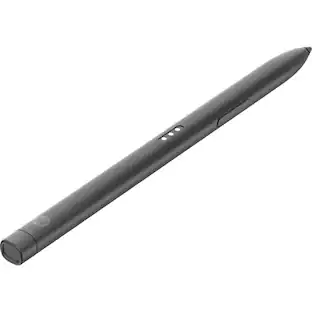
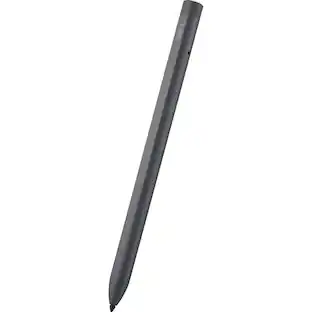
Lenovo - Precision Pen 2 (2023) (for M10 Plus, P11 2nd gen) - Misty Grey
About this product
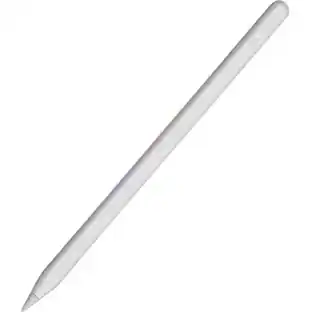
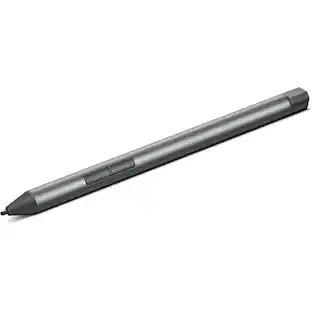
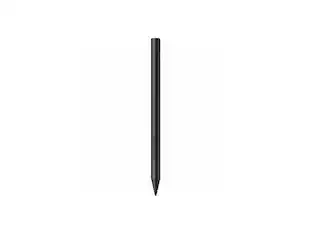
With 4,096 levels of pressure, palm rejection, tilt detection and support for up to 120 Hz refresh rates, the Lenovo Precision Pen 2 (2023) affords users natural precision and control as they sketch or take notes. With up to 200 hours of usage, write or draw on supported apps for a whole week without having to charge once. The Lenovo Precision Pen 2 (2023) also comes with a pen pouch to keep your pen handy.
Best-in-class stylus
Get a natural sketching and note-taking experience with 4,096 levels of pressure, palm rejection, tilt detection, and support for up to 120 Hz refresh rate.
Fast, flexible charging
USB Type-C for fast and flexible charging.
Multi-day battery
Draw or write for a whole week without charging with up to 200 hours of usage.
Enhanced compatibility
Support for WGP, AES 2.0 and MPP 2.0 multiple protocols.
- Model CompatibilityLenovo Tab M10 Plus (3rd Gen), Lenovo Tab P11 (Gen 2)
Reviews
This product doesn't have any reviews yet.
Compare similar products
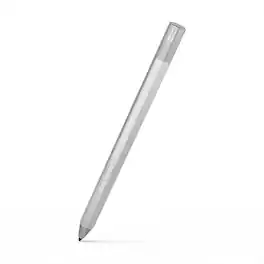
With 4,096 levels of pressure, palm rejection, tilt detection and support for up to 120 Hz refresh rates, the Lenovo Precision Pen 2 (2023) affords users natural precision and control as they sketch or take notes. With up to 200 hours of usage, write or draw on supported apps for a whole week without having to charge once. The Lenovo Precision Pen 2 (2023) also comes with a pen pouch to keep your pen handy.

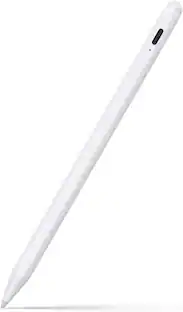
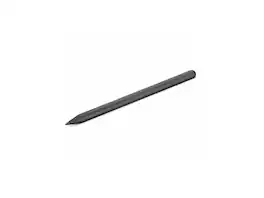
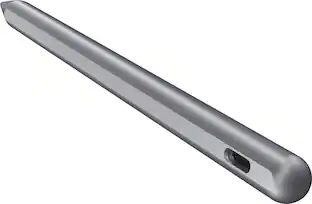
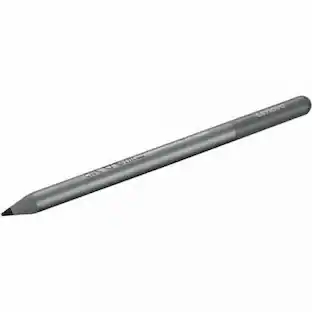
The Lenovo Tab Pen Plus offers 4,096 pressure levels, palm rejection, and tilt detection for precise and intuitive sketching or note-taking.

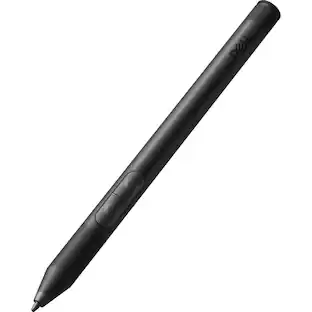
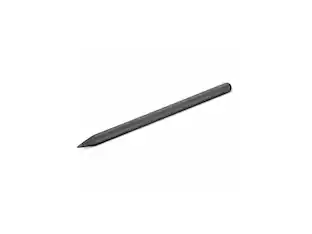
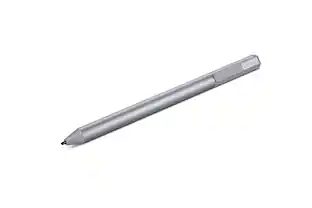
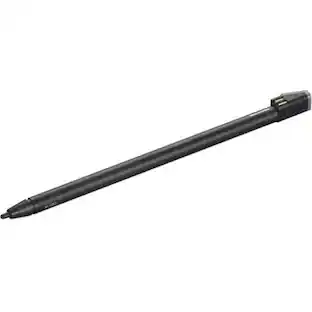
The Lenovo Digital Pen 2 is a testament to innovation and user-centric design. With an enhanced grip, elastomer pen tip for precision, extended battery life, and quick-access buttons, it provides an elevated creative experience. Whether you're a professional artist, a student, or simply someone who values seamless functionality, this pen is designed to transform your digital interactions into natural and fluid expressions. Unleash your creativity, sign documents with finesse, and sketch your imagination into reality with the Lenovo Digital Pen 2.
| Pros for Lenovo - Precision Pen 2 (2023) (for M10 Plus, P11 2nd gen) - Misty Grey | |||
|---|---|---|---|
| There were no pros for this product— | Overall Performance, Battery Life, Ease of Use, Connectivity, Precision | Overall Performance, Ease of Use, Battery Life, Connectivity, Weight | There were no pros for this product— |
| Cons for Lenovo - Precision Pen 2 (2023) (for M10 Plus, P11 2nd gen) - Misty Grey | |||
| There were no cons for this product— | There were no cons for this product— | Compatibility | There were no cons for this product— |
Specs
Will this pen work with the Lenovo M9 tablet?
Answered by Lenovo Product ExpertHey there, thank you for your question. In short, no. The Tab M9 does not support pen input; however, the Tab M11, P11, and P12, for example, do support pen input.
Hello, does the pen Will work on Tab P11 Plus? Would it have palm rejection?
Answered by Lenovo Product ExpertHi, Lucas. This pen will work with the Tab P11 2nd gen but not the Lenovo Tab Plus 11" tablet. The later uses the Tab Pen Plus (https://www.bestbuy.com/site/lenovo-tab-pen-plus-gray/6576701.p?skuId=6576701).
Does Lenovo Precision Pen 2 work with Lenovo Yoga 7i 2-in-1 Slim Laptop, 14" 2.2K Touchscreen, 10-Core Gen Intel Core i7-1355U, 16GB RAM, 512GB SSD laptop that Best Buy sell?
Answered by Lenovo Product ExpertHi, Mahin. Yes, it can work with that model Yoga.

Is it compatible with Lenovo Tab P11 Pro (the original, not the 2 gen). Thanks!
Answered by Lenovo Product ExpertHello, Dani. Yes, it is compatible with your Tab P11 Pro.
Is this pen compatible with Yogi 9i and does it work well with Whiteboard?
Answered by Lenovo Product ExpertHey again JGiul, This pen is not designed for use with the Lenovo Yoga 9i 2-in-1 laptops, as it is intended for use with the Lenovo Tablets listed in the pen's product description. Please feel free to reach out to us with any other questions!

Customers often buy these together
 $2,129.99The price was $2,699.99
More to consider
 $114.00The price was $125.51



Discover related products
 $12.99The price was $13.99













Keep exploring
 $82.99The price was $98.95
- $114.00The price was $125.51