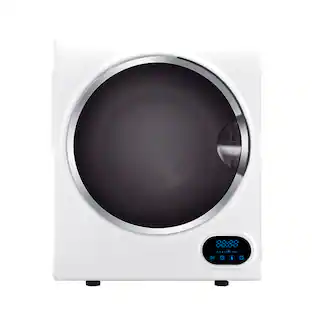
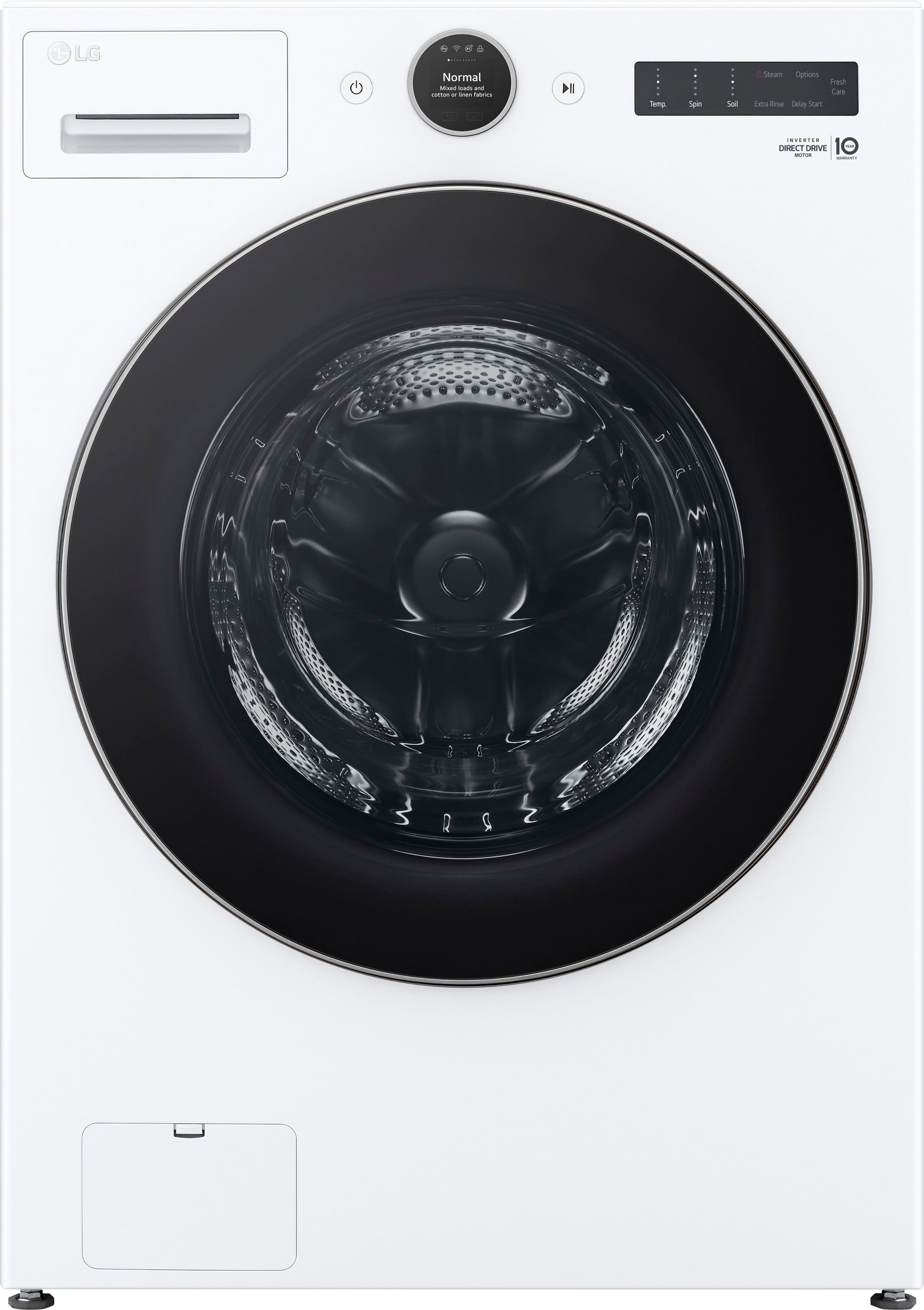
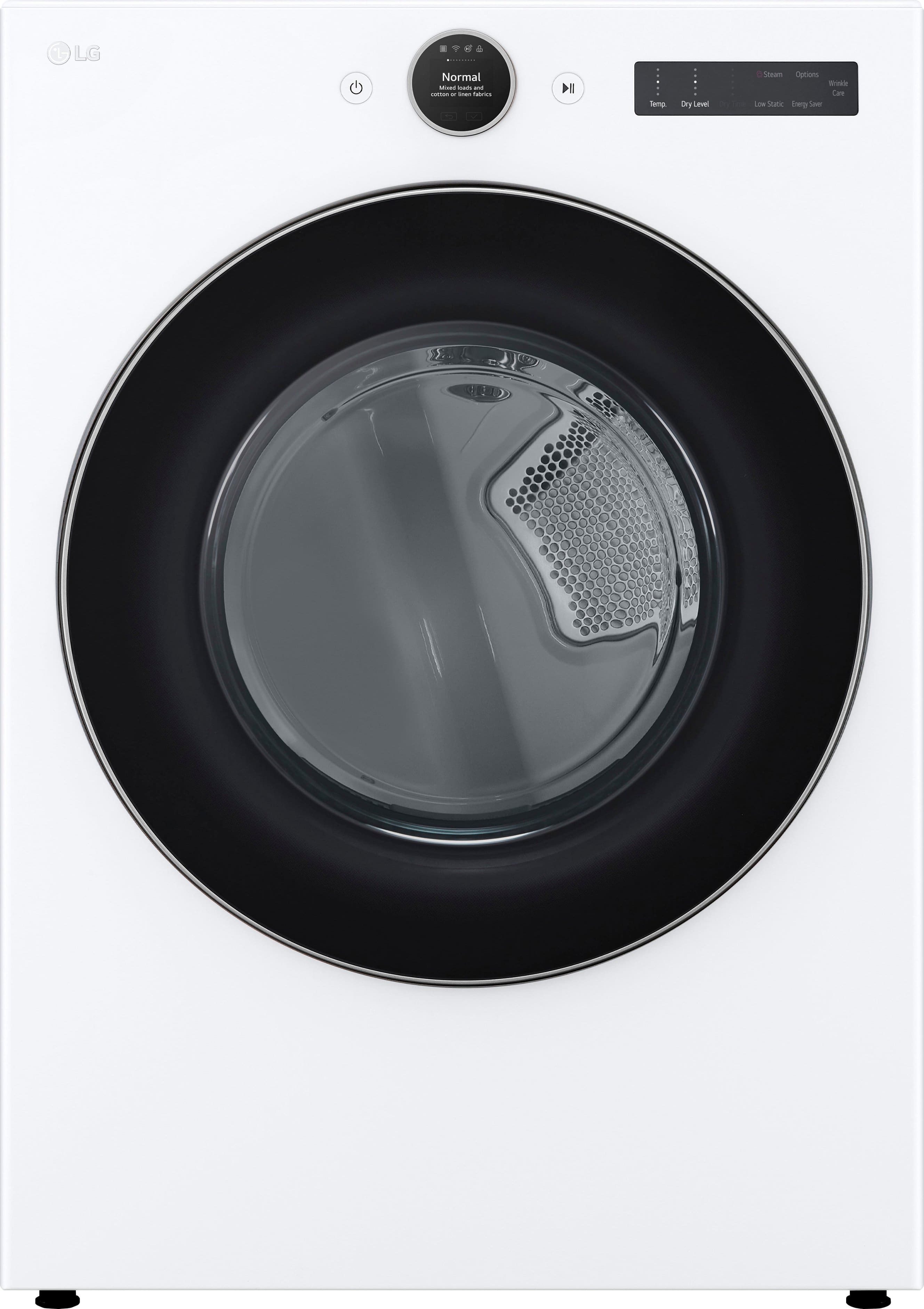
LG - 7.4 Cu. Ft. Stackable Smart Electric Dryer with Steam and Sensor Dry - White
Customers are saying
Customers commend the dryer for its exceptional overall performance, efficient drying capabilities, and user-friendly interface. Many users also appreciate the quiet operation, spacious capacity, and sleek design of the unit. While the vast majority of feedback is positive regarding its smart features and reliability, there has been a rare report concerning the durability of the door seal.
Color
WhiteDryer Heating Source
Electric- Color FinishWhiteProduct Height39 inchesProduct Width27 inchesProduct Depth29 3/4 inchesDepth With Door Open51 3/8 inchesCapacity7.4 cubic feetSteam FunctionYes
Sleek, Modern Style
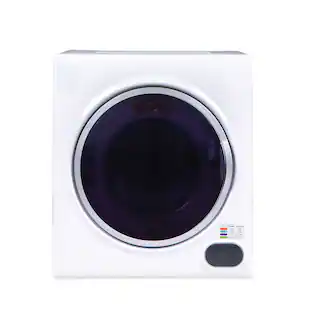
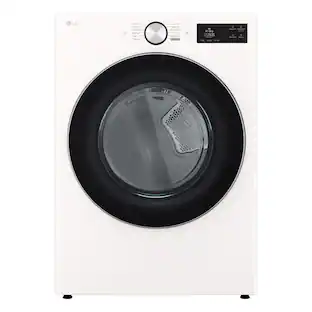
Award-winning⁴ design brings a premium look to your laundry space, with a flat front design, black steel finish, tinted, tempered glass doors and streamlined controls.
Digital Dial Control with LCD Display
Our intuitive Digital Dial Control with LCD Display gives you helpful information with each turn of the dial plus instant access to timesaving features like Smart Learner and Smart Pairing⁵.
ThinQ Care
Keep your appliances running smoothly with ThinQ Care, now in the ThinQ app. Get notifications about usage, maintenance, plus early diagnosis right on your phone. ThinQ Care will help you understand your appliance needs, avoid potential problems, and keep your appliance running its best.
7.4 cu. ft. Ultra Large Capacity White Electric Dryer
Free up your day—fit more clothes in every load with an Ultra Large Capacity 7.4 cu. ft. of space. Running fewer loads saves energy and money on your utility bill.
TurboSteam Technology
Go ahead, wear it again—in just 10 minutes, TurboSteam technology reduces wrinkles in up to 5 garments¹ when you don’t have time to wash and SteamFresh cycle reduces odors⁶ and refreshes children’s toys, decorative pillows and more.
Built-In Intelligence: AI Fabric Sensor and AI Sensor Dry with Smart Pairing
Built-in intelligence takes out the guesswork—AI technology selects optimal dry motions and settings. Washer can auto-select a compatible drying cycle⁵.
FlowSense Duct Clogging and Lint Filter Indicators
FlowSense Duct Clogging and Lint Filter Indicators tell when ducts and filter need cleaning of lint buildup, improve dryer performance for greater efficiency and lower utility bills, and give safer, worry-free operation with fewer service calls.
ENERGY STAR Certified
High efficiency sensor drying and low-heat settings save energy and money by using about 20% less energy than conventional models without sacrificing features or performance⁷.
Closet Depth
LG closet-depth⁸ washers and dryers have a shallower depth to fit in more places and add sleek style to any room.
LoDecibel Quiet Operation
Run the dryer whenever you want, without interrupting naptime or your favorite show. This dryer is designed for quiet operation, from the motor to the cabinet to individual components. Pleasant end-of-cycle chime lets you know when clothes are dry.
Reversible Door
When space is tight or your laundry room doesn’t fit a “typical” setup, this dryer’s door can easily be reversed to fit your needs. Go from a right swing to a left swing in minutes—just unscrew the hinges and reattach using the pre-drilled holes on the opposite side.
Wrinkle Care Option
When you hate wrinkles but can’t remove clothes as soon as they’re dry, just select the Wrinkle Care option before hitting start. The dryer will periodically tumble the load for up to 3 hours after the cycle is done or until the door is opened to help keep wrinkles at bay.
Tempered Glass Door with Chrome Rim
LG front load washers and dryers use tempered glass doors for a sleek, stylish look that resists shock and scratches. Chrome door rim and matching digital control knob complement the door and enhance the premium feel.
NeveRust Stainless Steel Drum
Just because you want your dryer to last for years doesn’t mean you want it to look its age. The NeveRust Stainless Steel Drum is built to last.
LG Pedestal Storage Drawer Compatible
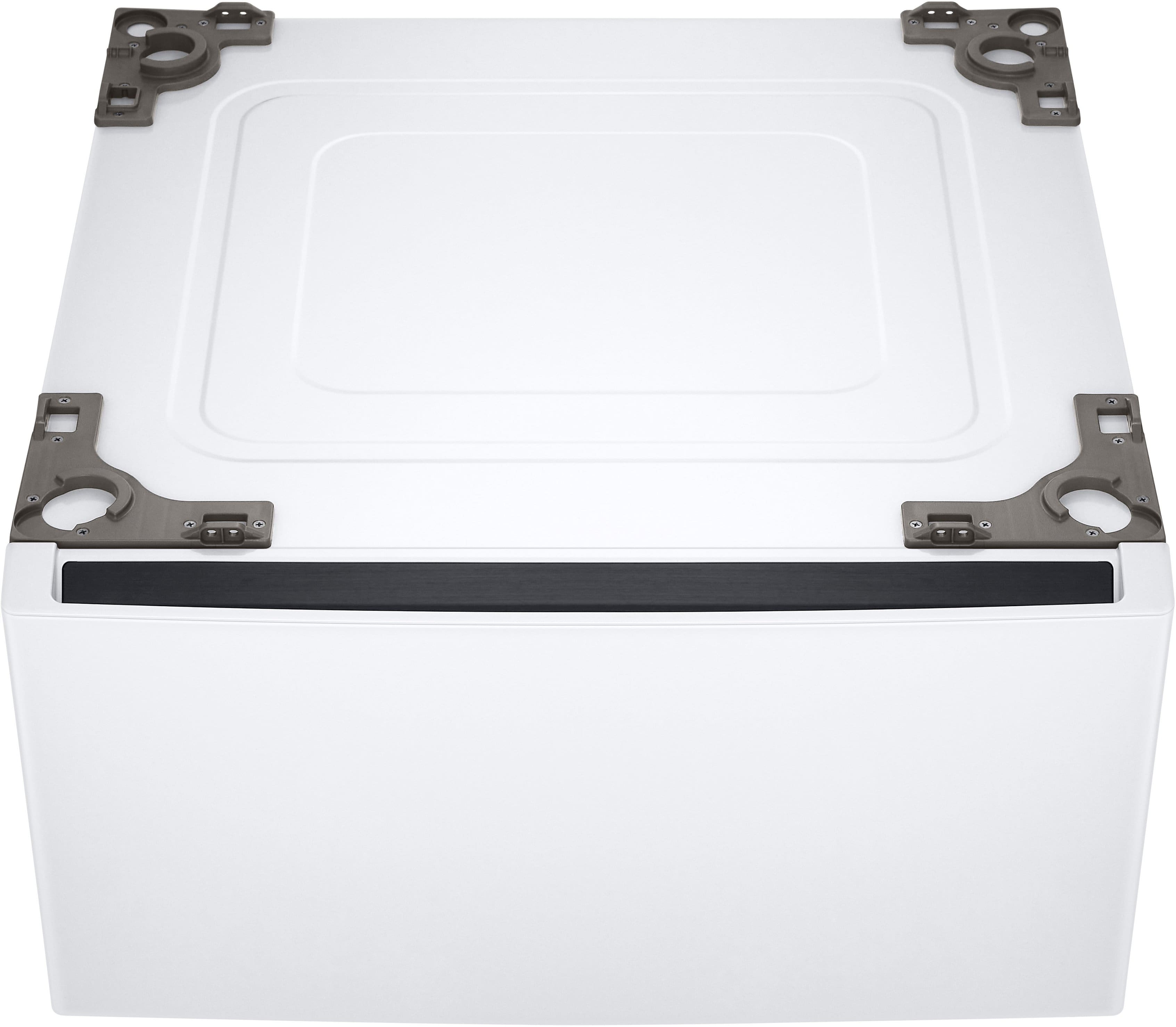
Pedestal storage drawers⁹ make loading and unloading a breeze while helping minimize laundry room clutter with a basket to help you stay organized.
Dryer cords are not shipped with the dryer.
It is the responsibility of the consumer to purchase the appropriate cord for their home.
Reviews
Rating 4.7 out of 5 stars with 659 reviews
- Overall Performance (124)
- Ease of use (109)
- Noise Level (95)
- Dryer Performance (72)
- Features (33)
- Door Seal (6)
Customer Images
The vast majority of our reviews come from verified purchases. Reviews from customers may include My Best Buy members, employees, and Tech Insider Network members (as tagged). Select reviewers may receive discounted products, promotional considerations or entries into drawings for honest, helpful reviews.



Compare similar products

This LG dryer is designed to put time back on your side. When there’s no time to wash, quick and easy TurboSteam technology refreshes clothes and eases wrinkles in just 10 minutes¹. Forget about endless sorting or toggling through cycles. Built-in intelligence detects fabric texture and automatically selects the perfect settings, taking out the guesswork. Activate Smart Pairing in the ThinQ app, and the washer can even tell the dryer to select a compatible drying cycle², making it the ultimate laundry hack. Plus, with ThinQ Care, you can start and stop the dryer when you’re on the go³—and get preventative maintenance tips and alerts to keep your dryer running at its best.

Forget pulling still damp loads from the dryer - with Sensor Dry, the dryer can detect moisture and automatically adjust drying time for loads of all sizes - saving energy with less wear and tear on clothes. You can even save time with ultralarge capacity that fits more clothes in every load. Plus, keep your dryer clean, efficient, and safe with the FlowSense duct clogging indicator that lets you know when your ducts need cleaning to avoid lint buildup, improves the dryer's performance for greater efficiency and lower utility bills, and gives you safer, worry-free operation with fewer service calls.

Meet the intelligent dryer that helps you save time and enhances fabric care, all at the same time. TurboSteam technology reduces wrinkles and odors in up to 5 garments to refresh clothes in between washes. Built-in intelligence automatically selects the right drying motions, temperatures and more, and even talks to your washer to select a compatible cycle—making it the ultimate laundry hack. You’ll even score high on the durability and style scale, thanks to the scratch-resistant tempered glass door and rose gold accents.

Now you can fit more clothes in every load and run the dryer less often, saving time and money. It’s so quiet, you can finish laundry while streaming your favorite shows or catching a quick nap without interruption. And if you forget to clean the filter, don’t worry—FlowSense indicators will alert you when your ducts or filter need cleaning, either on the control panel or via a notification through our convenient LG ThinQ app.
| Pros for LG - 7.4 Cu. Ft. Stackable Smart Electric Dryer with Steam and Sensor Dry - White | |||
|---|---|---|---|
| Overall Performance, Ease of use, Noise Level, Dryer Performance, Features | Noise Level, Overall Performance, Ease of use, Dryer Performance, Capacity | Overall Performance, Noise Level, Ease of use, Capacity, Drying Performance | There were no pros for this product— |
| Cons for LG - 7.4 Cu. Ft. Stackable Smart Electric Dryer with Steam and Sensor Dry - White | |||
| Door Seal | Interior Light, Heat | Lint Trap, Settings, Installation, Size | There were no cons for this product— |
Specs
Package deals that include this item
Customers often buy these together
More to consider
 $979.99The price was $1,299.99
 $1,049.99The price was $1,399.99
 $869.99The price was $1,149.99
 $1,049.99The price was $1,349.99
 Top Deal$1,349.99The price was $1,699.99
 $999.99The price was $1,079.99
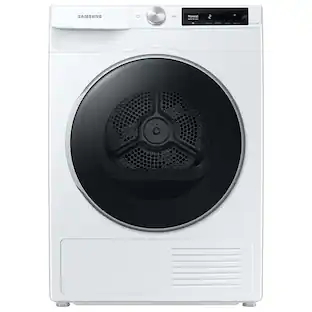 $516.99The price was $1,169.99
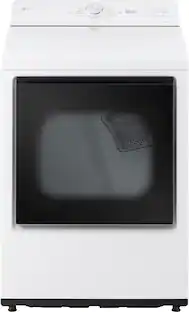
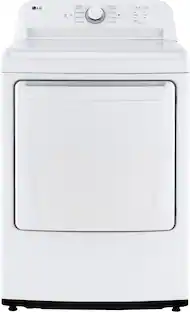
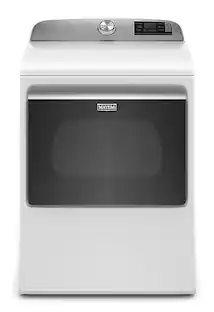

Innovate your everyday Sponsored
 $949.99The price was $1,129.99
 Top Deal$1,199.99The price was $1,549.99
 $979.99The price was $1,299.99
 $948.99The price was $1,249.99
 $849.99The price was $950.99
 $829.99The price was $1,149.99
Discover related products
 $64.49The price was $199.98
 $139.99The price was $299.99
 $294.99The price was $299.99
 $1,049.99The price was $1,979.98
 $639.99The price was $1,359.98

Keep exploring
 $699.00The price was $899.00
 $849.00The price was $999.00
 $179.99The price was $329.99
 $285.99The price was $439.99
 $549.00The price was $599.00