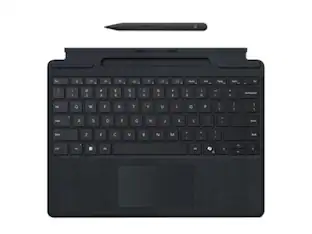
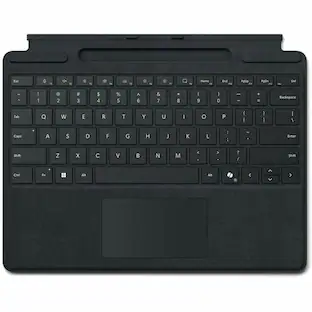
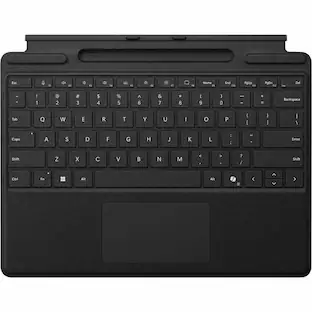
Microsoft - Surface Pro 12" Keyboard for Pro 12" with Slim Pen - Violet
Customers are saying
Customers value the premium build quality and excellent portability of this Microsoft device, which makes it a convenient choice for users on the go. Many reviewers also highlight the comfortable typing experience and reliable connectivity as standout features that enhance daily productivity. While the device is highly praised for its lightweight design and aesthetic appeal, a small number of users noted that the physical size was different than they initially expected. Overall, the product is well-regarded for its seamless compatibility and satisfying tactile feel.
Color
VioletFeatures
Surface Pro 12" Keyboard with Slim Pen
A sleek, comfortable, keyboard and best-in-class pen for your Surface Pro¹
For comfortable typing and writing
Full-sized backlit, modern keyboard with dedicated special keys to enhance your experience.
Spacious precision touchpad for all your needs
An adaptive touchpad offers precise control for users with limited mobility.
New long-lasting, easy-to-clean material
Features a smooth-matte palm rest and a back cover made of soft Alcantara.
Unleash your creative and productive potential
Surface Slim Pen is the go-to companion for any task, whether it’s for creativity or productivity.
Dynamic hinge
Crafted from premium microfiber, flexing 360 degrees for smooth tablet-to-laptop transitions.
Proximity snap
The magnetic connection interface easily aligns and snaps Surface Pro 12" Keyboard into place.
Designed in a Wedge-style architecture
Experience stable, comfortable typing with zero bounce, whether used on a desk or your lap.
Copilot key
Dive into experiences that supercharge your productivity².
Microphone mute key
Simply tap to seamlessly unmute or mute your microphone.
Snipping key
Quick access to the snipping tool to grab a screenshot or capture a snip.
New Lock key
Secure your Surface Pro instantly.
Ink anywhere
Write anywhere you can type with Windows 11, converting your handwriting into text.
Seamless inking
Almost no lag and incredible accuracy. Responds to more pressure to make lines thicker and darker.
Haptic feedback
Experience more intuitive and natural feel – like pen on paper.
Carpenter-style design
Easier and more comfortable to use.
Store and charge
Securely hold, protect and charge Surface Slim Pen on the back of Surface Pro.
Uninterrupted creativity
Always ready to use with up to 15 hours of battery life.
Express yourself
Available in three new colors – Violet, Ocean, and Slate³.
Specifications
- Model CompatibilityMicrosoft Surface Pro 12"Operating System CompatibilityWindowsInterface(s)BluetoothIlluminatedYes
Reviews
Rating 4.8 out of 5 stars with 188 reviews
- Build Quality (45)
- Portability (34)
- Typing Comfort (24)
- Connectivity (21)
- Pen Performance (13)
- Size (4)
Customer Images
The vast majority of our reviews come from verified purchases. Reviews from customers may include My Best Buy members, employees, and Tech Insider Network members (as tagged). Select reviewers may receive discounted products, promotional considerations or entries into drawings for honest, helpful reviews.

Compare similar products
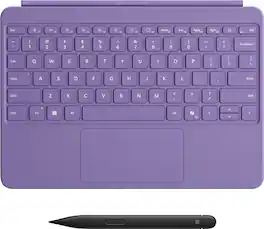
Level up your productivity in a click by easily attaching Surface Pro 12" Keyboard to Surface Pro 12" [1], transforming it into a powerful laptop. Designed by Microsoft, it features a stable and durable design, full size backlit keyboard, a dedicated Copilot key for instant AI access, and dynamic hinge that unlocks new postures. Perfect for your on-the-go lifestyle.
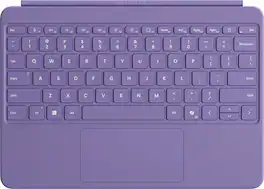
Level up your productivity in a click by easily attaching Surface Pro 12" Keyboard to Surface Pro 12" [1], transforming it into a powerful laptop. Designed by Microsoft, it features a stable and durable design, full size backlit keyboard, a dedicated Copilot key for instant AI access, and dynamic hinge that unlocks new postures. Perfect for your on-the-go lifestyle.

Next-level versatility comes in the perfect, premium keyboard, featuring a large glass trackpad and luxurious, Alcantara material covering. Ready to pair with Surface Pro (11th Edition), Surface Pro 9 and Surface Pro 8.*
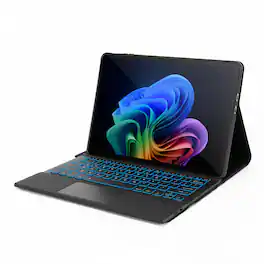
Enhance your Microsoft Surface Pro 12 experience with this enhanced cover and keyboard combo. Enjoy added convenience and security with its built-in stand and magnetic closure, making it perfect for both work and leisure. The removable keyboard ensures fast and efficient typing, while the built-in trackpad facilitates easy scrolling on your device, offering an enhanced Galaxy-like experience. Adding a soft, ambient backlight beneath the keyboard to enhance visibility and usability in low-light environments. Whether you're on a trip, conducting business, or studying, this SaharaCase cover and keyboard combination will prove highly convenient and functional. Designed with precision, it features cutouts that allow easy access to ports and device operation, and the raised edges provide added protection for your screen and lens.
| Pros for Microsoft - Surface Pro 12" Keyboard for Pro 12" with Slim Pen - Violet | |||
|---|---|---|---|
| Portability, Connectivity, Build Quality, Typing Comfort, Pen Performance | Overall Performance, Color, Ease of Use, Key Smoothness, Screen Protection | Connectivity, Portability, Keyboard Quality | There were no pros for this product— |
| Cons for Microsoft - Surface Pro 12" Keyboard for Pro 12" with Slim Pen - Violet | |||
| Size | There were no cons for this product— | Battery Life | There were no cons for this product— |
Specs
Customers often buy these together
ASUS ROG Delta II Wireless RGB Gaming Headset for PC/Mac, Xbox, PS5, PS4 and Switch
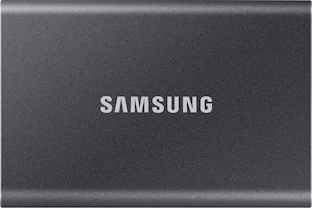
$199.99The price was $229.99Samsung T7 2TB External USB 3.2 Gen 2 Portable SSD with Hardware Encryption
$459.99The price was $479.99



Customers ultimately bought
Microsoft Surface Pro Keyboard for Pro 13" (11th Edition), Pro 9, and Pro 8 with Pen Storage
$159.99The price was $179.99Microsoft Surface Slim Pen (2nd Edition) and Pro Keyboard for Pro 13" (11th Edition), Pro 9, and Pro 8
$259.99The price was $279.99Microsoft Surface Slim Pen (2nd Edition) and Pro 13" Flex Keyboard for Pro 13" (11th Edition), Pro 9, Pro 8
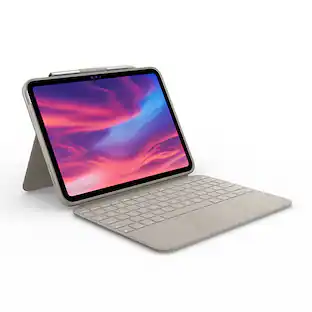
$439.99The price was $499.98Logitech Combo Touch Keyboard and Trackpad Case for Apple iPad - Latest Model A16 chip and iPad 10th Gen with Detachable Keyboard
Holiday Deal$99.99The price was $159.99
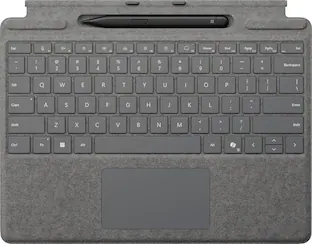
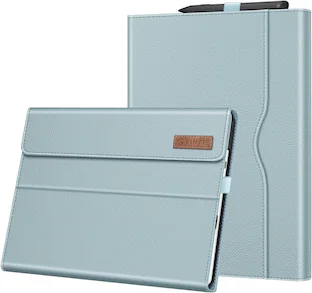
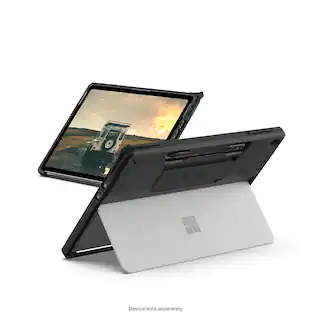

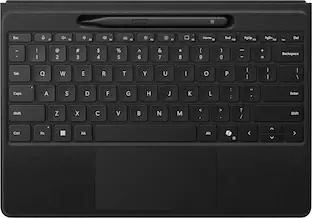
Explore tech essentials Sponsored
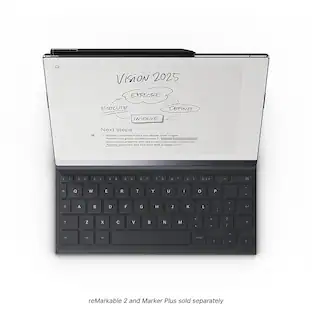
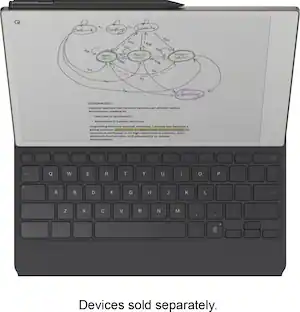
reMarkable 2 - Type Folio keyboard for your 10.3'' paper tablet - Ink Black
Clearance$149.99The price was $199.00
Discover related products
Microsoft Srfc Pro KB w/ Slim Pen CM SC English US/Canada Commercial 1 License
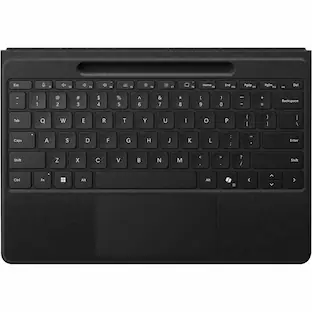
$237.50The price was $265.23Microsoft Surface Pro Flex Keyboard W/Slim Pen 2 - Wireless Connectivity - Bluetooth - 32.81 ft - CoPilot, Mute
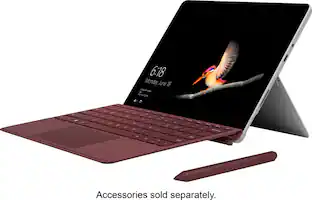
$406.95The price was $465.00Microsoft Surface Go - 10" Touch-Screen - Intel Pentium Gold - 4GB Memory - 64GB Storage
$319.99The price was $399.00GEEKOM Air12 Lite Mini PC, Intel Processor N95 Desktop Computer, 8GB DDR4 RAM & 256GB SSD, Windows 11 Pro Pre-installed
Holiday Deal$269.00The price was $599.00Acer USB C Docking Station With 2 HDMI, 9-IN-1 Docking Hub with USB A&C 3.0, SD/Micro SD, 100W Charging
$42.99The price was $47.99Acer USB C to HDMI Cable for Home Office 6.6FT (4K@60Hz), High-Speed Type C to HDMI 2.0 Braided Cord
Holiday Deal$10.99The price was $13.99