MSI - Vigor GK30 Wired Plunger Keyswitch RGB Gaming Keyboard 104 Keys - Black
About this product
Customize your GK30 with millions of colors and up to 10 lighting effects in 6 lighting areas via Dragon Center. Convenient lighting hotkeys allow you to change speed, direction or mode without installing software.
Features
Plunger Keyswitch
The Plunger key switch technology offers comfortable and silent typing with durability, cost-effectiveness, and better lifespan guaranteed
Cable Connectivity
USB 2.0 connectivity for a easy connection
Windows compatible
For use with your existing computer
Specifications
- Lighting TypeRGBForm FactorFull-sizeConnection TypeWired
Reviews
Rating 4.9 out of 5 stars with 8 reviews
Customer Images
The vast majority of our reviews come from verified purchases. Reviews from customers may include My Best Buy members, employees, and Tech Insider Network members (as tagged). Select reviewers may receive discounted products, promotional considerations or entries into drawings for honest, helpful reviews.





Compare similar products
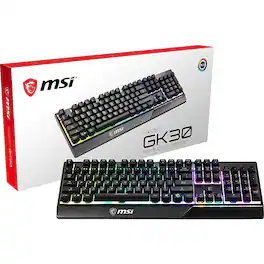
Customize your GK30 with millions of colors and up to 10 lighting effects in 6 lighting areas via Dragon Center. Convenient lighting hotkeys allow you to change speed, direction or mode without installing software.

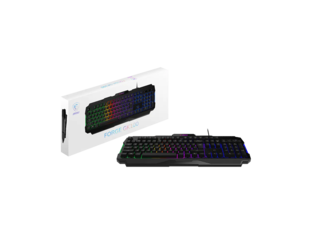
The FORGE GK110 combines gaming performance with creative flexibility. Built with MSI GEAR, this keyboard enhances both play and productivity, giving users the tools to perform their best.
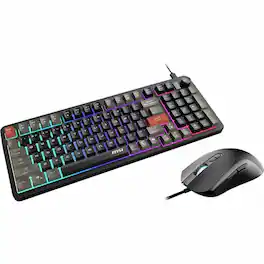
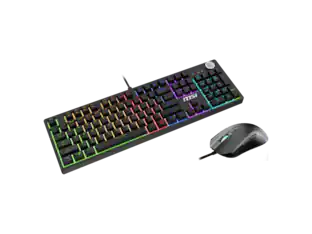
MSI FORGE GK110 COMBO Gaming Keyboard & Mouse - USB 2.0 Membrane Cable Keyboard - English (US) - USB 2.0 Cable Mouse - Optical - 12800 dpi - 7 Button - Adjustable Backlighting, Media Player, Volume Control Hot Key(s) - Compatible with PC - 1

MSI Forge GK320 Combo RED US - Gaming RGB Keyboard & Mouse Set, Full Keys Anti-Ghosting, 12,800 DPI Optical Sensor, 13-Mode RGB, up to 12,800 DPI, Black
Specs
Customers often buy these together
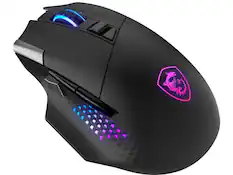

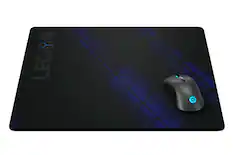
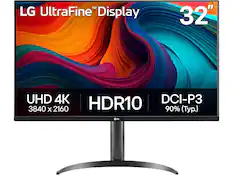
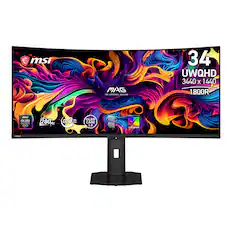


More to consider
MSI Forge GK320 Combo RED US - RGB Gaming Keyboard & Mouse, Anti-Ghosting, 12,800 DPI, 13-Mode RGB
$53.99The price was $90.06MSI FORGE GK100 Wired Gaming Keyboard, 104-Key Membrane, RGB, 19-Key Anti-Ghosting, Media Control
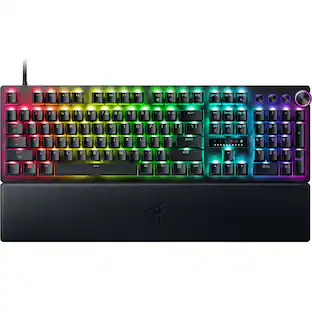
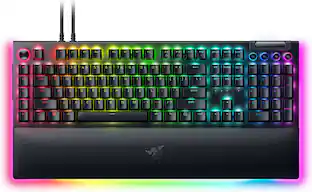
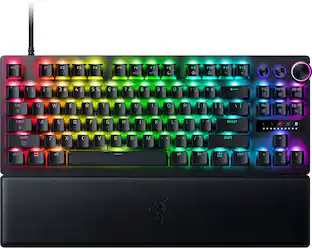
$26.51The price was $28.70Razer BlackWidow V4 Pro Full Size Wired Mechanical Green Clicky Switch Gaming Keyboard with Chroma RGB Backlighting
Top Deal$199.99The price was $249.99CORSAIR K65 PLUS RGB 75% Wireless Mechanical Pre-Lubricated MLX Red Linear Switch Gaming Keyboard with Hot-Swappable Switches
Top Deal$129.99The price was $159.99SteelSeries Apex Pro TKL Gen 3 Wired Magnetic Hall-Effect OmniPoint Adjustable Gaming Keyboard with Rapid Tap
$199.99The price was $239.99



Explore tech essentials Sponsored
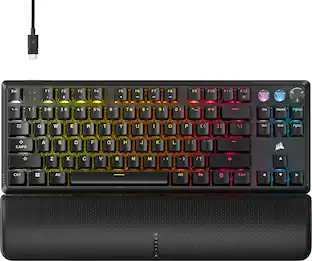
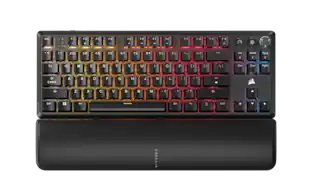
CORSAIR K70 PRO TKL Wired Magnetic Hall Effect Programmable Gaming Keyboard with Rapid Trigger
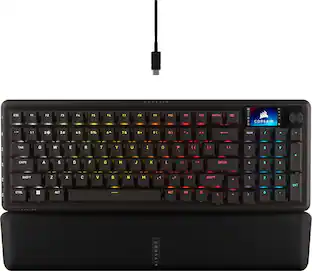
$139.99The price was $169.99CORSAIR GALLEON 100 SD Stream Deck-Integrated Mechanical Gaming Keyboard
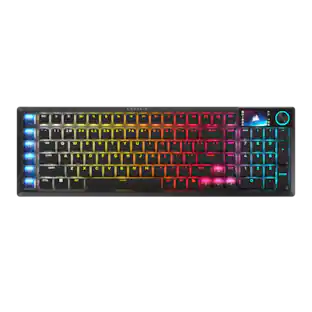
$299.99The price was $349.99CORSAIR VANGUARD 96 RGB Wired MLX Quantum Linear Mechanical Switch 96% Gaming Keyboard with FlashTap SOCD
Top Deal$139.99The price was $179.99CORSAIR K65 PLUS RGB 75% Wireless Mechanical Pre-Lubricated MLX Red Linear Switch Gaming Keyboard with Hot-Swappable Switches
Top Deal$129.99The price was $159.99CORSAIR VANGUARD PRO 96 RGB Wired Magnetic Hall Effect MGX Linear 96% Gaming Keyboard with FlashTap SOCD + Rapid Trigger
Top Deal$179.99The price was $229.99


Discover related products
Acer USB C Docking Station With 2 HDMI, 9-IN-1 Docking Hub with USB A&C 3.0, SD/Micro SD, 100W Charging
$42.99The price was $47.99Acer USB C to HDMI Cable for Home Office 6.6FT (4K@60Hz), High-Speed Type C to HDMI 2.0 Braided Cord
$12.99The price was $13.99Z Z-Edge 2K 2592x1944 Stream Webcam Auto Focus Web Camera for PC/Desktop/Laptop
$24.99The price was $39.99Delton 10X Noise Isolating Bluetooth Over-the-Head Headset for Office & Remote Work (DBTHEAD10X)
$29.99The price was $32.82









Keep exploring
GravaStar Mercury K98 Pro 98% Wireless Gaming Keyboard – Tri-Mode, Gasket Mount, Hot-Swap, RGB, Numpad
$259.95The price was $359.95