Plugable - 4K DisplayPort and HDMI Dual Monitor Adapter for USB 3.0 and USB-C - Compatible with Windows - Black
About this product
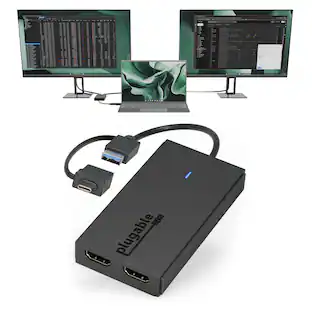
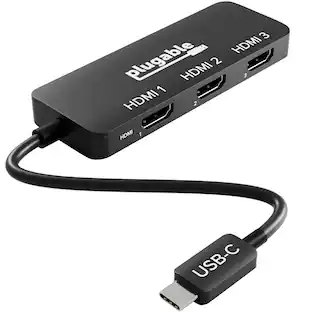
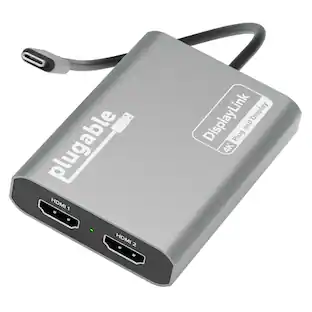
The Plugable USBC-6950U adds two external HDMI monitors, each at up to 4K 60Hz, to virtually any compatible laptop using DisplayLink technology. Connect through USB-C on newer systems or use the attached USB-A adapter for older Windows computers, or setups where USB-C ports are already occupied. For users looking for an HDMI extender for dual monitors, the USBC-6950U provides a simple way to expand your workspace with two additional displays from a single USB connection. The attached USB-A adapter stays physically connected to the device, so it is always available when needed with no separate dongle to store or lose. Compatible with Windows 10 and newer, ChromeOS 100 and newer. Windows and ChromeOS systems are plug-and-play with no manual driver installation required. macOS requires the DisplayLink Manager app and approval of Screen Recording permission in System Settings. Create an HDMI extended display setup with resolutions up to 3840x2160 at 60Hz in extended or mirrored modes. Ideal for multitasking, spreadsheets, coding, web browsing, office applications, and productivity-focused workspaces. DisplayLink adapters do not support HDCP-encrypted content. Streaming services such as Netflix, Disney+, Hulu, and Prime Video may show a black screen on connected displays. For protected streaming content or gaming, a standard HDMI display adapter is recommended. The adapter may become warm during extended use, which is normal. Backed by lifetime support from Plugable's North American team of connectivity specialists.
Features
Flexible USB-C or USB-A Connectivity
Connect two external HDMI displays at up to 4K 60Hz from virtually any laptop. Use USB-C on newer systems or the attached USB-A adapter for older Windows laptops or when USB-C ports are already in use. Powered by the DisplayLink DL-6950 chipset, with no external GPU or additional Thunderbolt port required.
Dual 4K 60Hz Display Performance
Drive two HDMI monitors at resolutions up to 3840x2160 at 60Hz in extended or mirrored modes. Ideal for office applications, coding, spreadsheets, web browsing, and multitasking. HDCP-protected streaming services such as Netflix, Disney+, Hulu, and Prime Video are not supported on DisplayLink-connected displays.
Expand Your Workspace with Multiple Monitors
DisplayLink Driver Required for Windows. No driver install needed on ChromeOS 100+. Windows and ChromeOS systems automatically support DisplayLink on compatible systems, making this adapter ideal for traditional, hybrid, and hot-desk workspaces. macOS not recommended.
USB-C or USB-A Connection
Connect directly to modern Thunderbolt, USB4, or USB-C laptops, or use the attached USB-A adapter for compatible USB 3.0 systems. The integrated adapter stays with the device, making it easy to move between USB-C and USB-A computers without keeping track of a separate accessory.
Built for Everyday Productivity
Designed for reliable home office, business, and IT use, with dual-display support for multitasking, spreadsheets, coding, and everyday productivity. Backed by Plugable’s lifetime North American support team for help whenever you need it.
Specifications
- Connector Type (End 1)USB-CGender (End 1)MaleConnector Type (End 2)HDMI Type AGender (End 2)Female
Reviews
Rating 5 out of 5 stars with 1 review
The vast majority of our reviews come from verified purchases. Reviews from customers may include My Best Buy members, employees, and Tech Insider Network members (as tagged). Select reviewers may receive discounted products, promotional considerations or entries into drawings for honest, helpful reviews.
Compare similar products
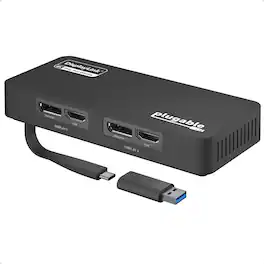
The Plugable USBC-6950U adds two external HDMI monitors, each at up to 4K 60Hz, to virtually any compatible laptop using DisplayLink technology. Connect through USB-C on newer systems or use the attached USB-A adapter for older Windows computers, or setups where USB-C ports are already occupied. For users looking for an HDMI extender for dual monitors, the USBC-6950U provides a simple way to expand your workspace with two additional displays from a single USB connection. The attached USB-A adapter stays physically connected to the device, so it is always available when needed with no separate dongle to store or lose. Compatible with Windows 10 and newer, ChromeOS 100 and newer. Windows and ChromeOS systems are plug-and-play with no manual driver installation required. macOS requires the DisplayLink Manager app and approval of Screen Recording permission in System Settings. Create an HDMI extended display setup with resolutions up to 3840x2160 at 60Hz in extended or mirrored modes. Ideal for multitasking, spreadsheets, coding, web browsing, office applications, and productivity-focused workspaces. DisplayLink adapters do not support HDCP-encrypted content. Streaming services such as Netflix, Disney+, Hulu, and Prime Video may show a black screen on connected displays. For protected streaming content or gaming, a standard HDMI display adapter is recommended. The adapter may become warm during extended use, which is normal. Backed by lifetime support from Plugable's North American team of connectivity specialists.

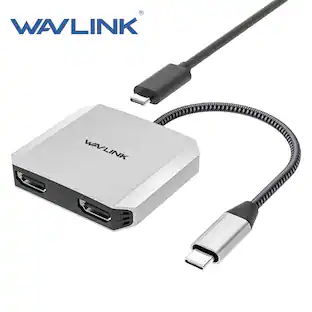
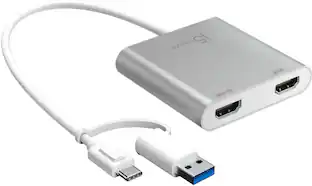
The USB-C to Dual HDMI Multi-Monitor Adapter acts as an external video card for your MacBook or Windows laptops. It allows you to add two additional displays through your USB-C port, boosting your productivity by giving you more screen space to work from. One of the HDMI ports can output resolutions up to 4K, while the other can output resolutions up to 2048 x 1152. Simply install the driver for the USB-C to Dual HDMI Multi-Monitor Adapter by plugging-in the adapter and then connect your monitors using HDMI cables for a dual-display workstation!

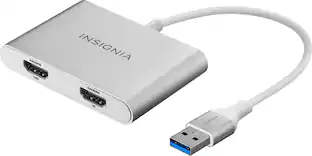
This USB 3.0 to Dual HDMI Multi-Monitor Adapter acts as an external video card for your MacBook or Windows computers. It allows you to add two additional displays through your USB 3.0 port, boosting your productivity by giving you more screen space to work from. One of the HDMI ports can output resolutions up to 4K, while the other can output resolutions up to 2048 x 1152. This is the perfect alternative to a costly video card. With this USB 3.0 Multi-Monitor Adapter, you can quickly install the driver with a simple USB plug-in. Afterwards, connect the device to your monitors using HDMI cables and then you will have a dual-display workstation!
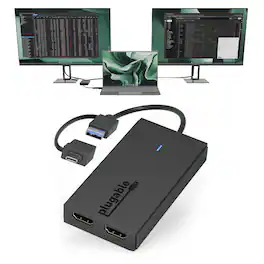
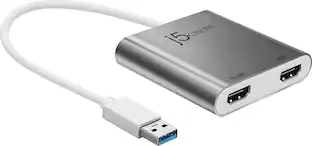
The Plugable UGA-HDMI-2S makes it easy to add two HDMI monitors to a compatible computer through one USB-C or USB 3.0 connection. Designed for productivity, it is ideal for spreadsheets, documents, web browsing, email, and multitasking across multiple screens. The built-in hybrid cable supports USB 3.0, USB-C, USB4, Thunderbolt 3, and Thunderbolt 4 connections. The adapter supports up to two 1920x1080 displays at 60Hz, with each screen available in extended or mirrored mode. It is compatible with Windows 10/11, macOS 10.14 or later including M1/M2/M3/M4/M5/Neo systems, and ChromeOS 100+. The adapter uses Silicon Motion graphics technology, so driver installation is required. Windows drivers typically install through Windows Update, while macOS users must manually install the InstantView driver. Some corporate IT environments may restrict driver installation. Important: this adapter does not support playback of HDCP-protected streaming content, including Netflix, Hulu, Disney+, and similar services. It is intended for productivity use, not streaming, gaming, 4K workflows, or graphics-intensive applications.
| Pros for Plugable - 4K DisplayPort and HDMI Dual Monitor Adapter for USB 3.0 and USB-C - Compatible with Windows - Black | |||
|---|---|---|---|
| There were no pros for this product— | Ease of use, Overall Performance, Connectivity, Multi-Monitor, Price | Ease of use, Overall Performance, Connectivity, HDMI, Compatibility | There were no pros for this product— |
| Cons for Plugable - 4K DisplayPort and HDMI Dual Monitor Adapter for USB 3.0 and USB-C - Compatible with Windows - Black | |||
| There were no cons for this product— | Compatibility | Price, Driver, Lag, Resolution, Heat | There were no cons for this product— |
Specs
Be the first to ask a question.
We’ll try to get your question answered within 24 hours by a Best Buy customer or brand representative.
Customers often buy these together
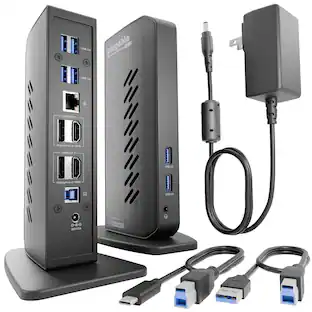
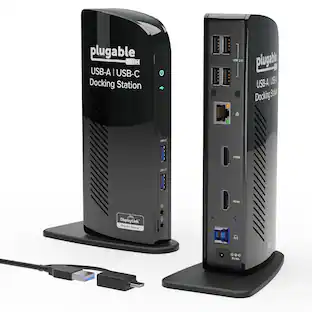
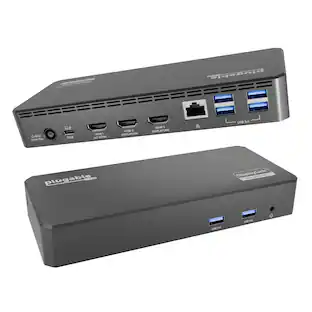
Plugable USB 3.0 and USB-C Universal Laptop Docking Station for Windows, Mac, ChromeOS | Dual HDMI
$99.84The price was $143.99Aver Information AVerMedia StreamLine MINI+ 4K Video Capture & Streaming Device - USB for PC
$69.99The price was $100.97


Customers ultimately bought
Explore tech essentials Sponsored




Discover related products
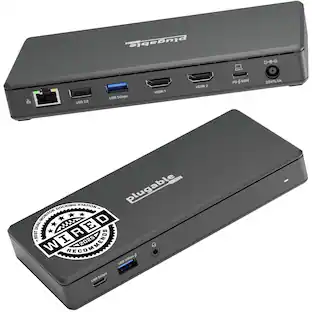
Plugable USB 3.0 and USB-C Universal Laptop Docking Station for Windows, Mac, ChromeOS | Dual HDMI
$99.84The price was $143.99Acer USB C Docking Station With 2 HDMI, 9-IN-1 Docking Hub with USB A&C 3.0, SD/Micro SD, 100W Charging
$42.99The price was $47.99



Keep exploring
UGREEN USB to Ethernet Adapter, 1Gbps Gigabit Network Adapter for Laptop, Nintendo Switch, and More
$12.99The price was $14.99