Plugable - USB C to HDMI Adapter, Dual Monitor 4K 60Hz for Apple Mac M1/M2/M3, DisplayLink for Thunderbolt Macbook or iMac - Space Gray
Reviews coming soon
About this product
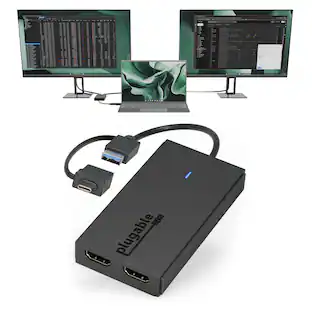
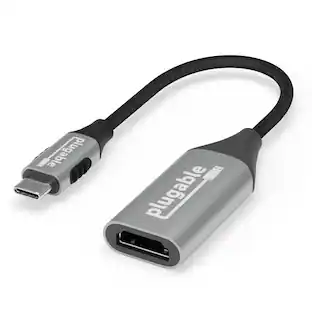
Add two 4K 60Hz HDMI displays to your MacBook M1 through M5, Windows laptop, or ChromeOS device from a single USB-C port. The Plugable USBC-6950M uses DisplayLink technology to extend your workspace beyond native display limits, making it a practical solution for multitasking, hybrid work, creative projects, and productivity-focused desk setups. Powered by the proven DL-6950 DisplayLink chip, this MacBook dual monitor adapter compresses and transmits video over USB-C to support dual external HDMI displays. On Macs, DisplayLink helps bypass Apple’s native single external display limitation on many base-model M-series systems, enabling expanded screen real estate for more flexible workflows. Setup is simple. On Mac, download DisplayLink Manager, connect the adapter, approve the required macOS display-access permission, and your displays will appear. Windows 10 and newer and ChromeOS 100+ systems are plug-and-play with no driver installation needed. The USBC-6950M is compatible with macOS 11 and newer, Windows 10 and newer, and ChromeOS 100 and newer systems with Thunderbolt, USB4, or USB-C. For best results on MacBook Air and MacBook Pro systems with M1 through M5 base chips, connect directly to the MacBook’s USB-C port rather than through a hub or dock. Please note that DisplayLink based adapters are not designed for HDCP-protected streaming apps such as Netflix, Disney+, Hulu, or Prime Video. These services may show a black screen on connected displays. For entertainment or gaming use, a standard display adapter is recommended instead. During extended use, the adapter may run warm. This is normal for DisplayLink technology. Use with clear airflow on all sides or elevate the adapter for long sessions. The aluminum body helps dissipate heat during operation. Backed by Plugable lifetime North American support and a 2-year limited warranty, the USBC-6950M is designed for dependable everyday productivity, with real help from real humans for as long as you own it
Beat The Mac Display Limit
Adds two 4K 60Hz HDMI external displays to MacBook M1 through M5/Neo from a single USB-C port, even base MacBook Air models limited to one external display natively. Three total screens: laptop + HDMI 1 + HDMI 2, simultaneously.
DisplayLink Driver Required on Mac
Works with macOS 11+, Windows 10+, and ChromeOS 100+ systems with Thunderbolt, USB4, or USB-C. Mac users must install DisplayLink Manager and allow the required macOS display permission during setup. Windows 10+ and ChromeOS 100+ are plug-and-play. Built for traditional and hybrid office setups.
Dual 4K 60Hz HDMI
Supports extended and mirror modes. Note: HDCP-protected streaming apps (Netflix, Disney+, Hulu, Prime Video) are not compatible with DisplayLink, for entertainment use, a standard display adapter is recommended. Productivity, coding, and office apps work fully.
Designed for macOS Productivity
Recognized as the Best DisplayLink Adapter for MacBook Neo by MacWorld, this adapter delivers dual 4K 60Hz displays from a single Thunderbolt, USB4, or USB-C port. Designed for seamless compatibility, it adds two extended monitors even on Macs with M1, M2, M3, M4, or M5 chips, which natively only support one external display.
Lifetime Support
This Dual HDMI adapter has been designed with reliability at its core and was built to meet the deployment demands of IT departments and the ease of use necessary for home offices. Include lifetime support from our North American team of connectivity experts
- Connector Type (End 1)USB-CGender (End 1)MaleConnector Type (End 2)HDMI Type AGender (End 2)FemaleMaximum Data Transfer Rate5000 megabits per secondJacket MaterialRubber
Reviews
This product doesn't have any reviews yet.
Compare similar products

Add two 4K 60Hz HDMI displays to your MacBook M1 through M5, Windows laptop, or ChromeOS device from a single USB-C port. The Plugable USBC-6950M uses DisplayLink technology to extend your workspace beyond native display limits, making it a practical solution for multitasking, hybrid work, creative projects, and productivity-focused desk setups. Powered by the proven DL-6950 DisplayLink chip, this MacBook dual monitor adapter compresses and transmits video over USB-C to support dual external HDMI displays. On Macs, DisplayLink helps bypass Apple’s native single external display limitation on many base-model M-series systems, enabling expanded screen real estate for more flexible workflows. Setup is simple. On Mac, download DisplayLink Manager, connect the adapter, approve the required macOS display-access permission, and your displays will appear. Windows 10 and newer and ChromeOS 100+ systems are plug-and-play with no driver installation needed. The USBC-6950M is compatible with macOS 11 and newer, Windows 10 and newer, and ChromeOS 100 and newer systems with Thunderbolt, USB4, or USB-C. For best results on MacBook Air and MacBook Pro systems with M1 through M5 base chips, connect directly to the MacBook’s USB-C port rather than through a hub or dock. Please note that DisplayLink based adapters are not designed for HDCP-protected streaming apps such as Netflix, Disney+, Hulu, or Prime Video. These services may show a black screen on connected displays. For entertainment or gaming use, a standard display adapter is recommended instead. During extended use, the adapter may run warm. This is normal for DisplayLink technology. Use with clear airflow on all sides or elevate the adapter for long sessions. The aluminum body helps dissipate heat during operation. Backed by Plugable lifetime North American support and a 2-year limited warranty, the USBC-6950M is designed for dependable everyday productivity, with real help from real humans for as long as you own it
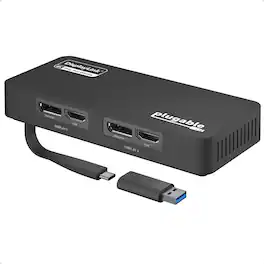
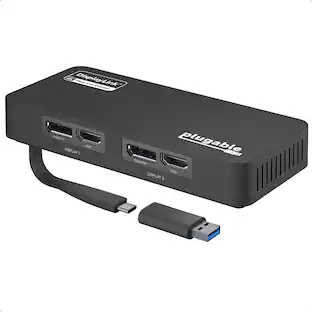
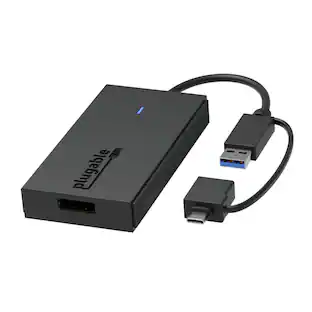
The Plugable USB 3.0 and USB-C Dual 4K Display Adapter (USBC-6950U) allows you to connect up to two additional displays that support resolutions up to 3840x2160 at 60Hz each. Designed for productivity and business use, this adapter is ideal for extending your desktop workspace with HDMI 2.0 or DisplayPort 1.2 connections. It is powered by the DisplayLink DL-6950 chipset and supports popular resolutions such as 1440p, 1080p, and lower, all at 60Hz refresh rates. To achieve 4K at 60Hz, connected monitors must support HDMI 2.0 and/or DisplayPort 1.2, and be used with appropriate cables. The adapter is compatible with most modern Windows systems, including Windows 11, 10, 8.1, and 7, as well as ChromeOS 100.x or later. It connects via USB 3.0 or USB-C and includes a USB-C to USB-A adapter for flexibility. Drivers install automatically through Windows Update on supported systems. The USBC-6950U is also TAA compliant. This adapter is not compatible with Linux/Unix, ARM-based Windows systems, or environments using non-DisplayLink USB graphics adapters or drivers such as MCT, j5, or SMSC. It does not support Dual-Link DVI conversions or HDCP-protected content, and it is not recommended for gaming or applications requiring high-frame-rate video. Each package includes the Plugable USB 3.0 and USB-C Dual 4K Display Adapter (USBC-6950U), a USB-C to USB-A adapter, and a Quick Start Guide.

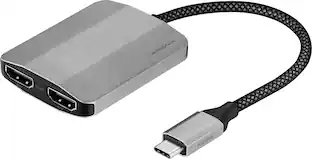
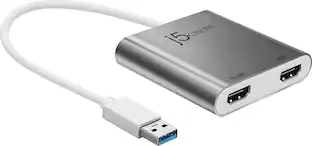
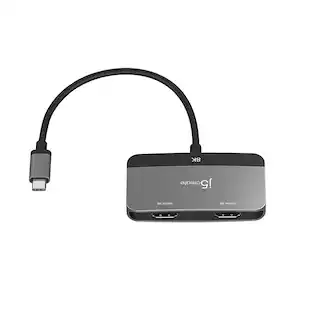
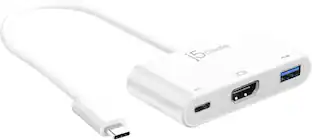
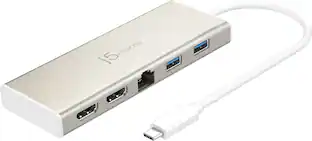
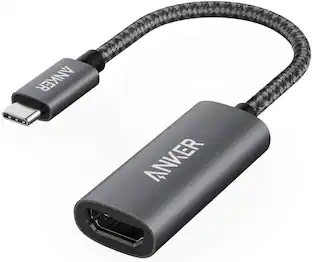
This USB-C to HDMI adapter converts a USB-C output to dual HDMI inputs, letting you connect your computer to two HDMI-enabled TVs, monitors or projectors. Resolutions up to 4K Ultra HD deliver outstanding presentations or movie showings with crystal clear video quality. The compact design makes it easy to carry, and an attached braided cable gives you flexible placement options.

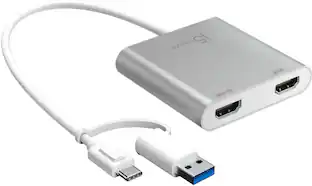
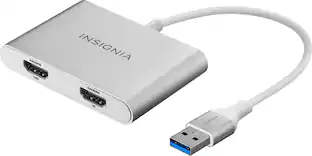
The USB-C to Dual HDMI Multi-Monitor Adapter acts as an external video card for your MacBook or Windows laptops. It allows you to add two additional displays through your USB-C port, boosting your productivity by giving you more screen space to work from. One of the HDMI ports can output resolutions up to 4K, while the other can output resolutions up to 2048 x 1152. Simply install the driver for the USB-C to Dual HDMI Multi-Monitor Adapter by plugging-in the adapter and then connect your monitors using HDMI cables for a dual-display workstation!
| Pros for Plugable - USB C to HDMI Adapter, Dual Monitor 4K 60Hz for Apple Mac M1/M2/M3, DisplayLink for Thunderbolt Macbook or iMac - Space Gray | |||
|---|---|---|---|
| There were no pros for this product— | There were no pros for this product— | Ease of use, HDMI, Connectivity, Compatibility, Quality | Ease of use, Connectivity, HDMI, Overall Performance, Price |
| Cons for Plugable - USB C to HDMI Adapter, Dual Monitor 4K 60Hz for Apple Mac M1/M2/M3, DisplayLink for Thunderbolt Macbook or iMac - Space Gray | |||
| There were no cons for this product— | There were no cons for this product— | Display Extension, Heat | Compatibility |
Specs
Be the first to ask a question.
We’ll try to get your question answered within 24 hours by a Best Buy customer or brand representative.
Find more like this







More to consider
 $101.99The price was $140.88
Explore tech essentials Sponsored

Discover related products

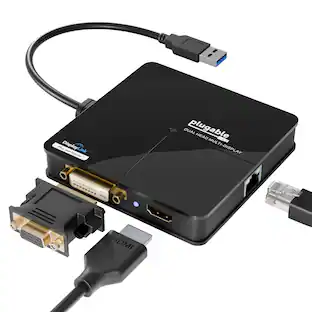
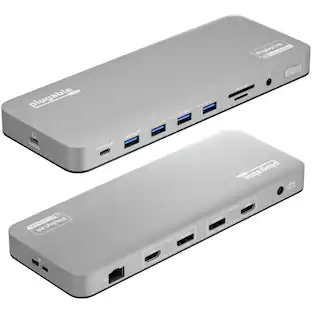
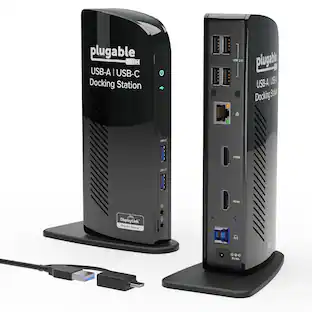
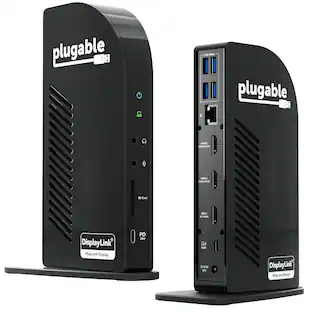
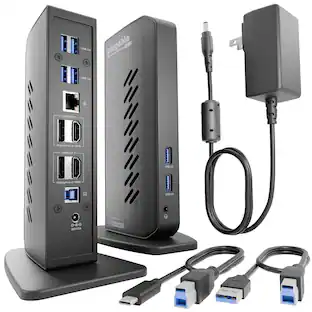
Plugable - USB 3.0 and USB-C Universal Laptop Docking Station for Windows, Mac, ChromeOS | Dual HDMI
$112.95The price was $135.35


Keep exploring
 $22.07The price was $53.49
 $9.75The price was $16.44