Plugable - USB C to HDMI Adapter for Dual Monitors, 4K 60Hz USB C Hub for Windows and Chromebook, Driverless - Black
About this product
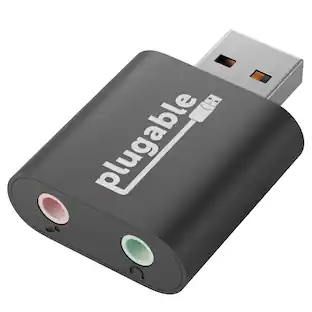
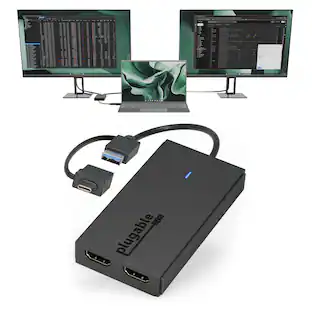
This Plugable USB-C to HDMI adapter serves as a high-performance alternative to traditional docking stations for Windows and Chromebook users. Built with Multi-Stream Transport (MST) technology, it allows for two independent displays without the need for DisplayLink drivers or external power bricks. While many hubs compromise on refresh rates, this unit supports dual 4K 60Hz output when paired with a host device supporting DisplayPort 1.4 and Display Stream Compression (DSC). For older laptops with DP 1.2, the adapter automatically scales to provide stable dual 1080p 60Hz signals. It is essential to verify that your laptop port is labeled with a Thunderbolt, USB4, or a DP logo, as standard data-only USB-C ports cannot transmit video signals. For Mac and iPad users, please note that Apple devices utilize Single-Stream Transport (SST), which results in the second monitor mirroring the first. This is a hardware limitation of the OS, not the adapter. Setup is straightforward: connect the integrated 17cm cable to your laptop, then use HDMI 2.0 or higher cables to connect your monitors. If your screen does not appear immediately, navigate to your OS Display Settings to ensure "Extend these displays" is selected. This adapter supports High-bandwidth Digital Content Protection (HDCP), ensuring compatibility with encrypted streaming services. It is ideal for office multitasking, financial spreadsheets, and hybrid work environments where a portable, reliable dual-monitor setup is required. The bus-powered design draws minimal energy from your laptop, maintaining efficiency for travelers. By tapping into native GPU capabilities, the USBC-MSTH2 avoids the CPU overhead often associated with driver-based video solutions, providing a smoother experience for video conferencing and 4K media playbac
Features
Dual 4K 60Hz
Turn one port into two HDMI displays. Achieve dual 4K 60Hz on laptops supporting DP 1.4 with DSC. Note: Laptops with DP 1.2 are limited to dual 1080p 60Hz. Supports HDCP for streaming Netflix and Hulu
Requires DP Alt Mode
Only compatible with USB-C, Thunderbolt, or USB4 ports that support video output (DisplayPort Alt Mode). Data-only USB-C ports will not output video. Optimized for Windows 10, 11+ and ChromeOS 100+.
Mac and iPad Notice
macOS and iPadOS do not support MST technology. On these devices, this adapter supports one extended display and one mirrored display; it cannot drive two independent extended screens on Mac
Driverless Setup
Experience true plug-and-play productivity. No drivers, software, or external power required. The adapter is bus-powered and uses native system graphics for seamless, lag-free performance
Compact Productivity
A lightweight, smaller alternative to a full docking station. Features an integrated 6.75 inch cable for easy travel. Note: HDMI 2.0 cables are not included and must be purchased separately
Specifications
- Connector Type (End 1)USB-CGender (End 1)MaleConnector Type (End 2)HDMI Type AGender (End 2)Female
Reviews
Rating 5 out of 5 stars with 1 review
The vast majority of our reviews come from verified purchases. Reviews from customers may include My Best Buy members, employees, and Tech Insider Network members (as tagged). Select reviewers may receive discounted products, promotional considerations or entries into drawings for honest, helpful reviews.
Compare similar products
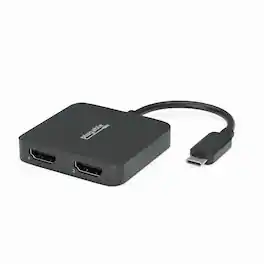
This Plugable USB-C to HDMI adapter serves as a high-performance alternative to traditional docking stations for Windows and Chromebook users. Built with Multi-Stream Transport (MST) technology, it allows for two independent displays without the need for DisplayLink drivers or external power bricks. While many hubs compromise on refresh rates, this unit supports dual 4K 60Hz output when paired with a host device supporting DisplayPort 1.4 and Display Stream Compression (DSC). For older laptops with DP 1.2, the adapter automatically scales to provide stable dual 1080p 60Hz signals. It is essential to verify that your laptop port is labeled with a Thunderbolt, USB4, or a DP logo, as standard data-only USB-C ports cannot transmit video signals. For Mac and iPad users, please note that Apple devices utilize Single-Stream Transport (SST), which results in the second monitor mirroring the first. This is a hardware limitation of the OS, not the adapter. Setup is straightforward: connect the integrated 17cm cable to your laptop, then use HDMI 2.0 or higher cables to connect your monitors. If your screen does not appear immediately, navigate to your OS Display Settings to ensure "Extend these displays" is selected. This adapter supports High-bandwidth Digital Content Protection (HDCP), ensuring compatibility with encrypted streaming services. It is ideal for office multitasking, financial spreadsheets, and hybrid work environments where a portable, reliable dual-monitor setup is required. The bus-powered design draws minimal energy from your laptop, maintaining efficiency for travelers. By tapping into native GPU capabilities, the USBC-MSTH2 avoids the CPU overhead often associated with driver-based video solutions, providing a smoother experience for video conferencing and 4K media playbac

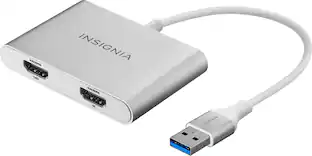
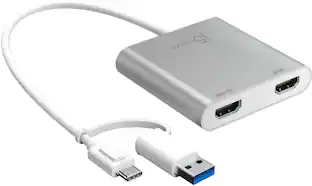
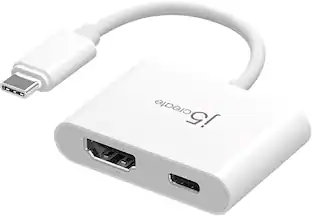
This USB-C to HDMI adapter converts a USB-C output to dual HDMI inputs, letting you connect your computer to two HDMI-enabled TVs, monitors or projectors. Resolutions up to 4K Ultra HD deliver outstanding presentations or movie showings with crystal clear video quality. The compact design makes it easy to carry, and an attached braided cable gives you flexible placement options.

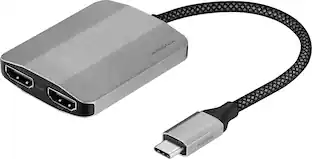
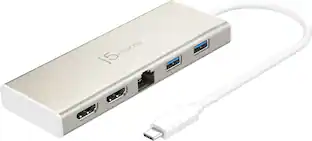
The USB-C to Dual HDMI Multi-Monitor Adapter acts as an external video card for your MacBook or Windows laptops. It allows you to add two additional displays through your USB-C port, boosting your productivity by giving you more screen space to work from. One of the HDMI ports can output resolutions up to 4K, while the other can output resolutions up to 2048 x 1152. Simply install the driver for the USB-C to Dual HDMI Multi-Monitor Adapter by plugging-in the adapter and then connect your monitors using HDMI cables for a dual-display workstation!
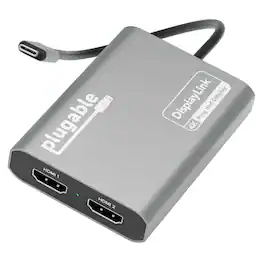
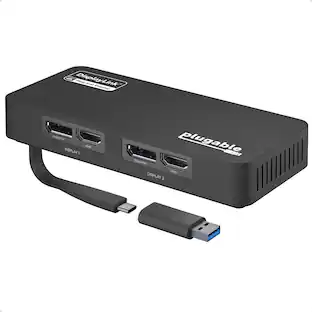
Add two 4K 60Hz HDMI displays to your MacBook M1 through M5, Windows laptop, or ChromeOS device from a single USB-C port. The Plugable USBC-6950M uses DisplayLink technology to extend your workspace beyond native display limits, making it a practical solution for multitasking, hybrid work, creative projects, and productivity-focused desk setups. Powered by the proven DL-6950 DisplayLink chip, this MacBook dual monitor adapter compresses and transmits video over USB-C to support dual external HDMI displays. On Macs, DisplayLink helps bypass Apple’s native single external display limitation on many base-model M-series systems, enabling expanded screen real estate for more flexible workflows. Setup is simple. On Mac, download DisplayLink Manager, connect the adapter, approve the required macOS display-access permission, and your displays will appear. Windows 10 and newer and ChromeOS 100+ systems are plug-and-play with no driver installation needed. The USBC-6950M is compatible with macOS 11 and newer, Windows 10 and newer, and ChromeOS 100 and newer systems with Thunderbolt, USB4, or USB-C. For best results on MacBook Air and MacBook Pro systems with M1 through M5 base chips, connect directly to the MacBook’s USB-C port rather than through a hub or dock. Please note that DisplayLink based adapters are not designed for HDCP-protected streaming apps such as Netflix, Disney+, Hulu, or Prime Video. These services may show a black screen on connected displays. For entertainment or gaming use, a standard display adapter is recommended instead. During extended use, the adapter may run warm. This is normal for DisplayLink technology. Use with clear airflow on all sides or elevate the adapter for long sessions. The aluminum body helps dissipate heat during operation. Backed by Plugable lifetime North American support and a 2-year limited warranty, the USBC-6950M is designed for dependable everyday productivity, with real help from real humans for as long as you own it
| Pros for Plugable - USB C to HDMI Adapter for Dual Monitors, 4K 60Hz USB C Hub for Windows and Chromebook, Driverless - Black | |||
|---|---|---|---|
| There were no pros for this product— | Ease of use, Connectivity, HDMI, Compatibility, Quality | Ease of use, Connectivity, Overall Performance, Multi-Monitor, Price | There were no pros for this product— |
| Cons for Plugable - USB C to HDMI Adapter for Dual Monitors, 4K 60Hz USB C Hub for Windows and Chromebook, Driverless - Black | |||
| There were no cons for this product— | Display Extension, Heat | Compatibility | There were no cons for this product— |
Specs
Find more like this

Customers ultimately bought
Explore tech essentials Sponsored
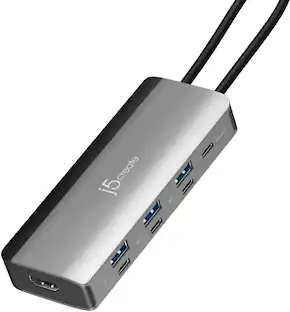
j5create Flexible Ports USB-C® 4K144 HDMI™ Hub - Slim 8 in 1 for Windows, macOS, Chrome OS
$49.99The price was $59.99j5create Flexible Ports USB-C® 4K144 HDMI™ Hub - Cube Plus 6 in 1 for Windows, macOS, Chrome OS
Black Friday Deal$39.99The price was $49.99


Discover related products
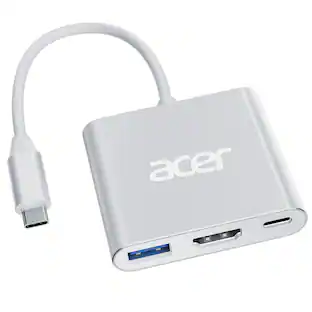
Acer USB C to HDMI Adapter, 4K USB C Hub with 100W PD, USBA 3.0 Port, HDMI to USBC Multiport Digital AV Converter for MacBook
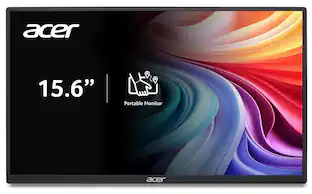
Black Friday Deal$14.99The price was $16.99Acer PM161Q 15.6" Portable Monitor Full HD 1920x1080 IPS USB-C HDMI Refurbished
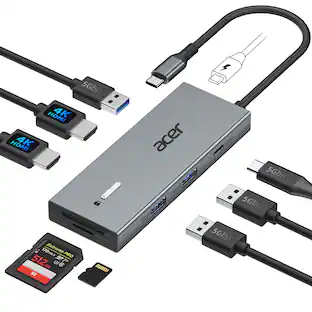
$44.99The price was $48.99Acer USB C Docking Station With 2 HDMI, 9-IN-1 Docking Hub with USB A&C 3.0, SD/Micro SD, 100W Charging
$42.99The price was $47.99

Keep exploring
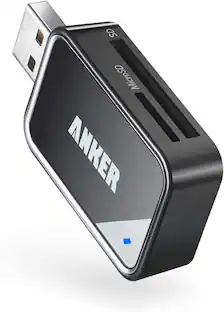
Anker USB 3.0 Micro SD Card Reader, 5Gbps 2-in-1 SD Card Reader to USB Adapter
$8.99The price was $12.99