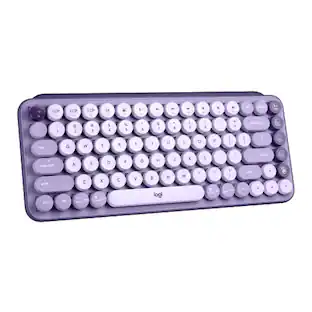
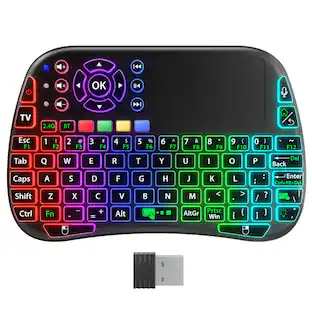
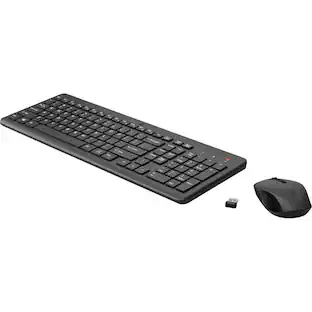
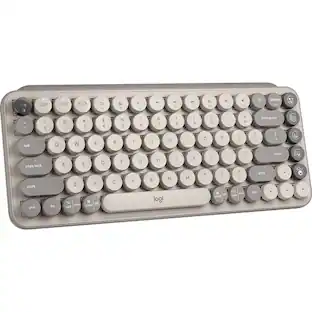
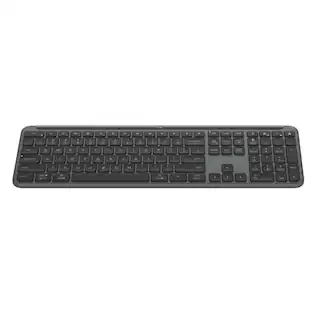
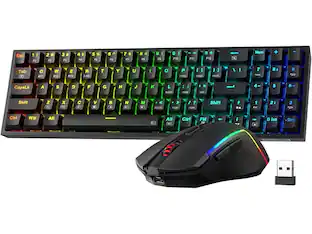
PRIMEPLUS - Keyboard Mouse Combo Wireless 2.4G Mixed Color 110 Key Keyboard Mouse Set with Round Punk Keycaps - Purple
About this product
Brighten up your desktop with this colorful 2.4GHz wireless keyboard and mouse combo. The 110‑key layout keeps essential keys including the number pad, while replacing rarely‑used functions with multimedia shortcuts – giving you a clean, space‑saving setup. Simply plug the tiny receiver into your computer, and enjoy a stable wireless connection up to 33 feet (10 meters) with strong anti‑interference. Use the “Fn” key to control music playback, volume, search, and more. The keyboard is built with high‑quality keycaps that resist fading, so letters stay sharp for years. Available in five fun, mixed colors – cute and lovely for home or office. No software needed; just plug and play.
Color
PurpleFeatures
2.4G Wireless – Plug & Play
Just insert the USB receiver and start typing. Stable signal transmission with 10‑meter (33ft) range and strong anti‑interference. No Bluetooth pairing, no drivers – simple and reliable.
110‑Key Layout with Multimedia Shortcuts
Full‑size keyboard including number pad, but smarter: rarely used keys are replaced with multimedia functions via the Fn key. Control play/pause, volume, previous/next track, search, and settings – all from your keyboard.
5 Colorful Mixes – Cute & Lovely
Choose from five stylish color combinations to match your personality or desk decor. Fun, vibrant, and far from boring gray office peripherals. Makes working or studying more enjoyable.
Fade‑Resistant Keycaps & Durable Build
High‑quality production ensures keycap characters won’t wear off over time. Stays legible through hours of typing. Combined with a comfortable mouse (included), this combo is built for daily home or office use.
Specifications
- Lighting TypeMulticolorForm FactorFull-sizeKeyboard TechnologyMechanicalConnection TypeWireless
Reviews
Rating 5 out of 5 stars with 1 review
The vast majority of our reviews come from verified purchases. Reviews from customers may include My Best Buy members, employees, and Tech Insider Network members (as tagged). Select reviewers may receive discounted products, promotional considerations or entries into drawings for honest, helpful reviews.


Compare similar products

Brighten up your desktop with this colorful 2.4GHz wireless keyboard and mouse combo. The 110‑key layout keeps essential keys including the number pad, while replacing rarely‑used functions with multimedia shortcuts – giving you a clean, space‑saving setup. Simply plug the tiny receiver into your computer, and enjoy a stable wireless connection up to 33 feet (10 meters) with strong anti‑interference. Use the “Fn” key to control music playback, volume, search, and more. The keyboard is built with high‑quality keycaps that resist fading, so letters stay sharp for years. Available in five fun, mixed colors – cute and lovely for home or office. No software needed; just plug and play.

Brighten up your desktop with this colorful 2.4GHz wireless keyboard and mouse combo. The 110‑key layout keeps essential keys including the number pad, while replacing rarely‑used functions with multimedia shortcuts – giving you a clean, space‑saving setup. Simply plug the tiny receiver into your computer, and enjoy a stable wireless connection up to 33 feet (10 meters) with strong anti‑interference. Use the “Fn” key to control music playback, volume, search, and more. The keyboard is built with high‑quality keycaps that resist fading, so letters stay sharp for years. Available in five fun, mixed colors – cute and lovely for home or office. No software needed; just plug and play. Testing
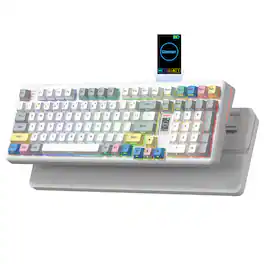
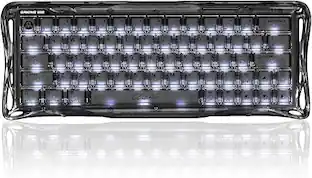
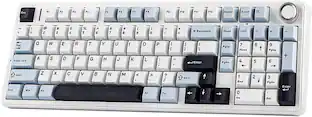
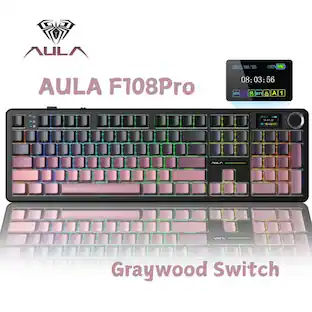
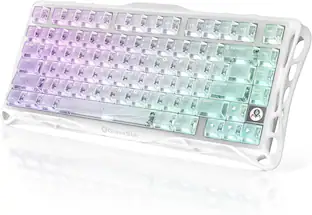
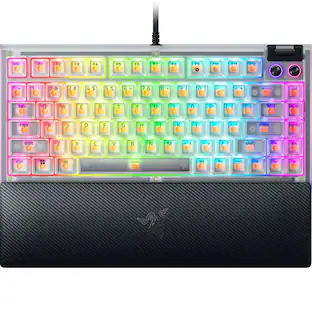
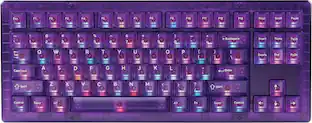
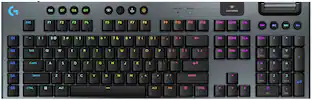
3 Mode Gaming Keyboard with Multimedia Screen,RGB Backlit,Crystal Jelly keycaps for Win/Mac

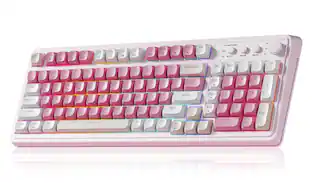
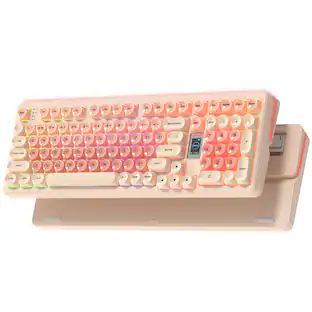
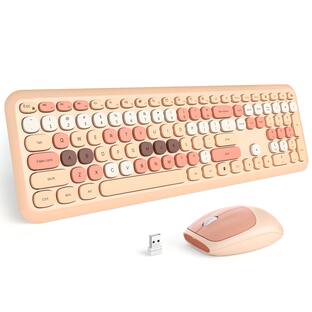
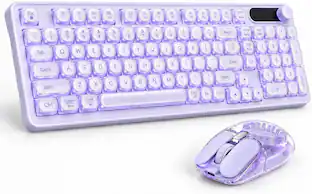
Add color and comfort to your workspace with this Wireless Keyboard and Mouse Combo. The cute rounded keys and fresh design bring a fun, modern look to your desk while providing a smooth, comfortable typing experience. Enjoy 2.4G wireless plug-and-play connectivity with one USB receiver and a Type-C adapter for easy use across devices. The ergonomic ABS keycaps and foldable stand help reduce wrist fatigue, making long typing sessions effortless. Featuring automatic power-saving mode, 13 multimedia hotkeys, and a 3-level DPI mouse (800/1200/1600), this combo delivers convenience, efficiency, and lasting battery life, all with a stylish flair.
Specs
Be the first to ask a question.
We’ll try to get your question answered within 24 hours by a Best Buy customer or brand representative.
Customers often buy these together
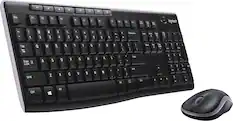
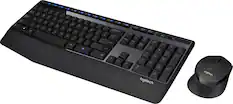
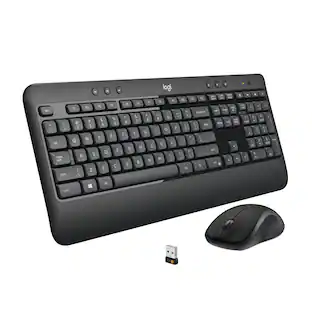
Logitech - MK270 Full-size Wireless Membrane Keyboard and Mouse Bundle for PC - Black
$26.99The price was $29.99
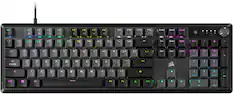
Razer - Huntsman Mini 60% Wired Optical Clicky Switch Gaming Keyboard with Chroma RGB Backlighting - Black
$68.99The price was $119.99




More to consider
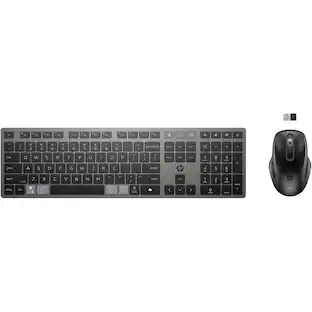
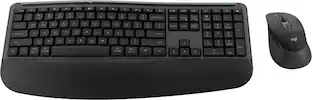
HP 725 Multi-Device Rechargeable Wireless Keyboard and Mouse Combo, Black
$79.99The price was $104.00Razer Blackwidow V4 75% Wired Mechanical Orange Switch Gaming Keyboard with Hot-Swappable Design
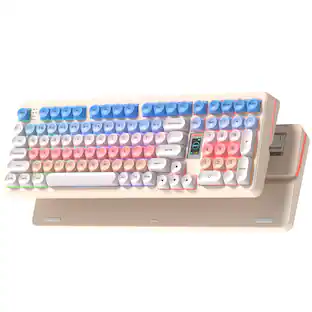
$139.99The price was $199.99PRIMEPLUS Keyboard Mouse Combo Wireless 2.4G Mixed Color 110 Key Keyboard Mouse Set with Round Punk Keycaps
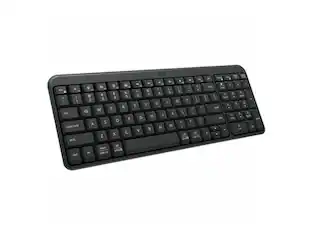
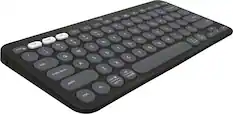
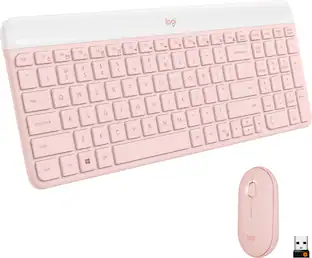
$89.99The price was $102.68Logitech Pebble Keys 2 Slim TKL Wireless Scissor Keyboard for Windows, macOS, iPadOS, Chrome
$33.99The price was $39.99DROP CSTM80 TKL Wired Mechanical Gaming Keyboard with RGB Backlighting
Clearance$94.99The price was $199.00Logitech MK470 Full-size Wireless Scissor Keyboard and Mouse Bundle for Windows with Quiet clicks
$39.99The price was $49.99


Explore tech essentials Sponsored
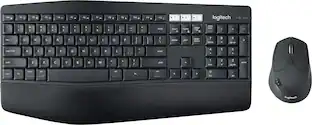
Logitech MK850 Performance Full-size Wireless Membrane Keyboard and Mouse Combo for PC and Mac
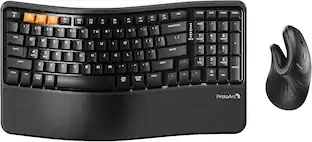
$89.99The price was $99.99ProtoArc Wireless Ergonomic Keyboard Mouse Combo ,Bluetooth Keyboard & Mouse Combo
$69.99The price was $85.99

Keep exploring
GravaStar Mercury V60 60% Wired Hall Effect Gaming Keyboard with 8000Hz Polling Rate
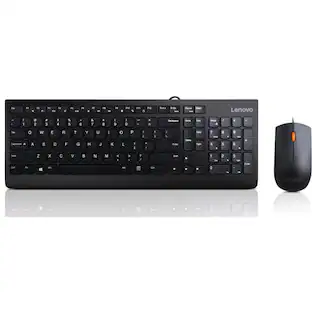
$123.45The price was $159.95Lenovo 300 USB Combo Keyboard & Mouse - US English - USB Cable Keyboard - English (US) - USB Cable Mouse
$19.99The price was $35.25Logitech MK250 Bluetooth Keyboard with Numpad, Recycled Plastic, Spill-Resistant, Comfortable Keys
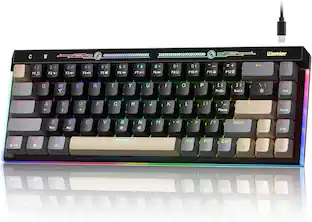
$33.67The price was $36.68Womier VK68 65% Mechanical Keyboard, Wired Backlit Mini Gaming Keyboard for PC Laptop Windows
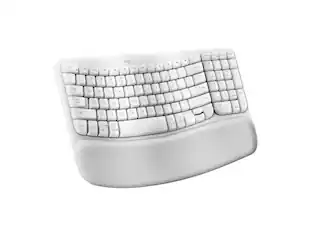
$24.99The price was $25.99Logitech Wave Keys Wireless Ergonomic Keyboard with Palm Rest, Bluetooth, Logi Bolt, Multi-OS
$77.99The price was $89.99REDRAGON S136 75% Tri-Mode Wireless RGB Mech Keyboard & 7200 DPI Mouse Combo, Shared Dongle
$59.99The price was $64.49