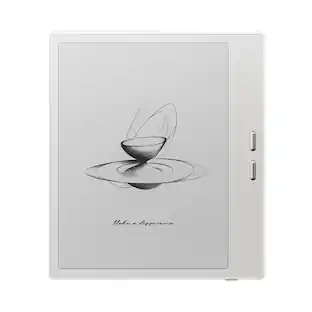
reMarkable - Paper Pro - 11.8" Paper Tablet with Marker Plus - Gray

Key Accessories:
- reMarkable - Marker Tips refill (6pcs) for your reMarkable Paper Pro Marker and Marker Plus - Black$19.00
Related Item

Specifications
- Screen Size11.8 inchesScreen Resolution2160 x 1620Active Area11.7Processor Model1.8 GHz quad-core Cortex-A53Total Storage Capacity64 gigabytesOperating SystemLinux
- Key Specs
- Screen Size: 11.8 inches (Size of the screen, measured diagonally from corner to corner.)
- Screen Resolution: 2160 x 1620 (Screens come in a range of resolutions (measured in pixels, horizontal x vertical). The higher the resolution, the greater the picture quality.)
- Active Area: 11.7 (The size of the screen area that a user interacts with, either by stylus and/or touch (if supported).)
- Processor Model: 1.8 GHz quad-core Cortex-A53 (Your computer's processor is like its brain. Working in combination with system memory, the power of the processor determines the complexity of software you can run, how many programs you can have open at the same time, and how fast those programs will run. Most computers feature an AMD, Intel or Snapdragon processor.)
- Total Storage Capacity: 64 gigabytes
- Operating System: Linux (The operating system manages all software and hardware, including files, memory and connected devices. Most importantly, it lets you interact with your device and your programs in a visual way; otherwise, you'd be typing computer code to get anything done.)
- Wireless Connectivity: Wi-Fi (The manner in which a device sends data to another device over a short distance without the use of wires or cables.)
- Battery Chemistry: Lithium-ion
- General
- Brand: reMarkable
- Model Number: RM81C-1000NW
- Product Name: reMarkable Paper Pro - 11.8" Paper Tablet with Marker Plus
- Color: Gray
- Year of Release: 2024
- Display
- Screen Size: 11.8 inches (Size of the screen, measured diagonally from corner to corner.)
- Screen Resolution: 2160 x 1620 (Screens come in a range of resolutions (measured in pixels, horizontal x vertical). The higher the resolution, the greater the picture quality.)
- Active Area: 11.7 (The size of the screen area that a user interacts with, either by stylus and/or touch (if supported).)
- Processor
- Processor Model: 1.8 GHz quad-core Cortex-A53 (Your computer's processor is like its brain. Working in combination with system memory, the power of the processor determines the complexity of software you can run, how many programs you can have open at the same time, and how fast those programs will run. Most computers feature an AMD, Intel or Snapdragon processor.)
- Storage
- Total Storage Capacity: 64 gigabytes
- Compatibility
- Operating System: Linux (The operating system manages all software and hardware, including files, memory and connected devices. Most importantly, it lets you interact with your device and your programs in a visual way; otherwise, you'd be typing computer code to get anything done.)
- System Requirements: Wifi (The software that a product must have for it to be able to integrate with another product.)
- Connectivity
- Wireless Connectivity: Wi-Fi (The manner in which a device sends data to another device over a short distance without the use of wires or cables.)
- Power
- Charging Interface(s): USB-C (The connection for transmitting power to charge the device.)
- Battery Chemistry: Lithium-ion
- Camera
- Front-Facing Camera: false
- Rear-Facing Camera: false
- Dimensions
- Product Height: 1.14 inches (The out of box height of the item. Height is measured as the vertical distance from the bottom of the item to the top as it would be primarily used or placed.)
- Product Width: 9.33 inches (The out of box width of the item. Width is measured as the horizontal distance from one side of the item to the other as it would be primarily used or placed.)
- Product Depth: 15.04 inches (The out of box depth of the item. Depth is measured as the distance from the front of the item to the back as it would be primarily used or placed.)
- Product Weight: 2.43 ounces (The out of box weight of the item.)
- Included
- Stylus Included: true
- Warranty
- Warranty - Parts: 1 year limited
- Warranty - Labor: 1 year limited
- Other
- UPC: 7090045250242
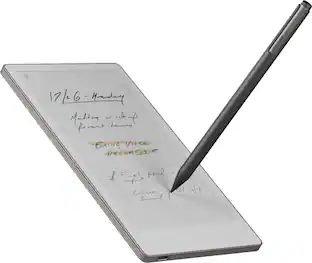
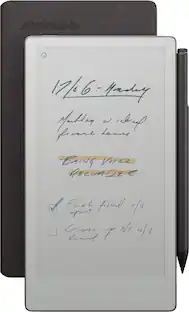
Bring paper into your digital workflow with reMarkable Paper Pro. Ultraslim and portable, but with a full-size 11.8” color display, adjustable reading light, and an unmatched paper-like writing experience.
- An unprecedented paper-like writing experience: With its incredible responsiveness and finely textured display surface, reMarkable Paper Pro offers an unprecedented paper-like writing experience in a digital notebook
- Designed to help you focus: Distraction-free by design. No notifications, pop-up ads, or social media. Just you and your thoughts, so you can find the focus to do your best work
- All your notes, organized: Stay on top of your paperwork. Keep all your handwritten notes, to-do lists, PDFs, ebooks, and sketches organized and in one safe place — easily accessible on multiple devices and platforms
- Mobile and desktop note-taking: Create, edit, and organize notes from your smartphone or laptop with the reMarkable apps. With a Connect subscription*, all your work is safely stored, up to date, and ready to use across your devices
- Handwriting conversion: Make handwritten notes easy to reuse by converting them into typed text. You can then refine or expand your converted drafts with the Type Folio keyboard cover (sold separately). Upload documents to cloud storage services, or send by email to share them instantly
- Google Drive, Dropbox, and OneDrive integration: Access popular cloud storage services right from your paper tablet to improve your workflow. Browse stored files, copy them to your paper tablet, and upload documents directly
- Take notes directly on PDFs: Read and review reports and presentations on an immersive and eye-friendly display, and write your thoughts directly onto the page. Signing PDFs and annotating documents has never been easier
- Send content to your paper tablet: Save any web page, Microsoft Word document, or PowerPoint presentation to your paper tablet for when you have time to focus and read in-depth. All it takes is a click with our Read on reMarkable extension
- Share your screen live: Stream your notes and ideas directly onto a bigger screen. Turn your paper tablet into the perfect digital whiteboard to write, draw, and demonstrate tricky concepts live in meetings
- Read in comfort. Day or night: Unlike most laptops and phones, reMarkable Paper Pro has a low-glare display that reflects natural light. A built-in adjustable reading light means you can keep working when the lights go out, too
- Two weeks of battery life: With up to two weeks of battery life and 90 days of standby time, reMarkable Paper Pro is always ready to come out of your bag and get to work
- Marker Plus: Take notes, sketch, and annotate with a premium digital pen designed to deliver realistic friction and natural writing feel. Attaches magnetically to your paper tablet, and features a built-in eraser
- What's included: reMarkable Paper Pro - 11.8" paper tablet, Marker Plus, 6 spare Marker tips, USB-C cable
Whats Included
- 1x reMarkable Paper Pro - 11.8" Paper Tablet
- 1x Marker Plus for reMarkable Paper Pro
- 6x spare Marker tips for Marker Plus
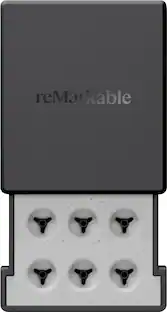
- 1x Marker tip storage case
- 1x USB-C-C cable
Disclaimers
- *New reMarkable users get a 50-day free trial, then $2.99/mo. Cancel anytime.
Q: How long does the battery last on the reMarkable Paper Pro?
A: The reMarkable Paper Pro has a battery life of up to two weeks.
Q: What comes included with the reMarkable Paper Pro?
A: The reMarkable Paper Pro bundle includes the 11.8" Paper Tablet, the Marker Plus, 6 spare Marker tips, and a Connect subscription trial.
Q: Does the Marker Plus require pairing with the reMarkable Paper Pro?
A: No, the Marker Plus does not need to be paired. It attaches magnetically to the Paper Pro for ease of use.
Q: Does the reMarkable Paper Pro have a built-in reading light?
A: Yes, the reMarkable Paper Pro has an adjustable reading light for comfortable reading in any lighting conditions.
Q: Can I convert my handwritten notes to text on the reMarkable Paper Pro?
A: Yes, the reMarkable Paper Pro offers handwriting conversion, allowing you to transform your notes into typed text for easy sharing and editing.
Q: What is the screen resolution of the reMarkable Paper Pro?
A: The reMarkable Paper Pro has a screen resolution of 2160 x 1620.
Q: Can I use cloud storage services with the reMarkable Paper Pro?
A: Yes, the reMarkable Paper Pro integrates with Google Drive, Dropbox, and OneDrive for easy file access and sharing.
A: Hi! We offer an integration with Google Drive allowing you to browse stored files, copy them to your reMarkable, and upload notes and documents directly to your Google Drive. However, to upload a marked-up PDF back to Google Drive, you’ll need to manually export it. Any annotations made on the PDF using reMarkable Paper Pro will be visible in standard PDF readers on Mac and iOS devices. Best, Stina
Compare similar products

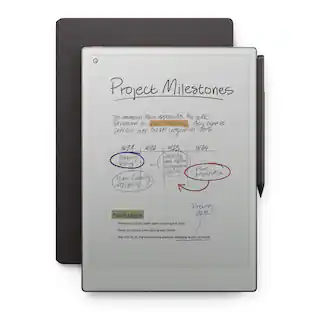
Bring paper into your digital workflow with reMarkable Paper Pro. Ultraslim and portable, but with a full-size 11.8” color display, adjustable reading light, and an unmatched paper-like writing experience.

Bring paper into your digital workflow with reMarkable Paper Pro. Ultraslim and portable, but with a full-size 11.8” color display, adjustable reading light, and an unmatched paper-like writing experience.

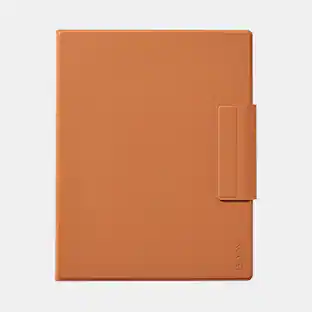
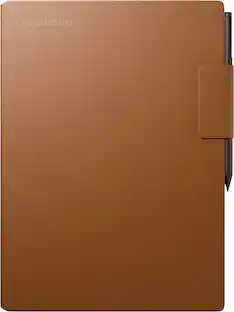
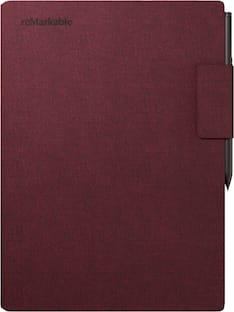
Premium and functional protection for reMarkable Paper Pro. Book Folio is made from premium black leather, and the built-in magnets snap your paper tablet in place so you can keep it in its cover while you work.
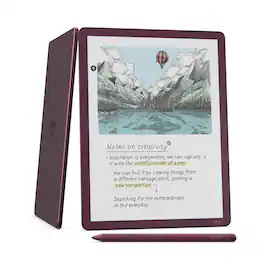
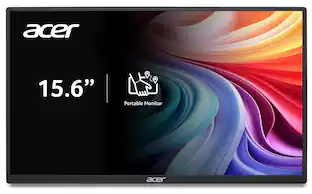
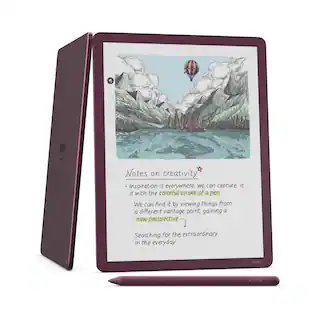
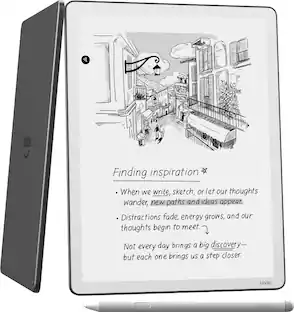
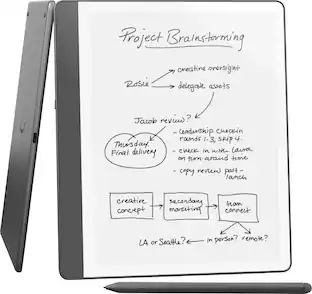
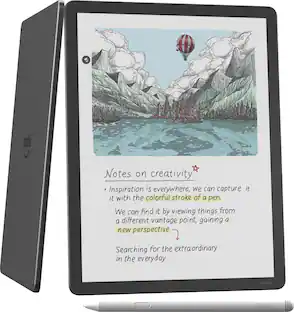
Kindle Scribe – Features an 11” Colorsoft display with front light, built-in notebook, AI tools, and support for popular cloud services.
| Pros for reMarkable - Paper Pro - 11.8" Paper Tablet with Marker Plus - Gray | |||
|---|---|---|---|
| Ease of use, Writing Experience, Battery Life, Overall Performance, Screen Size | Writing Experience, Overall Performance, Ease of use, Battery Life, Color | Protection, Fit | Overall Performance, Note Taking Performance |
| Cons for reMarkable - Paper Pro - 11.8" Paper Tablet with Marker Plus - Gray | |||
| Price, PDF Support | Backlight | There were no cons for this product— | There were no cons for this product— |
Specs
Reviews
Rating 4.5 out of 5 stars with 395 reviews
- Ease of use (60)
- Writing Experience (58)
- Battery Life (38)
- Overall Performance (35)
- Screen Size (31)
- Price (12)
- PDF Support (3)
Customer Images
The vast majority of our reviews come from verified purchases. Reviews from customers may include My Best Buy members, employees, and Tech Insider Network members (as tagged). Select reviewers may receive discounted products, promotional considerations or entries into drawings for honest, helpful reviews.
More to consider
 Clearance$135.99The price was $169.00
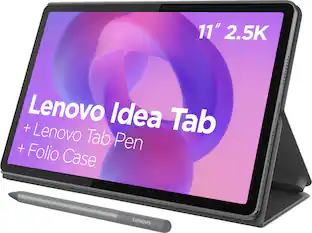 $249.99The price was $269.99
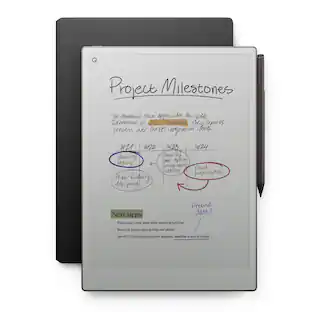


Explore tech essentials Sponsored
- Clearance$135.99The price was $169.00

Discover related products
 $117.99The price was $229.99
 $1,389.00The price was $1,449.99
 $1,299.00The price was $1,579.00