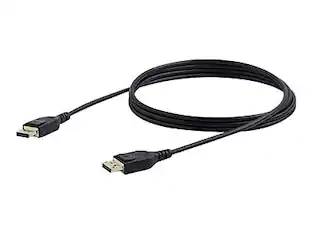
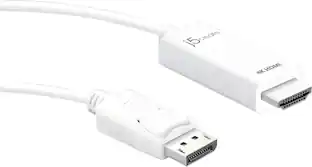
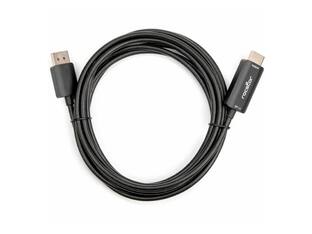
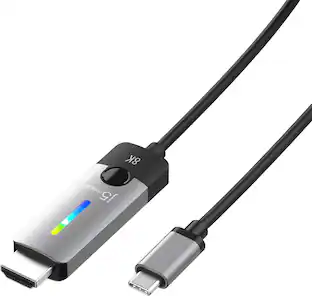
Rocstor - 6FT/2M DISPLAYPORT TO HDMI 4K CABLE HDMI MALE TO DISPLAYPORT MALE - Black
Reviews coming soon
About this product
Rocstor Premium USB-C to Dual DisplayPort(tm) Adapter allows you to add two 4K 60Hz DisplayPort(tm) monitors to your MacBook® MacBook® Pro, MacBook® Air, Dell(tm) Precision, Dell(tm) XPS, Notebook, Chromebook® or any other PC computer through a single USB-C or a Thunderbolt(tm) 3 port, Rocstor's innovative Dual DisplayPort adapter supports mirror images and expanded images. That means you can display same image on two monitors or different images on two monitors, both at 4K resolutions. With this Rocstor Dual DisplayPort adapter, you can work more effectively and efficiently from your laptop, you can simply connect your laptop directly to two monitors with DisplayPort connection. With each display, you are able to receive a clear and crisp image up to 4K performance. The Multi-Stream Transport (MST) Hub allows you to connect two DisplayPort monitors to your host computer's USB-C port. With this USB-C port, you do not need any additional power adapters, and the MST features are fully compatible with computers models such as Dell Precision(tm) and Dell XPS(tm) laptops. Make no compromise with quality. Rocstor delivers the highest quality adapters and functionality. The Rocstor Dual Display adapter works with no needed drivers or additional power source. It is built for Mac and PC computers running Mac or Windows 7, 8, or 10 operating systems. Simply connect your adapter to your host computer's USB-C or Thunderbolt(tm) 3 port and enjoy resolutions of up to 3840x2160 @60Hz on two DisplayPort connected Displays. Each monitor is able to display a clear 2K or 4K images at 60Hz. Backed by Rocstor 2-Year Warranty and free lifetime technical support.
Cable supports Ultra High Definition
Cable supports Ultra High Definition (UHD) video resolutions up to 3840 x 2160
Clear full audio
Clear full audio (Depending on your DisplayPort card support of audio passthrough) and HDCP (High-Definition Content Protection).
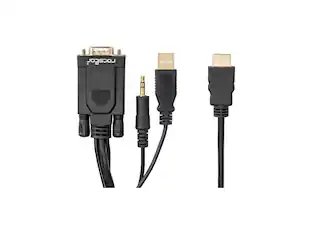
- Cable Length1.0 feetConnector Type (End 1)VGA (HD-15)Connector Type (End 2)DVI-I, HDMI Type A, VGA (HD-15)
Reviews
This product doesn't have any reviews yet.
Compare similar products
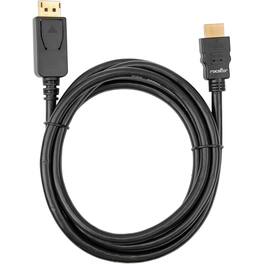
Rocstor Premium USB-C to Dual DisplayPort(tm) Adapter allows you to add two 4K 60Hz DisplayPort(tm) monitors to your MacBook® MacBook® Pro, MacBook® Air, Dell(tm) Precision, Dell(tm) XPS, Notebook, Chromebook® or any other PC computer through a single USB-C or a Thunderbolt(tm) 3 port, Rocstor's innovative Dual DisplayPort adapter supports mirror images and expanded images. That means you can display same image on two monitors or different images on two monitors, both at 4K resolutions. With this Rocstor Dual DisplayPort adapter, you can work more effectively and efficiently from your laptop, you can simply connect your laptop directly to two monitors with DisplayPort connection. With each display, you are able to receive a clear and crisp image up to 4K performance. The Multi-Stream Transport (MST) Hub allows you to connect two DisplayPort monitors to your host computer's USB-C port. With this USB-C port, you do not need any additional power adapters, and the MST features are fully compatible with computers models such as Dell Precision(tm) and Dell XPS(tm) laptops. Make no compromise with quality. Rocstor delivers the highest quality adapters and functionality. The Rocstor Dual Display adapter works with no needed drivers or additional power source. It is built for Mac and PC computers running Mac or Windows 7, 8, or 10 operating systems. Simply connect your adapter to your host computer's USB-C or Thunderbolt(tm) 3 port and enjoy resolutions of up to 3840x2160 @60Hz on two DisplayPort connected Displays. Each monitor is able to display a clear 2K or 4K images at 60Hz. Backed by Rocstor 2-Year Warranty and free lifetime technical support.
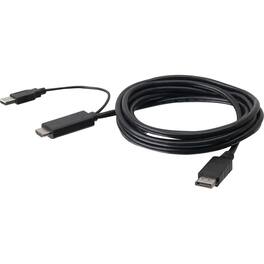
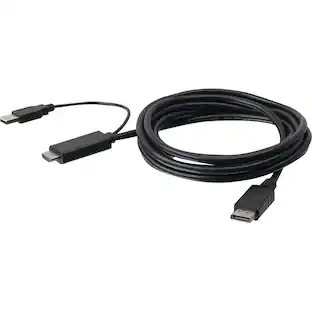
The 6 ft. Active 4K HDMI to DisplayPort Cable enables seamless connection between HDMI-equipped devices and DisplayPort monitors or TVs. It supports 4K Ultra HD resolution at 60Hz, ensuring high-quality video output. The cable is plug-and-play, requiring no additional software, and is compliant with HDCP 1.4 and 2.2 standards. It also supports HDR for improved image quality and offers a USB-A connector for supplementary power when necessary.
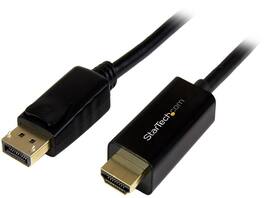
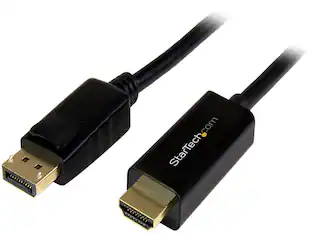
StarTech.com DP2HDMM5MB 16 ft. Black 1 x DisplayPort male to 1 x HDMI 19pin male DisplayPort to HDMI Converter Cable - 4K Male to Male
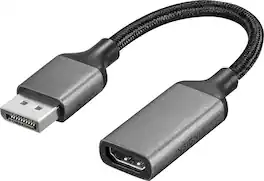
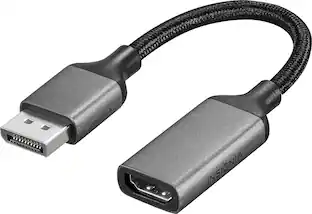
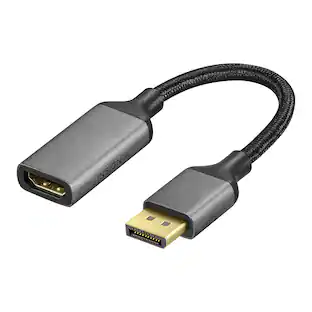
Improve your workstation by connecting your laptop to an external monitor with this Insignia DisplayPort to HDMI Adapter. The adapter supports 4K Ultra HD to prevent loss in quality when transferring between screens. It features a sleek braided cable jacket that flexes and bends to easily connect, and the plug-and-play design makes setup a breeze.
| Pros for Rocstor - 6FT/2M DISPLAYPORT TO HDMI 4K CABLE HDMI MALE TO DISPLAYPORT MALE - Black | |||
|---|---|---|---|
| There were no pros for this product— | There were no pros for this product— | There were no pros for this product— | Overall Performance, Functionality |
Specs
Be the first to ask a question.
We’ll try to get your question answered within 24 hours by a Best Buy customer or brand representative.
Customers often buy these together
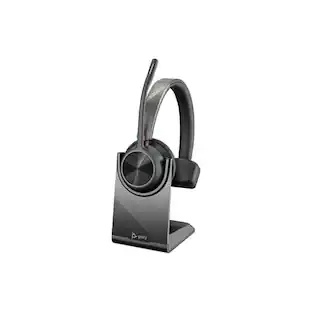 $139.68The price was $162.26
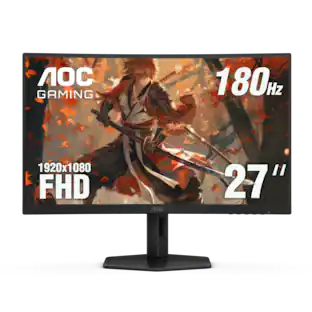 $112.49The price was $118.99
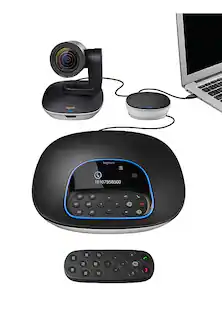 $860.99The price was $1,099.00
 $94.99The price was $149.99
 $1,299.00The price was $1,499.99



More to consider
 Top Deal$54.99The price was $69.99



Explore tech essentials Sponsored

Keep exploring
 $12.99The price was $13.99